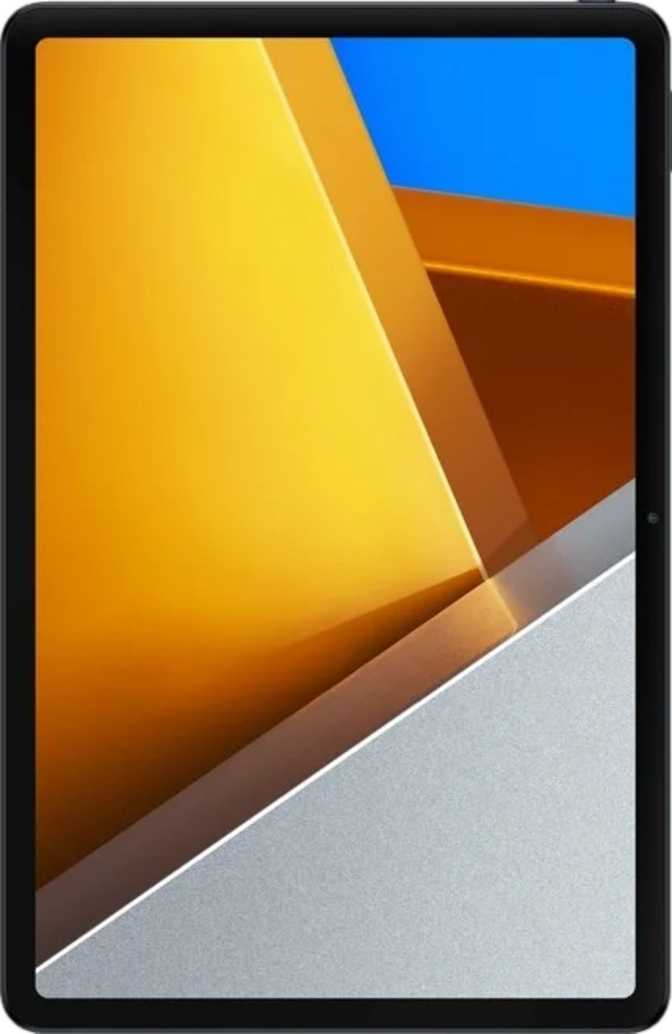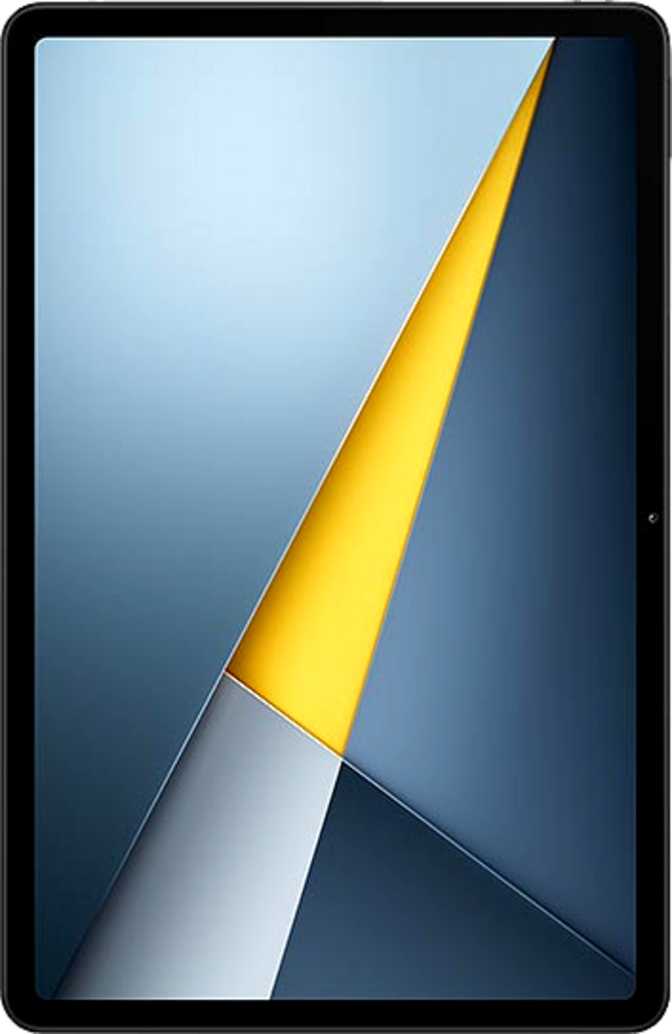
Xiaomi Poco Pad X1 Review: A Display-First Tablet Done Right
TabletsThere is a particular kind of frustration that comes with buying a budget tablet. You get the price you wanted, then spend the next two years staring at a washed-out, low-refresh-rate screen wondering where it all went wrong. The Xiaomi Poco Pad X1 is clearly designed by a team that understood this frustration — and decided to fix the display problem first, then build everything else around it.
What you get is a large-format Android tablet with a screen that genuinely punches above its weight class, a chipset that handles everything from productivity to gaming without complaint, and a battery large enough to survive a transatlantic flight. What you give up is equally specific and worth knowing before you buy. This review covers both sides without softening either.
Quick Summary
A 144Hz Dolby Vision IPS panel, a current-generation 4nm chipset, and multi-day battery life — delivered with deliberate trade-offs in connectivity that make it ideal for some buyers and a clear pass for others.
Overall Rating — out of 5
- 144Hz Dolby Vision IPS display at a mid-range price
- Current-generation 4nm chip with DDR5 memory
- Multi-day battery endurance in a 6.2mm slim chassis
- Wi-Fi only — no cellular, no GPS
- No fast charging; no fingerprint scanner
144Hz, Dolby Vision, 344 ppi
4nm chip, DDR5, capable GPU
Multi-day life, no fast charge
Above-average display per dollar
Design and Build: Slim, Light, and Unapologetically Practical
At 6.2 mm thin and 500 grams, the Poco Pad X1 sits in a comfortable middle ground for a device of its size. To put that weight in perspective: it is roughly equivalent to holding two standard smartphones together — which means extended reading sessions or one-handed browsing while reclining is genuinely comfortable rather than a workout.
The dimensions place it squarely in the 11-inch landscape tablet category — large enough that content feels immersive, compact enough that it fits in a standard bag without dominating it. This is the size class that makes the most practical sense for media consumption, note-taking, and casual productivity.
The chassis includes no bundled stylus or detachable keyboard. Both are available as optional accessories. If your workflow depends on stylus input for drawing or handwriting, factor that accessory cost into your budget from the start.
There is no 3.5mm headphone jack on this device. Wired headphone users will need a USB-C to 3.5mm adapter for any wired listening, and there is no fingerprint scanner — security relies on face unlock or a PIN and pattern instead.
Physical Specifications
- Dimensions
- 251.2 × 173.4 mm
- Thickness
- 6.2 mm
- Weight
- 500 g
- Water Resistance
- None
- Stylus Included
- No
- Keyboard Included
- No
- Headphone Jack
- No (USB-C only)
The Display: Where This Tablet Earns Its Price
11.2"
Screen Size
144Hz
Refresh Rate
344
Pixels per Inch
Panel Quality and Clarity
The Poco Pad X1 uses an IPS LCD panel at 3200 × 2136 pixels across its 11.2-inch surface — producing 344 pixels per inch. That number puts it ahead of most tablets in this price range and well above the threshold where individual pixels become invisible to the naked eye at normal viewing distances.
Text is sharp at any font size. Photos resolve fine detail clearly. Video content at 4K or high-quality 1080p looks genuinely good — not "good for the price," simply good.
144Hz Refresh Rate: The Smoothness That Stays
Most budget and mid-range tablets ship at 60Hz. The jump to 144Hz is difficult to appreciate in a store but immediately obvious after a week of daily use — scrolling through web pages, swiping between apps, and navigating menus all feel noticeably more fluid. Gaming benefits significantly, with supported titles rendering at frame rates the display can actually show.
This is one of those specifications that rewards you every single minute of use — not just in benchmarks.
HDR and Dolby Vision Support
The panel supports both HDR10 and Dolby Vision — the two dominant HDR standards in streaming. Netflix, Amazon Prime Video, Disney+, and Apple TV+ all distribute content in these formats, meaning the Poco Pad X1 renders that content as it was graded, with expanded contrast and a wider range of brightness levels. An anti-reflection coating on the glass also reduces glare near windows and in well-lit rooms, making daytime use noticeably more comfortable.
The LCD Caveat Worth Knowing
IPS LCD does not produce the pure black levels of OLED. Dark scenes in movies will show a slight backlight glow rather than true black.
For users streaming in well-lit conditions or working in typical environments, this is not a meaningful limitation. For cinematic dark-room viewing with premium contrast, OLED alternatives exist at higher price points.
Performance: Built on a Proven Foundation
The Chipset in Plain Language
The Poco Pad X1 runs on a processor built using a 4-nanometer manufacturing process — the same generation used in current flagship chips. The 4nm node matters because it directly affects how efficiently the chip runs: more performance per watt, less heat generated, better battery economy. This is not a retrofitted last-generation chip; it is a current-process design.
The eight-core architecture uses three performance tiers: one high-performance core for peak workload bursts, three secondary cores for sustained tasks, and four efficiency cores that handle background processes while consuming minimal power. This big.LITTLE arrangement — the industry term for this multi-tier design — means the tablet does not spin up its full processing power just to check email, and that restraint translates directly into battery life.
Memory and Storage
The 8GB of DDR5 RAM — the latest memory generation — allows the tablet to hold a meaningful number of apps in memory simultaneously, switching between them without the reload delays that plague lower-RAM devices. Multitasking across split-screen with a browser, document editor, and messaging app open at once is comfortable rather than strained.
The 512GB internal storage is generous at this price point — enough for downloaded shows, large app libraries, games, and documents without constant housekeeping. There is no microSD card slot, so 512GB is what you get. Plan accordingly if you are a heavy media downloader.
Single-Core
1,913
Multi-Core
5,098
Comfortably ahead of budget Mediatek-based tablets and competitive within the mid-range Snapdragon tier.
Gaming and GPU
The Adreno 732 GPU handles popular titles and most mid-tier 3D games comfortably. Combined with the 144Hz display, games that reach high frame rates are actually shown smoothly — a genuine advantage over 60Hz alternatives regardless of GPU tier.
Battery Life: The Long Game
The Poco Pad X1 carries a very large battery — the kind of capacity that translates into multiple days of moderate use or a full day of intensive use without reaching for a charger. Most users will find themselves charging once every two to three days under typical mixed use: some streaming, some browsing, some productivity work.
For travel specifically — long flights, train journeys, days away from power outlets — this is one of the tablet's genuine competitive strengths. The combination of an efficient 4nm chip and a large battery creates real endurance without dependence on aggressive power-saving modes that cripple performance while preserving battery.
The chip's multi-tier core architecture routes background tasks and light workloads through power-efficient cores, which meaningfully extends battery life during the kinds of tasks tablets spend most of their time on — and that benefit compounds across the full day.
No Fast Charging
There is no fast charging or wireless charging on the Poco Pad X1. A full charge from empty takes considerably longer than fast-charging competitors. Overnight charging on a regular schedule is the most practical approach. If quick top-ups are essential to your daily routine, this is the biggest practical trade-off in the entire product.
Connectivity: Modern Where It Counts, Limited Where It Matters
What You Get
-
Wi-Fi 6 (802.11ax)
The current mainstream Wi-Fi standard delivers consistent throughput in busy homes and offices with many connected devices, along with lower latency for streaming and gaming on a Wi-Fi 6 router.
-
Bluetooth 5.4
The latest Bluetooth version offers improved range, connection stability, and multi-device pairing efficiency. Wireless headphones, keyboards, and peripherals all connect reliably without the pairing friction of older versions.
-
USB-C 3.2
Fast enough for large file transfers to external drives and display output via adapter — a genuine upgrade over the USB 2.0 ports still found on cheaper tablets, where transfers become tedious waiting games.
What Is Missing
-
No Cellular / No 5G
Wi-Fi only — no SIM card slot, no LTE, no 5G. Mobile data on the go requires using your smartphone as a hotspot. This is the most important limitation to confirm before purchasing.
-
No GPS
A compass and gyroscope are present, but there is no GPS receiver. Turn-by-turn navigation is not available without a phone nearby.
-
No NFC
Tap-to-pay and NFC-based interactions are not supported. Contactless payments must go through a separate device.
-
No Fingerprint Scanner
Security relies on face unlock or PIN/pattern. Functional, but less convenient than a side-mounted reader for one-handed use — a puzzling omission at this specification level.
Cameras and Audio: Functional, Not Featured
Camera System
The Poco Pad X1 has a 13-megapixel rear camera and an 8-megapixel front camera. Both can record 4K video at up to 30 frames per second, and manual controls — including manual ISO, white balance, focus, and exposure — are available for users who want them.
Tablet cameras are almost universally an afterthought, and this one follows the pattern. The rear camera has no optical zoom and no optical image stabilization. It handles decent documentary photos in good lighting — whiteboard captures, product photos, scanning documents — but it is not a substitute for your phone's camera in any meaningful shooting scenario.
The front camera performs its job cleanly for video calls. For remote work, online classes, or regular video conferencing, it is adequate without demanding attention.
Audio
Stereo speakers produce a noticeably better soundstage than the mono setups found on cheaper tablets. On an 11.2-inch chassis, the physical separation between speakers creates genuine stereo imaging for music and movie audio — not audiophile territory, but meaningfully better than a single driver.
There is no 3.5mm headphone jack. Wireless audio via Bluetooth 5.4 is the primary path for headphone users. Wired headphone users will need a USB-C to 3.5mm adapter.
Rear Camera
13 MP
f/2.2 — 4K@30fps
Front Camera
8 MP
f/2.3 — Video Calls
Camera Feature Overview
- 4K video recording on both cameras
- Slow-motion video support
- Manual ISO, white balance, and exposure
- Touch and continuous autofocus
- No optical zoom
- No optical image stabilization
Software: Android 15 with a Full Feature Set
The Poco Pad X1 ships with Android 15 and Xiaomi's software layer, combining a comprehensive privacy toolkit with practical productivity features well-suited to a large-screen device.
Multitasking
Split-screen mode runs two apps side by side. Picture-in-picture keeps video in a floating window while you work elsewhere. Both features perform well on the 11.2-inch screen.
Privacy Controls
App tracking restrictions, camera and microphone permission management, clipboard monitoring warnings, and location privacy options are all built into the system.
Display Modes
Dark mode, extra dim mode for low-light environments, and dynamic theming that adapts the system palette to your wallpaper are all present and well-implemented.
Voice and AI Features
Offline voice recognition and on-device machine learning mean basic voice commands work without a network connection — no cloud dependency for core voice functionality.
Multi-User Support
Multiple user profiles keep personal data and app configurations separate — useful for shared household tablets or classroom deployment scenarios.
OS Update Cadence
Updates route through Xiaomi's certification process rather than direct from Google, historically resulting in some delay compared to Android One or Pixel devices. Worth considering if staying current on security patches is a priority.
Who Should Buy the Poco Pad X1 — and Who Should Not
- You prioritize display quality — especially refresh rate and color accuracy — above all else in this price segment
- Your primary use is media streaming, casual gaming, and productivity on a Wi-Fi network
- You want strong multi-day battery life without worrying about daily charging
- You primarily use the tablet at home, in the office, or anywhere with reliable Wi-Fi access
- You want a 144Hz gaming display at a mid-range price without paying the OLED premium
- You need cellular connectivity for use on the go without a phone hotspot
- Fast charging is a daily dependency — slow charging will frustrate you regularly
- You need GPS for turn-by-turn navigation without relying on a separate phone
- You want stylus-first productivity with tilt sensitivity or drawing-tablet precision
- Fingerprint biometric security is a non-negotiable part of your daily routine
How the Poco Pad X1 Compares to Logical Alternatives
Placing the Poco Pad X1 next to its most likely competitors shows exactly where Xiaomi invested the budget — and where they chose not to.
| Feature | Poco Pad X1 | Budget Competitor | Mid-Range OLED |
|---|---|---|---|
| Display Refresh Rate | 144Hz | 60–90Hz | 90–120Hz |
| Display Type | IPS LCD | IPS LCD | AMOLED / OLED |
| HDR Support | HDR10 + Dolby Vision | HDR10 only | HDR10+ |
| Battery Capacity | Very Large | Moderate | Moderate–Large |
| Fast Charging | Often | ||
| GPS | Often | Often | |
| Cellular Option | Often | Often | |
| USB Standard | USB 3.2 | USB 2.0 | USB 3.x |
| RAM Type | DDR5 | DDR4 / LPDDR4 | DDR5 |
Competitor columns represent typical specifications in each category, not a single specific product.
Honest Assessment: Strengths and Weaknesses
Where It Excels
The Poco Pad X1 makes a confident case for itself in display technology. A 144Hz IPS screen with Dolby Vision support, an anti-reflection coating, and near-350 ppi clarity is a combination that is difficult to find at comparable prices. Pair that with a current-generation 4nm chipset, DDR5 memory, and a substantial battery, and the core daily experience — the things you touch and see every minute of use — is well above average for this segment.
The performance tier earns its place without relying on the display alone. App switching is fast, multitasking is comfortable, and gaming is served by a 144Hz panel that can actually show the frame rates the GPU produces. The large battery is a meaningful differentiator for travelers and users who prefer infrequent charging.
Where It Falls Short
The weaknesses are real but structural rather than execution failures. Xiaomi made a deliberate choice to invest the available budget into the screen, chip, and battery rather than into network radios and charging circuitry. The absence of cellular connectivity, GPS, and fast charging reflects that priority exactly — these are design decisions, not oversights.
The lack of a fingerprint scanner is the one genuine surprise at this specification level. Face unlock works, but a side-mounted reader would make security less disruptive during one-handed use — its absence is puzzling. The missing headphone jack, by contrast, follows the modern standard, and Bluetooth 5.4 with a USB-C adapter covers the gap adequately.
Questions Real Buyers Ask Before Purchasing
A Display-First Tablet That Delivers What It Promises
The Xiaomi Poco Pad X1 is a display-first tablet with a performance tier that supports that priority credibly. If what you want is the sharpest, smoothest screen in the mid-range tablet category — and you spend most of your tablet time connected to Wi-Fi at home, at work, or in familiar environments — this delivers more than most competitors at a comparable price.
The weaknesses are not execution failures — they are deliberate trade-offs. The Wi-Fi-only design alone makes it unsuitable for users who need connectivity without a phone nearby. The absence of fast charging means battery management needs to be a habit rather than an afterthought.
For streaming, gaming, reading, video calls, and general productivity on a home or office network, the Poco Pad X1 earns a clear recommendation. If the display is what drew you in, trust that instinct — it is exactly the right reason to buy this tablet.
Overall Rating
4.0
Recommended for
Wi-Fi home users