Xiaomi Poco Pad C1 Review: A Budget Tablet That Punches Above Its Display
TabletsBudget Android tablets have a long history of overpromising and underdelivering. The Xiaomi Poco Pad C1 sets out to break that pattern by combining a genuinely large screen, a smooth high-refresh display, and a battery that could last days — all at a price point that keeps the category accessible.
If you've been waiting for a no-frills tablet that handles media, light productivity, and everyday browsing without constant compromises, this one deserves a close look. But "budget" still means trade-offs, and knowing exactly where Xiaomi drew the line is what determines whether the Poco Pad C1 is the right choice for you.
- 120Hz IPS display
- Massive battery life
- Expandable storage
- Wi-Fi only, no GPS
- No HDR, no fingerprint
Design and Build: Slim, Light, and Unapologetically Practical
Physical experience, dimensions, and materials
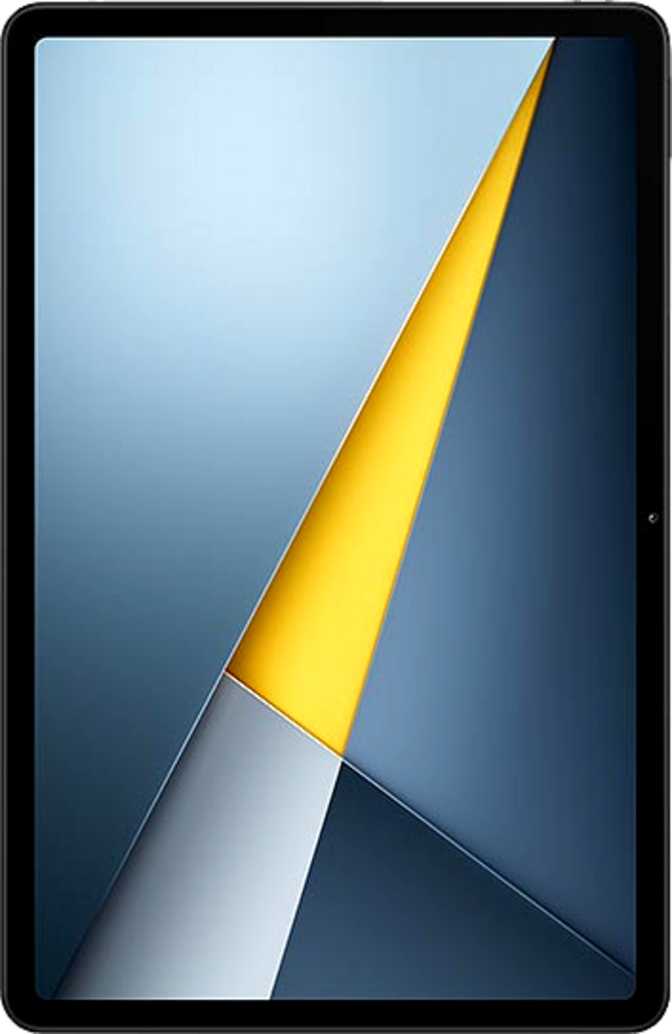
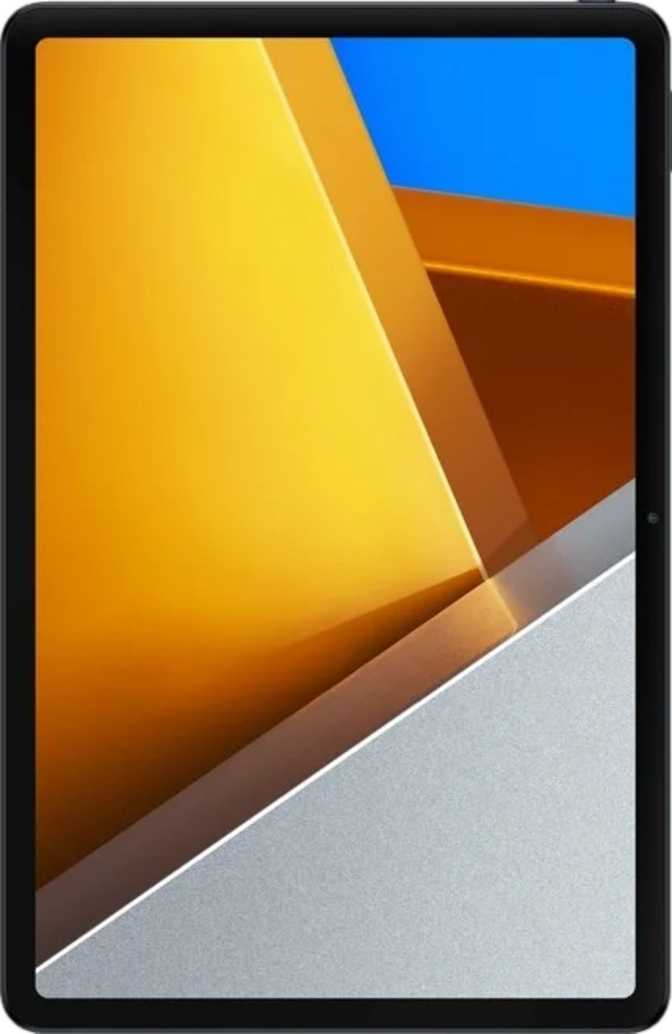
At 7.4mm thick and 406 grams, the Poco Pad C1 is easy to hold for extended periods. Many popular tablets in the 10-inch class tip the scales noticeably heavier, so one-handed reading sessions or propped-up movie watching won't leave your arm aching after twenty minutes.
The footprint — just over 226mm wide and 148mm tall — places this firmly in the compact 10-inch tablet category, which means it slips into a bag without protest and doesn't feel cumbersome on a desk or lap.
The design is utilitarian rather than premium. There is no damage-resistant glass protecting the display, which is worth knowing before you toss it unprotected into a bag. The back lacks the metal finishes found on more expensive tablets — this is a plastic build, and it feels like one. That said, the slim profile and tidy construction keep it from feeling cheap; it simply looks exactly like what it costs.
No stylus support, no detachable keyboard option, and no water or dust resistance rating of any kind. A single spill is a device-ending event — keep liquids at a distance.
Physical Specifications
- Height
- 148 mm
- Width
- 226.5 mm
- Thickness
- 7.4 mm
- Weight
- 406 g
- Water Resistance
- None
- Stylus Support
- No
- Detachable Keyboard
- No
Display: 120Hz on a Budget Is the Headline Feature
Screen quality, refresh rate, brightness, and HDR support
Screen Quality for Everyday Use
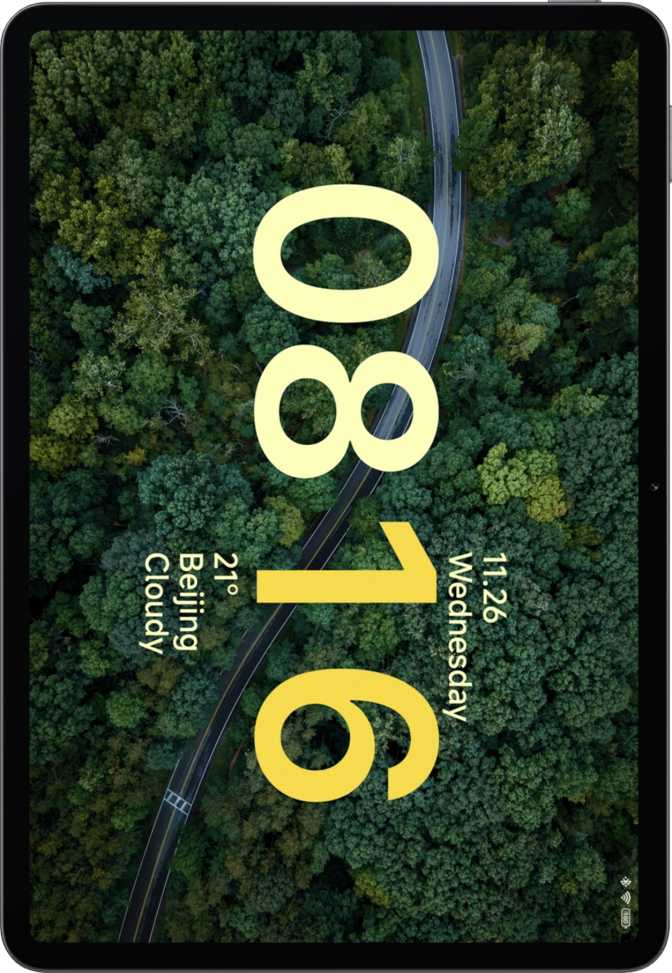
The 9.7-inch IPS LCD panel is where the Poco Pad C1 makes its strongest impression. At approximately 268 pixels per inch, text renders crisply and images look clean at normal viewing distances — you won't see individual pixels during reading or web browsing.
The IPS panel type delivers wide viewing angles that LCD technology does well. Whether you're watching a video propped up on a table or sharing the screen with someone beside you, color accuracy holds without the washed-out shift that cheaper LCD alternatives can produce at off-angles.
Brightness and Outdoor Usability
At 500 nits, the display is comfortable indoors and in diffuse lighting. In direct sunlight or bright outdoor settings, readability becomes a genuine challenge — this is a tablet designed primarily for indoor use.
The 120Hz Advantage Explained
A 120Hz refresh rate means the screen redraws itself 120 times per second, producing noticeably smoother scrolling and more fluid animations compared to the standard 60Hz panels common on tablets at this price tier.
The real-world effect is immediately apparent: scrolling through a webpage or social feed feels more like physical paper responding to your finger rather than the stuttered lag-then-catch motion that cheaper panels exhibit.
The touch sampling rate runs at 180Hz — a separate metric that determines how quickly the screen registers your touch input. The practical result is instantly responsive interactions, which matters most during fast typing and game controls.
Display Specifications at a Glance
- Resolution2048 × 1280 px
- Touch Sampling Rate180Hz
- Display TypeIPS LCD
- HDR10Not Supported
- Dolby VisionNot Supported
- Damage-Resistant GlassNo
Performance: Capable, Efficient, and Honest About Its Limits
Chipset analysis, RAM, storage, and real-world speed
The Chipset in Plain Terms
The Snapdragon 6s 4G Gen 2 is a mid-tier processor built on a 6-nanometer manufacturing process. That fabrication size matters because smaller nodes are more efficient — the chip produces less heat for the work it does and draws less power from the battery than older, larger-node alternatives.
The architecture splits its eight processing cores into two groups: four cores running at higher speeds for demanding tasks, and four cores at lower speeds for light background work. This arrangement — called big.LITTLE — is what allows the tablet to be responsive when you need it and power-efficient when you don't.
What This Chipset Handles Well vs. Where It Struggles
Handles Comfortably
- Web browsing
- Document editing
- Streaming video
- Social media
- Casual gaming
Will Encounter Limits
- Heavy 3D games
- Intensive video editing
- Many demanding apps simultaneously
- Flagship workloads
Memory and Storage
Six gigabytes of RAM gives the tablet comfortable working memory for the tasks it's designed to handle. App switching stays fluid between a moderate number of open applications before older ones need to reload. The device supports up to 8GB total system memory, suggesting the possibility of software-based RAM expansion drawing from internal storage — a common Xiaomi feature.
The 128GB of internal storage is the baseline configuration, but the microSD card slot makes storage expandable. For a media-consumption device where downloaded movies, offline music, and local photos accumulate, this flexibility is genuinely useful — you're not locked into the factory capacity.
Shipping with the latest Android version means access to current privacy tools, system features, and app compatibility from day one — an uncommon advantage at this price tier.
Core Specifications
| Chipset | Snapdragon 6s 4G Gen 2 |
| Process Node | 6 nm |
| CPU Cores | 8 (4+4 big.LITTLE) |
| Peak Clock Speed | 2.9 GHz |
| GPU | Adreno 619 |
| RAM | 6 GB (max 8 GB) |
| Internal Storage | 128 GB |
| Expandable Storage | Yes (microSD) |
| Operating System | Android 16 |
| DirectX Support | DirectX 12 |
| OpenGL ES | 3.2 |
Processing Power in Context
Battery Life: Where the Poco Pad C1 Earns Its Price
Endurance, charging, and real-world usage patterns
No wireless charging — consistent with price positioning and common across this segment.
The 7,600mAh battery is large by the standards of compact tablets. A user who streams video for three or four hours, browses for another couple, and uses the tablet for light reading can reasonably expect the device to last two full days before reaching for a charger.
More conservative users — those who check the tablet for an hour or two daily — may find a single charge stretching comfortably across most of a week. The combination of an efficient processor and a generously sized battery cell is one of the strongest value arguments for the Poco Pad C1.
Estimated Usage by Profile
Heavy Streamer
~2 days
4+ hrs video daily
Mixed User
~3 days
2–3 hrs daily mix
Light Reader
~6 days
1 hr casual daily
Audio: Stereo Speakers Plus a Headphone Jack
Speaker quality, wired and wireless audio
Stereo speakers on a tablet are worth paying attention to, even at the budget end. Mono speaker tablets reduce positional audio to a single point, which makes media playback feel flat. The Poco Pad C1 fires audio from two directions, creating left-right separation that makes movies and music more engaging.
The 3.5mm headphone jack is present — a detail increasingly absent from Android devices of all kinds. Wired headphone users don't need an adapter, which is a small but genuinely appreciated convenience.
Bluetooth 5.0 handles wireless audio connections. The device does not support aptX, aptX HD, LDAC, or any other high-resolution wireless codec, meaning audio over Bluetooth will rely on standard SBC or AAC encoding. For casual listening this is transparent; for listeners who use high-end wireless headphones in high-quality mode, the absence of LDAC in particular is worth noting.
Audio Feature Summary
- Stereo SpeakersLeft-right audio separation
- 3.5mm Headphone JackNo adapter needed
- Bluetooth 5.0Wireless audio connection
- No LDAC / aptX HDHigh-res wireless codecs absent
- No FM RadioNo built-in radio tuner
Cameras: Set Your Expectations Correctly
Rear and front camera capabilities and real-world use cases
Rear Camera — 8 MP
- Resolution8 MP
- Aperturef/2.0
- Video1080p @ 30fps
- Optical ZoomNone
- OISNo
- Continuous AFYes
- Manual ISO / ExposureYes
- HDR ModeYes
Front Camera — 5 MP
- Resolution5 MP
- Aperturef/2.0
- LED FlashNo
- Primary UseVideo Calls
Connectivity: Wi-Fi Only, With Important Limitations to Understand
Network, wireless, sensors, and ports
This tablet is a Wi-Fi only device. There is no cellular modem, no SIM card slot, and no mobile data capability — it connects to the internet only via Wi-Fi or by tethering to a phone's hotspot. For users in stable Wi-Fi environments, this is irrelevant. For users who need internet connectivity while traveling without a phone available to hotspot, this is a hard constraint.
The supported Wi-Fi standards include Wi-Fi 5 (802.11ac), the generation before Wi-Fi 6. On a modern home router, the Poco Pad C1 will connect at speeds fast enough for 4K streaming and large file transfers without bottleneck.
The USB-C port handles both charging and data transfer. The USB implementation runs at USB 2.0 speeds — functional for moving documents and media, but slower than modern standards when transferring large video libraries. NFC is absent, meaning mobile payments and contactless sharing are not available.
Connectivity at a Glance
- Wi-Fi 5 (802.11ac)Fast enough for 4K streaming
- Bluetooth 5.0Peripherals and audio
- USB Type-CUSB 2.0 data speeds
- No Cellular / SIMWi-Fi tethering required off-grid
- No GPSNo precision navigation
- No NFCNo mobile payments
- No Fingerprint ScannerPIN / pattern unlock only
- No 5G Support4G chipset, no cellular module
Competitive Positioning: How It Stands Against the Field
Feature-by-feature comparison versus typical budget 10-inch tablets
| Feature | Poco Pad C1 | Typical Budget 10" | Advantage |
|---|---|---|---|
| Screen Refresh Rate | 120Hz | Often 60Hz | Poco Pad C1 |
| Storage Expandability | Yes (microSD) | Varies — often absent | Poco Pad C1 |
| Battery Capacity | 7,600 mAh (Large) | Often smaller | Poco Pad C1 |
| 3.5mm Headphone Jack | Yes | Increasingly absent | Poco Pad C1 |
| Android Version | Android 16 | Often 1–2 behind | Poco Pad C1 |
| Stereo Speakers | Yes | Not always | Poco Pad C1 |
| Cellular Option | No | Sometimes available | Competitor |
| HDR Display Support | No | Often also absent | Tie |
| Water Resistance | None | Usually none | Tie |
Real-World Usage Scenarios: Who Should Buy This?
Matching user profiles to the Poco Pad C1's real capabilities
This Tablet Is Right For
- StudentsA reading and note-consuming device that lasts all day and fits a student budget.
- Households Wanting a Shared Media TabletMulti-user support, child lock, and a large screen make this a family room candidate.
- Casual Streamers120Hz panel and stereo speakers elevate Netflix and YouTube above what most budget tablets offer.
- Wi-Fi-Consistent EnvironmentsHome, office, school, or anywhere with reliable Wi-Fi removes the connectivity ceiling entirely.
This Tablet Is Wrong For
- Mobile Commuters Without Phone HotspotNo cellular fallback means no internet away from known Wi-Fi networks.
- Navigation and GPS UsersNo GPS chip means turn-by-turn navigation is not a reliable feature of this device.
- Stylus and Keyboard Productivity UsersNo stylus support, no keyboard accessory — this is a consumption device, not a productivity workstation.
- HDR Content Quality SeekersViewers invested in Dolby Vision or HDR10 streaming will find this panel's limitations real and persistent.
Real Buyer Questions, Answered Directly
Answers to what people actually search for before purchasing
Final Verdict: Should You Buy the Xiaomi Poco Pad C1?
Our definitive purchase recommendation
Xiaomi Poco Pad C1
A well-considered budget tablet that spends its component budget where it matters most for everyday users.
The Poco Pad C1's clearest differentiators at its price tier are the 120Hz display and the substantial battery. These two features are consistently found on tablets costing significantly more. Where it concedes ground is connectivity (no cellular, no GPS, no NFC) and display capability (no HDR). Against comparably priced alternatives, the Poco Pad C1 is competitive on the hardware specs that affect daily use most directly.
Key Strengths
- 120Hz IPS display transforms the day-to-day feel versus 60Hz competitors
- Battery endurance is genuinely exceptional — two or more days for most users
- Expandable storage removes a long-term limitation common at this price
- Android 16 out of the box with current privacy and system tools
- Stereo speakers and a 3.5mm jack serve media users well
Real Weaknesses
- No cellular option anchors this device entirely to known Wi-Fi networks
- No GPS makes it unsuitable as a navigation device
- No water resistance means a single spill is a total loss
- No fingerprint scanner adds daily unlock friction
- No HDR support limits premium streaming quality
Purchase Verdict
Go in with clear expectations about the connectivity limitations, and the Poco Pad C1 will deliver on everything it promises. The 120Hz display is the feature that changes how the device feels to use, and finding it here is the primary reason to choose this tablet over a similarly priced alternative running a standard 60Hz panel. It is specifically the right choice for students, household media use, and casual streamers in Wi-Fi-consistent environments. It is specifically the wrong choice for anyone who needs cellular independence, GPS navigation, or stylus-based productivity.