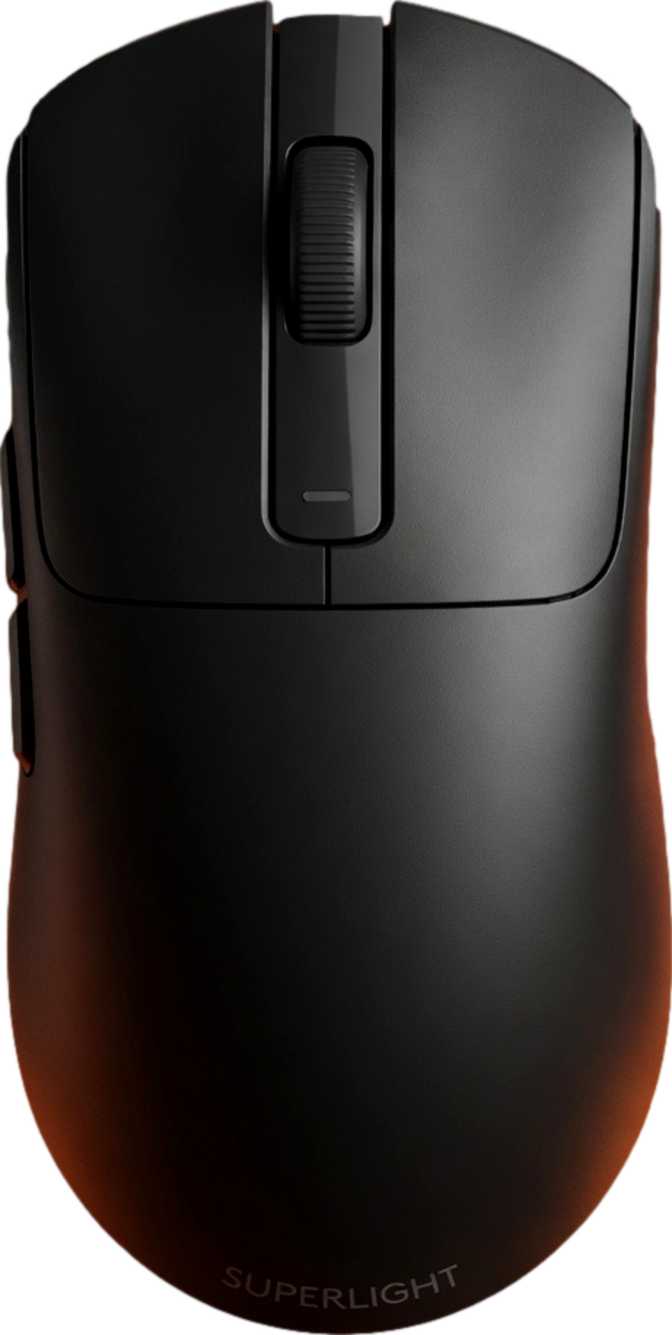
Xiaomi Gaming Mouse 2: Full Review of a Serious Wireless Contender
MiceMost wireless gaming mice force a choice: long battery life or top-tier sensor performance, a lightweight shell or a full feature set. The Xiaomi Gaming Mouse 2 is engineered to refuse that trade-off. Competitive players and productivity-focused users who refuse to stay tethered to a cable will find hardware here that backs up its ambition with real specifications to match.
Whether you are stepping up from a basic desktop mouse for the first time or hunting for a wireless option that holds its own against wired benchmarks, this review covers every specification, real-world implication, and trade-off you need to make a confident purchase decision.
Design, Build Quality, and Physical Experience
Shape, dimensions, weight, and how it feels in extended use
Shape and Dimensions
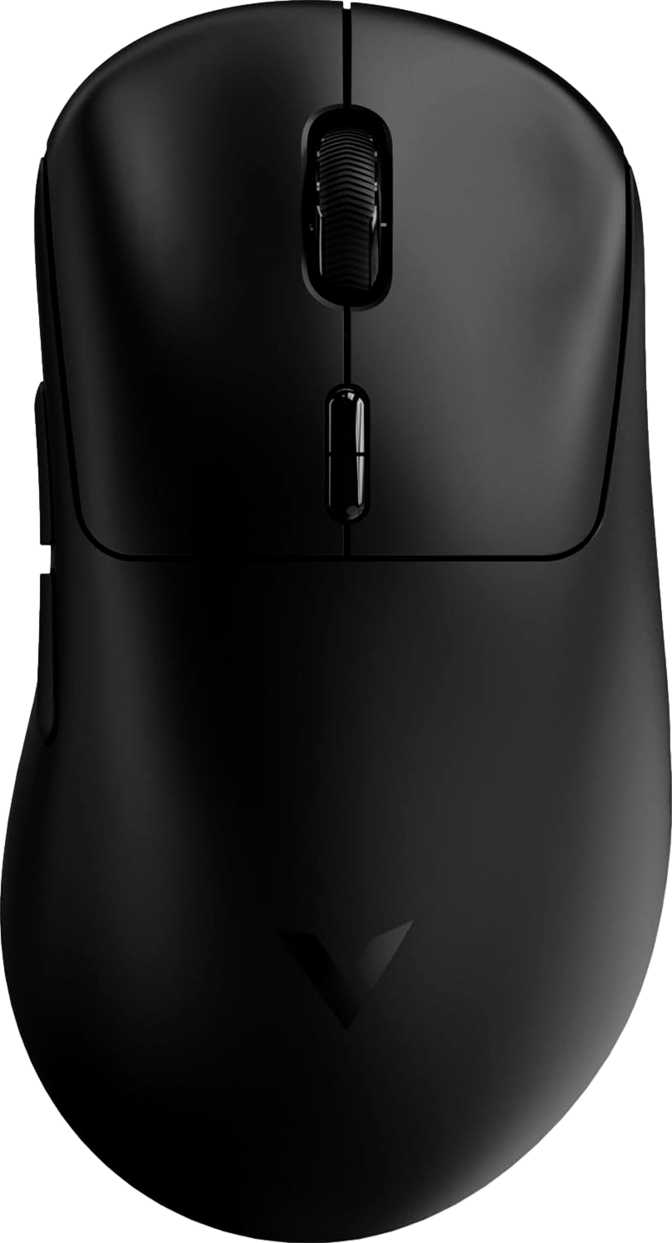
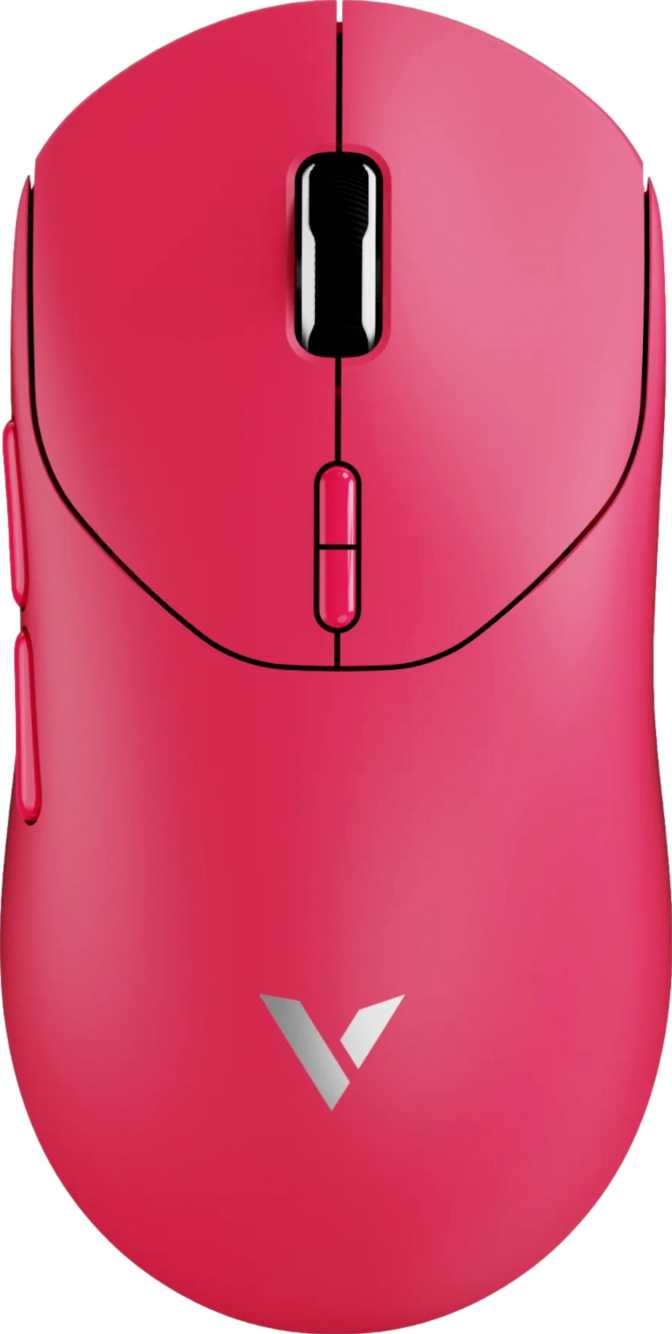
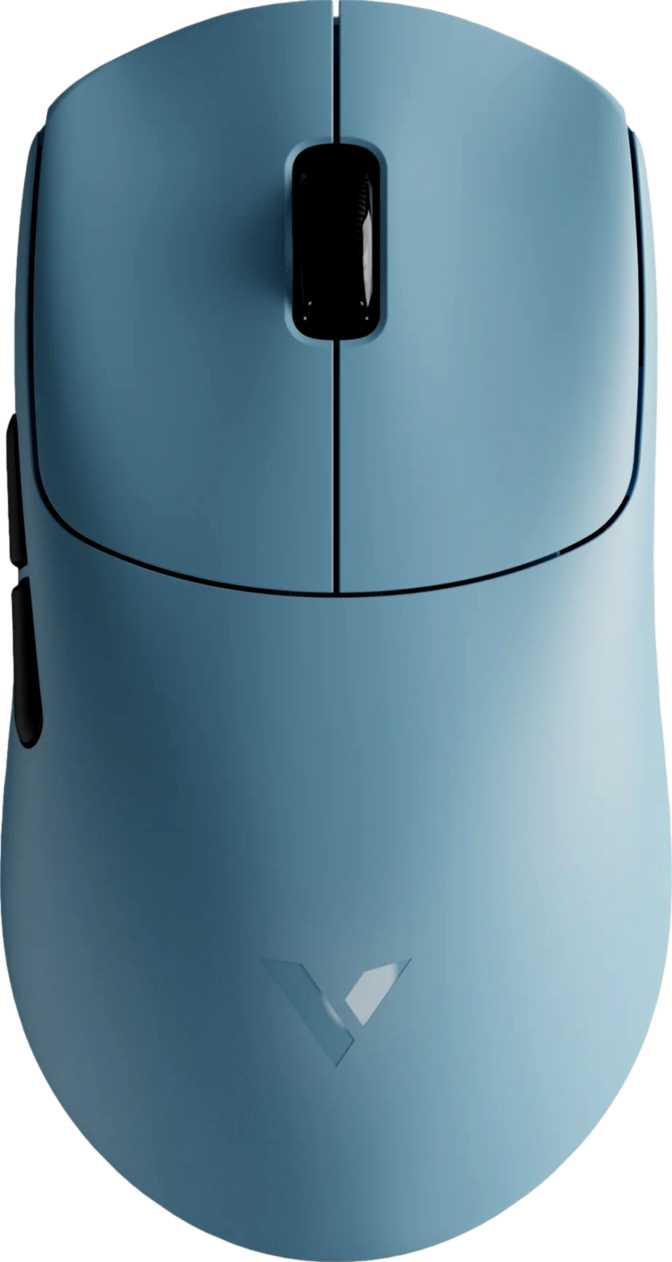
The Xiaomi Gaming Mouse 2 is shaped exclusively for right-handed users. At 111 mm long, 65 mm wide, and 34 mm tall, it occupies the medium-sized category — suited to a broad range of hand sizes and grip styles. Users with very large hands who rely on a full palm grip may find the rear arc sits marginally lower than ideal, but claw, fingertip, and relaxed palm grips are all well-accommodated by the contour.
The body comes in at 58 grams — one of the lighter wireless gaming mice available. This is achieved through deliberate material engineering rather than structural compromise or honeycomb drilling. Over extended sessions, whether a five-hour ranked grind or a full workday at the desk, that reduced mass translates directly into less accumulated wrist fatigue.
The Xiaomi Gaming Mouse 2 ships without any lighting effects. The power budget that would normally drive illuminated accents goes entirely toward battery endurance instead. The result — 160 hours of rated battery life — is a direct, measurable consequence of this single design decision. The aesthetic is clean and fits professional environments without looking out of place.
- Length
- 111 mm
- Width
- 65 mm
- Height
- 34 mm
- Weight
- 58 g
- Orientation
- Right-handed
- RGB Lighting
- None
- Adjustable Weights
- None
- Tilt Scroll Wheel
- None
The Sensor: What PixArt PAW3955XM Actually Means
Flagship-tier optical tracking — what the hardware delivers in real use
The PixArt PAW3955XM sits at the top tier of optical sensors, and that designation carries real meaning in practice. Understanding what it delivers requires looking past the headline numbers at what they imply across different types of use.
DPI Range: From Surgical Precision to High-Speed Sweeps
The sensor's sensitivity range runs from 100 DPI at its floor to 40,000 DPI at its ceiling. At 100 DPI, even a large physical sweep produces only a small cursor movement — useful for pixel-level design work or any task demanding fine pointer granularity. At 40,000 DPI, the cursor would cross a 4K monitor in under a millimeter of mouse movement — far beyond any practical configuration, but confirming the sensor carries no meaningful upper-end constraint for real-world use.
Competitive players typically calibrate between 400 and 1600 DPI. Creative professionals and multi-monitor users often prefer 1600 to 3200 DPI for fluid cross-display navigation. The full range is adjustable via the dedicated on-mouse DPI button — no software needed mid-session.
Speed and Acceleration Tolerance
The sensor accurately tracks hand movement up to 750 inches per second before accuracy begins to degrade. Even the fastest professional esports players rarely exceed 200 to 300 IPS during peak flick shots. That headroom means the sensor will not lose tracking under any real-world gaming condition, no matter how aggressively you move the mouse.
The acceleration tolerance — equivalent to roughly six times the force of gravity — ensures stable tracking through fast, jerky directional changes that would cause lesser sensors to skip or mis-register. In plain terms: this sensor will not be the reason you miss a critical shot.
8000 Hz Polling Rate — What It Really Means
The specification that separates this mouse from the standard wireless category
Polling rate is how many times per second the mouse sends its positional data to your computer. A standard office mouse reports 125 times per second. A conventional gaming mouse reports 1000 times per second. The Xiaomi Gaming Mouse 2 reports 8000 times per second.
At 8000 Hz, the gap between each positional update is 0.125 milliseconds. At 1000 Hz, that gap is eight times wider at 1 millisecond. For fast in-game actions — flick shots, rapid target transitions, quick direction corrections — this tighter update window means the cursor arrives precisely where intended when a click is registered.
For casual players and general desktop use, the perceptible difference between 1000 Hz and 8000 Hz is negligible. For competitive players at high skill levels, where every fraction of input latency matters, the advantage is real. The mouse is also well-positioned for future high-refresh-rate display technologies where higher polling rates become more visually relevant.
| Mouse Type | Rate | Update Gap |
|---|---|---|
| Standard office mouse | 125 Hz | 8 ms |
| Typical gaming mouse | 1,000 Hz | 1 ms |
| Xiaomi Gaming Mouse 2 | 8,000 Hz | 0.125 ms |
Wireless Connectivity: Two Modes, Two Use Cases
2.4 GHz for gaming — Bluetooth 6.1 for everything else
2.4 GHz Wireless
The primary connection for serious use. 2.4 GHz delivers latency functionally indistinguishable from a wired connection in real-world conditions. The full 8000 Hz polling rate is available exclusively over this connection — plug the USB receiver dongle into your gaming rig and leave it there.
Connection is stable, low-latency, and requires no configuration beyond inserting the receiver.
Bluetooth 6.1
Bluetooth 6.1 connects to laptops, tablets, and secondary computers without consuming a USB port. It is the mode for travel, hot-desking, or switching between a work and personal device. Bluetooth operates at a lower polling rate than 2.4 GHz — less suited for precision gaming, but imperceptible for document work, browsing, and general tasks.
No dongle to carry; no USB port consumed on devices where every port counts.
Battery Life: The Standout Achievement
160 hours — what that number means in a real charging calendar
160 hours of battery life is exceptional for a wireless gaming mouse. At four hours of daily use — a realistic session for a regular gamer — this mouse needs recharging roughly once every five to six weeks. Heavy users logging eight hours per day would still go more than three weeks between charges.
This endurance is the direct result of removing RGB lighting. Power that other mice spend on illuminated accents goes entirely toward sustaining the wireless radio here. The internal battery is rechargeable via a standard connection and holds its charge well over time.
Who Should Buy This Mouse — and Who Should Not
Matching this hardware to the right buyer before spending money
- Play competitive games and want wireless performance that rivals wired alternatives
- Value a lightweight build that reduces wrist fatigue across long gaming or work sessions
- Use multiple devices and want Bluetooth switching without carrying extra dongles
- Prefer a clean, professional aesthetic that fits non-gaming environments comfortably
- Want genuinely long battery life and freedom from frequent charging anxiety
- Regularly switch between computers and need onboard memory to carry custom configurations
- Are left-handed — this is a strictly right-handed ergonomic design with no ambidextrous option
- Need to continue playing while the mouse is plugged in and charging
- Rely on horizontal scrolling via a tilt wheel for spreadsheet or design workflows
- Want RGB lighting as part of an illuminated, matching desk setup
Competitive Positioning: How It Stacks Up
Where the Xiaomi Gaming Mouse 2 stands against category alternatives
| Feature | Xiaomi Gaming Mouse 2 | Typical Mid-Range Wireless | Typical Premium Wireless |
|---|---|---|---|
| Sensor Tier | Flagship — PAW3955XM | Mid-range | Flagship |
| Polling Rate | 8,000 Hz | 1,000 Hz | 4,000–8,000 Hz |
| Body Weight | ~58 g | 80–100 g | 55–75 g |
| Battery Life | ~160 hours | 40–80 hours | 70–120 hours |
| RGB Lighting | None | Often included | Often included |
| Onboard Memory | None | 1–5 profiles | 1–5 profiles |
| Connections | 2.4 GHz + Bluetooth 6.1 | Usually 2.4 GHz only | Usually 2.4 GHz only |
| Warranty | 1 year | 1–2 years | 2 years |
Comparison reflects category segment averages. Individual competitor model values vary by price and brand.
Performance Scorecard
Editorial ratings grounded in specification analysis and category benchmarks
Honest Assessment: Strengths and Limitations
A balanced look at where this mouse earns its keep — and where it concedes ground
The combination of a flagship-grade sensor, 8000 Hz polling, and a sub-60-gram body in a wireless package is rare at this price point. Most mice achieving this weight and performance tier are wired; most wireless mice at this price carry mid-tier sensors running at 1000 Hz. The Xiaomi Gaming Mouse 2 closes that gap in a meaningful, measurable way.
The battery life is the other headline achievement. At 160 hours of rated endurance, the mouse eliminates one of the most persistent complaints about wireless gaming peripherals — the anxiety of constant recharging. Forgoing RGB pays off in a quantifiably useful way rather than a merely cosmetic trade.
The dual wireless connection extends utility beyond the gaming desk. Having 2.4 GHz for the rig and Bluetooth for travel and secondary devices means a single purchase serves multiple real-world contexts effectively.
The absence of onboard memory is the most substantive criticism. A mouse at this performance tier should reasonably allow users to carry their configuration between machines. The dependency on companion software is a real constraint for anyone who regularly works across different computers.
The inability to use the mouse during charging removes the safety net that many wired-to-wireless converts rely on. With 160 hours of battery life, this scenario should be rare — but when it does occur, there is no workaround available.
The one-year warranty is shorter than what several competing products offer at this performance level. It is not unusual for the segment, but it is worth factoring into a long-term purchase decision.
Questions Buyers Ask Before Purchasing
Answers to the real queries people search for before buying
Final Verdict
Xiaomi Gaming Mouse 2 — Recommended
The Xiaomi Gaming Mouse 2 earns a place in the same conversation as significantly more expensive alternatives. Its sensor sits at the top tier of optical tracking hardware, its polling rate matches the best in the category, and its 58-gram body with 160-hour battery life required genuine engineering restraint — evidenced by the deliberate choice to remove RGB entirely.
The limitations are real but specific: no onboard profile storage, no use-while-charging, and a right-handed-only form factor. If any of those are non-negotiable for your workflow, this is not the right mouse. But if you have a fixed setup on one primary computer and want wireless gaming performance that does not feel like a compromise, this mouse delivers exactly that without charging flagship-tier prices for the privilege.
You want competitive-grade wireless performance in a lightweight, long-lasting package and your primary setup stays on one computer.
You need onboard memory to carry configurations across machines, or require left-handed ergonomics.