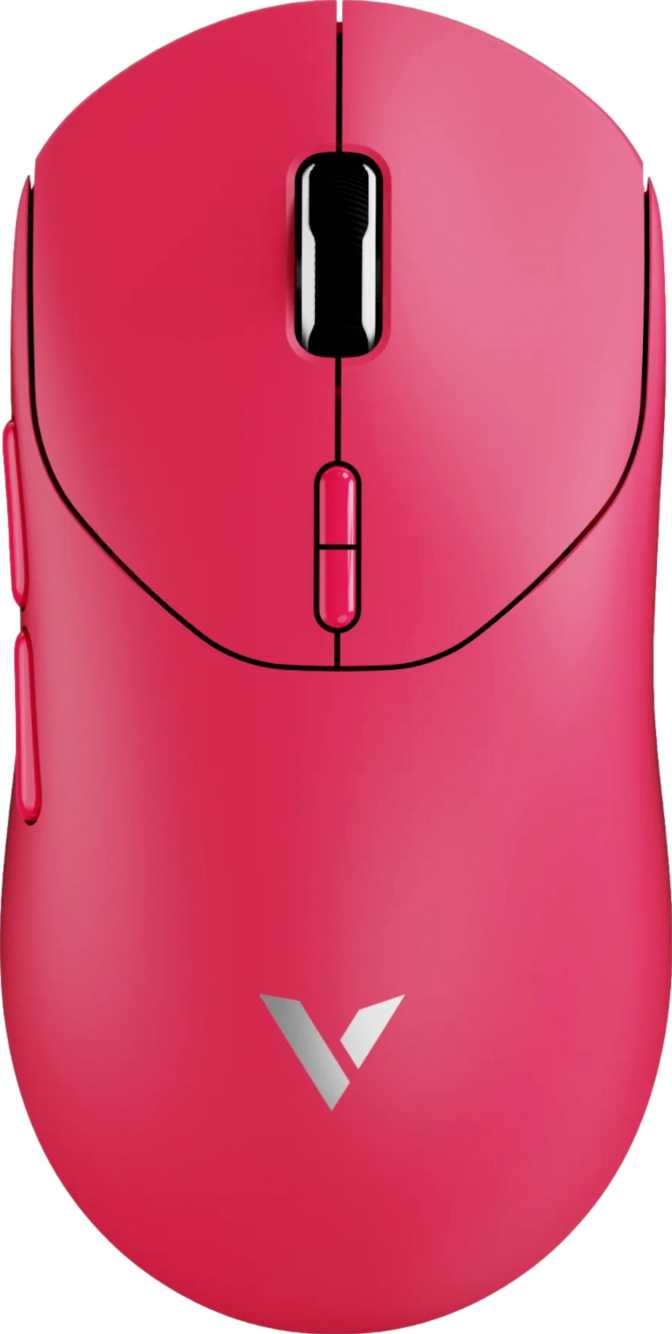
Rapoo VT2 Gen-2 Review: Ultralight Wireless Mouse with Flagship Specs
MicePerformance at a Glance
Four metrics that define where this mouse sits in the market
What Sets the Rapoo VT2 Gen-2 Apart
Wireless gaming mice have become a genuinely competitive hardware category, and the crowding at the mid-range has made it harder to know which products represent real engineering choices versus repackaged components with new branding. The Rapoo VT2 Gen-2 makes its case differently: it leads with a flagship-class sensor, a polling rate historically confined to the most expensive peripherals, a body that weighs less than a standard chocolate bar, and battery endurance that makes weekly charging feel like someone else’s problem. Whether those credentials translate into a mouse worth your money depends on who you are as a player—this review covers exactly that.
Design and Build Quality
A Mouse That Almost Disappears in Your Hand
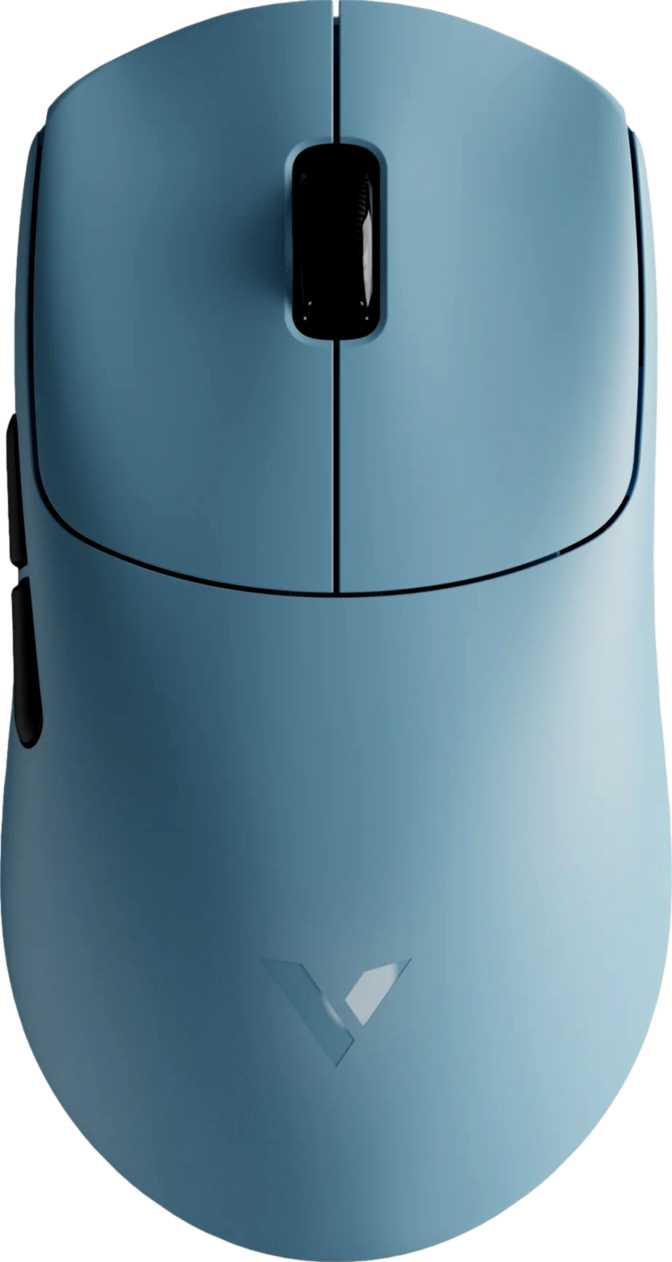
Fifty-three grams. That number is the first thing worth understanding about the VT2 Gen-2. A typical gaming mouse weighs somewhere between 80 and 110 grams, and even mice marketed as lightweight often land in the 60–75 gram range. At 53 grams, the VT2 Gen-2 belongs to a select group that feel almost weightless during extended sessions—the kind that let your arm move freely for hours without accumulating fatigue.
Physical Dimensions
Form Factor and Grip Compatibility
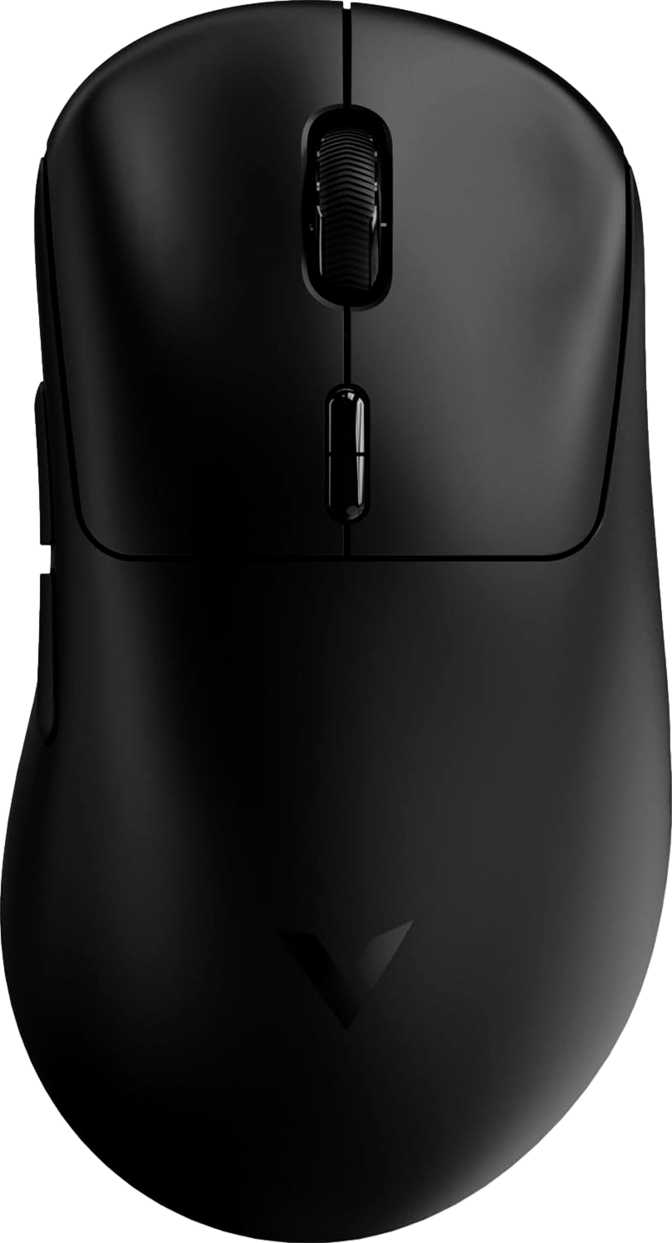
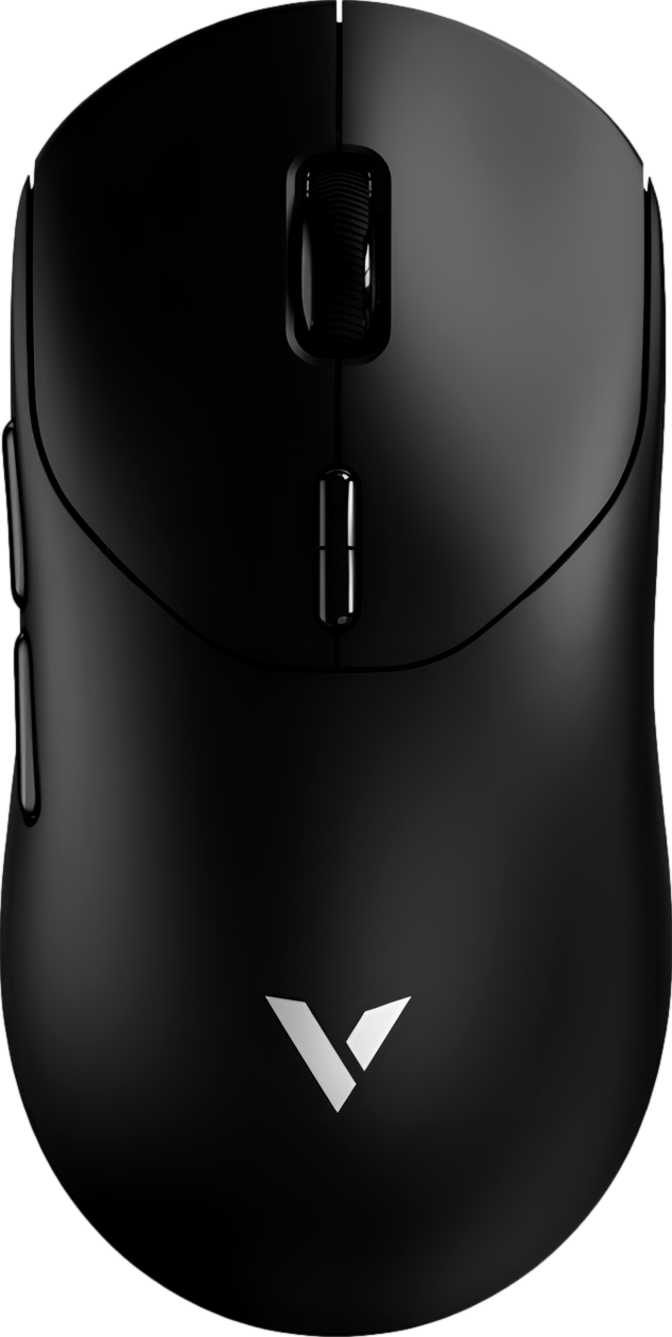
The dimensions position the VT2 Gen-2 as a compact-to-medium form factor, well-suited to small and medium hands. Claw grip and fingertip grip users are the natural fit. The 63mm width keeps lateral edges within easy reach, providing stable control without requiring the hand to stretch. Palm grip players with larger hands may find the 40mm profile height limiting—the arch doesn’t offer much surface to rest against.
There is no RGB lighting on this mouse. This is a deliberate engineering choice that directly enables the extraordinary battery life covered later. The aesthetic is clean and functional. A 1.8-metre cable ships with the unit for wired use and charging.
Sensor Performance: PixArt PAW3398
A Flagship Sensor at the Core
The PixArt PAW3398 is not a mid-range sensor given a marketing polish. It is one of the highest-performing optical sensors currently manufactured, and its presence inside the VT2 Gen-2 is a clear signal of what Rapoo is targeting with this product.
The sensitivity range stretches from an extraordinarily low 50 DPI all the way to 26,000 DPI. The lower end matters: 50 DPI is useful for players who prefer very low sensitivity settings—a range usually found only in professional-grade peripherals. The upper ceiling far exceeds what any monitor can practically render into distinct cursor movement, but it provides extensive headroom for fine-grained sensitivity tuning across the full scale.
The sensor can follow motion up to 650 inches per second—a threshold no human hand movement during normal gaming will exceed. Paired with 50G of acceleration tracking, it maintains accuracy through the most aggressive wrist flicks and arm swipes. Liftoff behavior is clean and consistent, which is critical for low-DPI players who frequently reposition their mouse during play.
Sensor Specifications
- Sensor Model
- PixArt PAW3398
- Minimum DPI
- 50 DPI
- Maximum DPI
- 26,000 DPI
- Maximum Speed
- 650 IPS
- Max Acceleration
- 50 G
- Adjustable DPI
Polling Rate: What 8,000 Hz Actually Means
Standard gaming mice report their position to the computer 1,000 times per second, with each report arriving every millisecond. The VT2 Gen-2 sends 8,000 position reports per second—one every 0.125 milliseconds. That is eight times the communication frequency of a standard gaming mouse.
For most players, the perceptible difference between 1,000 Hz and 8,000 Hz is marginal. The improvement exists in reduced theoretical input latency and, for some users, smoother cursor motion on high-refresh-rate displays. Whether you can feel this depends on your display’s refresh rate, your sensitivity to input feedback, and your level of competitive play.
What this specification confirms unambiguously is that Rapoo made no compromises in the wireless communication architecture. The hardware is capable at 8,000 Hz; the rate can be adjusted downward through companion software if your system benefits from a lower data rate. Users on older hardware should verify USB controller compatibility before expecting the full 8,000 Hz mode to operate correctly.
Polling Rate in Context
Bars relative to the VT2 Gen-2 maximum. Some premium competitors also offer 8,000 Hz at higher price points.
Battery Life and Wireless Experience
750 Hours: What This Number Actually Means
Most wireless gaming mice are rated for somewhere between 70 and 200 hours on a full charge. Premium offerings frequently advertise figures in the 70–100 hour range under standard conditions. The VT2 Gen-2 is rated for 750 hours.
At eight hours of gaming per day, every single day, that rating represents more than three months of continuous use before the battery requires attention. For a player gaming four to five hours on evenings and weekends, the charging cycle extends toward a year between charges. Charging becomes a quarterly consideration rather than a weekly routine.
This figure is achievable because the mouse carries no RGB illumination and the internal architecture is optimized for efficiency over features. The battery is built-in and non-removable—a design choice that enables tighter integration within the slim chassis and avoids the weight overhead of a swappable battery compartment.
Wireless Connection and Charging
The 2.4GHz wireless connection delivers response characteristics equivalent to a wired connection for all practical gaming purposes, with strong resistance to typical household interference. The mouse supports continued play during charging—plug in the USB cable and there is no interruption. Given the 750-hour endurance, this is a true safety net rather than a compensating feature for weak battery life.
Battery Life Comparison
Competitor figures represent typical category averages.
Who Should Buy the Rapoo VT2 Gen-2?
The VT2 Gen-2 is a focused tool—it performs exceptionally for a specific player and is the wrong choice for others. There is no ambiguity here.
This Mouse Is Built For
- FPS and competitive players who prioritize tracking accuracy, low weight, and minimal latency. The sensor and polling rate are built for high-level competitive use.
- Low-sensitivity players who make large arm movements across a wide mousepad. The 53-gram body significantly reduces fatigue during extended sessions.
- Players who hate charging routines. At 750 hours, charging becomes a quarterly event rather than a weekly discipline.
- Single-PC users who have no need to move settings between machines and will never feel the onboard memory limitation.
- Value-minded buyers who want flagship sensor credentials without flagship brand pricing.
This Mouse Is Not Ideal For
- Left-handed players. The ergonomic shaping is right-handed only. No ambidextrous configuration exists.
- LAN competitors and multi-PC users. No onboard memory means custom configurations do not travel with the hardware.
- RGB enthusiasts. There is no lighting anywhere on this mouse. The aesthetic is intentionally minimal.
- Large-handed palm grip users who need a longer, higher-profile mouse body. The 40mm arch may feel insufficient.
- Casual users and console players who would never extract value from the 8,000 Hz polling rate and flagship sensor tier.
How It Compares to the Competition
The VT2 Gen-2 concentrates engineering into in-game performance specs while deprioritizing software ecosystem features. Here is where it sits in context.
| Feature | Rapoo VT2 Gen-2 | Typical Mid-Range Wireless | Typical Premium Wireless |
|---|---|---|---|
| Sensor Tier | Flagship PAW3398 | Mid-range optical | Flagship optical |
| Polling Rate | 8,000 Hz | 1,000 Hz | 1,000–8,000 Hz |
| Body Weight | 53 g (Ultralight) | 70–90 g | 55–75 g |
| Battery Life | ~750 hours | 60–150 hours | 70–200 hours |
| Onboard Memory | None | 1–5 profiles | 1–5 profiles |
| RGB Lighting | None | Commonly included | Commonly included |
| Programmable Buttons | 10 of 10 | 5–8 typical | 6–10 typical |
| Grip Orientation | Right-handed only | Right or Ambidextrous | Right or Ambidextrous |
| Warranty | 2 Years | 1–2 Years | 1–2 Years |
Honest Assessment
Where the VT2 Gen-2 Genuinely Excels
The combination of a 53-gram body with a flagship sensor is the most compelling argument for this mouse. Ultralight design has become a serious performance category, and achieving sub-55-gram weight without compromising sensor quality or battery life is genuinely difficult. Most ultralight mice either sacrifice battery to stay light, include a lesser sensor to reduce cost, or both. The VT2 Gen-2 avoids the most common trade-offs in this category.
The 750-hour battery life is not just a marketing figure—it fundamentally changes the relationship between user and charging routine. Wireless gaming mice have historically required a charging discipline. With the VT2 Gen-2, charging becomes something you do when you happen to think of it, not something the mouse demands of you.
Full programmability across all ten buttons provides configuration flexibility that many mice in this weight class restrict to a subset of inputs. Combined with the dedicated DPI cycling button, sensitivity management is always immediately accessible without interrupting play.
Where It Falls Short
The absence of onboard memory is the clearest structural limitation. It is not a performance deficiency—it is a software infrastructure decision that has zero impact on in-session behavior but creates genuine friction for anyone who uses the mouse across multiple computers. No setting is stored on the device, and no software update can change this underlying hardware constraint.
The right-handed shaping is a design choice rather than a flaw, but it reduces the addressable audience meaningfully. The scroll wheel lacks horizontal tilt, which requires alternative approaches for lateral scrolling in applications where that navigation is routine. For players who exclusively game, this will never register as a limitation; for anyone who relies on the mouse for broader productivity work, it is a real consideration.
Players transitioning from heavier mice should expect a brief adjustment period. A 53-gram body feels markedly different from one at 80-plus grams, and the first few sessions may feel unusual before the reduced mass becomes the new normal.
Full Specifications
Performance
| Sensor | PAW3398 |
| Polling Rate | 8,000 Hz |
| Min DPI | 50 |
| Max DPI | 26,000 |
| Max Speed | 650 IPS |
| Acceleration | 50 G |
Physical
| Weight | 53 g |
| Length | 126 mm |
| Width | 63 mm |
| Height | 40 mm |
| Orientation | Right-hand |
| Cable | 1.8 m |
Connectivity
| Wireless | 2.4GHz |
| Wired | USB |
| Battery Life | 750 hrs |
| Rechargeable | |
| Use While Charging | |
| Removable Battery |
Buttons & Software
| Total Buttons | 10 |
| Side Buttons | 2 |
| Programmable | 10 of 10 |
| DPI Button | |
| Onboard Memory | |
| Warranty | 2 Years |
Questions Buyers Are Actually Asking
Direct answers to common pre-purchase questions about the Rapoo VT2 Gen-2.
Final Verdict
The bottom line for buyers ready to decide
The Rapoo VT2 Gen-2 is a focused, high-performance wireless gaming mouse that makes a compelling case on technical merit. The PixArt PAW3398 sensor belongs in the same conversation as sensors found in mice that command significantly higher prices. The 53-gram body sits firmly in ultralight territory without the battery compromises that typically accompany that weight class. And the 750-hour endurance figure is genuinely exceptional—it changes how you think about your mouse, not just how long it runs.
The limitations are real but bounded: no onboard memory affects portability across machines, and the right-handed shaping excludes part of the potential audience. For the player this mouse is designed for—right-handed, single-machine, performance-focused, and done with weekly charging routines—the VT2 Gen-2 delivers flagship hardware credentials without the flagship price tag.