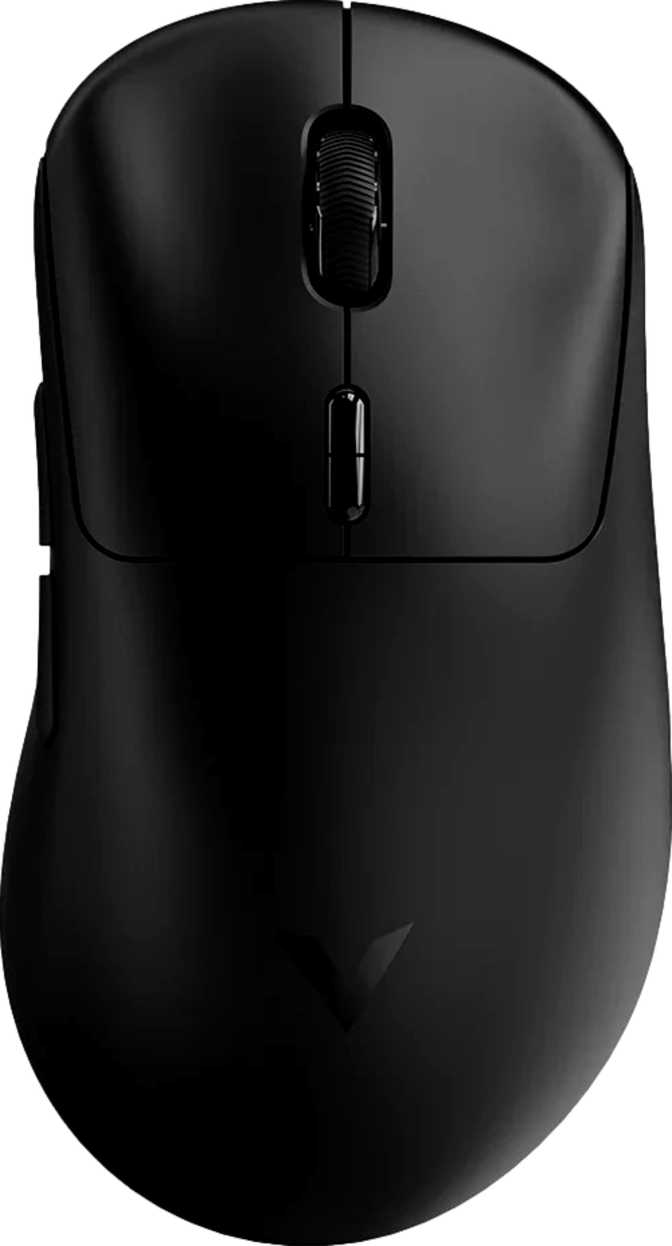
Rapoo VT3 Max Gen-2 Full Review – Lightweight Wireless Gaming Mouse
MiceAt a Glance
The budget-to-performance gap in gaming peripherals has narrowed dramatically in recent years, but the wireless gaming mouse market still tends to punish buyers who aren't willing to spend significantly. The Rapoo VT3 Max Gen-2 enters that conversation with an unusually aggressive proposition: a sub-60-gram wireless mouse carrying one of the most capable sensors available in any mouse at any price, paired with a polling rate that most competitors reserve for their flagship offerings. Whether Rapoo has genuinely delivered on that promise — or whether corners were cut where it counts — is exactly what this review unpacks.
Design and Build Quality
Light Without Feeling Cheap
Shape and Ergonomics
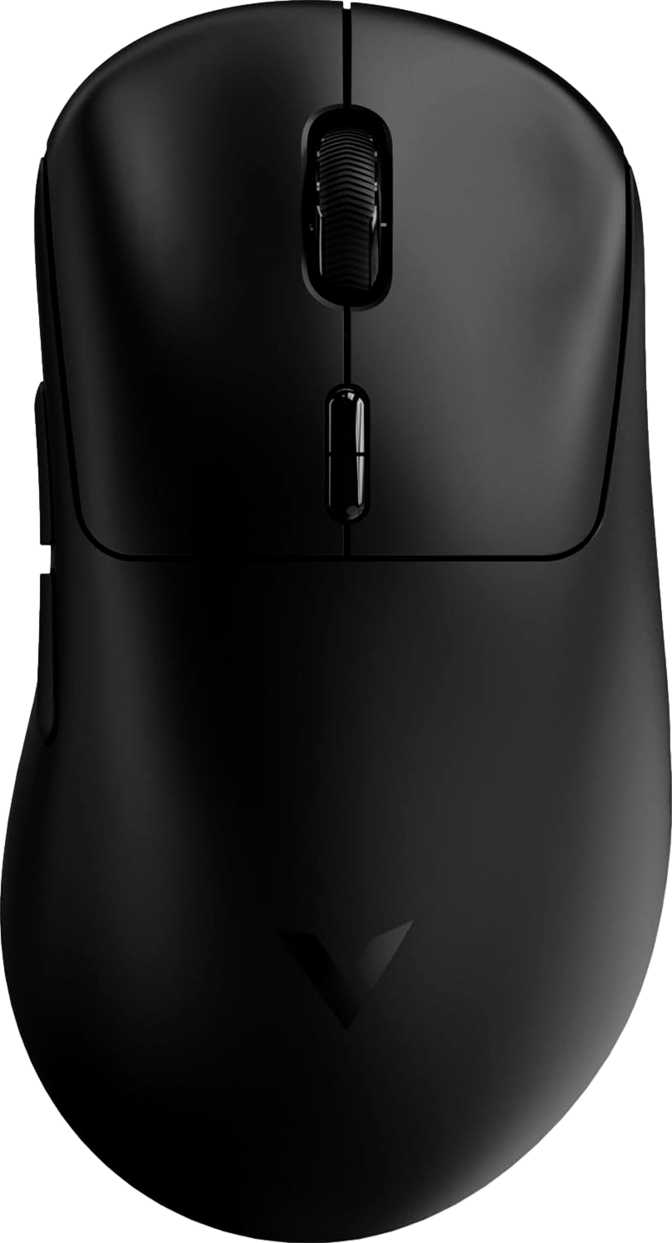
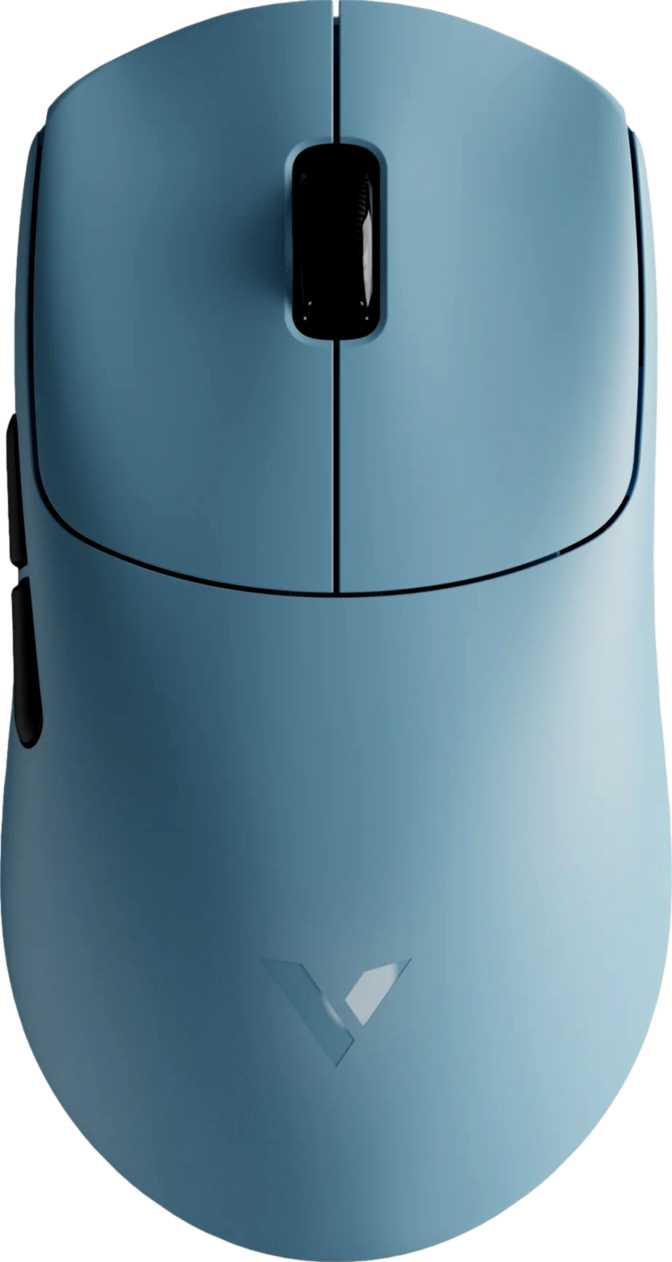
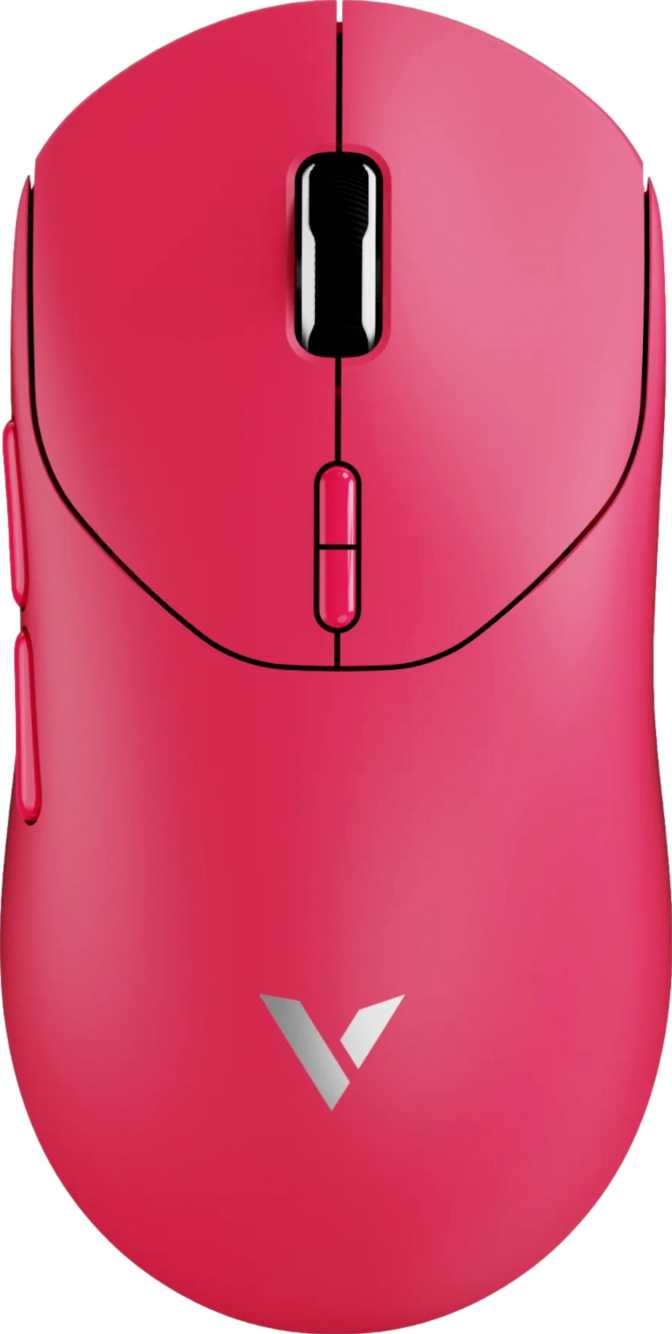
The VT3 Max Gen-2 is a right-handed mouse with a medium-sized footprint — roughly 126mm from front to back and 68mm at its widest, with a profile height just above 42mm. Those dimensions place it squarely in the medium-large category: comfortable for palm grips with medium to large hands, and well-suited to claw grip across a broader range of hand sizes.
The shape follows a conventional right-handed contoured form. A defined thumb shelf on the left flank and a natural flare toward the rear give the palm something to rest against during extended sessions. Fingertip grip users may find the rear rise a little generous for that style, but it is not prohibitive.
Weight: Where This Mouse Makes Its First Statement
At 53 grams, the VT3 Max Gen-2 sits among the lightest wireless gaming mice available. To put that in perspective: the majority of wireless gaming mice from established brands land between 70 and 95 grams, and even many "lightweight" models hover around 60–65 grams. Hitting 53g without a battery compartment full of compromises is a meaningful engineering achievement.
Critically, the weight distribution appears intentional — there are no added cutouts or a honeycomb shell, which means structural integrity and surface finish should hold up to daily handling without the creaking or flex sometimes found in heavily perforated designs. For competitive players who have been told they need to sacrifice build cohesion to get a light mouse, the VT3 Max Gen-2 presents a different answer.
Aesthetic Choices
There is no RGB lighting on this mouse. For players who prioritize a clean desk setup or who simply do not want to manage lighting software, that is a feature, not an omission. The mouse avoids the flashy visual identity common to gaming peripherals and presents itself as a tool built for function. The included 1.8-meter cable serves as the charging line and stays entirely out of the way during wireless operation.
Performance Analysis
The Sensor and Polling Rate Tell the Real Story
The PixArt PAW3950 Sensor
The PAW3950 is PixArt's current flagship optical sensor — the same component found in mice that cost two to three times as much. It delivers zero acceleration, near-perfect linearity, and consistent tracking across virtually every surface type.
What that means in practice: the cursor goes exactly where your hand goes, at any speed, without the sensor inventing phantom movement or drifting when you stop. For gaming, this translates directly to shots landing where you aimed. For precision desktop work, it means pixel-accurate control. The sensor is simply not a limiting factor under any real-world condition.
Sensitivity Range: From Sniper to Sweeper
The sensitivity range runs from 50 DPI at its lowest to 30,000 DPI at its ceiling. The floor matters more than the ceiling here. A 50 DPI minimum gives players who prefer inch-per-inch precision — common in tactical shooters where low-sensitivity builds are popular — a meaningful starting point. The 30,000 DPI ceiling is more a marketing headline than a usable operating point; even enthusiasts rarely venture above 3,200 DPI in practice. The value is the width of the range, not its extreme upper end.
DPI adjusts on the fly via a dedicated top-mounted button, letting you shift between preset sensitivity steps without interrupting a session or touching software.
Polling Rate: 8,000 Hz Explained
A standard wired gaming mouse reports its position to the computer 1,000 times per second. The VT3 Max Gen-2 does this 8,000 times per second. This reduces the latency between your physical movement and the on-screen response, and smooths cursor tracking at high speeds by feeding the system significantly more data per moment.
The sensor handles up to 750 IPS of tracking speed and 50G of acceleration — covering the wide, sweeping flicks common in fast-paced competitive games without losing accuracy. Most players will never push the mouse close to those physical limits, which means the sensor operates well within its comfort zone at all times.
Wireless Connectivity: 2.4GHz Done Right
The mouse connects via a 2.4GHz wireless receiver — the preferred standard for gaming peripherals because it offers the same effective latency profile as a wired connection under normal conditions. Bluetooth is intentionally absent: a deliberate choice that keeps the connection consistent and lag-free rather than accommodating casual multi-device switching.
Battery Life
The Number That Changes the Conversation
The VT3 Max Gen-2 is rated for approximately 750 hours of wireless use on a single charge — exceptional by any standard in the gaming mouse category.
A dedicated gamer who plays four hours every day would need to charge this mouse roughly once every six months. A more typical user logging one to two hours daily could approach a year between charges. Most gaming mice in this class are rated between 50 and 200 hours — already considered competitive. 750 hours places the VT3 Max Gen-2 in a genuinely different category, and it eliminates the battery anxiety that often accompanies wireless peripherals.
The battery is rechargeable and built-in. You cannot swap it for a fresh cell, but given the capacity on offer, that is an academic concern rather than a practical limitation. The mouse also operates normally via cable during charging — a low battery is a minor inconvenience rather than a reason to stop playing.
Competitor figures represent published category averages.
Who This Mouse Is For
And Who Should Look Elsewhere
- Competitive FPS and fast-paced multiplayer players who prioritize low weight and low latency above everything else.
- Players who dislike charging their peripherals. The battery life is long enough to make charging a non-event.
- Users who prefer a clean, RGB-free setup. The minimal aesthetic suits professional or uncluttered desk environments.
- Right-handed players with medium to large hands who use palm or claw grip.
- Left-handed users. The VT3 Max Gen-2 is designed exclusively for right-handed use with no ambidextrous version available.
- Users who need onboard profile storage and frequently use the mouse on different computers without installing software.
- Players who want tilt-wheel scrolling, a thumb scroll wheel, or haptic feedback. None of those features are present.
- Users who prefer a heavier feel. There are no included weight inserts — the 53g is fixed.
Competitive Positioning
How the Rapoo VT3 Max Gen-2 stacks up across the wireless gaming mouse category.
| Feature | Rapoo VT3 Max Gen-2 | Typical Mid-Range Wireless | Flagship Wireless |
|---|---|---|---|
| Weight | ~53g | 65–80g | 55–70g |
| Sensor | PAW3950 (Flagship) | PAW3395 or equiv. | PAW3950 or equiv. |
| Polling Rate | 8,000 Hz | 1,000 Hz | 4,000–8,000 Hz |
| Battery Life | ~750 hrs | 50–150 hrs | 70–200 hrs |
| Onboard Profiles | None | 1–5 | 3–5 |
| RGB Lighting | No | Often yes | Usually yes |
The PAW3950 sensor and 8K polling rate are specifications you would expect to find in a flagship-tier product. The battery life is genuinely category-leading. The simplified feature set pushes the VT3 Max Gen-2 toward a specific buyer — one who wants peak tracking performance and wireless freedom, and is not interested in paying for features they will never use.
Honest Assessment
Strengths and Weaknesses in Plain Terms
Where It Excels
The VT3 Max Gen-2's core strengths are not marginal advantages — they are best-in-class or near-best-in-class figures across the metrics that most directly affect competitive gaming performance. A 53-gram body, the finest optical sensor currently available, wireless operation at 8,000 Hz, and a battery that may outlast your interest in replaying any single game: these are not features you need to qualify.
- Flagship PAW3950 sensor with zero acceleration and near-perfect linearity
- 53g with no honeycomb cutouts — structural integrity fully intact
- 8,000 Hz polling rate in a wireless form factor — category-leading low latency
- 750-hour battery effectively removes charging from your routine
- Fully operational while charging — no forced downtime on a low battery
Where It Falls Short
The weaknesses are real but specific. The lack of onboard profile storage is the most significant functional gap, primarily for users who move between computers. The right-handed-only form factor excludes a meaningful share of the market, and the stripped-down feature set may disappoint buyers expecting flagship-level extras alongside flagship-level performance.
- No onboard memory — custom settings do not travel between PCs
- Right-handed only — no ambidextrous or mirrored version available
- No weight adjustment — 53g is fixed, no inserts included
- No Bluetooth — single-device 2.4GHz only, limiting multi-device flexibility
- No tilt wheel, thumb scroll, or RGB — simplified vs. larger-brand flagship rivals
Questions Real Buyers Ask
Straightforward answers before you decide.
Final Recommendation
The Rapoo VT3 Max Gen-2 is built on a clear thesis: take the performance hardware that defines the upper tier of the gaming mouse market and deliver it in the lightest, most endurance-focused wireless package possible. It executes that thesis convincingly.
The PAW3950 sensor and 8,000 Hz polling rate are not aspirational inclusions — they are functional, measurable advantages in competitive gaming contexts. The battery life alone repositions this mouse relative to much of the wireless competition. The trade-offs are real: no onboard profile storage, right-handed only, no weight customization, and a simpler feature set than you would find in a flagship from a larger brand. None of those omissions undermine what the mouse is actually designed to do.