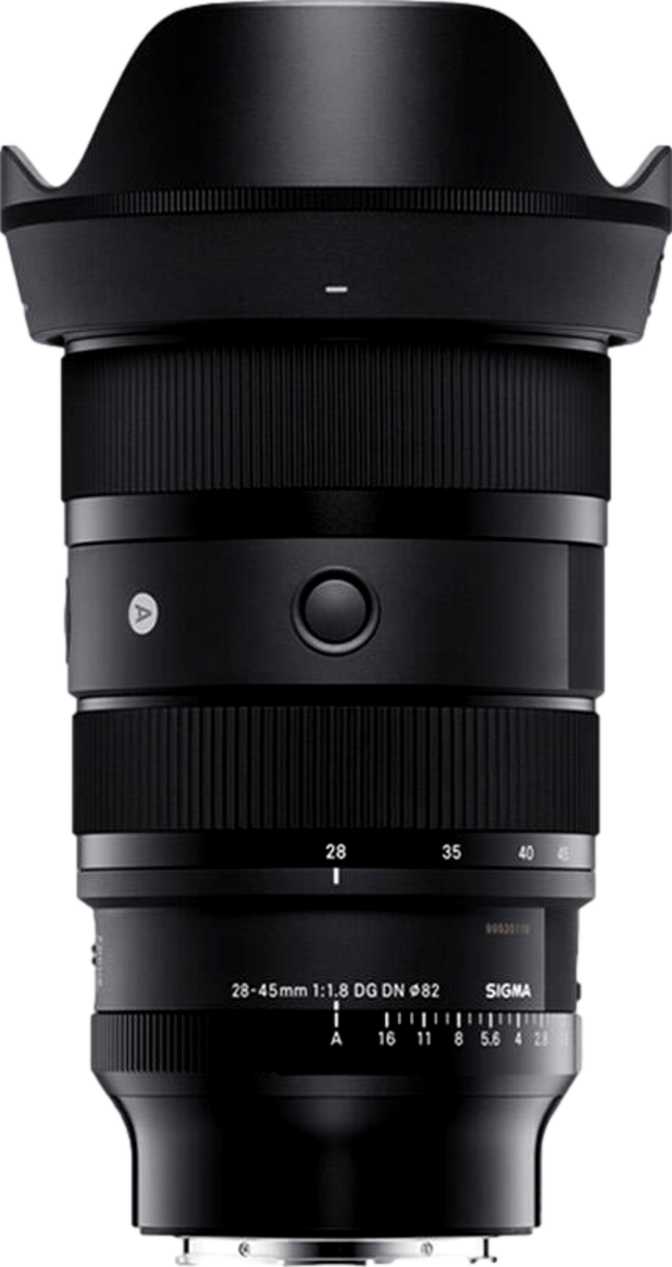
Sigma 28-45mm f/1.8 DG DN Art: A Full Hands-On Review
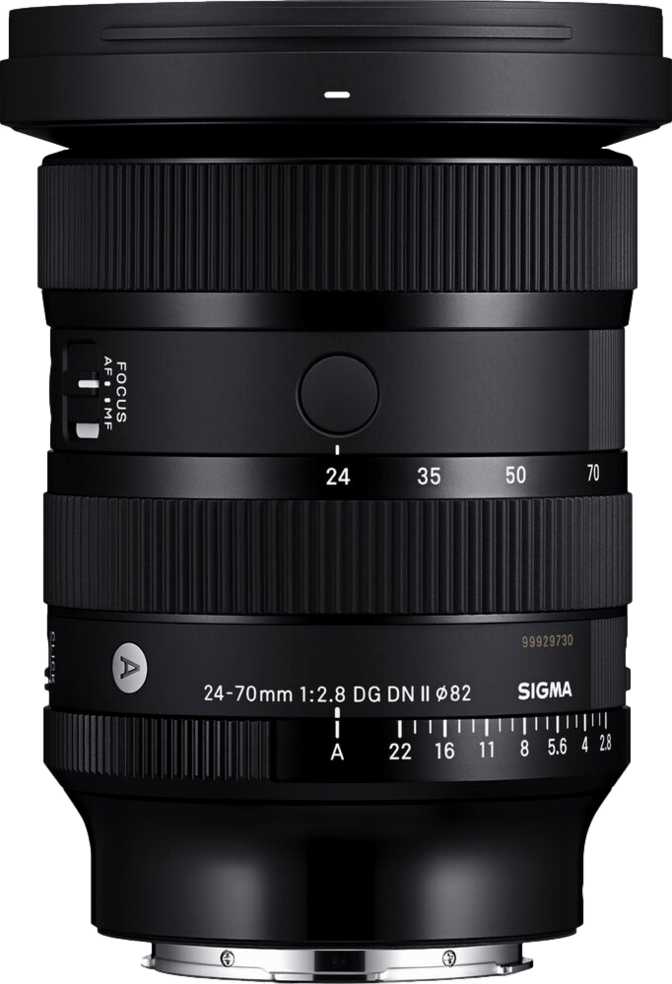
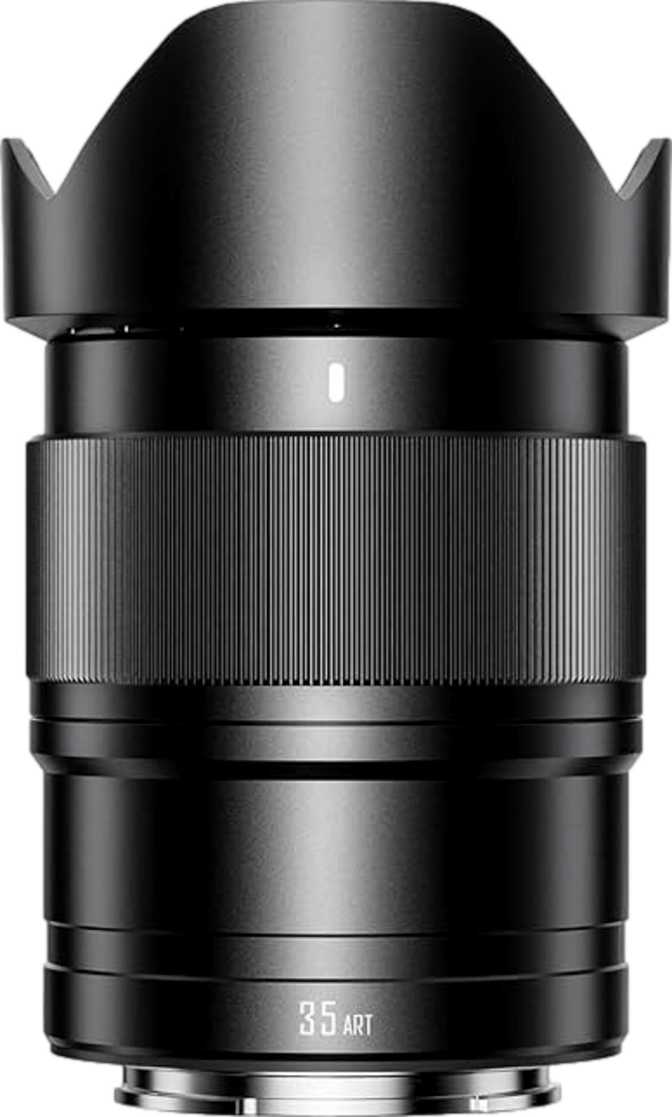
Camera LensesThere's a quiet rule that's governed full-frame zoom lenses for decades: the wider your focal range, the more light you give up. Fast aperture meant primes, and primes meant carrying three or four lenses instead of one. The Sigma 28-45mm f/1.8 DG DN Art exists specifically to break that rule. It holds a fixed f/1.8 aperture from its widest setting all the way to its longest, which means you're not getting a zoom that happens to open fairly wide — you're getting what is functionally a 28mm f/1.8 prime and a 45mm f/1.8 prime fused into a single barrel, with everything in between also shooting at f/1.8. For Sony E-mount shooters who've been choosing between the flexibility of a zoom and the light-gathering punch of a prime, this lens is built to remove that choice entirely.
That said, a lens this ambitious comes with real trade-offs in size, weight, and feature set that deserve honest scrutiny before you commit. Here's everything you need to know.
Excellent
Niche specialist, done right
Design, Build Quality, and How It Feels in Hand
Construction and Weather Resistance
Sigma's Art line has built its reputation on solid, photographer-grade construction, and this lens doesn't deviate from that formula. The mount is metal rather than polycarbonate, which matters more than it sounds — metal mounts resist the wear of repeated lens changes far better over years of use, and they hold their precise alignment with the camera body even after heavy use. Around that mount, the lens carries weather sealing designed to shrug off splashes and light rain, so shooting a drizzly street scene or a humid outdoor event isn't an automatic reason to leave it at home. It's not a dive-rated housing, but it's the level of protection serious outdoor and event shooters expect from a lens in this class.
Weather-Sealed
Splash and drizzle resistant
Metal Mount
Holds alignment over years of swaps
Included Hood
Glare control plus impact protection
Weight and Balance
At 950 grams, this is not a lightweight lens, and you should set that expectation before buying. To put that figure in everyday terms, it sits noticeably heavier than a typical compact prime but in a similar range to many professional standard zooms — the difference is that those zooms usually need a smaller maximum aperture to hit that weight class. Here, the heft is the direct cost of cramming an f/1.8 aperture across an entire zoom range, and once mounted on a full-frame mirrorless body, it balances toward the front. That's a fair trade for the optical performance on offer, but if you're upgrading from a small kit lens, the jump in hand-feel will be the first thing you notice — in a good way for stability, in a less good way for all-day carry without a strap.
Filter Thread and Front Element Behavior
The front element accepts 82mm filters, which is on the larger side for this focal range. Practically, that means circular polarizers and ND filters in this size cost more than the 67mm or 72mm filters fitted to smaller lenses, and if you already own filters from a previous lens, they probably won't fit without a step-up ring. The upside is a genuinely useful one: the front element does not rotate during focusing. If you shoot landscapes with a polarizer or use graduated filters for sky balance, you set your filter orientation once and it stays put as the lens hunts focus — no re-adjusting the polarizer after every refocus, which is a small detail that saves real frustration in the field.
A dedicated lens hood ships with the lens. Beyond blocking stray light to preserve contrast in backlit scenes, it also serves as a first line of physical defense for that large front element against bumps and fingerprints — worth keeping mounted rather than tossed in a bag pocket.
Optical Range: What 28-45mm Actually Covers
Understanding the Zoom Ratio
The math here is simple but the implication is worth spelling out: going from 28mm to 45mm is roughly a 1.6x zoom. That's a modest range by zoom-lens standards — nowhere near the reach of a 24-70mm or 24-105mm — and that's intentional. Sigma isn't trying to compete with all-purpose travel zooms here. This lens occupies the specific, useful gap between a wide-angle prime and a normal-perspective prime, letting you adjust framing within that zone without swapping glass.
Field of View at Each End
At the 28mm end, the angle of view comes in at roughly 75 degrees — wide enough to comfortably fit a room's interior, a group of people, or an architectural facade without stepping back awkwardly. At 45mm, that narrows to about 51 degrees, landing close to how the human eye perceives a scene, which is why 45mm-ish focal lengths are often described as a "natural" perspective for portraits, street photography, and general documentary work. In practice, this gives you a wide environmental option and a natural, undistorted option in one twist of the zoom ring.
- At 28mm
- ~75° field of view
- At 45mm
- ~51° field of view
Close-Focusing and Magnification
The minimum focus distance is 0.3 meters across the zoom range, producing a maximum magnification of 0.25x — meaning your subject can be rendered at a quarter of its real-world size on the sensor. That's not macro territory, but it's genuinely close for a lens built around a fast, wide-to-normal range, and it opens the door to detail shots — food, product close-ups, textures, small objects — without needing a dedicated macro lens.
Aperture Performance: The Headline Feature
A Constant f/1.8 Across the Entire Range
This is the lens's defining trait, so it deserves direct attention. The maximum aperture is f/1.8 at 28mm and f/1.8 at 45mm — meaning there is no light loss as you zoom, which is unusual even among professional zooms that typically max out at f/2.8. An f/1.8 zoom outperforms an f/2.8 zoom by roughly a full stop of light, which in real shooting terms means you can use a faster shutter speed in the same dim room, or keep a lower ISO and cleaner image when light drops, or simply throw a background out of focus more aggressively for separation. For event photographers working in low-light venues, or anyone shooting handheld after sunset, that extra stop is the difference between a usable shot and a noisy, blurry one.
Bokeh Quality and Aperture Blade Design
The aperture mechanism uses 11 rounded blades. The rounded shape keeps the aperture opening closer to a true circle even when you stop down slightly, which translates to smoother, more pleasing out-of-focus highlights — the classic soft "bokeh balls" you see behind a backlit subject — rather than the harsher polygonal shapes a fewer-bladed, straight-edged design tends to produce. Combined with the f/1.8 maximum aperture, this lens is built to deliver creamy, professional-looking background separation as a default, not an occasional bonus.
11 Rounded Blades
Smoother, rounder bokeh highlights
Stopping Down for Depth of Field Control
At the narrow end, the lens stops down to f/22 at 28mm and f/16 at 45mm. Those smaller apertures matter less for everyday shooting and more for specific situations — long daylight exposures with motion blur on water or clouds, or landscape work where you want everything from foreground to horizon rendered sharp. It's a reminder that this lens isn't only a wide-aperture specialist; it still gives you full creative control across the exposure range.
Autofocus and Manual Focus Control
Focus Motor and Real-World Speed Expectations
The lens uses a dedicated focus motor with a silent drive mechanism built directly into the lens. Quiet autofocus operation matters most for video shooting, where an external microphone would otherwise pick up focus-motor whirring, and for quiet environments like a wedding ceremony or theater where a noisy lens becomes a distraction.
Full-Time Manual Override
Full-time manual focus is supported, meaning you can grab the focus ring and make manual adjustments at any moment — even while the camera is set to autofocus — without flipping a physical switch first. Experienced shooters lean on this constantly when nudging focus mid-take or overriding the camera's guess in a cluttered scene.
Infinity Focus
The lens focuses all the way to infinity, confirming it's built for the full range of practical shooting distances — from landscapes and architecture at the far end down to close detail work at 0.3 meters.
Image Stabilization: What You Need to Know
This lens does not include built-in optical image stabilization. That's a deliberate engineering trade-off, and it's important to understand before buying rather than after. Building stabilization hardware into a lens that already has to manage a constant f/1.8 aperture across a zoom range adds size, weight, and complexity that Sigma chose to leave out here — likely keeping the lens smaller and more affordable than it would otherwise be.
In practice, this matters most depending on your camera body. If you're shooting on a Sony E-mount body with in-body image stabilization (IBIS), the camera itself compensates for handshake, and you'll likely never miss the lens-based version for stills. If your body lacks IBIS, you'll need to compensate with faster shutter speeds, a tripod, or simply lean on that f/1.8 aperture to keep shutter speeds high even in dim conditions — which, fortunately, is exactly what this lens is built to let you do. Handheld video shooters without IBIS will feel the absence most, since stabilization for motion footage benefits from both in-lens and in-body systems working together.
Who This Lens Is Actually For
- Event and wedding photographers who move between wide venue shots and natural-perspective portraits in low light, and need consistent fast aperture rather than a variable one.
- Documentary and street photographers who value the 28mm-to-45mm range as a complete "everyday seeing" toolkit without carrying two separate primes.
- Video shooters on gimbals or handheld rigs who want quiet, reliable autofocus and a fast aperture for shallow depth of field without constant lens swaps.
- Travel photographers who want to pack light on lens count, trading multiple primes for one zoom.
- Telephoto or wildlife shooters — the 28-45mm range never reaches subjects at distance, so this won't replace a longer zoom.
- Ultralight travel packers who prioritize minimizing every gram should look at smaller f/4 alternatives instead.
- Budget-conscious newcomers may find the 82mm filter requirement and the price premium of a constant f/1.8 zoom harder to justify than a slower, cheaper standard zoom.
- Stabilization-dependent video shooters without an IBIS-equipped body will need to budget for a gimbal or rig.
How It Compares to the Alternatives
| Consideration | Sigma 28-45mm f/1.8 DG DN Art | Typical f/2.8 Standard Zoom | Dedicated Fast Primes (e.g. 28mm + 45mm) |
|---|---|---|---|
| Maximum aperture | Constant f/1.8 throughout | Constant f/2.8 throughout | f/1.8 or wider, fixed focal length |
| Light vs. f/2.8 zoom | One full stop brighter | Baseline | Comparable, but no zoom flexibility |
| Carrying convenience | One lens covers two focal lengths | One lens, longer zoom range | Two lenses to carry and swap |
| Weight and bulk | Heavier than primes individually, lighter than carrying two | Often similar or heavier | Each prime typically lighter alone |
| Filter consistency | Single 82mm filter set works at both ends | Single filter size works across range | Each prime may need a different size |
| Best use case | Low-light versatility without swapping lenses | General-purpose wide reach | Maximum performance at one focal length |
This lens doesn't beat dedicated primes on raw size or weight per focal length, and it doesn't beat longer standard zooms on range. What it offers is a niche nothing else fills cleanly — fast-aperture versatility across two of the most-used focal lengths in photography, in one mount.
Strengths and Weaknesses, Plainly Stated
What Works
- Constant f/1.8 aperture across the entire zoom eliminates the usual trade-off between zoom flexibility and low-light speed.
- Metal mount and weather sealing built for real working conditions, not just studio use.
- Non-rotating front element keeps polarizers and graduated filters aligned through every focus adjustment.
- Silent focus motor with full-time manual override makes it a credible hybrid photo-and-video tool.
What to Weigh
- Nearly 950g is a real commitment for handheld, all-day shooting.
- No built-in stabilization means the experience varies heavily based on whether your camera body has IBIS.
- The large 82mm filter thread adds ongoing cost if you're building a filter kit from scratch.
- The modest 1.6x zoom range will disappoint buyers expecting an all-purpose travel zoom.
Frequently Asked Questions
Final Verdict
The Sigma 28-45mm f/1.8 DG DN Art succeeds at exactly what it sets out to do: deliver prime-lens aperture performance across a genuinely useful zoom range, in a build quality that can handle professional use. It's not the lens to buy if you want maximum reach, minimum weight, or built-in stabilization — those buyers are better served elsewhere, and this lens won't pretend otherwise.
But for photographers and videographers who live in the 28mm-to-45mm range and refuse to compromise on light-gathering ability, this is a clear, confident recommendation. If your work depends on shooting fast in unpredictable light without constantly swapping lenses, this is one of the more purpose-built tools available for Sony E-mount full-frame systems, and it earns its place in a serious kit.