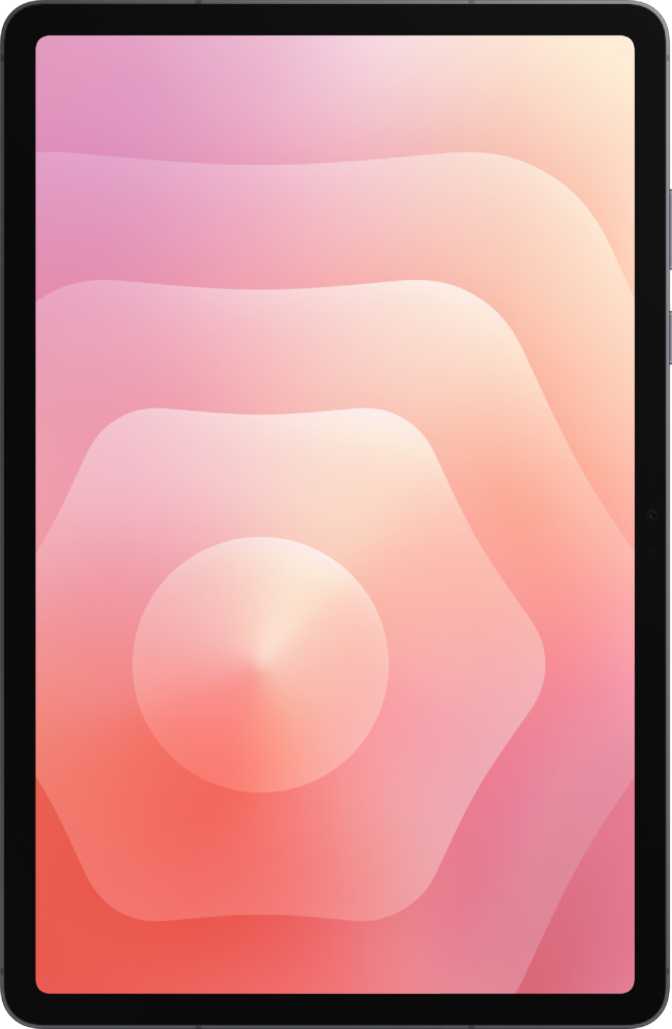
Samsung Galaxy Tab S11 Review: Flagship Power Meets OLED Brilliance
TabletsA Tablet That Takes Android Seriously
The Android tablet market has long been divided between cheap media consumption slabs and genuinely capable productivity machines. The Samsung Galaxy Tab S11 sits firmly in the second camp — a large-format Android tablet built around an elite-tier processor, a premium OLED display, and a bundled S Pen stylus, all wrapped in a chassis thin enough to make you question whether something was left out. The answer, you will be relieved to know, is very little.
This is a tablet that asks you to take Android productivity seriously. It ships with the tools, the screen, and the raw processing power to back that ask up. Whether it fully delivers depends on what you bring to it — your workflows, your expectations, and your willingness to meet Android on its own terms.
Expert Verdict
Design and Build Quality
Slim, Light, and Serious About It
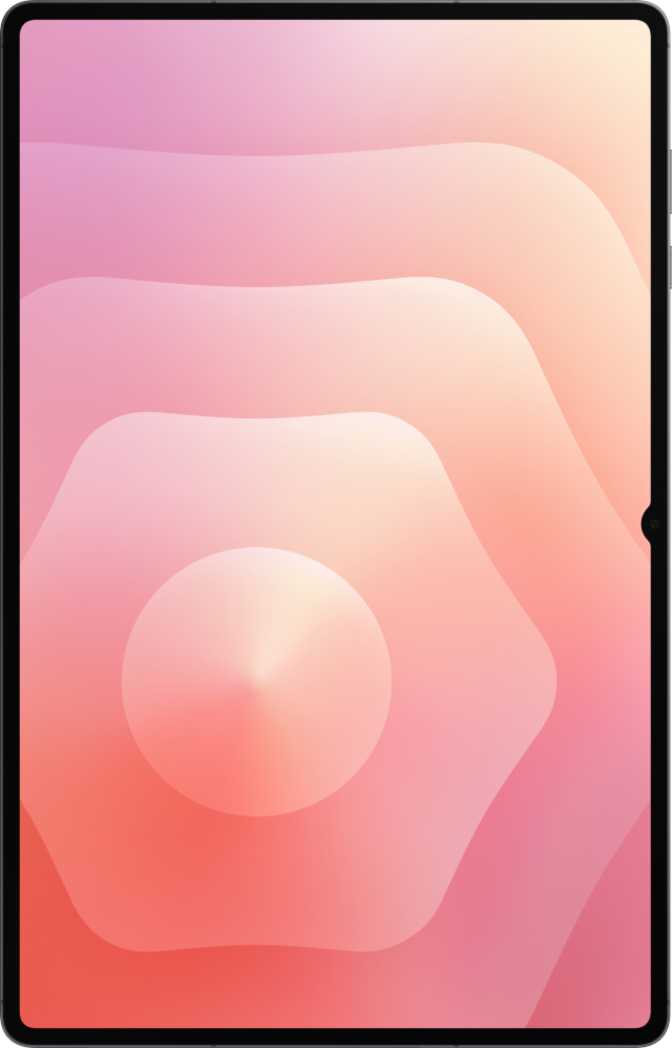
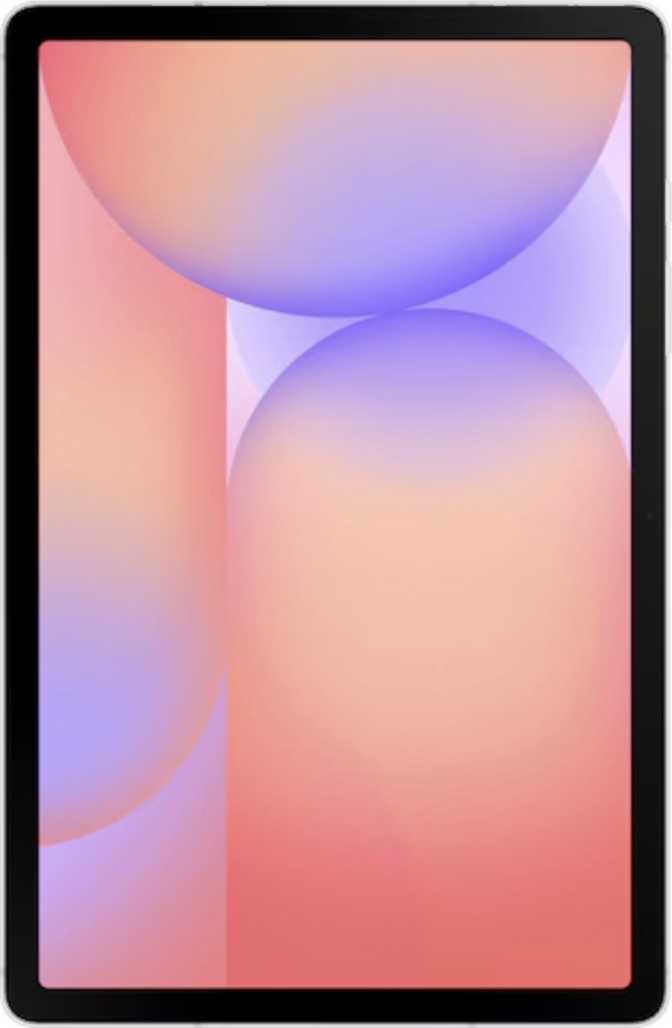
At just 5.5mm thick, the Galaxy Tab S11 is among the thinnest tablets in its class. To put that in perspective, most standard pencils are about 7mm in diameter — this tablet is thinner than that. Combined with a weight of 471 grams, it sits comfortably in one hand for reading or sketching without the forearm fatigue that plagues heavier slabs after extended sessions.
The footprint lands the Tab S11 squarely in large-tablet territory — big enough for real work, manageable enough to use on a couch or in a café. For most adults, this is the sweet spot between screen real estate and everyday portability.
Water Resistance That Actually Matters
The Tab S11 carries an IP68 certification, which means it is rated for submersion in up to 1.5 meters of fresh water. In practical terms, this means the device survives spills, rain, poolside use, and the occasional bathroom drop without drama. For a tablet this expensive, that level of protection is expected — but not every competitor at this price point delivers it.
The S Pen Is in the Box
The bundled S Pen stylus is a meaningful inclusion — you are not paying extra for a basic accessory that should have been standard. The pen enables handwritten notes, sketching, document annotation, and precision navigation. One caveat worth knowing: the S Pen does not support tilt sensitivity, which limits natural shading behavior for artists. For note-takers, students, and casual sketchers, this is a non-issue. For illustrators with serious expectations, it is a real consideration before purchasing.
Physical Specifications
- Thickness
- 5.5 mm
- Weight
- 471 g
- Dimensions
- 253.8 × 165.3 mm
- Water Rating
- IP68
- Waterproof Depth
- 1.5 m
No Keyboard in the Box
The detachable keyboard is sold separately. Budget for a compatible Samsung accessory if keyboard-first productivity is part of your plan.
Display: The Undeniable Highlight
OLED Quality at This Size
OLED technology works by having each individual pixel emit its own light and switch off completely when displaying black. This produces a contrast ratio that is effectively infinite — the Tab S11's measured ratio exceeds one million to one, meaning the difference between the darkest black and brightest white on screen is staggering. Shadow detail in films, dark mode interfaces, and night-time reading all benefit directly from this.
The display reaches 1,000 nits of typical brightness. Outdoors in direct sunlight, this is manageable for shaded environments. Some competitor panels push well beyond this figure, which is worth noting if outdoor use in full sun is a daily requirement.
Resolution, Motion, and HDR
The panel resolves at 2,560 × 1,600 pixels, producing 274 pixels per inch. At normal viewing distances, individual pixels are invisible. Text appears sharp, fine illustration detail holds up, and a split-screen productivity layout never feels cramped or blurry.
The 120Hz refresh rate makes scrolling and S Pen input feel fluid in a way that 60Hz displays simply cannot match. For stylus users specifically, this reduces the perceived lag between pen tip and ink on screen, making handwriting feel natural.
HDR10+ support allows compatible streaming content to adjust brightness and color tone scene-by-scene for more accurate rendering throughout a film — not just a fixed profile applied globally. Note that Dolby Vision is not supported. An anti-reflection coating on the glass meaningfully reduces glare near windows or outdoors — a small but important real-world detail.
Performance: Flagship Horsepower
Powered by the MediaTek Dimensity 9400 Plus — a 3-nanometer chip at the very top tier of mobile processors available today.
The Chip Inside
The Dimensity 9400 Plus follows a big.LITTLE architecture: one prime core runs at up to 3.73GHz for peak single-threaded tasks, four performance cores at 3.3GHz handle concurrent demanding workloads, and three efficiency cores at 2.4GHz manage lighter tasks to preserve battery life. With Heterogeneous Multi-Processing, all eight cores can work simultaneously when a workload demands it — not just one cluster at a time.
The Immortalis G925 GPU handles graphics rendering at 1,300MHz — ARM's highest-tier GPU architecture, capable of hardware-accelerated ray tracing. This GPU handles everything Android gaming currently demands with headroom to spare, and contributes meaningfully to on-device AI inference workloads as well.
On Geekbench 6, the processor scores approximately 2,874 in the single-core test and approximately 8,969 in the multi-core test — placing it at or above the performance tier of the most demanding smartphone chips available. Single-core performance governs how snappy everyday interactions feel; multi-core determines how well parallel workloads run without slowdown.
Geekbench 6 Benchmark Scores
Memory & Storage
Cameras and Audio
Camera: Functional, Not a Feature
The rear-facing 13-megapixel camera covers the basics well: 4K video at 30 frames per second with continuous autofocus during recording, slow-motion video, manual ISO and exposure controls, touch-to-focus, and built-in HDR. These are capable specifications for a tablet camera.
Tablets are not primary cameras for most people — they serve document scanning, video calls, whiteboard capture, and occasional travel shots. The Tab S11's camera handles all of these comfortably.
What the camera handles well
- 4K video with continuous autofocus during recording
- Manual ISO, exposure, white balance, and focus control
- HDR capture for balanced exposure in mixed lighting
- Front-facing camera for clear video calls
Limitations to know
- No optical image stabilization — handheld video can show motion
- No optical zoom — single standard-focal-length lens only
- No in-camera panorama mode
Audio: Stereo Speakers, Limited Wireless Quality
The Tab S11 has stereo speakers, which deliver a wider soundstage than a single-speaker setup — useful for media consumption and video calls. There is no 3.5mm headphone jack, so wired headphone users will need a USB-C adapter.
The more significant audio gap is the absence of premium Bluetooth audio codecs. None of the high-fidelity wireless audio standards — aptX, aptX HD, LDAC, aptX Adaptive, or aptX Lossless — are supported. For casual listeners using standard Bluetooth headphones, this goes entirely unnoticed. For audiophiles, music producers, or gamers who rely on low-latency wireless audio, this is a concrete limitation.
Audio at a Glance
Battery Life and Charging
All-Day and Then Some
The Tab S11 houses a battery large enough to power two full days of moderate use for most users. Those primarily reading, taking notes, or browsing will stretch it furthest. Heavy users running demanding apps, GPS navigation, or continuous streaming will see more frequent charges — but even they are unlikely to need a charge before bedtime under normal conditions.
The fast charging system delivers energy at 45 watts over a wired USB-C connection. From near-empty, you can restore a meaningful charge in well under an hour, and a complete top-up does not require an overnight session. There is no wireless charging — the tablet must be connected via cable.
The USB-C port runs at USB 3.2 speeds, which also means data transfers — backing up the tablet, moving large video files, or syncing project folders — happen meaningfully faster than they would on older USB 2.0 devices.
Battery Specifications
Connectivity and Wireless Features
5G and Wi-Fi 6E
The Tab S11 supports 5G cellular connectivity alongside a physical SIM slot and an eSIM. This means it can operate on a mobile data plan entirely independently of Wi-Fi — useful for travel, commuting, or anywhere a reliable hotspot is unavailable.
The Wi-Fi radio supports Wi-Fi 6E, the current generation of wireless networking that adds access to the 6GHz frequency band. On compatible routers, this translates to lower congestion and faster sustained speeds in crowded environments. Peak download speeds exceed 7 gigabits per second — a figure that will comfortably outlast the network capabilities of most households for years to come. Bluetooth 5.4 handles wireless peripherals with improved connection stability over older versions.
Connectivity Summary
- 5G + 4G LTE cellular
- Wi-Fi 6E (802.11ax)
- Bluetooth 5.4
- USB 3.2 Type-C
- GPS + Galileo navigation
- 1 Physical SIM + eSIM
- Fingerprint scanner
Notable Absences
No NFC
Tap-to-pay and NFC-based device pairing are not available. For a tablet, this is a minor concern — most people do not use tablets for contactless payments.
No HDMI Output
External display connectivity requires a compatible USB-C adapter or hub. Users expecting a direct HDMI port should plan for this accessory cost.
No 3.5mm Jack
Wired headphone users need a USB-C adapter — manageable for some, a constant frustration for others depending on usage habits.
Software and Productivity Features
Android with Depth
The Tab S11 runs Android with Samsung's One UI layered on top. The software supports split-screen multitasking, Picture-in-Picture mode, and multi-user accounts — the last of these especially useful in shared household scenarios or professional settings where device sharing is common.
On-device machine learning capabilities mean AI features — voice recognition, text recognition, and contextual processing — run locally on the device. This has both privacy and latency benefits: responses feel faster and your data does not leave the device for those operations. Offline voice recognition extends this to voice commands without a data connection.
Live Text functionality lets you select and interact with text appearing in photos or on screen — useful for copying from images, translating signage, or working with scanned documents. Full-page scrolling screenshots capture entire web pages or documents in one image rather than requiring multiple crops stitched together.
Privacy Controls Built In
What the S Pen Unlocks in Software
Beyond basic note-taking, the S Pen enables document annotation, precise image editing, and handwriting-to-text conversion that makes handwritten notes searchable and shareable. Samsung's software ecosystem around the S Pen is mature, and most major productivity apps — note-taking tools, PDF editors, and office suites — support stylus input in a genuinely useful way.
Who Is the Galaxy Tab S11 For?
Understanding who this tablet genuinely serves — and who it does not — is the most honest thing a review can do.
Strong Fit
-
Students and Researchers
Extensive handwritten notes, PDF annotation, and full academic workloads without constant charging.
-
Remote Workers and Freelancers
Secondary productivity screen, video calls, and document creation alongside a laptop.
-
Light-to-Medium Creators
Illustration, design, and video editing with stylus-first input and a color-accurate OLED screen.
-
Travelers and Commuters
5G connectivity, solid battery endurance, and IP68 water resistance for peace of mind on the move.
-
Families
Multi-user support, child lock, and a durable waterproof shared household device.
Think Carefully If You Are...
-
A Serious Digital Artist
The S Pen lacks tilt sensitivity, limiting natural media simulation. Professional illustrators may find it falls short of their creative expectations.
-
A Premium Wireless Audio User
No aptX, LDAC, or aptX Adaptive means high-end Bluetooth headphones cannot deliver their full audio quality or low-latency performance.
-
Dependent on Wired Headphones
No 3.5mm jack means always carrying a USB-C adapter — manageable for some, a constant frustration for others.
-
Wanting a Keyboard-First Setup Out of the Box
The keyboard is sold separately and adds meaningful cost — budget for it specifically if heavy typing is your primary use case.
-
Deeply Invested in the Apple Ecosystem
iPadOS remains the more mature tablet OS for professional creative apps, and Apple's cross-device integration is tighter for committed users.
Competitive Positioning
How the Galaxy Tab S11 stacks up against the alternatives buyers most commonly consider at this price tier.
| Feature | Samsung Galaxy Tab S11 | iPad 11-inch (Base) | Google Pixel Tablet |
|---|---|---|---|
| Display Type | OLED · 120Hz · HDR10+ | LCD · 60Hz | LCD · 60Hz |
| Stylus Included | S Pen in box | Sold separately | No |
| Processor Tier | Flagship (3nm) | Flagship (Apple silicon) | Mid-range |
| Expandable Storage | Up to ~1.5 TB | No | No |
| 5G Option | Yes | Select models only | No |
| Water Resistance | IP68 (1.5 m) | IP68 | IP67 |
| Wireless Charging | No | No | Dock only |
| NFC | No | Yes | Yes |
| Headphone Jack | No | No | No |
Honest Assessment
Where It Excels
The Galaxy Tab S11 earns its premium positioning most clearly through its display and its processor. The OLED panel is genuinely excellent — rich, sharp, and well-suited to everything from professional document review to late-night streaming. The Dimensity 9400 Plus ensures the device will not feel slow or underpowered for the foreseeable future, and the 3nm process efficiency means it does not sacrifice battery life to achieve that performance.
The included S Pen and expandable storage are genuine differentiators. Bundling a stylus removes friction for buyers who would otherwise evaluate and purchase a compatible accessory separately. Expandable storage is increasingly rare among premium tablets, and having it matters for anyone who works with large media libraries or offline content.
Where It Falls Short
The Tab S11 shows its practical limits in audio and stylus precision. No high-quality Bluetooth audio codec support is a noticeable gap for users who depend on wireless headphones for music production, gaming, or anything where codec quality and latency matter. The absence of tilt sensitivity in the S Pen is less of an everyday issue but becomes relevant the moment illustration demands grow beyond casual sketching.
The lack of wireless charging is a reasonable trade-off given the tablet's thinness, and 45W wired charging compensates meaningfully. The absence of NFC and HDMI output are minor for most users — but worth confirming against your specific needs before purchasing.
Common Questions Before You Buy
Answers to the questions real buyers search for before purchasing the Galaxy Tab S11.
Samsung Galaxy Tab S11
4.5 out of 5 — Highly Recommended
The Samsung Galaxy Tab S11 is a well-constructed, seriously capable Android tablet that gets the most important things right. The OLED display is among the best in this size class, the bundled S Pen adds genuine utility without additional cost, the Dimensity 9400 Plus handles everything Android currently asks of it with room to spare, and expandable storage remains a practical advantage that most competitors have abandoned.
Its limitations — no tilt-sensitive stylus input, no premium wireless audio codec support, no HDMI or NFC — are real but unlikely to be dealbreakers for the majority of buyers this tablet is designed for.
If you want the best Android tablet experience available and are willing to invest accordingly, the Galaxy Tab S11 makes a compelling case. If your work centers on high-end digital illustration, premium Bluetooth audio, or tight Apple ecosystem integration, examine those specific gaps carefully before committing.
For students, remote workers, content consumers, casual creators, and anyone who has wanted a stylus-ready premium tablet without paying extra for the pen — this is a strong, confident recommendation.