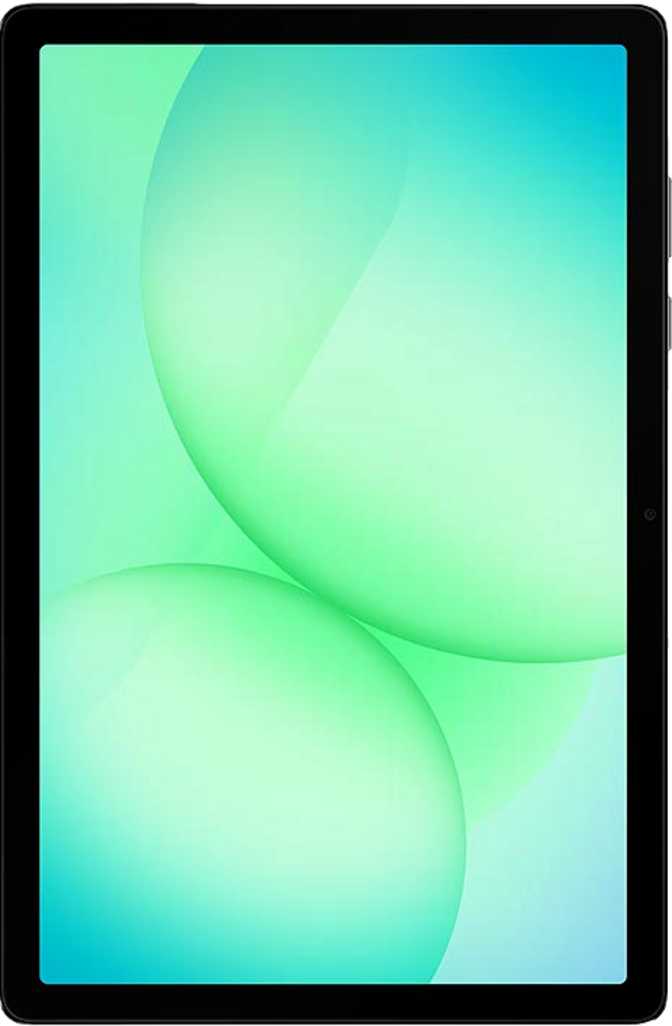
Samsung Galaxy Tab A11 Plus Review: A Balanced Mid-Range Tablet
TabletsWhat the Samsung Galaxy Tab A11 Plus Actually Delivers
The mid-range Android tablet market is crowded and often confusing. Too many devices promise premium-adjacent experiences at accessible prices but feel like compromises the moment you actually use them. The Samsung Galaxy Tab A11 Plus arrives squarely in that contested middle ground — large and capable enough to serve as a daily driver for work and entertainment, yet modest enough that its limitations will matter to the right buyer.
This is not a tablet for power users chasing flagship performance. It is a deliberate piece of hardware aimed at students, casual streamers, remote workers on a budget, and families who need a shared screen that does not require constant supervision. Whether that describes you — and whether this tablet earns your money over its alternatives — is exactly what this review settles.
Key Specifications at a Glance
11″
LCD, 90Hz
1920 × 1200
8 GB
DDR5 RAM
Dimensity 7300
256 GB
Storage
+ MicroSD Slot
7,040
mAh Battery
Fast Charging
4G LTE
+ eSIM
Wi-Fi 5
Android
Version 16
Multi-User
Design and Build: Slim, Large, and Practical
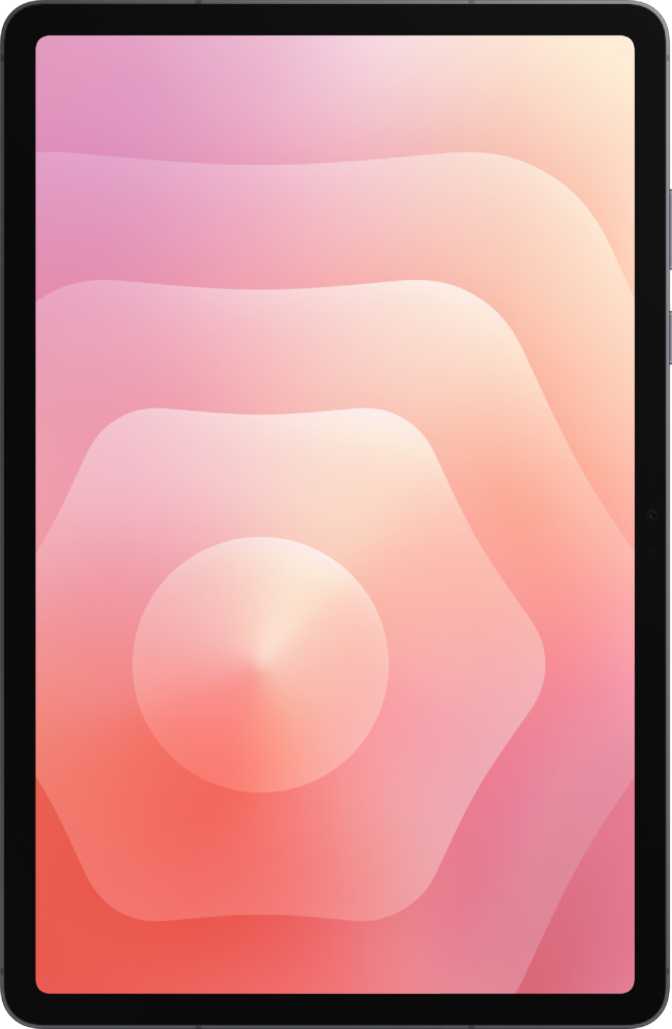
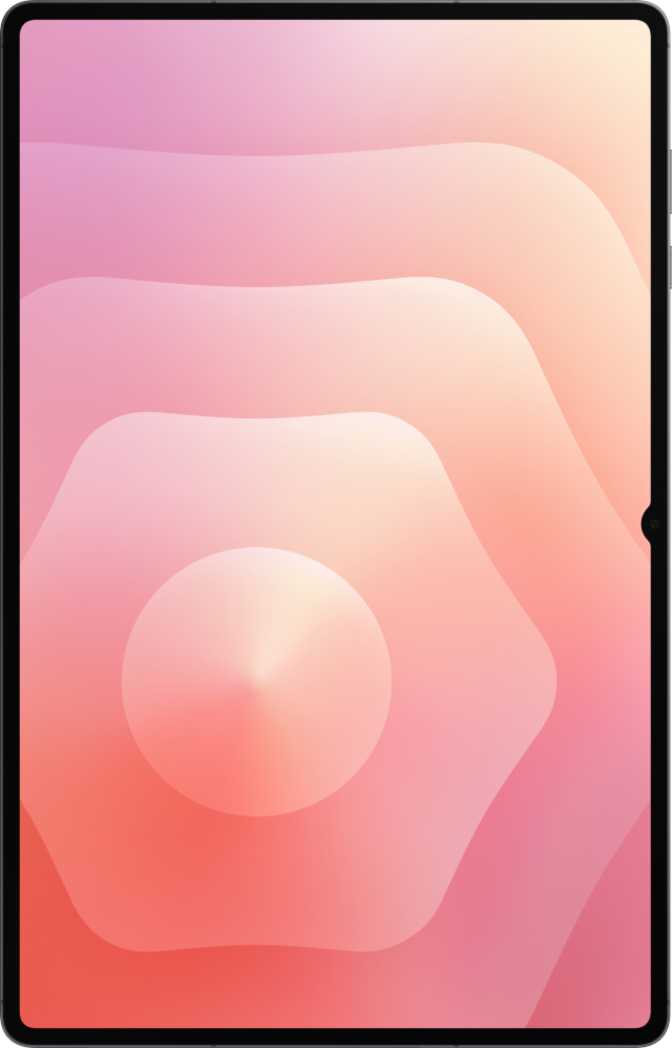
At just under 7 mm thin and weighing around 482 grams, the Tab A11 Plus occupies a physically commanding footprint — wider than a standard sheet of paper — while feeling lighter in the hand than its size suggests. That thickness puts it in the same physical league as much pricier slates, and the proportions feel intentional rather than cheap.
The footprint is generous. Holding it one-handed for extended periods is not comfortable, and Samsung clearly did not design this for single-hand use. This is a two-handed tablet or a flat-surface device by design.
There is no water resistance rating of any kind — no IP certification, no splash protection. A single accidental spill could cause permanent damage. Keep that in mind for kitchen or outdoor use scenarios.
Accessory Buyers: Read This First
Neither a stylus nor a keyboard is included in the box. Both are available as separate purchases. The absence of a headphone jack means wired audio requires a USB-C adapter, which also occupies the charging port simultaneously — you cannot charge and use wired headphones at the same time without a USB-C hub.
- Height
- 168.7 mm
- Width
- 257.1 mm
- Thickness
- 6.9 mm
- Weight
- 482 g
- USB Port
- Type-C (USB 2.0)
- Headphone Jack
- None
- Stylus
- Not included
- Keyboard
- Not included
- Water Resistance
- None
Display: The Centerpiece That Mostly Delivers
Screen Size and Resolution
An 11-inch LCD panel is the heart of this device, and for the price tier, it performs respectably. The resolution — 1,920 by 1,200 pixels — uses a widescreen ratio that provides more vertical room than standard HD panels, which matters when reading documents or browsing websites with sidebars. At roughly 206 pixels per inch, text is crisp and images are sharp enough for comfortable daily use.
This is an LCD panel, not OLED or AMOLED. Blacks will appear dark gray rather than truly deep, contrast will not reach OLED depths, and colors — while accurate — will lack the saturation of more expensive screens. For YouTube, Netflix, and general browsing, most users will find this perfectly acceptable. Buyers accustomed to OLED will notice the difference immediately.
Refresh Rate and What the Display Lacks
The 90Hz refresh rate is a genuine differentiator at this price point. Where standard budget tablets run at 60Hz with slightly choppy scrolling, 90Hz makes navigating Android feel noticeably smoother. It is not the 120Hz found on flagships, but it is a meaningful step above the baseline.
- 90Hz refresh — smoother than most budget tablets
- 1920 × 1200 widescreen — more vertical content space
- No HDR10, Dolby Vision, or HDR10+ support
- No anti-reflection coating — outdoor glare is significant
- No branded damage-resistant glass protection
Performance: Capable Without Being Exceptional
The Chip Doing the Work
The MediaTek Dimensity 7300 processor is built on a 4-nanometer manufacturing process — the same fabrication generation used in several recent flagship chips. This directly benefits battery life and thermal behavior: the chip runs cool under normal workloads and actively manages power draw based on what you are doing.
The CPU splits eight cores across two speed tiers: four performance cores for demanding tasks and four efficiency cores for lighter background work. This architecture means the device does not drain its battery at full speed when you are simply reading or listening to music.
For everyday tasks — streaming, social media, video calls, light document work, and casual gaming — the performance headroom is more than sufficient. The ceiling shows when running demanding 3D games, video editing software, or other resource-intensive applications.
Benchmark Performance Context
Single-Core Score: 1,026
Mid-range tier — faster than budget, slower than flagship
Multi-Core Score: 2,932
Strong multitasking performance for the price bracket. Scale relative to a mid-range performance ceiling of 6,000.
Memory and Storage
8 GB of fast DDR5 RAM handles multitasking without the constant app-reload frustration that plagues 4 GB devices. The 256 GB of built-in storage is genuinely generous at this price tier, and the microSD expansion slot removes the ceiling entirely.
GPU and Gaming
The Mali G615 MC2 GPU supports DirectX 12, handling a wide library of Android games without compatibility issues. Casual to mid-tier titles run well. The tablet also supports downloading and playing games simultaneously — a small but practical quality-of-life feature.
Efficiency Architecture
The 4 nm process and big.LITTLE core design keep heat low and battery drain minimal during light tasks. This efficiency directly extends daily endurance well beyond budget-tier alternatives running older, less refined chip architectures.
Cameras: Functional, Not a Focus
The Tab A11 Plus has cameras because tablets in this category are expected to have cameras. That framing is the honest one. Neither camera replaces a smartphone for photography, and expecting otherwise would be a miscalibration of what this device is designed to do.
Produces acceptable results in good lighting for document scans, whiteboard captures, and video messaging. It records 1080p video at 30 frames per second — suitable for video calls, not content creation.
- Touch and continuous autofocus during recording
- Manual controls: white balance, ISO, exposure, and focus
- Built-in HDR mode and slow-motion video
- No optical image stabilization
- No burst mode or panorama shooting
The front-facing camera handles video conferencing and selfies adequately. Zoom, Teams, and Google Meet sessions are its primary use cases — not content creation or photography.
There is no front-facing flash, so video calls in dim rooms will produce noticeably lower image quality. In typical daytime or indoor-lit conditions, the results are perfectly acceptable for the intended purpose.
Battery Life: A Genuine Strength
The battery capacity here is substantial — significantly larger than most smartphones and on the high end for an 11-inch tablet. Combined with the Dimensity 7300's power-efficient 4 nm architecture, real-world endurance on moderate use — streaming video, web browsing, reading — should comfortably exceed a full day without reaching for the charger.
Heavy users running the screen at high brightness for extended periods will see faster drain, but even then, the combination of capacity and chip efficiency should cover a full work or school day reliably.
Fast charging support means recovery from low battery is not a drawn-out wait. The battery is not wireless-charging compatible, and it is not user-removable — standard trade-offs at this form factor and price point.
7,040 mAh
Rated Battery Capacity
Fast Charging
Supported
Health Check
Built-in
Wireless Charge
Not Supported
Removable
Not Removable
Audio: Better Than Expected for the Price
Stereo speakers mean sound comes from two directions rather than one, which meaningfully improves the experience of watching video content or playing games without headphones. Speaker quality on budget tablets is often an afterthought, and while the Tab A11 Plus does not approach the audio fidelity of Samsung's premium Galaxy Tab S models, stereo positioning makes media consumption noticeably more immersive than mono alternatives.
No 3.5mm Headphone Jack
The absence of a headphone jack is a genuine inconvenience for users with wired headphones. A USB-C to 3.5mm adapter solves the problem but occupies the charging port — simultaneous charging and wired listening requires a USB-C hub.
Connectivity: Capable With One Significant Gap
Cellular and Networking
The Tab A11 Plus supports 4G LTE via a physical SIM card and eSIM — a dual-SIM configuration that offers flexibility for travelers or those managing separate personal and work data plans. The eSIM support is increasingly practical as carriers expand their digital activation processes.
Wi-Fi 5 (802.11ac) provides fast, reliable wireless performance on standard home and office routers. The tablet does not support Wi-Fi 6 or Wi-Fi 6E, which matters only in congested environments where your router actively supports those newer standards.
No 5G Support
For most buyers where 5G is still expanding, 4G LTE covers everyday use without issue. For buyers in dense urban areas where 5G is already dominant, or those planning a multi-year ownership period, this is a forward-looking concern worth weighing carefully.
Full Connectivity Overview
| Feature | Status |
|---|---|
| Wi-Fi 5 (802.11ac) | |
| 4G LTE | |
| eSIM | |
| GPS + Compass | |
| Gyroscope + Accelerometer | |
| USB Type-C | |
| 5G | |
| NFC | |
| Wi-Fi 6 / 6E | |
| HDMI Output | |
| Fingerprint Scanner | |
| 3.5mm Headphone Jack |
Software and Privacy Features
Android 16 Out of the Box
Shipping with Android 16 places the Tab A11 Plus at the current frontier of Android's feature set. The practical benefits include a refined split-screen multitasking experience, picture-in-picture for watching video while working in another app, full-page scrolling screenshots, and dynamic theming that adapts the interface color scheme to your wallpaper.
Multiple user accounts make this a practical shared household device — different people maintain separate app libraries, accounts, and settings. A child lock feature adds parental controls without requiring third-party apps.
Delayed OS Updates
This tablet does not receive direct OS updates from Google. Updates flow through Samsung's own schedule, which can mean delayed access to new features and security patches compared to devices with a direct update pipeline.
Privacy Controls
The software includes a meaningful set of privacy tools — notable at this price tier. These are Android platform features rather than Tab A11 Plus exclusives, but their presence matters for privacy-conscious buyers.
- Camera and microphone access indicators
- Location privacy options
- App tracking blocker
- Clipboard access warnings
- Customizable notification permissions
- Offline voice recognition
- On-device machine learning
Who This Tablet Is For — and Who Should Look Elsewhere
- Need a large-screen Android tablet primarily for streaming, reading, video calls, and light productivity
- Want generous onboard storage without paying flagship prices
- Value 4G LTE connectivity for use outside of Wi-Fi zones
- Plan to use it as a shared family or household device with multiple user profiles
- Want noticeably smoother display performance than standard budget tablets provide
- Require 5G connectivity for future-proofing or current use in 5G-dominant areas
- Plan to use a stylus heavily — the S Pen experience belongs on Samsung's Galaxy Tab S line
- Need a laptop replacement with a detachable keyboard included at purchase
- Want OLED or AMOLED display quality for HDR content or high-contrast creative work
- Expect timely OS updates delivered directly when they are released
- Need NFC for payments or work in environments where water exposure is possible
How It Compares to the Competition
| Feature | Tab A11 Plus | Budget Tier | Mid-Range Tier |
|---|---|---|---|
| Display Size | 11 inches | 10.1–10.5 inches | 11 inches |
| Display Tech | LCD, 90Hz | LCD, 60Hz | LCD or AMOLED, 60–90Hz |
| RAM | 8 GB DDR5 | 4–6 GB | 6–8 GB |
| Storage | 256 GB + MicroSD | 64–128 GB + MicroSD | 128–256 GB + MicroSD |
| Chipset Tier | Mid-range, 4 nm | Entry-level, 6–12 nm | Mid-range, varied |
| 5G | No | No | Sometimes |
| Cellular | 4G LTE + eSIM | 4G LTE only | 4G LTE |
| Battery | ~7,000 mAh | ~5,000–6,000 mAh | ~6,000–7,000 mAh |
| Headphone Jack | No | Often yes | Sometimes |
| NFC | No | Rarely | Sometimes |
Competitor tiers represent general market positioning based on typical specifications. Specific competing models vary by market and region.
Honest Assessment: Strengths and Weaknesses
The strengths here are real and well-distributed across the experience. The combination of 8 GB of fast RAM and 256 GB of storage removes two of the most frustrating budget-tablet compromises in one move.
-
RAM and Storage Value
8 GB DDR5 and 256 GB storage eliminate the multitasking frustration and storage anxiety that plague most budget tablets
-
Display Smoothness
90Hz makes everyday navigation feel fluid in a way that matters more than most spec sheets suggest
-
Battery Endurance
Large capacity paired with an efficient 4 nm chip means reliable all-day performance for most usage patterns
-
Modern Software Platform
Android 16 delivers a mature, feature-rich environment without requiring a premium price
-
Stereo Audio
Dual speakers improve media consumption in a way that mono alternatives simply cannot match
The weaknesses are equally clear — real limitations rather than marketing footnotes. Any buyer who encounters one of these after purchasing will feel justifiably frustrated.
-
LCD Display Ceiling
Limits contrast and color vibrancy — buyers accustomed to OLED will notice the difference immediately
-
No Fingerprint Scanner
Unusual at this size and price — PIN or face unlock are the only biometric options
-
USB 2.0 Speed Bottleneck
The Type-C port runs at USB 2.0 speeds — a bottleneck that feels incongruous with an otherwise capable spec sheet
-
No Water Resistance
Zero IP certification — any liquid exposure is an uninsured risk
-
No 5G
A limitation that grows more relevant over time as 5G coverage expands globally
-
Delayed OS Updates
No direct Google update pipeline — security and feature updates arrive on Samsung's own schedule
Common Questions Buyers Ask
Final Verdict
Samsung Galaxy Tab A11 Plus
The Samsung Galaxy Tab A11 Plus is a thoughtfully specified mid-range tablet that gets its priorities right.
It gives buyers the two things budget tablets most often get wrong — adequate RAM and storage — and pairs them with a display smooth enough to not feel dated, a battery large enough to last through a real day, and a chip efficient enough to keep everything running without heat or throttling concerns.
Its limitations are real, not imagined. No biometric fingerprint unlock, no 5G, no NFC, no water resistance, and an LCD panel that will not satisfy buyers who have spent time with an OLED screen all represent genuine trade-offs rather than marketing footnotes.
If your needs align with what this tablet is built for — media consumption, casual work, video calls, reading, and shared family use — the Tab A11 Plus delivers strong value for its position. If any of its missing features are on your must-have list, the honest answer is to look elsewhere and pay accordingly.
Overall Rating
4 / 5
Solid Mid-Range Value