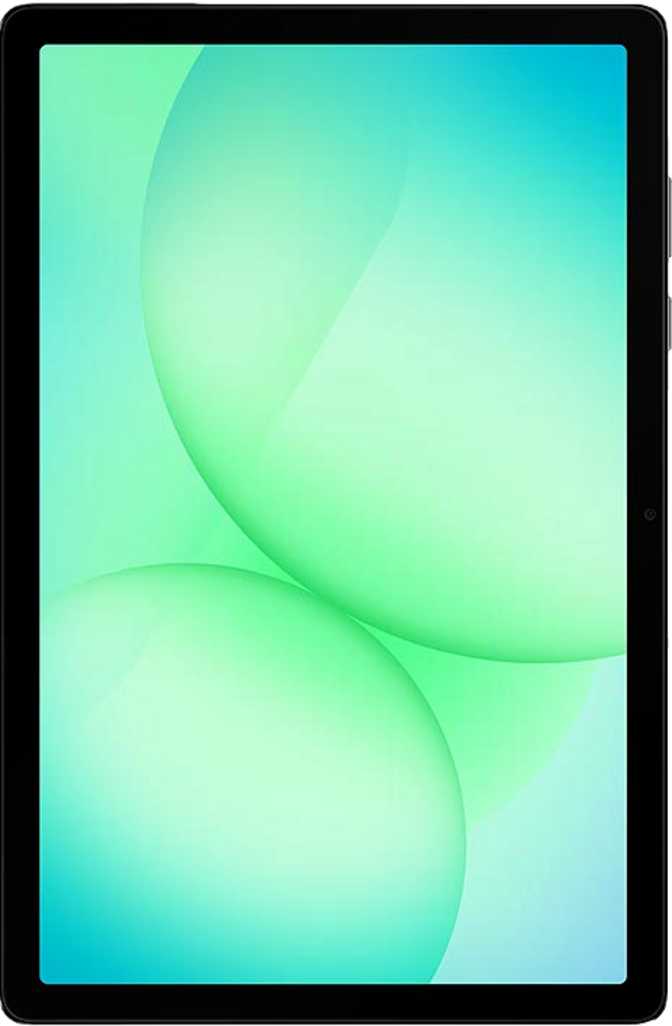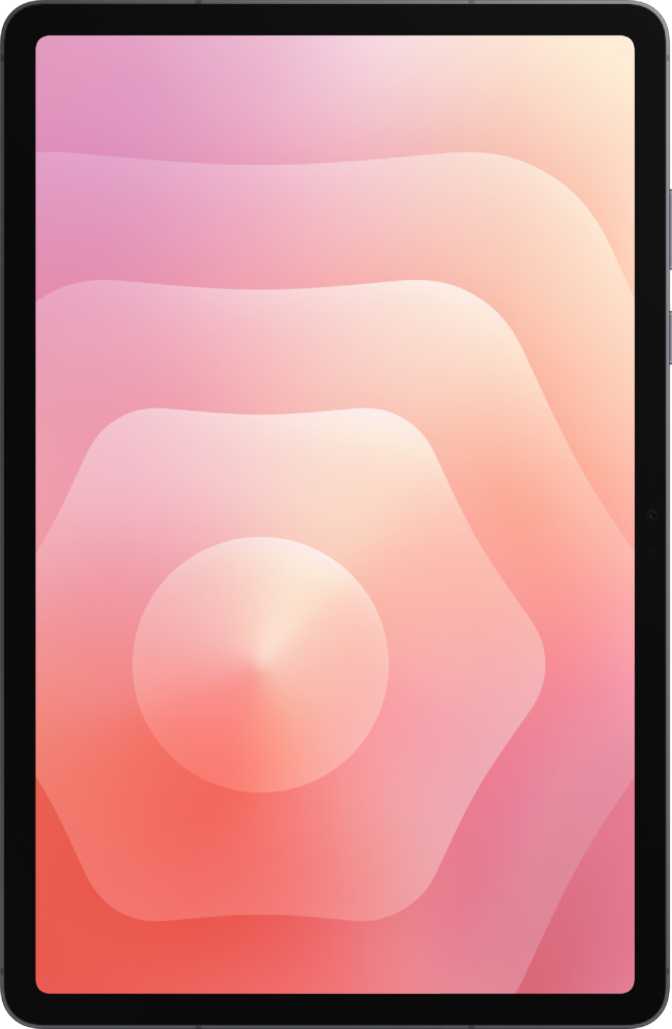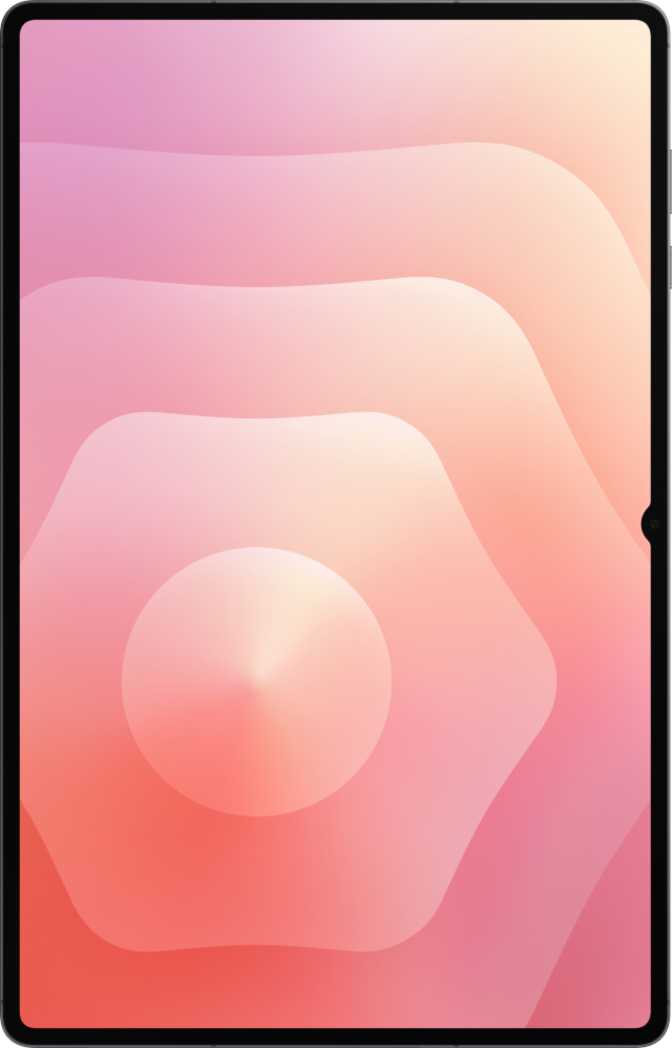
Samsung Galaxy Tab A11 Full Review: Substance Over Its Price Tag
TabletsThe Tab A11 at a Glance
The Samsung Galaxy Tab A11 is a budget tablet built on surprisingly solid internal foundations. Its mid-range chipset, generous RAM, and smoother-than-expected display make it more capable than its price suggests. Where it concedes — a basic LCD screen, no stylus, no NFC, and LTE-only cellular — are consistent trade-offs for this tier. Understanding that balance is the key to knowing whether this tablet belongs in your life.
Rating Summary
Design and Build Quality
Physical dimensions, materials, and what it genuinely feels like to hold and carry every day.
At 337 grams, the Tab A11 sits comfortably within the range most users would describe as light enough for extended single-hand or two-hand use without fatigue. Think of it as roughly the weight of two medium apples — noticeable during very long reading sessions, but not fatiguing for typical daily use. The 8mm profile keeps it from feeling chunky in a bag, and the overall footprint makes one-hand grip around the edge achievable for most adults.
The 8.7-inch size hits a genuine sweet spot: large enough for real productivity and comfortable media consumption, compact enough for commuters and backpack carriers. For families and students, it slips into a standard bag without dominating the space the way a larger 10-inch or 11-inch tablet would.
Notable Omissions
- No water or dust resistance rating
- No stylus slot or pen support
- No detachable keyboard accessory
- No 3.5mm headphone jack
Display: Smooth for the Price, With Caveats
An 8.7-inch LCD that outpaces budget norms on refresh rate — but has structural limits in color depth and outdoor usability.
90Hz
Refresh Rate
Scrolling and swiping feel 50% smoother than the 60Hz screens common at this price. A genuine differentiator for daily interaction.
179 ppi
Pixel Density
Text and icons are clean for everyday use. Noticeably softer than the 220ppi+ panels on premium tablets — visible at close reading distance.
No HDR
HDR / Dolby Vision
No HDR10, HDR10+, or Dolby Vision. Streaming platforms will not serve enhanced HDR content to this device — everything plays in standard dynamic range.
The 90Hz Advantage in Real Use
Most budget tablets ship with 60Hz panels. The Tab A11 refreshes the display 90 times per second, producing noticeably smoother motion during everyday interactions. It is not the 120Hz experience of premium devices, but it is a meaningful improvement over the budget norm — and one of those differences that stops being noticeable only once you are used to it.
Outdoor and Brightness Limitations
The panel lacks an anti-reflection coating and does not use branded scratch-resistant glass. In direct sunlight, glare makes the screen genuinely difficult to read. The LCD technology also means blacks appear as dark grey rather than true black — contrast is inherently limited by the backlight. For indoor use, this is rarely a problem. For outdoor use or dedicated HDR streaming, these are real constraints.
Performance: A Mid-Range Chip Doing Budget Tablet Work
The MediaTek Helio G99 is designed for mid-range smartphones — its presence in a budget tablet changes the value equation significantly.
Chipset Breakdown
- Processor
- MediaTek Helio G99
- Manufacturing Process
- 6nm — efficient, thermally controlled
- CPU Configuration
- 2 performance cores + 6 efficiency cores
- RAM
- 8GB
- Internal Storage
- 128GB
- Expandable Storage
- microSD card slot included
These scores are competitive with tablets using older Snapdragon 600-series chips and noticeably outperform lower-tier MediaTek and Unisoc processors common at comparable prices. The multi-core result in particular supports genuine split-screen multitasking without the stutters typical of entry-level hardware.
Why 6nm Matters for Daily Use
Chips built on smaller manufacturing processes run more efficiently and manage heat better than older alternatives. This means the Tab A11 sustains its performance under load without being forced to slow itself down to avoid overheating — a thermal throttling problem that plagues many budget tablets running chips built on older, less efficient processes.
RAM, Storage, and App Fluency
8GB of system memory keeps recently used apps alive in the background. Switching between a browser with multiple tabs, a streaming app, and a messaging platform happens without those apps reloading from scratch. For users who multitask genuinely — not just on paper — this distinction is felt every single day. The microSD slot adds flexibility that base-storage-only budget tablets rarely offer.
Gaming Performance Note
Casual and 2D titles run without issue. Graphically intensive 3D games are playable but expect thermal management to reduce frame rates during extended sessions. The Mali G57 GPU handles moderate gaming well — sustained high-settings play on demanding titles is where it reaches its ceiling.
Battery Life: Charge Once, Use All Day
A capacity well-matched to the screen size and the efficiency of the chip underneath it.
The battery paired with the efficient 6nm chip and LCD panel — rather than the more power-hungry OLED alternatives — is a combination that genuinely supports a full work or school day. Heavy gaming or persistent high brightness will shorten that estimate; light reading and video at moderate brightness will extend it comfortably.
The battery is sealed and not user-replaceable, which is standard practice for slim modern tablets. Long-term owners should be aware that battery capacity degrades over time — the built-in battery health check feature, accessible through settings, helps track that decline so the drop in endurance does not come as a surprise years down the line.
Cameras and Audio
Cameras that cover functional basics, and speakers that are better than the price suggests.
Camera System
- Manual ISO, white balance, exposure, and focus controls
- Touch and continuous autofocus during video recording
- HDR mode and slow-motion video recording
- No optical image stabilization
- No panorama or 360-degree shooting mode
- No front-facing flash
In good lighting, the rear camera handles document scanning, whiteboard capture, and video call positioning competently. Low-light performance is limited. This is a camera that covers the functional basics tablet cameras need — not one to rely on for photography that matters.
Audio
Stereo speakers on a budget tablet are not guaranteed — they are a genuine highlight here. The speaker separation on an 8.7-inch device creates a real soundstage for video content and music. The difference between stereo and mono output is immediately audible, and it significantly improves the media consumption experience compared to single-speaker alternatives at this tier.
No headphone jack. A USB-C adapter or Bluetooth accessory is required for all wired headphone use.
Connectivity: Solid Core, Meaningful Gaps
LTE and Wi-Fi 5 cover most daily needs — but specific absences affect certain users significantly.
What Is Included
- LTE Cellular (Single SIM) — Stay connected independently of Wi-Fi
- Wi-Fi 5 (802.11ac) — Handles home and office routers comfortably
- GPS — Navigation and location services, offline capable
- USB-C Port — Modern charging and data connector
- Bluetooth — Pairs with audio accessories and peripherals
- 650 Mbps Max Download — Exceeds most consumer broadband in real conditions
- Split-Screen Multitasking — Two active apps simultaneously
What Is Missing
- No 5G — LTE only; a growing gap as networks evolve over time
- No NFC — No contactless payments or NFC device pairing
- No Fingerprint Scanner — PIN or 2D face unlock only
- No HDMI Output — External display connection requires adapter compatibility testing
- USB 2.0 Speed — Adequate for charging; slow for transferring large files
- No Wi-Fi 6 — Dense multi-device environments may see throughput limitations
Privacy and Android 15 Advantages
Running Android 15 provides meaningful privacy protections that older-OS budget tablets cannot offer. Per-app camera and microphone access controls, clipboard activity warnings, app tracking restrictions, and granular location privacy options are all built in at the OS level — not optional add-ons that depend on manufacturer customization.
Who Should Buy This Tablet
The right match matters more than the spec sheet. Here is who this tablet genuinely serves — and who it does not.
Buy It If You Are...
-
A student
Reading e-textbooks, streaming lecture videos, reviewing notes, and editing cloud documents all land well within this tablet's comfort zone. The compact form factor fits a standard backpack without adding meaningful weight.
-
A family sharing one device
Multi-user profiles, child lock, and Android 15's parental controls make the Tab A11 a practical shared household tablet. Separate profiles keep each person's content and accounts cleanly separated.
-
A commuter or frequent traveler
LTE connectivity, all-day battery, and a compact footprint combine well for transit use. Streaming downloaded content and casual browsing on the go is exactly what this device is built to do reliably.
-
A light home productivity user
Email, cloud documents, spreadsheets, and video conferencing sessions run without issue. Google Workspace and Microsoft 365 both handle typical office document volumes comfortably at this performance level.
-
A budget-conscious media consumer
Stereo speakers, 90Hz scroll fluidity, and all-day endurance cover the indoor streaming use case well — at a price that leaves real money in your pocket compared to premium alternatives.
Skip It If You Need...
-
A stylus for note-taking
No stylus is included, no stylus silo exists, and no dedicated pen accessory ecosystem supports this model. Pen-based workflows are a non-starter here — Samsung's Galaxy Tab S series is the correct alternative.
-
5G connectivity for long-term ownership
LTE-only cellular creates an increasing generational gap as 5G networks expand. For multi-year ownership in a 5G-dominant area, this is a meaningful constraint worth factoring in upfront.
-
Creative or professional workflows
No stylus, limited camera quality, USB 2.0 transfer speeds, and no HDMI output rule this out for photographers, illustrators, video editors, or designers with real production demands.
-
Intensive mobile gaming
The GPU handles casual and 2D titles without issue. Sustained high-settings 3D gaming sessions will hit a ceiling quickly — expect thermal-managed frame rate reduction, not peak performance.
-
NFC contactless payments
NFC is completely absent — and there is no workaround. If tap-to-pay is part of your daily routine, this tablet cannot replace that functionality in any configuration.
How It Compares to the Competition
The Tab A11's strongest advantages emerge clearly when placed alongside typical alternatives at comparable price points.
| Feature | Samsung Galaxy Tab A11 | Entry-Level Budget Tablet | Mid-Tier Alternative |
|---|---|---|---|
| Processor Class | Mid-range (Helio G99, 6nm) | Entry-level, older process | Mid-range (similar tier) |
| RAM | 8GB | 3–4GB | 4–6GB |
| Display Refresh Rate | 90Hz | 60Hz | 60–90Hz |
| Base Storage | 128GB | 32–64GB | 64–128GB |
| MicroSD Expansion | Yes | Sometimes | Sometimes |
| Android Version | Android 15 | Android 11–13 | Android 13–14 |
| LTE Cellular | Yes | Often Wi-Fi only | Sometimes |
| 5G Support | No | No | Sometimes |
| NFC | No | No | Sometimes |
| 3.5mm Headphone Jack | No | Often included | Varies |
Competitor specifications represent typical configurations at comparable price points. Individual models vary by region and retailer.
Strengths and Weaknesses
An honest assessment of where the Tab A11 genuinely delivers and where it falls short in ways that matter.
What It Does Well
-
Internal performance exceeds its price tier. The Helio G99 paired with 8GB RAM creates a daily experience that feels more capable than the category norm — most noticeably when multitasking between demanding apps.
-
90Hz display refresh is a genuine differentiator. The smoothness of everyday scrolling and swiping is better than the 60Hz standard at this price — and you feel the difference immediately when comparing the two side by side.
-
Generous storage with room to grow. 128GB base storage plus a microSD slot resolves the space anxiety that plagues many budget tablet purchases. Users rarely need to delete content to make room for new apps.
-
Stereo speakers elevate media consumption. Dual speaker output is uncommon at this price and creates a tangible difference for video and music versus the single-speaker alternatives dominating this tier.
-
Android 15 privacy and usability features. The latest OS provides modern protections and productivity capabilities that older-OS budget tablets simply cannot offer — a meaningful advantage over the competition.
Where It Falls Short
-
LCD limitations are structural — not fixable. No HDR, limited contrast, average brightness ceiling, and outdoor glare are inherent to the technology. No software update changes these realities for a display that lacks both anti-reflection coating and premium glass protection.
-
No fingerprint scanner is a strange omission. On a device running Android 15, the absence of biometric fingerprint unlocking is a genuine convenience gap. PIN and basic 2D face recognition are the only options available.
-
No headphone jack adds friction. Users invested in wired audio need a USB-C adapter. Those who have not moved to Bluetooth face an unexpected accessory cost on top of the tablet purchase.
-
Software updates are not direct. OS patches route through Samsung's distribution schedule rather than arriving immediately, meaning security updates reach this device more slowly than they would on a direct-update alternative.
-
Long-term 5G relevance is a real concern. As LTE networks age and 5G becomes the baseline in more regions, the Tab A11's cellular connectivity will show its generation over multi-year ownership — worth considering if you plan to keep this tablet for three or more years.
Frequently Asked Questions
The real questions buyers search for before purchasing — answered directly.
Final Verdict
Our Recommendation
The Samsung Galaxy Tab A11 is a budget tablet that competes on substance rather than surface-level appeal. Its processor and RAM configuration genuinely outclass what most alternatives at this price deliver, and the 90Hz display makes everyday interaction feel better than the category norm. For users whose tablet life revolves around streaming, browsing, video calls, and light productivity, it covers that brief well and honestly.
It is not a tablet for everyone — the LCD display, absent NFC, missing stylus, and LTE-only cellular are real constraints. But for the right audience at the right price, those trade-offs are the correct ones to make.
Buy If...
- You want a capable everyday tablet at a genuinely budget price
- You primarily stream, browse, and handle light productivity tasks
- You want generous RAM and storage without paying premium prices
- You will use it mainly indoors on Wi-Fi or LTE
Look Elsewhere If...
- Stylus note-taking is central to your daily workflow
- You rely on NFC for contactless payments or device pairing
- You need 5G cellular for future-proof mobile connectivity
- You play graphically demanding games at sustained high settings