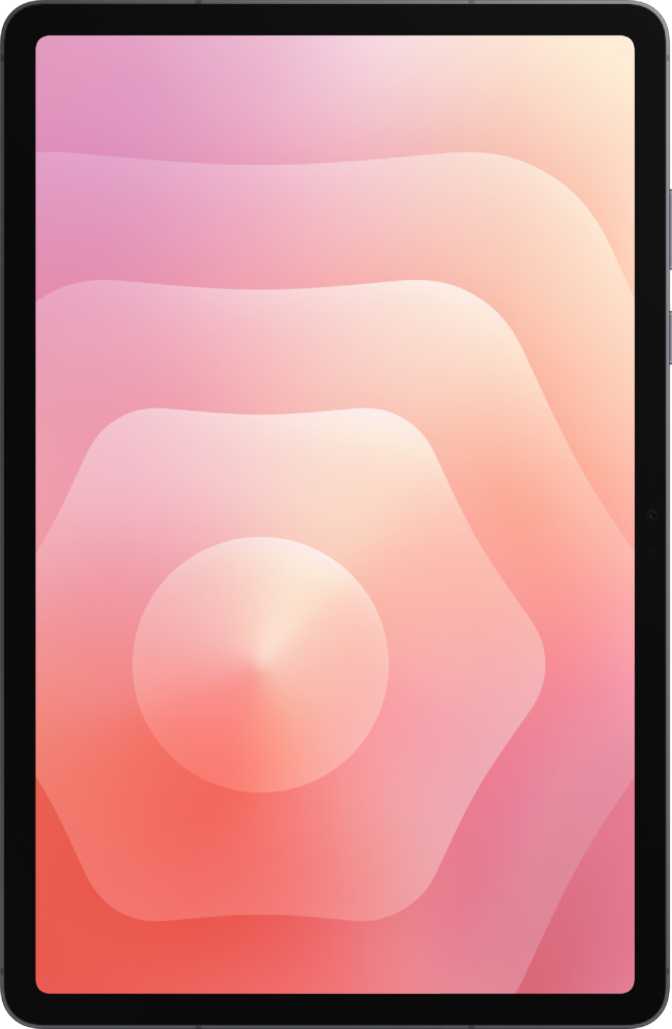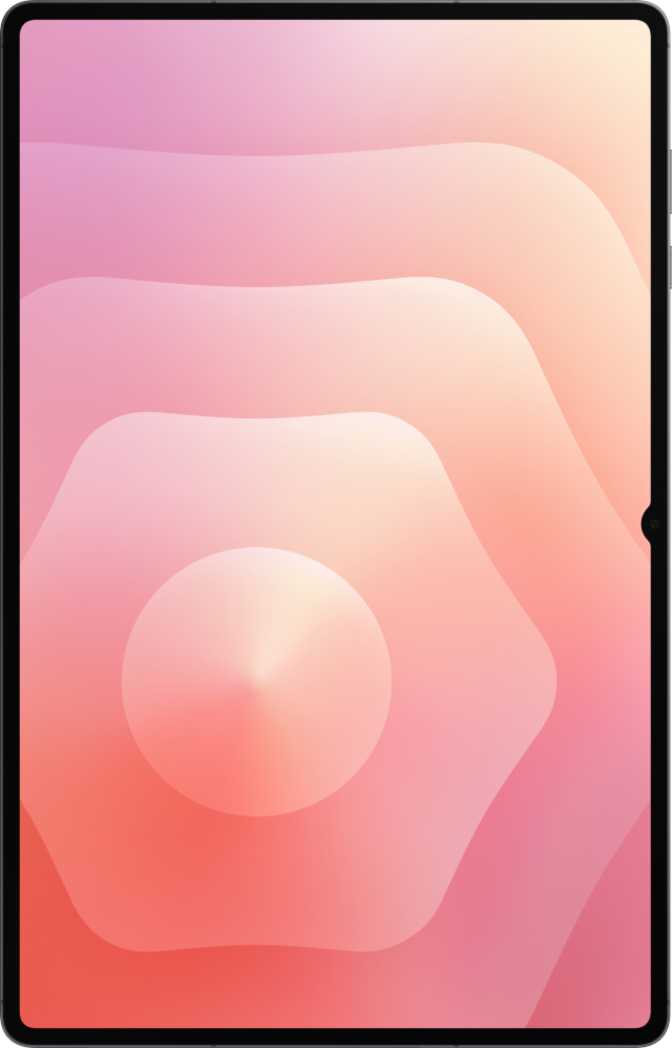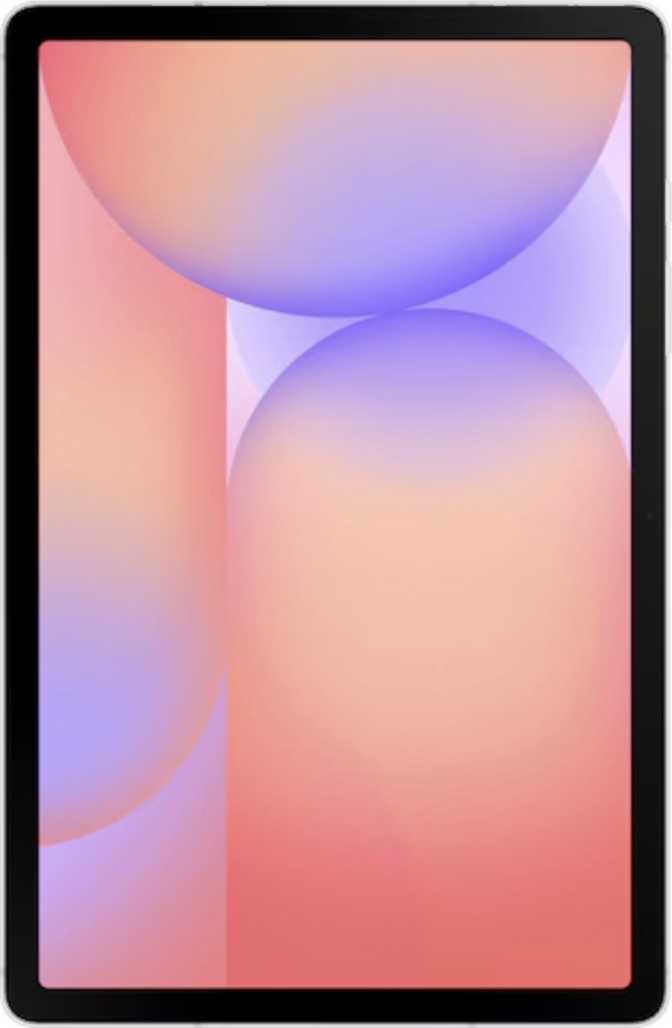
Samsung Galaxy Tab S10 Lite Full Review: Every Trade-Off Explained
TabletsMost Android tablets at this price either compromise on screen quality, cram in too little storage, or charge extra for the stylus. The Samsung Galaxy Tab S10 Lite tries to solve all three at once — 256 GB of built-in storage, a 10.9-inch display running at 90 Hz, and an S Pen stylus in the box. That is the pitch. This review examines exactly where it delivers and where it cuts corners, so you can decide whether those trade-offs work for you.
Design and Build Quality
Physical Presence
At 6.6 mm thick and 524 grams, the Tab S10 Lite is meaningfully slimmer than most tablets in its class and weighs roughly the same as a large hardback book. That matters for extended reading or note-taking sessions — it avoids the hand fatigue that heavier slabs create. The footprint — roughly 254 mm wide by 166 mm tall — positions it as a proper large-screen experience without crossing into unwieldy territory.
Stylus Included — Not Optional
For any competing tablet at this price, stylus support typically means an optional accessory sold separately. The S Pen here supports basic pressure sensitivity for writing and sketching. It does not support tilt sensitivity — a real constraint for professional illustrators who rely on tilt to simulate brush angles, but a limitation most students and note-takers will never notice.
What Is Missing from the Build
- No water or dust resistance. This tablet is built for controlled indoor environments. Keep it well away from rain, spills, and wet surfaces.
- No detachable keyboard included. Third-party keyboard cases exist, but Samsung is not positioning this as a full laptop replacement out of the box.
- No headphone jack. Wired audio requires a USB-C adapter sold separately.
Display: Sharp Enough, But Not the Full Premium Experience
The Panel and What It Delivers
The 10.9-inch IPS LCD panel runs at 2112 × 1320 pixels, producing around 228 pixels per inch. At arm's length, text is crisp, photos look clean, and video playback is comfortable. The 90 Hz refresh rate is one of the Tab S10 Lite's quiet strengths — scrolling through long web pages, navigating menus, and using the S Pen all feel noticeably smoother than the 60 Hz baseline common to budget alternatives.
Anti-Reflection and Glass Protection
The display includes both an anti-reflection coating and damage-resistant glass. The coating reduces glare in bright indoor environments — near windows and under office lighting — making it a more comfortable everyday screen. The protective glass adds resilience against the routine scratches and minor impacts of daily tablet use.
Display Specifications
- Panel Type
- IPS LCD
- Screen Size
- 10.9 inches
- Resolution
- 2112 × 1320 px
- Pixel Density
- 228 ppi
- Refresh Rate
- 90 Hz
- Glass Protection
- Damage-Resistant
Display Features
- 90 Hz smooth refresh rate
- Anti-reflection coating
- Damage-resistant glass
- Full touch support
- No HDR10, HDR10+, or Dolby Vision
- LCD — not AMOLED
- No deep-black contrast
The HDR Gap
Streaming content on Netflix, Disney+, or Prime Video will play in standard dynamic range only — even when the source supports HDR. The LCD panel also cannot match the contrast depth of AMOLED screens, so blacks appear dark grey rather than true black. This is a comfortable, accurate display — not a cinematic showcase.
Performance: Genuinely Capable, Not a Powerhouse
The Processor in Daily Use
The Tab S10 Lite runs on an octa-core processor built on a 5-nanometer process — the same manufacturing scale used in many current mid-range chips. The eight cores split into two tiers: four higher-performance cores for demanding tasks and four efficiency cores for lighter work, balancing throughput with battery endurance rather than chasing raw peak speed. Paired with 8 GB of RAM at a high data rate, the tablet handles multitasking — browser tabs, note-taking, video playback — without hesitation.
Benchmark Context
Geekbench 6 scores shown relative to approximate entry-level and flagship ceilings for the Android tablet market. Higher is better.
Storage: 256 GB Is Genuinely Generous
256 GB of built-in storage is a strong specification at this price. A full year of offline music, a large library of downloaded videos, hundreds of apps, and thousands of documents still leaves room to spare for most users. The key caveat: there is no microSD card slot. Once the storage is full, the only options are cloud services or deleting files. Plan around this fixed ceiling from day one.
Gaming
The integrated GPU supports DirectX 12 and current OpenCL standards, covering the full range of Android games and apps. Casual titles run without issue. Graphically demanding games will play, but expect to lower visual settings for a smooth, consistent frame rate. This is not a tablet designed for enthusiast mobile gaming.
Cameras: Functional, Not Impressive
Rear Camera
8 MP • 1080p at 30 fps
The rear camera handles daylight photography competently — scanning documents, capturing whiteboard content, or snapping reference photos. Manual controls for ISO, white balance, focus, and exposure give more flexibility than the auto-only cameras on many competing budget tablets.
- Manual ISO, white balance, focus, exposure
- Continuous autofocus during video recording
- No flash, no optical zoom
- No optical image stabilization
- Weak low-light performance
Front Camera
5 MP • Video Calls
The 5-megapixel front camera handles video calls and virtual meetings at standard quality — clear enough for professional communication in decent lighting. Like the rear camera, it lacks a flash. In dark rooms, external lighting is needed for a watchable video call.
- Suitable for video conferencing
- Built-in HDR mode
- No front-facing flash
Tablet cameras are rarely anyone's primary camera — most users keep their smartphone for serious photography. The Tab S10 Lite meets the bar for secondary, contextual photography. It does not exceed it, and for what this tablet is, that is entirely fine.
Battery Life: A Genuine Strength
The 8,000 mAh battery is a substantial reserve for a tablet of this size. For most usage patterns — a mix of web browsing, video streaming, document work, and intermittent S Pen use — this translates to a full day of active use with charge to spare, or multiple days of lighter use between charges. Students and professionals who need a device to survive a full school or work day without hunting for a power outlet will find it holds up reliably.
Fast charging support means that when you do plug in, the battery recovers meaningfully rather than trickling back slowly over hours. Wireless charging is not supported — the cable is required. The processor's thermally conservative design contributes here: a chip that runs cool uses energy efficiently, and that combination sustains long sessions without the performance throttling that affects less efficient devices.
- Full-day active use
- Fast charging supported
- Thermally efficient processor
- No wireless charging
Connectivity: Modern Standards, One Notable Gap
What You Get
- Wi-Fi 6 (802.11ax) — faster throughput, better performance in busy home environments with many connected devices, and lower latency than older Wi-Fi standards.
- 5G + eSIM — one physical SIM and one eSIM allow two cellular plans simultaneously. Useful for keeping work and personal data separate, or using a local SIM while traveling.
- Bluetooth 5.3 — current standard for wireless audio, peripherals, and accessories.
- GPS + Compass + Gyroscope — a fully capable navigation device with Galileo satellite support for improved positioning accuracy.
Notable Gaps
- No NFC — contactless payments from this tablet are not possible.
- No fingerprint scanner — biometric login relies on camera-based face unlock or PIN and pattern entry.
- USB 2.0 speeds — adequate for charging and routine transfers, but not for high-speed file work or 4K external display output without a capable hub.
- No HDMI output — connecting to an external monitor requires a compatible USB-C hub with video output capability.
Software and Privacy
Running Android 15, the Tab S10 Lite includes split-screen multitasking, Picture-in-Picture mode, dynamic theming, dark mode, and a thorough set of privacy controls — camera and microphone access management, app tracking controls, and location privacy options. Offline voice recognition means voice commands function without an internet connection. Multi-user support allows different family members to maintain separate accounts on the same device.
Who the Tab S10 Lite Is — and Is Not — For
Buy It If You Are...
- A student who needs a capable note-taking device. The included S Pen, 256 GB of storage, and all-day battery form a practical study setup. The 90 Hz display makes handwritten notes feel fluid.
- A remote worker handling documents, email, and video calls. Office suites, PDF annotation, and communication apps all run without friction.
- A media consumer who wants a comfortable reading and streaming companion for extended indoor sessions.
- A 5G user who needs cellular connectivity on a tablet without paying flagship prices.
- A household that shares devices. Multi-user support and a child lock make it a practical shared family tablet.
Look Elsewhere If You Need...
- Professional digital art. The S Pen lacks tilt sensitivity and the IPS LCD cannot compete with premium drawing tablets. Serious illustrators will hit limitations quickly.
- HDR streaming. If premium video quality is the primary use case, the display's lack of HDR support is a dealbreaker.
- High-speed file work or external display output. USB 2.0 speeds and no native HDMI limit pro-level workflows significantly.
- Enthusiast gaming. The GPU handles casual titles, but demanding games will require reduced visual settings.
- Expandable storage. Without a microSD slot, 256 GB is the absolute ceiling for local files.
How It Compares to the Competition
The Tab S10 Lite positions itself above budget Android tablets and below Samsung's flagship Tab S10 series or premium Apple iPad options. Here is where the key specifications actually stack up.
| Feature | Samsung Galaxy Tab S10 Lite | Budget 10" Android | Mid-Range iPad |
|---|---|---|---|
| Display Size | 10.9" | 10.4" | 10.9" |
| Refresh Rate | 90 Hz | 60 Hz | 60 Hz |
| Storage | 256 GB | 64–128 GB | 64–256 GB |
| Stylus Included | Yes (S Pen) | Rarely | No (sold separately) |
| RAM | 8 GB | 4 GB | 8 GB |
| 5G Support | Yes | Sometimes | Optional (higher cost) |
| HDR Display | No | No | No |
| Headphone Jack | No | Often Yes | No |
| USB Speed | USB 2.0 | USB 2.0 | USB 3 (select models) |
Honest Strengths and Weaknesses
Where It Earns Its Price
The Tab S10 Lite's most defensible strengths are the ones that directly affect daily use rather than spec-sheet comparisons. The 90 Hz display makes the tablet feel more responsive than its price suggests — not just in benchmark terms but in the texture of everyday interactions. Scrolling, inking with the S Pen, and switching between apps all carry a smoothness that cheaper tablets cannot match.
The bundled S Pen removes a frustrating extra cost that competitors impose. And 256 GB of storage paired with 8 GB of RAM means the tablet will not feel cramped or sluggish for the first several years of ownership. Battery endurance is a quiet confidence-builder — the kind of reassurance that lets you stop thinking about charging and focus on the task.
Where It Falls Short
The LCD panel — while pleasant — cannot match the vibrancy of AMOLED alternatives, and the absence of any HDR support limits the ceiling of its video playback quality. For casual viewing this will not register as a problem. For anyone who specifically seeks premium streaming quality, it will.
The USB 2.0 port is the most frustrating limitation for anyone who works with large files or wants to use the tablet as a desktop replacement via a hub. The lack of a fingerprint sensor means low-light unlocking falls back to PIN entry more than feels comfortable. No water resistance is an ever-present background concern. None of these are individually fatal — together they confirm a device that maximized its budget on what matters most and accepted predictable trade-offs on everything else.
Answers to the Questions Buyers Search For
Final Verdict
The Samsung Galaxy Tab S10 Lite makes a straightforward and largely honest value proposition: more tablet for the money than most Android competitors, without overpromising on premium features it does not have.
For students, remote workers, families, and everyday media consumers, it hits a meaningful sweet spot. The S Pen is included, the display is smooth, the storage is genuinely large, and the battery lasts. These are the things that actually affect daily satisfaction, and the Tab S10 Lite gets them right.
The compromises — an LCD panel without HDR, a USB 2.0 port, no fingerprint reader, no water resistance — are real, but they are the kind that most users at this price range will rarely encounter in practice.
You want a stylus-ready productivity and media tablet that handles daily demands without flagship pricing — and are comfortable with its display and port limitations.
The display ceiling, port speed, or biometric convenience of higher-tier options are requirements rather than preferences for your daily workflow.