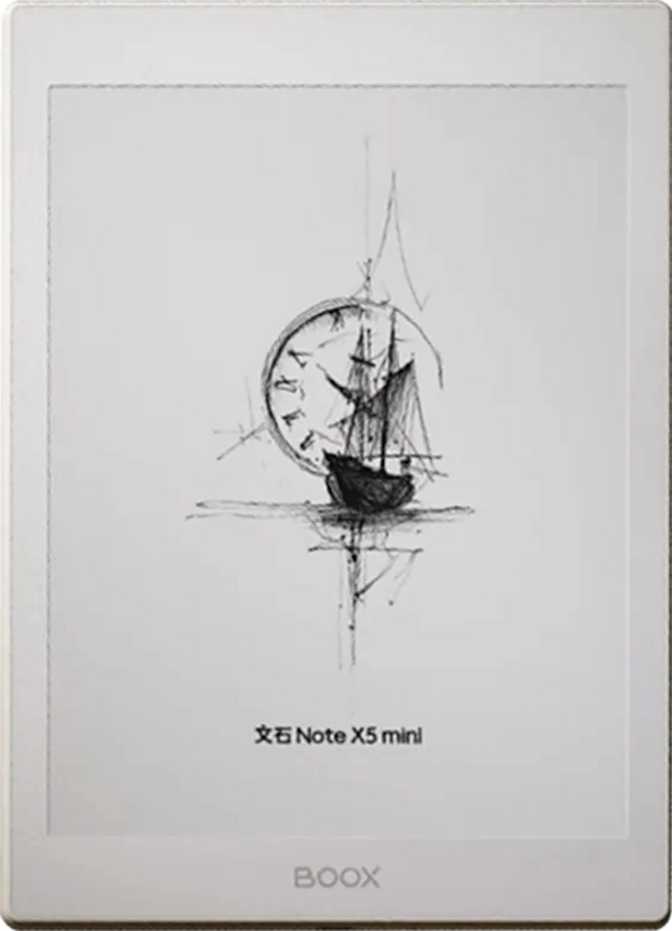
Onyx Boox Note X5 Mini: A Full Review for Serious Readers
E-readersThe e-reader market has long been polarized between basic Kindle-class devices and oversized 10-inch professional tablets. The Onyx Boox Note X5 Mini sits deliberately in that gap — compact enough for one-handed reading, powerful enough for a full Android environment, and sharp enough to make hours of reading genuinely comfortable.
Our Verdict at a Glance
Design and Build Quality
Physical dimensions, hand feel, and material assessment
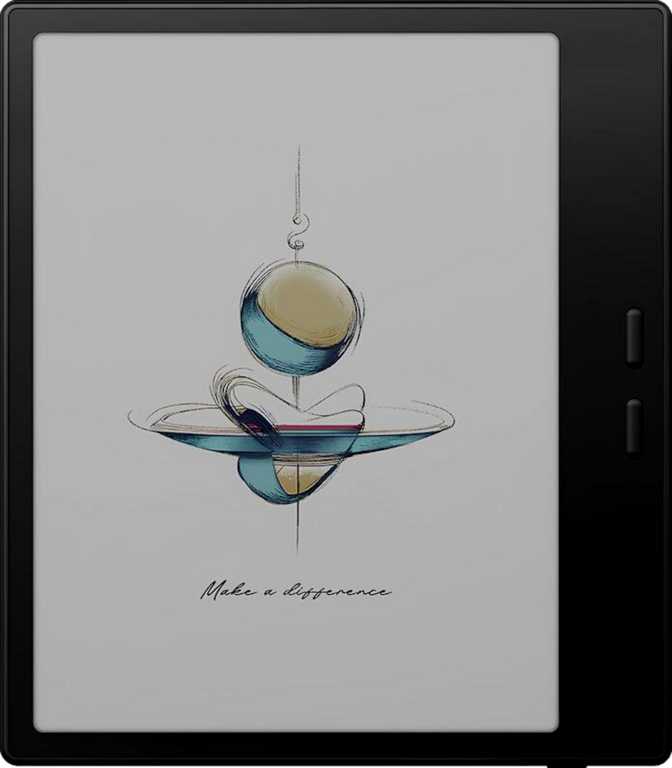
Size, Weight, and Hand Feel
At 194 mm tall and 136.5 mm wide, the Note X5 Mini occupies roughly the same footprint as a standard paperback novel — sized for reading rather than display. The 6.4 mm profile is genuinely slim, comparable to many current-generation smartphones, and contributes to a feel that reads as refined rather than utilitarian.
Weighing 235 grams, it is holdable in one hand for extended reading sessions without the wrist fatigue that plagues 10-inch e-ink tablets. For commuters gripping a subway strap or readers spending an hour in bed before sleep, this weight difference is immediately felt and consistently appreciated.
Limitations Worth Knowing
The device carries no weather sealing — moisture exposure deserves deliberate caution. The display does not use branded damage-resistant glass, making a protective sleeve or folio case a sensible investment from day one. The 3.5 mm headphone jack is absent; audio accessories connect via Bluetooth or a USB-C adapter.
None of these are unusual trade-offs at this class. But users expecting rugged, careless portability will find the X5 Mini better suited to a managed carry than a rough-and-tumble bag.
- Height194 mm
- Width136.5 mm
- Thickness6.4 mm
- Weight235 g
- Weather SealedNo
- Armoured GlassNo
- Charging PortUSB-C
- Headphone JackNone
Display: Where E-Ink Meets Real Usability
7.8-inch e-paper · 300 PPI · Self-lit · Anti-reflection coating · HDR mode
Sharpness That Rivals Ink on Paper
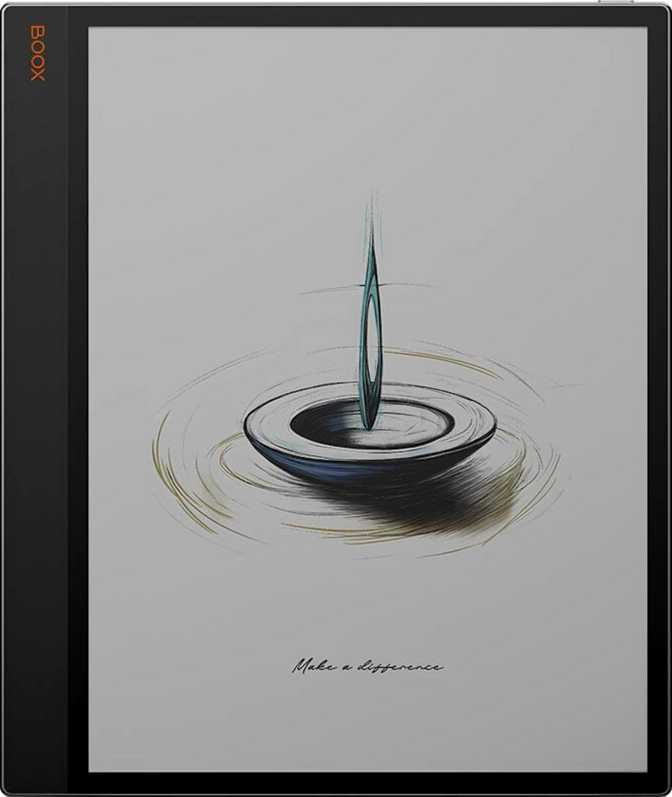
The 7.8-inch e-paper panel renders at 300 pixels per inch — the density threshold at which the human eye stops distinguishing individual pixels from printed material. Fonts are crisp at every size, fine lines in technical diagrams stay clean, and annotated PDFs retain detail that lower-resolution screens simply cannot hold.
The 1404 × 1872 pixel resolution means a full portrait page of a standard document displays with generous margins. Zooming into dense academic papers or two-column journal layouts reveals the kind of detail that makes reading comfortable rather than a constant compromise between legibility and content density.
All-Condition Readability
The self-lit panel allows comfortable reading in complete darkness without any external light source — essential for bedtime readers, late-night commuters, and anyone who reads in environments they cannot control. The anti-reflection coating handles the opposite extreme, significantly taming glare under direct sunlight where glossy LCD displays become washed out and uncomfortable.
This combination — dark-room capable and sun-readable — is the fundamental advantage of a properly implemented e-ink display, and the X5 Mini delivers both without meaningful compromise.
HDR Processing and Content Rendering
The built-in HDR mode applies tonal optimisation to improve local contrast and visible detail range — useful for greyscale photographs, detailed maps, and technical illustrations that would otherwise appear flat on a standard e-ink panel. This is a processing layer specific to e-ink characteristics, not the high-brightness HDR of an OLED screen. The practical effect is meaningfully better image rendering for content-rich documents.
Display Specifications
- Screen Size
- 7.8 inches
- Pixel Density
- 300 PPI
- Resolution
- 1404 x 1872
- Display Type
- E-Paper
- Touchscreen
- Yes
- Self-Lit
- Yes
- Anti-Reflection
- Yes
- HDR Mode
- Yes
Standout Feature
The 300 PPI display is the device's most compelling attribute and the primary reason to choose it over lower-resolution alternatives in this size class.
Performance: Android Power in an E-Ink Body
Octa-core 2 GHz processor · 4 GB RAM · 64 GB internal storage
The Processing Core
Most reader-class e-ink devices use processors tuned for minimal power draw at the direct cost of responsiveness. The X5 Mini's eight-core processor — every core running at 2 GHz — is a different proposition entirely. Multi-app usage, document annotation, split-screen operation, and on-device processing are all handled without the sluggishness that defined earlier Android e-ink tablets. Page turns feel immediate, annotation tools respond without delay, and app switching does not demand patience from the user.
Memory: Room to Breathe
Four gigabytes of RAM gives the operating system and applications genuine breathing room. Running a document reader, a note-taking app, and a browser simultaneously — which the split-screen capability explicitly supports — does not hit a memory ceiling that forces constant app reloading. Background apps stay resident in memory, which is the behaviour users expect from capable hardware but that RAM-constrained devices routinely fail to deliver.
Storage: Generous but Fixed
Sixty-four gigabytes of built-in storage accommodates a large personal library without pressure — thousands of ebooks, annotated PDFs, and a full suite of third-party applications coexist comfortably. The firm caveat: there is no memory card slot, making 64 GB a hard ceiling. For most readers, it is ample. For those managing very large academic PDF archives alongside offline audio collections, this finite limit warrants honest consideration before purchase.
- 8-core processor, all at 2 GHz
- 4 GB RAM — genuine multitasking
- 64 GB internal storage
- No expandable storage
- Split-screen multitasking
- On-device machine learning
- Picture-in-Picture support
Connectivity and Battery Life
Wireless capabilities, charging behaviour, and real-world endurance
Wireless Connectivity
The X5 Mini connects to both 2.4 GHz and 5 GHz Wi-Fi networks. The 5 GHz band is faster and typically less congested in apartment buildings and offices — relevant when syncing large PDF collections or downloading app updates. Bluetooth 5.0 provides a stable, low-latency wireless link suited for audio output, stylus pairing, and external keyboard connections.
| Wi-Fi Standards | Wi-Fi 4 (2.4 GHz) + Wi-Fi 5 (5 GHz) |
| Bluetooth | Version 5.0 |
| Cellular | Not available |
| NFC | Not available |
| HDMI Output | Not available |
Battery and Charging
Battery endurance on an e-ink device is defined primarily by usage pattern rather than raw capacity. E-paper draws meaningful power only when screen content changes, making the display itself extremely efficient during static reading. A moderate-use reader — two hours of daily reading with the front light at medium brightness and periodic Wi-Fi syncing — can realistically expect several days between charges.
Heavier use patterns — continuous app switching, maximum brightness, extended audio streaming — compress that window considerably. Compared to a smartphone, even a modest battery carries significantly further here because the display's underlying power requirements are so much lower.
Key Features Explained
What the specifications actually mean in daily use
28-Format Library Support
Ebooks, PDFs, office documents, image formats, and audio files all open natively without conversion. Content from Calibre libraries, academic repositories, personal documents, and comics works directly — no format juggling required from any source.
Text-to-Speech and Audio
Built-in stereo speakers and full text-to-speech let users move between reading and listening based on context. Offline voice recognition means no internet connection is needed for speech functionality — useful in any location.
Split-Screen Multitasking
Two apps run simultaneously in a divided view. Reading a reference document on one side while annotating on the other is a genuinely practical academic workflow — made possible by real processing power, not just listed as a checkbox feature.
Privacy and On-Device Processing
On-device machine learning handles Live Text extraction, offline voice recognition, and contextual processing without sending data to external servers. Granular controls for app tracking, location, and microphone access give users meaningful control over their data.
Open Android Ecosystem
Widgets, theme customisation, dark mode, multi-user profiles, Picture-in-Picture, and customisable notifications are all present. Third-party app installation is unrestricted — no content is locked to Boox's own storefront or ecosystem.
Dictionary and Voice Tools
An integrated dictionary supports in-text lookups without leaving the reading context. Combined with text selection, voice commands, and offline voice recognition, reading across language contexts stays fluid and fully self-contained.
Who Should Buy the Onyx Boox Note X5 Mini?
Understanding the right buyer fit before spending money
- Avid readers with diverse libraries — Multiple sources, 28 formats, and open app access eliminate format lock-in and content restriction in one device.
- Students and researchers — Sharp PDF rendering, annotation capability, and split-screen multitasking make this a practical academic tool for a full semester's material.
- One-handed readers and commuters — 235 grams and a compact footprint are holdable in a subway strap or on a crowded bus where a 10-inch device simply fails.
- Privacy-conscious users — On-device processing and granular tracking controls serve users who want connectivity without surveillance-grade data collection.
- Note-takers moving from paper — Paired with a compatible stylus, the X5 Mini becomes a digital notebook with the visual quality of printed paper.
- Always-on connectivity users — No cellular radio means no independent data connection away from Wi-Fi. A smartphone hotspot becomes a dependency.
- Expecting LCD-speed app responsiveness — E-ink refresh rates are fundamentally different. Apps open well, but animations and video are not the experience a glass-and-OLED device provides.
- Wired audio listeners — No 3.5 mm headphone jack means an adapter dependency. Bluetooth is the only direct audio path on this device.
- Very large media collections — Fixed 64 GB cannot be expanded. Users managing large PDF archives alongside extensive offline audio may reach the ceiling.
- Users who want simplicity — The open Android environment rewards configuration. Those wanting a turn-on-and-read experience may find the setup overhead unnecessary.
How It Compares to Alternatives
Positioning against the logical alternatives in the same market
| Feature | Boox Note X5 Mini | Basic E-Reader | Large E-Ink Tablet (10"+) |
|---|---|---|---|
| Screen Size | 7.8 inches | 6–7 inches | 10–13 inches |
| Pixel Density | 300 PPI | 212–300 PPI | 227–300 PPI |
| Android Apps | Full open access | None / closed store | Full open access |
| Weight | 235 g | 155–175 g | 390–500 g |
| Format Support | 28 formats | 8–12 formats | 28+ formats |
| One-Handed Use | Comfortable | Comfortable | Difficult |
| Split-Screen | Yes | No | Yes |
| Built-in Audio | Stereo + BT 5.0 | None or BT only | Varies |
| Cellular Option | Not available | Select models | Select models |
| Storage | 64 GB fixed | 8–32 GB | 32–128 GB |
Competing device figures represent typical category ranges, not specific named products.
Honest Strengths and Weaknesses
A balanced assessment for readers making an informed decision
The display is the standout achievement. At 300 PPI on a self-lit, anti-reflection-coated panel, it delivers the experience of reading on printed paper while remaining comfortable in complete darkness — a combination no LCD achieves without fatigue over long reading sessions.
The open Android environment is genuinely liberating for power users. Installing preferred reading apps, connecting to any cloud service, and managing a personal content pipeline are all straightforward. The 28-format support means content from virtually any source arrives without conversion overhead.
The processing capability is real, not aspirational. Responsive annotation, true split-screen multitasking, and on-device machine learning function as the specifications suggest — the hardware earns its listing rather than contradicting it in practice.
Charging speed deserves honest acknowledgment. The absence of fast charging means recovery from a depleted battery requires a long cable session rather than a quick top-up before leaving home. Users who repeatedly drain it before trips will find this a recurring friction point.
Storage is fixed and generally generous, but the inability to extend it at all is a hard ceiling some users will eventually reach — particularly those managing large PDF archives alongside offline audio collections over a long ownership period.
The lack of weather sealing and damage-resistant glass means careful handling is the expected operating condition throughout the device's life. This rewards naturally careful electronics users; it will frustrate those who treat portables roughly.
Questions Real Buyers Ask
Answers to the most common queries before purchasing
Final Recommendation
A clear, direct verdict for buyers ready to decide
The Onyx Boox Note X5 Mini fills a specific, well-defined niche with considerable competence. It is the right device for the reader who has outgrown a basic e-reader's limitations but finds a 10-inch professional tablet too heavy, too expensive, or simply more than the task requires.
The display is genuinely excellent. The processing capability is real, not aspirational. The format versatility and open ecosystem provide freedom that closed-platform competitors cannot match. For students, researchers, avid readers, and anyone managing a mixed-source content library, these attributes combine into a device that earns consistent daily use.
The compromises — no cellular, fixed storage, standard-speed charging, and no weatherproofing — deserve serious consideration before purchase. If any represent hard requirements for your workflow, the device's strengths will not compensate. For everyone else: the Note X5 Mini takes e-ink reading seriously as both a technology and a daily practice. On those terms, it succeeds.