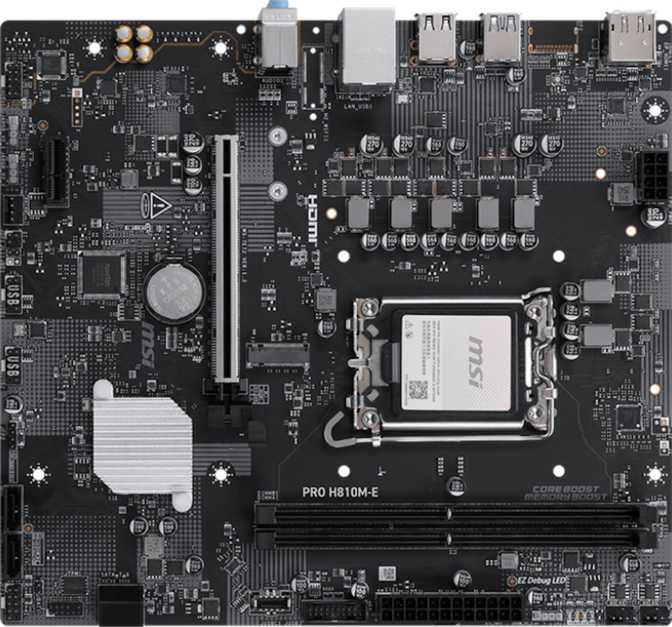
MSI Pro H810M-E Full Review: Intel's Budget LGA 1851 Board Examined
MotherboardsIntel's LGA 1851 platform arrived with a full hierarchy of chipset options, and most of the attention landed on the high-end Z890 boards. The MSI Pro H810M-E occupies the opposite end of that stack — a Micro-ATX board built on the entry-level H810 chipset for builders who want Intel's current-generation Core Ultra 200 platform without paying for features they will never use. This is not a board for tweakers or enthusiasts. It is built for reliable, predictable performance at the most accessible price point on a modern Intel platform.
Review Score
Design and Build Quality
Physical Footprint
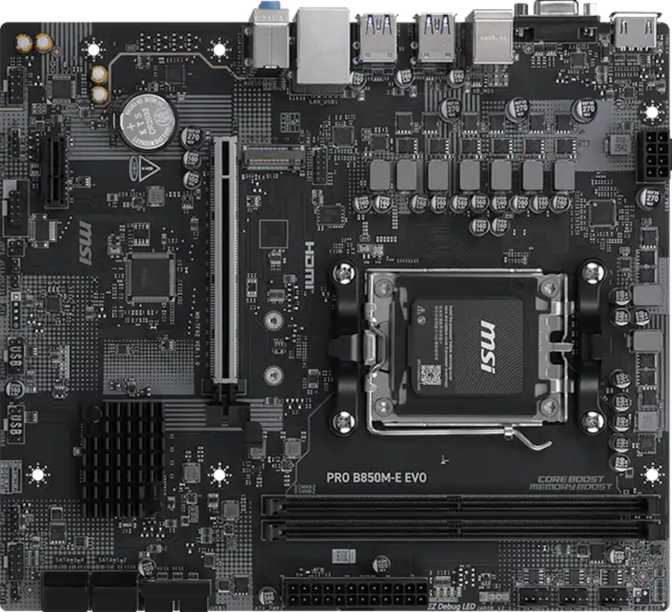
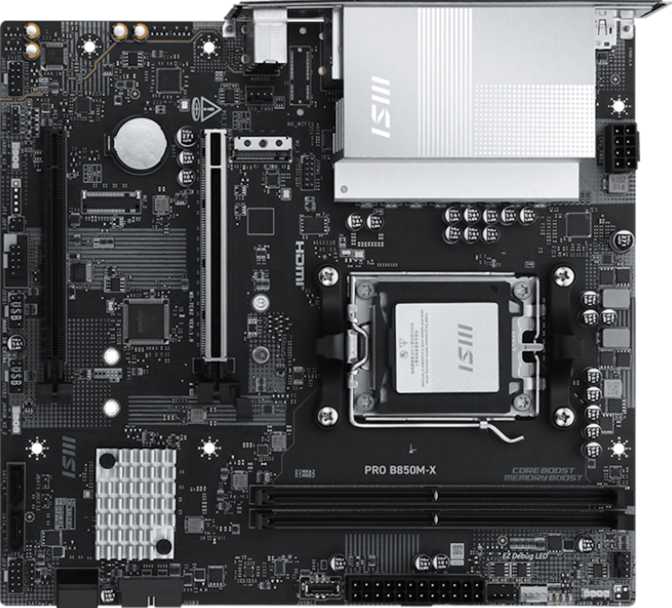
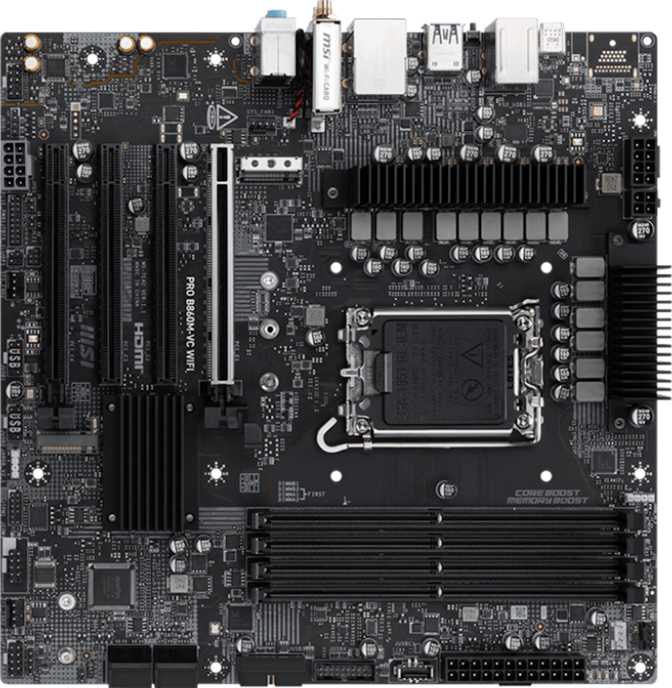
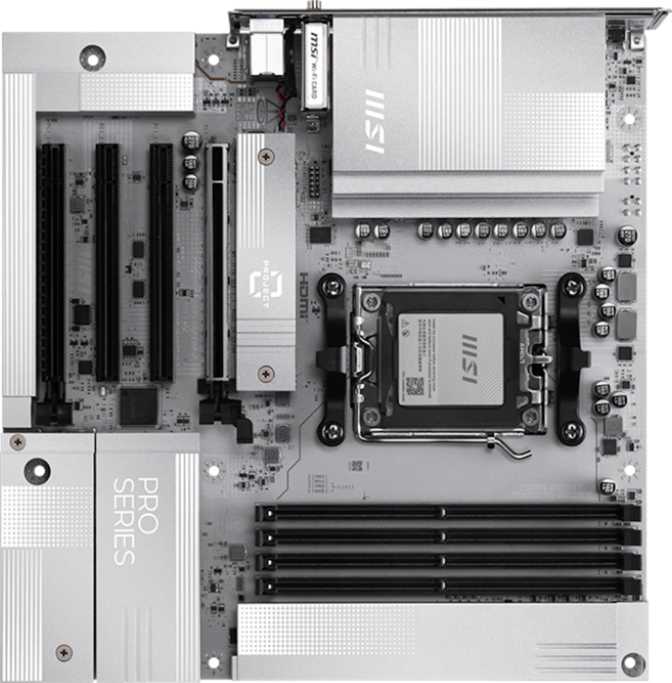
The Micro-ATX form factor gives the MSI Pro H810M-E a compact physical presence — roughly 244 mm wide and 220 mm tall. That is considerably smaller than a standard ATX board, and it means this board fits comfortably in compact mid-tower cases as well as full-size enclosures. For builders working in a smaller chassis or prioritizing desk efficiency, the reduced footprint is a practical advantage rather than a cosmetic one.
Layout and Practicality
The "Pro" series branding signals a clean, professional aesthetic rather than a gaming-focused identity. The board places two DDR5 memory slots along the right edge, a single M.2 socket near the lower section, and four SATA ports for secondary storage. Three fan headers serve the board's cooling needs — workable for standard builds with a CPU cooler and one or two case fans, but a restricting factor for more elaborate thermal setups.
- Form FactorMicro-ATX
- Width243.8 mm
- Height220 mm
- CPU Sockets1
- Fan Headers3
- RGB LightingIncluded
- Warranty3 Years
Despite sitting at the base of its platform's chipset stack, the MSI Pro H810M-E includes onboard RGB lighting — a feature many competing boards at this price omit entirely. It can be left off or fully configured through MSI's Mystic Light software for cross-component synchronization.
Platform and Processor Compatibility
The LGA 1851 socket accepts Intel's Core Ultra 200 series desktop processors — Intel's current generation, built around a substantially restructured core architecture compared to previous product lines. Pairing one with an H810 board gives you access to that modern CPU performance at the lowest chipset price point the platform offers.
The H810 chipset disables all processor overclocking at the hardware level. If your plan involves pushing a Core Ultra 200 CPU beyond its stock frequencies, this board will not allow it. For the majority of desktop users running standard workloads at stock settings, this restriction is entirely irrelevant.
The board has no graphics capability of its own. Video output relies on either the CPU's integrated graphics engine — which most Core Ultra 200 desktop processors include — or a discrete GPU in the PCIe slot. Confirm your specific CPU's graphics support before assuming display output without a graphics card.
Memory: DDR5 With a Sensible Ceiling
Speed and Capacity
The board supports DDR5 memory at speeds up to 6400 MHz — a meaningful performance ceiling for this generation. Mainstream kits in the 5600–6000 MHz range operate reliably here; the 6400 MHz upper limit gives headroom for faster kits without becoming a constraining bottleneck. Reaching that ceiling depends on both the rated speed of your memory kit and your CPU's memory controller tolerance.
Maximum supported capacity is 128 GB across two slots — up to 64 GB per DIMM. For home PCs and office workstations, 32 GB or 64 GB total covers virtually any workload. Reaching the 128 GB ceiling requires high-capacity DDR5 DIMMs that carry a substantial cost premium; treat it as a theoretical maximum rather than a practical target.
Dual-Channel Configuration
Any two-DIMM installation runs in dual-channel mode automatically — there is no risk of accidentally running in single-channel with a two-slot design. Start with one DIMM if budget requires it, then add the second to complete the pair later. ECC memory — used in professional workstations requiring high data integrity under computational load — is not supported, which is expected and unremarkable at the H810 chipset level.
- StandardDDR5
- Slots2 (Dual-Channel)
- Max Speed6400 MHz
- Max Capacity128 GB
- ECC SupportNot Supported
Storage: Practical for Typical Builds
NVMe via M.2
A single M.2 socket handles fast NVMe solid-state storage — the direct-attached format that has become the standard for operating system and primary application drives. One M.2 slot covers the most common build scenario. Secondary storage connects through the SATA ports. Builders who need two simultaneous NVMe drives — for separate OS and scratch disks, for example — will find this limiting and should consider a B860 board with multiple M.2 sockets.
SATA Storage
Four SATA 3 connectors extend the storage picture considerably beyond the single M.2 slot. Traditional SATA SSDs and mechanical hard drives connect here, providing room for a secondary SSD, a mass-storage HDD, or both simultaneously.
Expansion Slots
The slot configuration is intentionally simple: one PCIe 5.0 x16 slot for the primary GPU, and one PCIe x1 slot for smaller add-in cards. The PCIe 5.0 x16 slot represents the current top bandwidth specification for graphics. Most existing GPUs are fully content on PCIe 4.0 bandwidth, making the PCIe 5.0 slot a forward-compatibility advantage for future cards rather than a performance differentiator today.
Rear I/O Panel and Internal Connectivity
Rear Panel Ports
- 2× USB 3.2 Gen 1 Type-A (5 Gbps) — Handles external SSDs, modern peripherals, and fast flash drives adequately.
- 4× USB 2.0 Type-A — Standard connectivity for keyboards, mice, webcams, and devices where transfer speed is not a concern.
- HDMI 2.1 + DisplayPort — Two video outputs supporting dual-monitor configurations when using CPU-integrated graphics.
- 1× Gigabit Ethernet (RJ45) — Wired network connectivity at standard Gigabit speeds.
- No USB-C, No Gen 2, No Thunderbolt — High-speed rear-panel USB and USB-C are entirely absent. A notable gap for users who regularly move large files via rear ports.
- No Wi-Fi or Bluetooth — Wired-only networking. Wireless requires a separate PCIe card or USB adapter as an additional purchase.
Internal Headers
The internal connector layout partially compensates for the rear panel's conservative USB selection. A case with a modern front panel can offset much of the rear-panel shortfall.
- 4× USB 2.0 internal positions — Expands 2.0 connectivity through the case front panel.
- 2× USB 3.2 Gen 1 internal headers — Allows the front panel to offer full 5 Gbps USB-A ports.
- 4× SATA 3 connectors — Supports up to four storage devices beyond the M.2 slot.
- TPM Header — Supports a discrete Trusted Platform Module for BitLocker encryption, enterprise security attestation, and hardware-level integrity checking.
Audio
The onboard audio system supports up to 7.1 surround sound output through three analog jacks on the rear panel. Stereo headphones and a standard speaker setup work without issue. Home theater and gaming setups requiring multi-channel analog surround are handled through channel-sharing across the three jacks. For the overwhelming majority of desktop users, this audio solution is entirely adequate.
Digital audio output via optical S/PDIF is not present on this board. Users who route audio to an AV receiver or external DAC through an optical connection will not find that option here. USB audio devices and Bluetooth speakers are unaffected by this omission since they connect independently of the onboard audio hardware.
- Channel Support7.1 Surround
- Rear Audio Jacks3 Analog
- S/PDIF Optical OutNot Present
Who This Board Is For — And Who Should Look Elsewhere
- Budget-focused desktop builders who want entry into Intel's current LGA 1851 generation without the premium of a B860 or Z890 board.
- Office and productivity workstation builders where stock processor performance, long-term stability, and reliability take priority over raw throughput.
- Home media PC builders using CPU-integrated graphics, where the HDMI 2.1 port and compact Micro-ATX footprint suit living room case choices.
- Systems integrators and IT departments building standardized machines in volume, where the 3-year warranty and professional aesthetic carry practical value.
- Overclocking — The H810 chipset makes this impossible. A Z890 board is the minimum for any CPU frequency tuning.
- Wireless connectivity — No built-in Wi-Fi or Bluetooth. A B860 or Z890 board with integrated wireless is a cleaner, more integrated solution.
- Multiple add-in cards — Only two expansion slots in total. Multi-card builds are not a fit for this platform.
- High-speed rear USB — No Gen 2 or USB-C on the rear panel. Frequent large-file transfers will feel constrained.
- Thunderbolt — No support at this chipset tier, with no workaround available.
Competitive Context: H810 vs. the Tier Above
Understanding where H810 sits relative to B860 — the next chipset step on the same LGA 1851 platform — is essential before making a final decision. At stock CPU settings the performance gap between the two chipsets in everyday use is negligible. The real differences show up in expandability, connectivity, and flexibility.
| Feature | MSI Pro H810M-E H810 Chipset | Typical B860 Board Mid-Range Tier |
|---|---|---|
| Overclocking | Not supported | Memory OC only |
| PCIe 5.0 x16 Slot | Yes | Yes |
| M.2 Slots | 1 | Typically 2–3 |
| Rear USB | Gen 1 only — no USB-C | Often Gen 2 + USB-C |
| Wi-Fi Option | Not available | Available in variants |
| Dual BIOS | Not present | Varies by board |
| Price Tier | Entry Level | Mid-Range |
Day-to-day performance between H810 and B860 at stock CPU settings is effectively identical. The gap is in expandability and connectivity — not in application speed or frame rates.
Honest Assessment
The MSI Pro H810M-E does exactly what it is designed to do, and that precision of purpose is its strongest attribute. It delivers genuine access to Intel's current-generation LGA 1851 platform — DDR5 memory support, a PCIe 5.0 graphics slot, and HDMI 2.1 display output — at the lowest chipset tier available.
The three-year warranty is longer than many boards at comparable price levels offer, and it signals MSI's confidence in the hardware's reliability over time. The professional aesthetic is clean and understated — appropriate for office deployments where a gaming visual identity would feel out of place.
RGB lighting at this price tier is a genuine bonus. The TPM header adds enterprise-grade security support that many comparable boards skip. And the HDMI 2.1 rear port is substantially more capable than the display interfaces that entry-level boards have historically provided, making it a credible option for 4K media builds running on CPU-integrated graphics.
The rear USB selection is the most noticeable constraint. Two Gen 1 Type-A ports and four USB 2.0 ports is a conservative allocation — anyone accustomed to a modern motherboard's rear panel will immediately notice the absence of Gen 2 speed and USB-C.
The complete absence of Wi-Fi and Bluetooth is standard at the H810 tier, but it does mean wireless capability must be planned and budgeted separately — either through a PCIe Wi-Fi card that consumes the board's only secondary expansion slot, or through a USB adapter that permanently occupies a rear port.
The single M.2 slot limits fast-storage scalability. The lack of a dedicated BIOS reset button means recovering from a problematic firmware state requires the manual jumper process — a real inconvenience during troubleshooting. RAID is absent, removing a multi-drive management option some users depend on.
Common Questions Before You Buy
Final Verdict
7.5 / 10The MSI Pro H810M-E is an honest, competent entry-level motherboard for Intel's current desktop platform. It does not overstate its purpose: no overclocking, no wireless, no high-speed USB array on the rear panel. What it delivers instead is a stable, modern foundation — DDR5 memory, a PCIe 5.0 graphics slot, HDMI 2.1 output, and a three-year warranty — at a price point that accurately reflects the H810 chipset's position at the base of the platform.
You need a reliable, budget-conscious entry point to the LGA 1851 platform with standard performance demands and a wired network connection.
You need a second M.2 slot, USB-C on the rear panel, or integrated Wi-Fi. The incremental cost step to B860 is often justified by the expanded flexibility.
Processor or memory overclocking is part of your build plan. This is a hard requirement the H810 chipset cannot meet regardless of configuration.
The three-year MSI warranty provides meaningful long-term confidence for a board positioned as a professional and workstation solution. For what it is and who it is designed for, the MSI Pro H810M-E earns a confident recommendation.