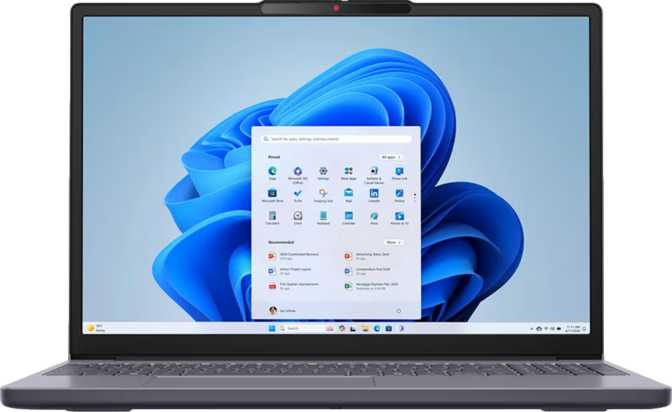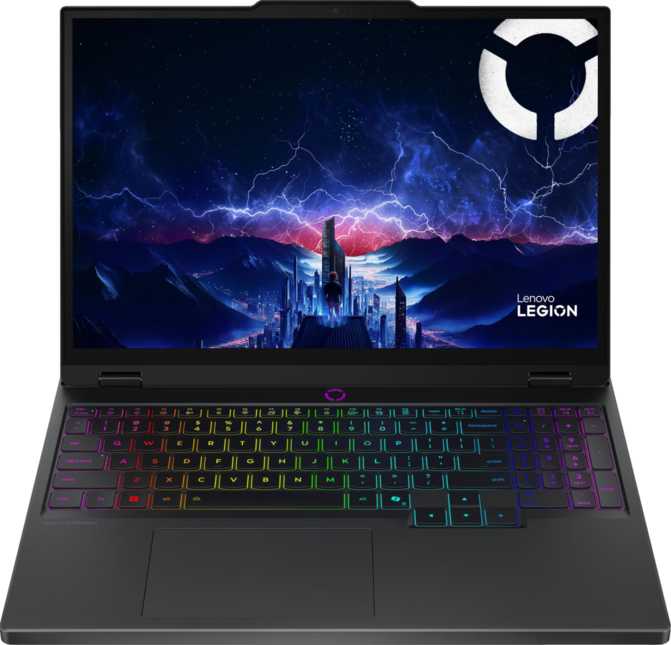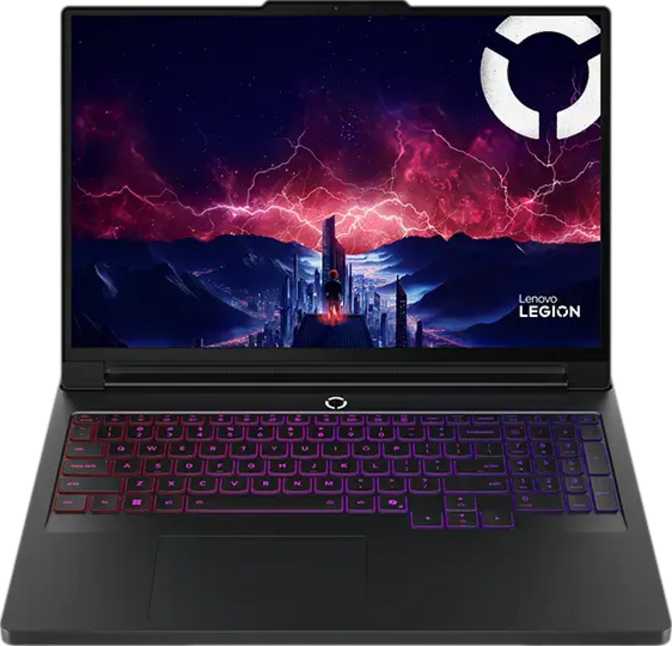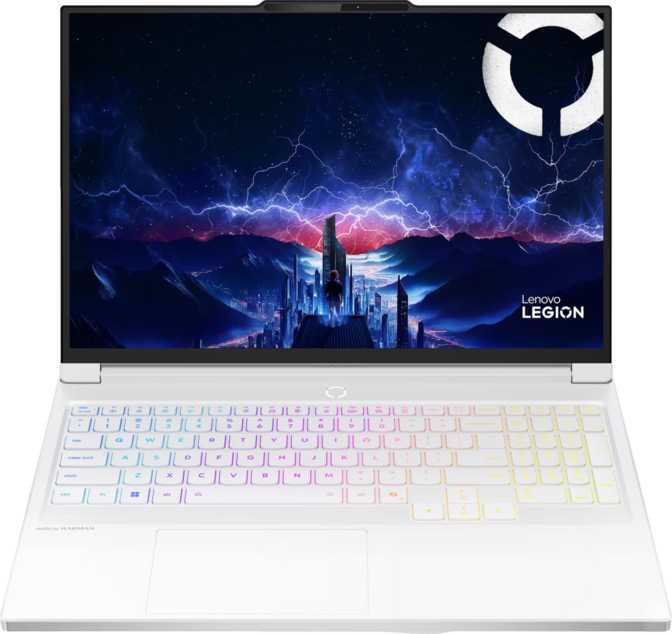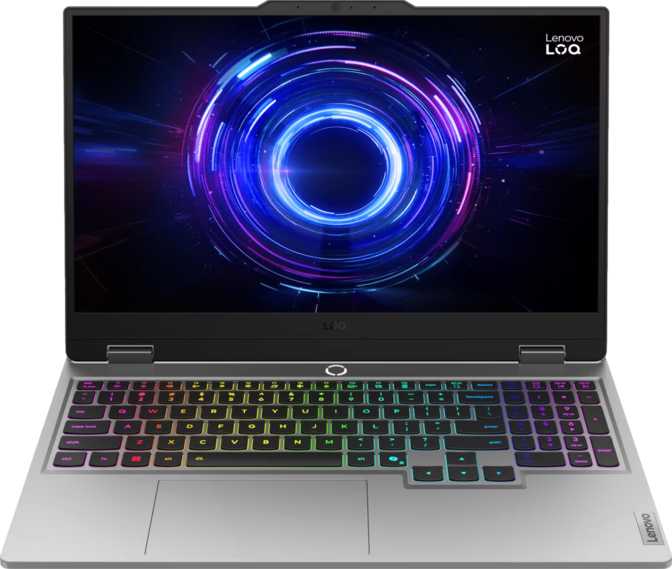
Lenovo LOQ 15i Gen 10 Review: Blackwell Gaming at a Mid-Range Price
LaptopsAt a Glance
A snapshot of how the Lenovo LOQ 15i Gen 10 performs across every major purchase consideration.
Blackwell GPU, 1440p 165Hz display, and 32GB DDR5 — strong across the board, with battery life as the one notable concession.
Design & Build Quality
The LOQ 15i Gen 10 is built for function over form — clean matte surfaces, a practical footprint, and enough structural solidity to inspire confidence without trying to look expensive.
2.4 kg Weight
Backpack-friendly without being ultralight. Heavier than a thin-and-light but meaningfully lighter than desktop-replacement machines. Daily commutes are manageable without physical strain.
21 mm Profile
A 21mm chassis keeps this machine from feeling brick-like in a bag. The 359 × 258mm base provides a full keyboard layout with room for comfortable palm rests on both sides of the trackpad.
Backlit Keyboard
Illuminated keys make the board practical in dark environments. The hinge opens smoothly without lid wobble, and the keyboard deck shows no alarming flex — a detail that speaks to overall build confidence.
Worth Knowing: There is no weather sealing and no ruggedized frame. This machine is designed for desk and bag environments — handle it accordingly and it will hold up well over time.
Display: Where This Laptop Genuinely Surprises
A 2560 × 1440 IPS panel at 165Hz is well above the 1080p / 144Hz baseline that dominates this price tier. Here is what each element means for daily use.
1440p — 188 PPI
Text is crisp without any scaling adjustments. Game environments show noticeably more detail than a 1080p screen of the same physical size, with none of the performance overhead that a 4K panel would impose.
165Hz Refresh Rate
Fast-paced gaming feels fluid and responsive. The jump from 60Hz to 165Hz is immediately visible and felt. IPS technology also delivers wide viewing angles for sharing the screen from non-ideal positions.
350 nits + Anti-Glare
Adequate brightness for most indoor settings. The anti-reflection coating genuinely reduces glare, making the 350-nit limit considerably more livable in practice than the specification alone implies.
Multi-Display Capable: The LOQ 15i Gen 10 can drive up to four external displays simultaneously through its output configuration — a noteworthy productivity capability that positions it well beyond its gaming-first identity.
CPU Performance: Hybrid Architecture That Delivers
Twenty cores, 28 threads, and a peak boost of 5.5GHz — this processor combines raw throughput with intelligent workload management that keeps the machine responsive under real-world pressure.
How the Hybrid Core Design Works in Practice
Eight higher-performance cores run at a 2.1GHz base and burst to 5.5GHz for demanding single-threaded workloads. Twelve efficiency cores operating at 1.5GHz absorb background tasks — browser tabs, communication apps, system processes — so the performance cores stay focused on the heavy lifting: game physics, video encoding, and compiling code.
The 45-watt thermal design keeps sustained performance achievable without requiring an oversized chassis. This is a well-calibrated balance for a machine that handles both gaming sessions and productive work in the same package.
- 33MB L3 Cache: Reduces how often the processor reaches out to slower main memory, smoothing performance in complex data-intensive tasks and reducing latency in game physics calculations.
- 5.5GHz Peak Boost: Single-threaded workloads — which still drive many game engines and legacy applications — receive a strong burst of speed exactly when the chip detects the demand.
- 5nm Process Node: Smaller manufacturing scale translates to better performance per watt and reduced heat versus older nodes, contributing directly to the manageable thermal envelope.
GPU Performance: Blackwell Arrives in the Mid-Range
The discrete GPU inside the LOQ 15i Gen 10 is built on NVIDIA's Blackwell architecture — the same generational leap as the flagship cards, accessible here at a fraction of the flagship price.
Blackwell Architecture
Current-generation GPU silicon — the same architectural leap as NVIDIA's latest flagship cards — making this a forward-looking purchase at a mid-range price point that most buyers would not expect.
8GB GDDR7 VRAM
GDDR7 is the newest memory standard available. Despite a 128-bit bus, the resulting 448 GB/s memory bandwidth rivals or exceeds wider-bus solutions running the previous GDDR6X standard.
~9.7 TFLOPS Compute
Nearly 9.7 trillion floating-point operations per second — more raw compute than graphics solutions that were considered enthusiast-grade just a single GPU generation ago.
DLSS AI Upscaling
Hundreds of supported game titles. At 1440p, DLSS is particularly effective — AI reconstructs high-quality output at a fraction of the native rendering cost, directly converting to higher sustained frame rates.
Ray Tracing
Real-time ray tracing brings realistic lighting, shadows, and reflections to supported titles. Best deployed selectively on this power envelope rather than maxed out in every scene simultaneously.
Intel Resizable BAR
Allows the CPU to access the full GPU memory pool simultaneously rather than in chunks. In supported titles, this produces measurable frame rate improvements at zero additional cost — and it is enabled here.
Intelligent Graphics Switching: An integrated Intel graphics unit handles low-demand tasks automatically — documents, streaming, browsing — switching to the discrete Blackwell GPU only when performance is needed. This keeps heat and power consumption low during everyday use with no manual intervention required.
Memory & Storage: No Immediate Compromises
Thirty-two gigabytes of DDR5 memory and a 1TB NVMe drive mean no forced upgrades at launch — a meaningful advantage when the value case depends on staying useful without extra spend.
32GB DDR5 System RAM
- Running at 5,600MHz — the platform maximum. DDR5 carries meaningful bandwidth improvements over DDR4 that benefit both the processor and the integrated graphics unit sharing the same memory pool.
- Dual-channel configuration is active across both occupied slots — both memory channels running simultaneously, which maximizes available bandwidth for gaming and creative workloads alike.
- 32GB Ceiling: Both slots are occupied and the platform's maximum supported capacity is 32GB. Memory cannot be expanded beyond this — buyers anticipating heavier future workloads should factor this ceiling into their decision.
1TB NVMe PCIe 4 SSD
- PCIe 4.0 NVMe delivers fast sequential transfers — game load times are noticeably shorter than on older SATA-based drives, and large file operations complete quickly without the familiar wait.
- 1TB is a solid starting point. A library of modern AAA titles fills storage quickly, however — an external drive or cloud storage strategy is worth planning from day one of ownership.
- The NVMe SSD can be replaced with a larger drive or supplemented if a second M.2 slot is present. Confirm the slot configuration in Lenovo's documentation for your specific variant before planning additions.
Connectivity & Ports
The port layout covers all gaming and productivity essentials — with two absences that informed buyers should account for before committing.
| Interface | Qty | Specification |
|---|---|---|
| USB-A | 3 | USB 3.2 Gen 1 — 5Gbps each |
| USB-C | 1 | USB 3.2 Gen 2 — 10Gbps + display output |
| HDMI | 1 | HDMI 2.1 — 4K at high refresh rates |
| Ethernet | 1 | RJ45 — wired network for stable gaming |
| Audio | 1 | 3.5mm headset combo jack |
| Wi-Fi | 1 | Wi-Fi 6 (802.11ax) — backward compatible |
| Bluetooth | 1 | Bluetooth 5.2 |
Connectivity Highlights
- HDMI 2.1 supports the bandwidth for high-refresh external monitors and modern TVs — a genuine advantage over older HDMI versions still shipping on many competitors at this price.
- The dedicated Ethernet jack is a feature some competitors omit at this price point. For competitive gaming and consistent latency, wired remains the most reliable option regardless of Wi-Fi generation.
- Wi-Fi 6 delivers improved throughput and better performance in dense wireless environments when paired with a compatible router.
Notable Absences
- No Thunderbolt: Limits compatibility with external GPU enclosures and high-bandwidth docking solutions that professionals rely on.
- No SD Card Reader: Content creators importing regularly from camera cards will need a USB adapter to bridge the gap.
Battery Life: Calibrate Your Expectations
The 60 watt-hour battery is the honest constraint of this machine. Understanding what it means before purchase is the most important thing this review can tell a prospective buyer.
1–2 Hours
Under Active Gaming Load
The discrete GPU, processor, and 1440p display draw significant power simultaneously. For gaming sessions, this machine is designed to be plugged in — no exceptions.
Significantly Extended
Light Productivity Tasks
Shifting to integrated graphics for documents, streaming, and browsing reduces power draw considerably, extending unplugged time well beyond the gaming figures above.
Sleep-and-Charge
USB Ports Stay Active
USB ports continue charging connected devices even when the lid is closed and the laptop is sleeping — a practical convenience during overnight scenarios without leaving the system running.
Honest Assessment: If all-day unplugged operation is a firm requirement, this machine will disappoint. Treat it as a desktop-first device that travels occasionally — not a road-warrior laptop — and the battery situation becomes entirely acceptable.
Webcam & Audio
The LOQ 15i Gen 10 steps notably above the 720p webcam standard that has defined budget gaming laptops for years — a small but genuinely appreciated upgrade for anyone on regular video calls.
5MP Front Camera
Video calls and virtual meetings look noticeably sharper than on 720p-equipped machines. It is not a substitute for a dedicated USB webcam in professional broadcast settings, but it removes the need to carry one for the vast majority of daily users.
Dual Microphones
The two-microphone array captures voice clearly for calls and in-game communication. A practical setup that handles the core use case without requiring an external microphone for standard daily scenarios.
Stereo Speakers
Serviceable for casual listening. Physics limits what any laptop speaker can deliver — a headset or external speakers remain the recommendation for music and immersive gaming. The 3.5mm jack handles both without adapters.
Who Should Buy the Lenovo LOQ 15i Gen 10?
This machine makes deliberate choices. The right buyer is the one whose priorities align exactly with those choices — and this section makes the match clear.
This Machine Is for You If...
- You want current-generation GPU architecture at a mid-range price and will primarily use the machine at a desk with reliable access to power.
- You are a student in a creative or technical program who needs real rendering performance for 3D work, video editing, or development — alongside gaming.
- You want a single machine that handles productivity during the day and gaming in the evening, with a 1440p display that serves both roles well.
- You are upgrading from a previous GPU generation and want DLSS, modern ray tracing, and GDDR7 memory without paying flagship prices to get there.
Look Elsewhere If...
- All-day unplugged battery life is a firm, non-negotiable requirement. The 60Wh battery is a genuine limitation that this machine does not overcome.
- You rely on Thunderbolt connectivity for docking stations, external GPU enclosures, or high-bandwidth peripherals central to your daily workflow.
- You are a photographer or videographer who needs a built-in SD card reader as part of a regular import workflow from camera equipment.
- Maximum portability is your top priority. At 2.4kg, this machine is manageable — but it is not an ultrabook and should not be evaluated against one.
How It Compares to the Competition
The LOQ 15i Gen 10 leads on display specification and GPU generation at its price. Here is the complete picture of where it wins, matches, and concedes against typical same-budget alternatives.
| Feature | Lenovo LOQ 15i Gen 10 | Typical Competitor (Same Price) |
|---|---|---|
| Display Resolution & Refresh | 1440p / 165Hz | 1080p / 144Hz |
| GPU Architecture | Blackwell — Current Gen | Previous Generation |
| Video Memory Type | 8GB GDDR7 | 8GB GDDR6 |
| System RAM | 32GB DDR5 | 16GB DDR5 |
| Internal Storage | 1TB NVMe PCIe 4 | 512GB or 1TB NVMe |
| Webcam Resolution | 5 Megapixels | 720p Standard |
| Wired Ethernet | Sometimes omitted | |
| Thunderbolt | Sometimes included |
Questions Buyers Ask Before Purchasing
The answers to the searches that bring real buyers here — all in one place, answered directly.
Lenovo LOQ 15i Gen 10
A mid-range gaming laptop that outpaces its price tier through deliberate hardware choices: Blackwell-architecture GPU, 1440p 165Hz IPS display, 32GB DDR5 memory, and DLSS support — all without demanding a flagship budget. The battery life and absence of Thunderbolt are real limitations. For the buyer who can work around those two constraints, this machine delivers more than its price suggests.
Buy This If
- You want current-gen Blackwell GPU performance without a flagship budget
- A sharp 1440p 165Hz display matters for both gaming and daily productivity
- You primarily use the machine at a desk with reliable access to a power outlet
- 32GB DDR5 and DLSS AI upscaling are priorities you do not want to compromise on
Skip It If
- All-day battery life without a power outlet is a hard, non-negotiable requirement
- Your workflow depends on Thunderbolt docking or external GPU connectivity
- You anticipate needing to expand system RAM beyond 32GB in the future
- You need a built-in SD card reader as part of a regular content creation workflow