Huawei MatePad 11.5 S Review: Strong Hardware, Divided Ecosystem
TabletsThe mid-to-premium Android tablet space has quietly become one of the most competitive categories in consumer electronics, with buyers expecting more than casual media consumption from a device at this price tier. The Huawei MatePad 11.5 S enters that conversation carrying notable strengths — a genuinely fast display, a flagship-class chip, an enormous battery, and a bundled stylus — alongside equally notable trade-offs that could be dealbreakers depending on what you need from a tablet.
This is not a device for everyone, and that's one of its more interesting qualities. Understanding exactly who it is for requires looking past the spec highlights and into how those numbers translate to real daily use.
Key Specifications at a Glance
What the core numbers mean in everyday use — before the detailed analysis
Critical context before you continue: This tablet runs HarmonyOS and does not include Google Play Services or the Google Play Store. This single factor shapes the ownership experience more than any hardware specification. See the Software & Ecosystem section before deciding.
Design and Build: Impressively Thin for What It Offers
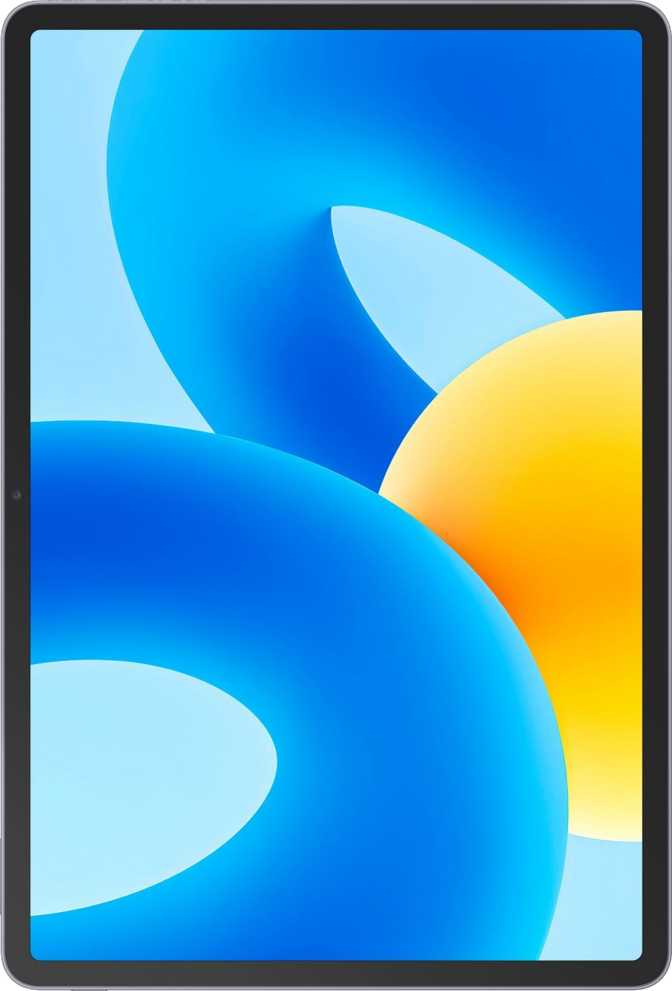
At 6.1mm thick, the MatePad 11.5 S sits among the slimmest tablets in its class — thinner than most hardcover novels. Despite that slim profile, Huawei has not made the usual compromises in battery capacity or structural rigidity. The device maintains a solid, premium feel without the flex that affects thinner budget alternatives.
The 11.5-inch footprint is sized thoughtfully: wide enough to feel like a real productivity surface, compact enough to hold in one hand for moderate reading sessions. At 515 grams, it lands between a lightweight laptop and a large smartphone — balanced enough for extended use, though not something you would hold up for hours without resting it on a surface.
Huawei includes both a stylus and a detachable keyboard in the box — accessories that cost extra on most competing platforms. That bundling changes the value calculation meaningfully. The keyboard's most notable compromise is the absence of backlit keys: workable in well-lit environments, impractical on evening flights or in dim meeting rooms.
Physical Specifications
-
Thickness: 6.1mm — among the slimmest in the 11-inch category
-
Weight: 515g — reasonable for a large-screen device with an 8,800mAh cell
-
Dimensions: 261 × 177.3mm — full-size, productivity-oriented proportions
-
Stylus: Included · 4,096 pressure levels · no tilt sensitivity
-
Keyboard: Detachable, included · no backlighting
-
Water Resistance: None — no IP rating of any kind
The Display: Where This Tablet Earns Real Respect
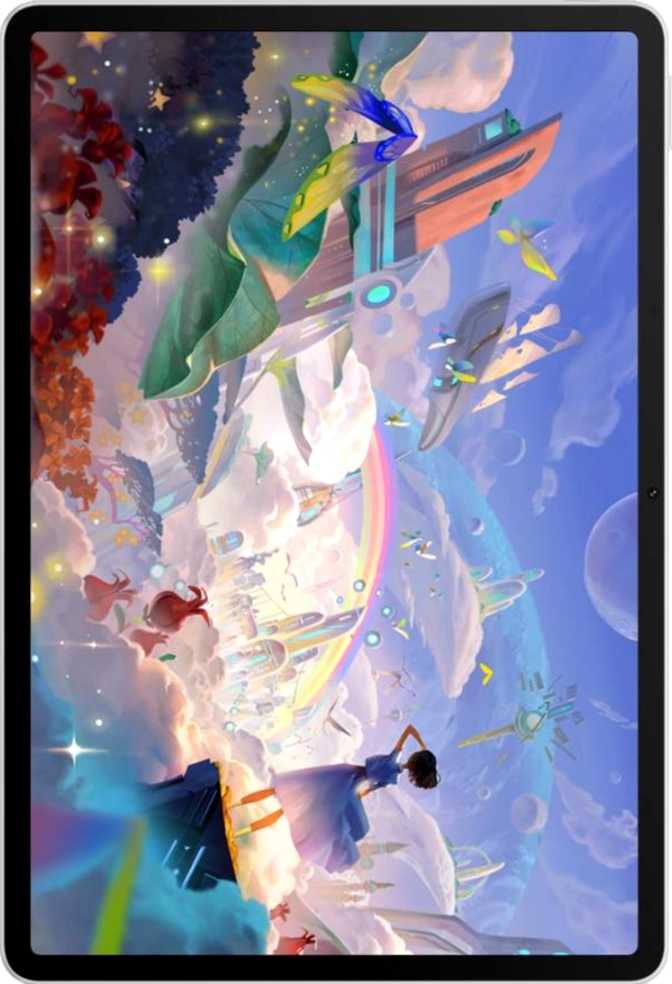
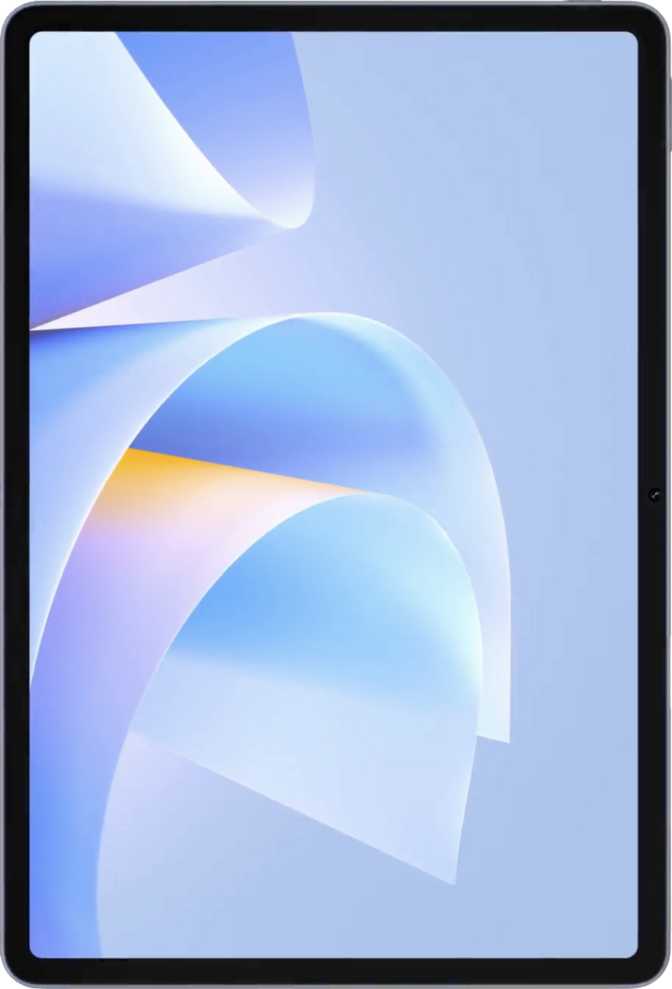
The 11.5-inch screen is the standout component. It combines sharp resolution with a refresh rate well above the tablet category norm — a pairing that produces a noticeably premium visual experience for the price.
Resolution and Pixel Clarity
The panel renders at 2800 × 1840 pixels — approximately 291 pixels per inch. Fine text, thin lines in technical drawings, and detailed photos all appear sharp at normal viewing distances. The 300ppi threshold at which pixel structure becomes invisible to the naked eye is essentially met here, and in practice the difference is imperceptible. Reading small print, annotating dense PDFs, and viewing high-resolution maps all benefit from this level of clarity.
144Hz Refresh Rate — More Than a Gaming Spec
Most tablet displays refresh 60 times per second. Some premium models reach 90 or 120. At 144 cycles per second, scrolling through long documents or web pages takes on a fluidity that immediately distinguishes this display — and makes standard-rate panels feel noticeably sluggish by comparison. Stylus input benefits equally: strokes appear with minimal latency, which matters directly for handwriting, annotation, and sketching workflows. This spec earns its place regardless of whether you ever open a game.
Contrast, Coating, and Honest Limitations
The 1500:1 contrast ratio improves on what budget IPS panels achieve, producing blacks that look genuinely dark and colors that appear vivid rather than washed out. The anti-reflection coating reduces the mirror-like glare that makes tablets frustrating to use near windows or under bright overhead lighting — a practical, undersold feature.
Two clear limitations: this is IPS LCD technology, not OLED, so blacks appear as very dark gray rather than the absolute black OLED achieves by switching pixels off. The panel also lacks HDR10 and Dolby Vision support — high-dynamic-range streaming content will play, but without the full brightness peaks and color volume the content was mastered with.
Display Specifications
- Screen Size11.5 inches
- Resolution2800 × 1840 px
- Pixel Density291 ppi
- Panel TypeIPS LCD
- Refresh Rate144Hz
- Contrast Ratio1500:1
- Anti-ReflectionYes
- HDR10No
- Dolby VisionNo
- Touch ScreenYes
Performance: Flagship Power with a Measured Approach
The HiSilicon Kirin 9000 runs on a 5-nanometer manufacturing process — the same fabrication generation as chips in top-tier flagship smartphones. Smaller transistor size means more processing throughput, less heat, and better energy efficiency. In practice, this translates to a tablet that handles demanding multitasking, photo editing, and complex applications without thermal throttling under normal use.
How the CPU Architecture Works
The processor distributes workloads intelligently across three tiers. A single high-performance core handles the heaviest computation. Three secondary cores sustain demanding tasks at a lower but efficient rate. Four efficiency cores manage routine operations — notifications, background sync, light app use. This arrangement lets the chip sprint when needed and conserve power during idle periods. Under peak load the processor can exceed 3.3GHz, placing it firmly in territory where any productivity workflow, photo editing session, or casual game runs without hesitation.
Memory and Storage
Twelve gigabytes of RAM means you can keep a large number of apps open simultaneously without the system discarding them when you switch away. A dozen browser tabs, a PDF reader, a note-taking app, and a messaging client can coexist without any reloading. The memory operates at high speed with substantial bandwidth — data moves between processor and RAM quickly enough that the chip is never sitting idle waiting on information.
The 512GB of internal storage is enough for years of documents, large app libraries, offline media, and thousands of photos. The presence of a memory card slot is a genuine differentiator from Apple's tablets and several Android competitors — storage is expandable after purchase rather than fixed permanently at the point of sale.
Graphics Performance in Context
The integrated GPU covers productivity use, video playback, and casual gaming comfortably. For enthusiasts interested in running graphically intensive 3D games at maximum visual settings, this GPU is optimized for efficiency rather than raw graphics throughput. That distinction matters primarily for gaming — for every other use case, the graphics capability is entirely sufficient.
CPU Architecture
| Core Role | Count | Clock |
|---|---|---|
| High Performance | ×1 | 3.13 GHz |
| Mid Performance | ×3 | 2.54 GHz |
| Efficiency | ×4 | 2.05 GHz |
| Turbo Peak | 3.3 GHz | |
Memory & Storage
- RAM12 GB
- RAM Speed2750 MHz
- Memory Bandwidth44 GB/s
- Storage512 GB
- ExpandableYes
- Process Node5nm
- GPUMali-G57
Stylus and Keyboard: The Productivity Bundle Examined
The Included Stylus
Including a stylus in the box rather than selling it as an add-on is a practical value advantage that most competitors at this price tier skip. The stylus registers 4,096 levels of pressure sensitivity — the same specification found on professional drawing tablets. This means the tool responds to subtle variations in how hard you press: lighter pressure produces thinner lines, firmer pressure produces broader strokes. The result is a natural, pen-on-paper sensation that goes well beyond what most basic tablet styluses offer.
For note-taking, PDF annotation, diagramming, and general handwriting, the stylus performs at a level that genuinely exceeds expectations for a bundled accessory.
Missing: Tilt sensitivity. Advanced digital artists who rely on tilt to simulate calligraphy edges or brush angles will notice this absence. For note-taking and annotation workflows, tilt is entirely irrelevant.
The Detachable Keyboard
The detachable keyboard transforms the tablet into a laptop-like configuration suited to extended writing, email, and document work. In good lighting, it performs adequately for the role. The key travel and layout are functional without being remarkable.
The keyboard has no backlit keys. This single omission limits its practicality in any low-light situation — airplane cabins, dim conference rooms, or late-night desk sessions. Unlike many compromises that can be overlooked or worked around, this one interrupts workflow in predictable, recurring situations.
No backlight is the keyboard's defining weakness. Users who regularly type in variable or low lighting conditions will feel this as a persistent inconvenience.
Battery Life: Built for Long Days
The 8,800mAh battery sits at the upper end of what tablets in this size class carry. Most 11-inch competitors ship with cells in the 7,000–8,000mAh range; this one exceeds that by a meaningful margin. The 6.1mm chassis makes this capacity particularly impressive — fitting a large cell into a slim frame without adding visible bulk is a genuine engineering achievement.
A typical productivity day — several hours of document editing, video calls, web browsing, and media playback at moderate brightness — should leave meaningful charge remaining by evening without requiring a midday top-up. Users who push brightness to maximum and run continuous video will drain the battery faster, but a full day of use remains realistic for most working patterns.
Fast charging shortens the recovery window when the battery does need replenishing from near-empty. Wireless charging is absent, which means a cable is always required. For a device used primarily at a desk or table, this is a minor inconvenience. For users who have built their routine around charging pads, it's a behavioral change to account for.
A battery health monitoring tool lets you track degradation over time and manage charging patterns to preserve the cell's long-term lifespan — a thoughtful inclusion that many manufacturers reserve for flagship devices.
Battery Details
- Capacity8,800 mAh
- Fast ChargingYes
- Wireless ChargingNo
- Removable BatteryNo
- Health MonitoringYes
- Battery IndicatorYes
Connectivity: Strong Where It Counts, Absent Where It Matters
The wireless fundamentals are solid. The notable absences — particularly cellular connectivity — define important use-case boundaries.
Wireless Networking
Wi-Fi 6 support puts this tablet on the current wireless standard, delivering faster throughput and more stable connections in congested environments — relevant in offices, cafes, or buildings where dozens of networks overlap. Video conferencing, 4K streaming, and large file transfers all handle without strain. Bluetooth 5.2 enables reliable, energy-efficient connections to wireless headphones, keyboards, and speakers.
The Critical Absence: No Cellular Option
This is a Wi-Fi-only device. There is no SIM card slot, no 4G, no 5G. Away from a Wi-Fi network, your options are tethering through your smartphone's hotspot or working offline entirely. For users whose work happens at home, in offices, or in places with reliable Wi-Fi, this is a non-issue. For anyone who regularly works in transit, on location, or in environments without consistent Wi-Fi, this is a meaningful structural limitation that no workaround fully resolves.
Ports, Audio, and Other Absences
The USB-C port operates at USB 3.0 speeds, enabling fast data transfers to external drives and display output to compatible monitors. There is no 3.5mm headphone jack — wired audio requires USB-C headphones or an adapter.
GPS and NFC are both absent. Navigation and contactless payments are unavailable natively. There is no fingerprint scanner — unlocking relies on PIN, pattern, password, or basic face recognition rather than biometric authentication. Stereo speakers provide left/right separation for media and video calls.
Connectivity Specs
- Wi-FiWi-Fi 6 (802.11ax)
- Bluetooth5.2
- Cellular / 5GNone
- USBType-C · USB 3.0
- 3.5mm JackNo
- GPSNo
- NFCNo
- HDMI OutputNo
- FingerprintNo
- Stereo SpeakersYes
- GyroscopeYes
Camera System: Capable, Contextually Appropriate
Tablet cameras fill a specific practical role: document scanning, whiteboard capture, video calls, and the occasional photo when a phone isn't at hand. The MatePad 11.5 S handles those scenarios competently.
The 13-megapixel rear sensor uses a back-illuminated design, which captures more light per pixel and improves output in moderate low-light conditions. The f/1.8 aperture lets in significantly more light than the f/2.0–2.2 apertures typical of budget tablet cameras. Manual controls — including ISO, white balance, and exposure adjustment — are available for users who want to go beyond automatic processing. The camera also supports timelapse, HDR mode, and continuous autofocus during video recording.
Video recording tops out at 1080p at 30 frames per second. This is adequate for video calls, presentations, and document capture, but falls well short of the 4K recording that current flagship smartphones offer. Optical image stabilization is absent, so handheld video will reflect hand movement directly.
The 8-megapixel front camera at f/2.0 handles video conferencing well under normal lighting. The absence of a front-facing flash limits low-light selfie quality, though this is rarely a concern for video calling — the primary use case for a tablet's front camera.
Camera Specifications
- Rear Camera
- Resolution13 MP
- Aperturef/1.8
- Sensor TypeBSI CMOS
- Video1080p @ 30fps
- OISNo
- HDR ModeYes
- Manual ControlsYes
- Front Camera
- Resolution8 MP
- Aperturef/2.0
- Front FlashNo
Software and Ecosystem: The Elephant in the Room
This is the most consequential section in this review.
The MatePad 11.5 S runs HarmonyOS and does not include Google Play Services or the Google Play Store. Gmail, Google Maps, YouTube, the Play Store itself, and all applications that depend on Google's infrastructure are not natively available. This is not a temporary workaround situation — it is the permanent architecture of this device.
What HarmonyOS Does Well
HarmonyOS is a complete, polished operating system with a comprehensive productivity feature set. Multi-window support, split-screen multitasking, dark mode, customizable widgets and notifications, multi-user accounts, child lock profiles, and voice commands are all present and work as expected. The interface is clean and well-organized.
Huawei's AppGallery serves as the primary app marketplace. Its catalog has grown substantially, particularly for productivity, entertainment, and utility categories. Users whose workflows center on browser-based tools, Huawei's own services, or apps that have AppGallery versions will find the experience capable and thoughtfully designed.
The Ecosystem Gap
AppGallery's catalog is narrower than Google Play's — significantly so for niche productivity tools, specialized professional software, and region-specific services. Many widely-used Android apps simply are not available, and there is no reliable, stable method for accessing the full Play Store library.
Buyers asking "can I install the Play Store?" are receiving their answer through the very act of needing to ask. Additionally, direct vendor-to-device OS updates are not guaranteed through standard channels, which affects the consistency and promptness of security patches and feature updates over the device's lifetime.
Who This Tablet Is Actually For
This Device Suits You If...
- You want a sharp, high-refresh display for reading, note-taking, or media and have no dependency on Google services
- You work primarily in Wi-Fi environments and have no requirement for mobile data connectivity
- You value having a stylus and keyboard included in the purchase rather than as expensive add-ons
- Your app needs are covered by web browsers and apps available through Huawei's AppGallery
- You want flagship-class processing at a price below equivalent Samsung or Google hardware
This Device Is a Poor Fit If...
- You rely on Google apps, Play Store exclusives, Google Workspace, or any Google-infrastructure-dependent service
- You need mobile data connectivity for working away from Wi-Fi environments
- You prioritize HDR video playback with full dynamic range for streaming content
- You frequently type in low-light conditions where a backlit keyboard is a practical requirement
- You need a fingerprint sensor for fast, reliable biometric security
How It Compares to the Alternatives
Feature comparison against typical competitors in the same price bracket
| Feature | Huawei MatePad 11.5 S | Typical Android Competitor | Typical iPad Competitor |
|---|---|---|---|
| Display Refresh Rate | 144Hz | 90–120Hz | 60–120Hz (varies) |
| Stylus Included | Rarely included | Not included | |
| Keyboard Included | Rarely included | Not included | |
| App Ecosystem | No Google Play | Google Play | Apple App Store |
| Cellular Option Available | |||
| Battery Capacity | 8,800 mAh | 7,000–10,000 mAh | 7,000–9,000 mAh |
| Storage Expansion | Often unavailable | ||
| HDR Display Support | |||
| Chip Process Node | 5nm | 4–6nm (varies) | 3–5nm (varies) |
Review Scores
Assessed on hardware specification, feature set, and practical real-world value
Frequently Asked Questions
Answers to the questions buyers search for before purchasing
Final Verdict
Huawei MatePad 11.5 S — Our Purchase Recommendation
The Huawei MatePad 11.5 S is a hardware-first tablet that outperforms its price point on display quality, processing capability, battery endurance, and accessory value. The 144Hz panel is among the best in its class at this price. The flagship chip and generous RAM handle demanding multitasking without hesitation. The large battery delivers full-day use without anxiety. The bundled stylus and keyboard add real utility without adding to the purchase price.
The purchase decision ultimately collapses into a single question: does your workflow and daily life depend on Google's app ecosystem? If the answer is no — or if you're actively seeking a capable device outside that ecosystem — this tablet offers exceptional hardware at a price that undercuts comparably equipped alternatives. The value proposition, on pure hardware terms, is genuine and hard to match at this tier.
If the answer is yes — if you need Google Maps, Gmail, the Play Store, Google Drive, or specific Android apps that exist only in Google's ecosystem — no amount of hardware quality compensates for that absence. In that case, the right choice lies elsewhere, and no amount of clever workarounds changes that conclusion.