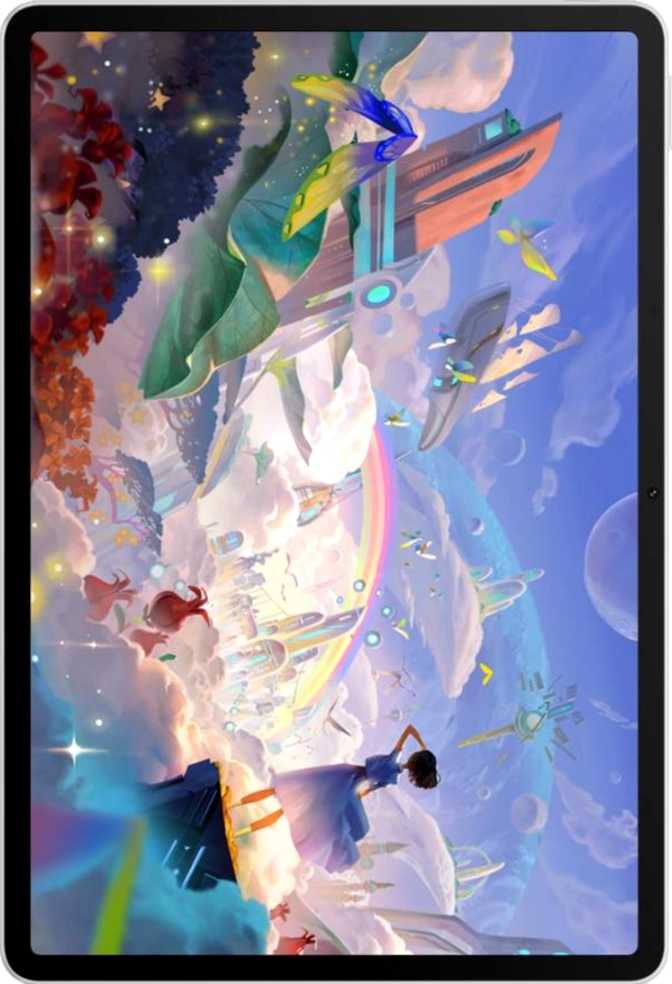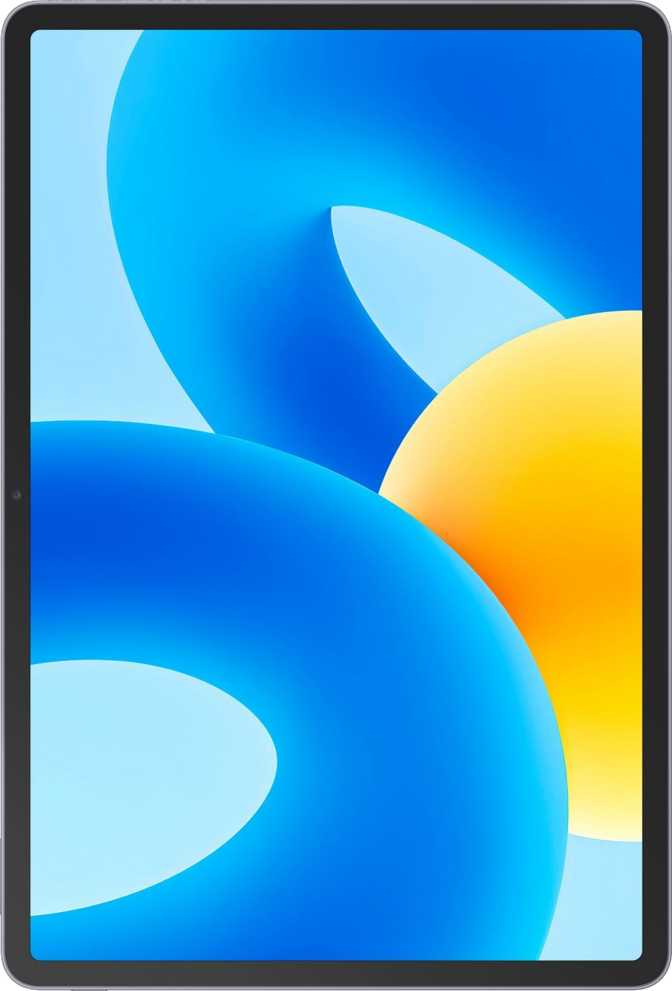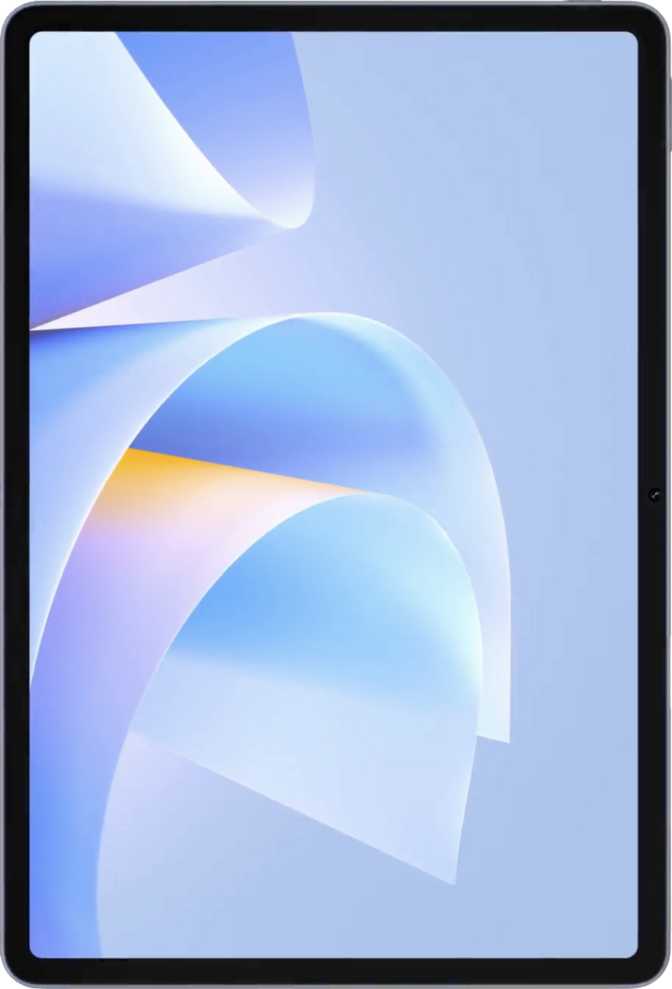
The tablet market has never been more crowded, and yet Huawei keeps carving out its own lane. The MatePad 11.5 (2026) arrives as a productivity-leaning, media-capable slate that makes a clear argument: more screen, more memory, and enough performance for daily work — all in a package thinner than most competitors dare to attempt. Whether that argument holds up depends entirely on who you are and what you expect from a tablet. The answer is not universal, and this review will tell you exactly why.
Design and Build Quality: Slim, Purposeful, and Light Enough to Hold
At 6.1mm thick and 515 grams, the MatePad 11.5 (2026) sits in genuinely impressive physical territory. To put that weight in perspective, holding it one-handed for reading or video calls for extended periods is realistic — many 11-inch tablets in this class push past 550g, where fatigue sets in faster than you would expect.
The footprint positions it as a landscape-first device, which aligns with how most people actually use a tablet: propped up, watching something, or working side-by-side with a document. It is not pocketable, but it carries cleanly in a bag without feeling like a burden.
The stylus is not included, and neither is a keyboard accessory. Both matter if your use case leans toward sketching or note-taking, and that gap will factor significantly into the value calculation depending on your workflow.
- Thickness
- 6.1mm
- Weight
- 515g
- Width
- 262.6mm
- Height
- 177.5mm
- Water Resistance
- None
- Stylus Included
- No
- Keyboard Included
- No
Display: The Headline Feature, With Nuance
Screen Size and Resolution
The 11.5-inch panel is where Huawei makes its loudest statement. Stretched to that diagonal with a resolution of 2456 x 1600 pixels, the display delivers around 255 pixels per inch — sharper than the human eye can distinguish at normal viewing distances. Text looks clean, web content renders with detail, and photos hold up well under scrutiny.
The aspect ratio landing close to 3:2 is meaningfully more useful for productivity than the widescreen 16:10 formats common on cheaper slates. You get more vertical content when reading, browsing, or working in split-screen — which matters daily.
The 120Hz Advantage
The display runs at 120 frames per second, and once you have experienced it, returning to a 60Hz screen feels like dragging through syrup. Scrolling through long documents, swiping between apps, and navigating menus all carry a physical smoothness that reduces the sense of effort. After a few days with it, this becomes a baseline expectation — not a luxury.
LCD Panel and Trade-offs
This is an LCD display, not OLED. Blacks will not be the infinite dark you would see on an OLED screen — there is a backlight behind every pixel, so black areas glow slightly. In a dark room, you may notice the difference. In daylight or a normally lit room, you will not.
The upside of LCD is consistent brightness uniformity and typically better longevity without risk of screen burn-in — relevant for anyone using this tablet as a desk fixture for hours a day. There is no anti-reflection coating and no Gorilla Glass or equivalent. Expect fingerprints to accumulate, and be mindful of direct sunlight use.
The spec data indicates an e-paper display mode — this typically means the tablet includes a reading mode that filters output to reduce blue light and simulate a paper-like visual quality. For readers who use tablets as e-book replacements, this is a meaningful comfort feature for extended sessions.
Performance: Capable Daily Driver With a Specific Context
Processor and Architecture
The MatePad 11.5 (2026) runs on a 12-core processor built on a 7-nanometer manufacturing process. The chip uses a tri-cluster architecture — two high-performance cores for demanding tasks, six middle-tier efficiency cores for sustained workloads, and four low-power cores for background processes and standby. This layered approach is smart design: the tablet can handle heavy tasks without burning through battery, and it manages lightweight tasks without spinning up hardware it does not need.
The 7nm process node is a reliable, well-established generation. It produces a processor that runs cool, extends battery life, and handles everyday work without thermal throttling.
Memory and Storage
Twelve gigabytes of DDR5 RAM is a serious allocation for a tablet. In practical terms, this means you can have a dozen browser tabs open alongside a video call and a document, switch between them instantly, and not feel the system gasping for memory. Apps you used an hour ago remain in memory waiting — no reload lag, no lost state.
The 256GB of built-in storage covers a large music library, thousands of photos, several downloaded video series, and a full suite of productivity apps without filling up. There is no microSD slot, so what is built in is what you have. If you store files locally and work with large assets, plan around that ceiling.
Benchmark Context
Reflects parallel workloads: editing while downloading, multitasking, and rendering during active use.
Reflects responsiveness: app launches, UI interaction, and real-time task snappiness.
These numbers position the MatePad 11.5 (2026) in the competitive mid-to-upper range for tablet processors. It handles everything a productive user will throw at it — documents, spreadsheets, video calls, light photo editing, and content consumption — with headroom to spare. Where it does not compete is in computationally intense creative tasks: video rendering, 3D modelling, or sustained demanding game sessions. The Maleoon 920c GPU handles casual to mid-tier gaming comfortably; the most demanding 3D titles will require compromise on settings or frame rate.
Software and Ecosystem: The Decision That Defines Everything
HarmonyOS is a capable, mature operating system. By the numbers, the software feature set is full — split-screen support, widgets, dark mode, multi-user accounts, child lock, voice commands, and customizable notifications are all present. This is not a stripped-down system; it is a complete, polished platform that simply lives outside Google's orbit.
The critical reality is this: Huawei's AppGallery is the primary app source, and while it has grown substantially, it does not match the Play Store's breadth. Many popular apps are available; many others are not. For buyers who depend on specific Android apps from the Play Store, this tablet will require workarounds — or may not be the right choice at all.
HarmonyOS Includes
- Split-screen multitasking
- Widgets and dark mode
- Multi-user accounts
- Child lock and parental controls
- Customizable notifications
- Voice commands
Not Available Natively
- Google Play Store
- Google Maps and navigation
- YouTube app (native)
- Gmail and Google Workspace apps
- Play Store-dependent applications
- Direct OS updates from Google
Cameras: Functional, Not Featured
The f/1.8 aperture is relatively wide for a tablet sensor — it helps in lower light, though physics limits what any small tablet sensor can achieve in dim conditions. The camera handles document scanning, video calls when the tablet is propped as a camera source, and casual photography with reasonable competence.
- Manual ISO, exposure, white balance, and focus
- Touch autofocus and continuous AF during video
- HDR mode available
- Video maxes at 1080p / 30fps only
- No optical zoom or image stabilisation
- No flash
The 8MP front camera at f/2.2 is well-suited for video calls and virtual meetings — the primary front-camera use case on a tablet this size. It performs clearly and competently for its intended purpose.
- Clear, competent video call performance
- Adequate for extended virtual meetings
- No front-facing flash
- Low-light shots depend entirely on ambient light
Battery: Endurance You'll Trust, Charging You'll Plan Around
The battery carries enough capacity to power most users through a full day of active use and well into a second day of lighter use. For a typical pattern — several hours of browsing, a couple of video calls, some media streaming, and background app activity — the battery remains comfortable for a full workday without reaching for a charger.
Battery health monitoring is built in, letting you track the battery's condition over time. This is a genuine long-term value feature — degraded batteries are invisible until they become a problem, and early awareness lets you manage usage accordingly.
Audio: Stereo Speakers, No Headphone Jack
The stereo speaker setup is the right choice for a media tablet — sound comes from two directions, creating a sense of width that single-speaker devices cannot replicate. For content consumption, calls, and background music, stereo separation improves the experience noticeably.
Bluetooth 5.2 handles wireless audio reliably for everyday listening. However, audiophiles will note the absence of aptX, aptX HD, LDAC, and other high-resolution audio codec support. Streaming audio over Bluetooth uses the standard SBC or AAC path — fine for casual listening, not ideal for high-fidelity audio consumption.
-
Stereo speakers for immersive, wide-sounding media playback
-
Bluetooth 5.2 for reliable wireless audio with improved connection stability
-
No 3.5mm headphone jack — USB-C adapter required for wired audio output
-
No aptX, LDAC, or high-resolution Bluetooth codec support — standard SBC/AAC path only
Connectivity: Modern Where It Counts, Limited Where It Doesn't
What's Present
-
Wi-Fi 6 (802.11ax) — faster throughput, better performance in congested multi-device environments, lower latency for real-time tasks
-
Bluetooth 5.2 — improved connection stability over older versions; handles keyboards, headphones, and peripherals reliably
-
USB-C port — charging and data transfer in a universally compatible connector
What's Missing
-
No cellular module — Wi-Fi only; no 4G or 5G support. Internet away from Wi-Fi requires tethering to a mobile hotspot
-
USB 2.0 speed — data transfer through the USB-C port is slow by modern standards; moving large files takes patience
-
No GPS — location features require an active network connection; offline mapping is not available
-
No NFC or HDMI — contactless payments and direct external display output are not supported
Who This Tablet Is For — and Who It Isn't
-
Huawei ecosystem users who already own Huawei phones and want seamless cross-device workflows through HarmonyOS integration
-
Content consumers who want a large, sharp, smooth screen for streaming, reading, and browsing without depending on Google-specific apps
-
Students and desk workers using primarily web-based tools who value a big screen with real multitasking memory
-
Light productivity users who want split-screen multitasking and 12GB of RAM without paying OLED flagship prices
-
Google Play Store dependents — specific apps you use daily may not be available in AppGallery and workarounds are not always satisfactory
-
Travellers and commuters who need always-on connectivity; no cellular module means relying entirely on a hotspot away from Wi-Fi
-
Creative professionals who need stylus input, fast USB asset workflows, or sustained high-end GPU performance
-
Schedule-sensitive users who cannot afford slow recharging and need a quick top-up before heading out the door
How It Compares to the Alternatives
| Feature | Huawei MatePad 11.5 (2026) | Android Competitor (11") | iPad (Base) |
|---|---|---|---|
| Screen Size | 11.5" | 11" | 10.9" |
| Refresh Rate | 120Hz | 60–90Hz | 60Hz |
| RAM | 12GB | 4–8GB | 4–8GB |
| Storage | 256GB | 64–128GB | 64–256GB |
| Google Services | No | Yes | No (iOS) |
| Fast Charging | No | Often Yes | Yes (adapter) |
| Cellular Option | No | Often Available | Available |
| USB Speed | USB 2.0 | USB 2.0–3.2 | USB 3.x (varies) |
| Weight | 515g | 490–540g | ~477g |
The MatePad 11.5 (2026) wins on screen size, RAM, and display smoothness in many direct comparisons at similar price points. It loses on the ecosystem question and charging convenience — and those are not small gaps. Choosing this tablet over its alternatives is ultimately a values-based decision: do the hardware advantages outweigh the ecosystem limitations for your specific workflow?
Strengths and Weaknesses: The Honest Account
Where It Genuinely Impresses
The combination of 12GB of DDR5 RAM with 256GB of storage at this screen size is not common — most competing tablets at a comparable price point offer half the memory and ask you to pay more for storage. The 120Hz display makes every interaction feel alive, and 11.5 inches of screen real estate justifies calling this a productivity device rather than a consumption toy.
The battery reserves are substantial enough that daily charging is a suggestion, not a necessity. And the thinness — 6.1mm — is a real physical achievement. This is a device that disappears in a bag and does not feel like a compromise to carry.
Where It Falls Short
The USB-C port operating at USB 2.0 speeds feels like a mismatch — a device with this memory, this storage, and this screen deserves faster data transfer. The absence of fast charging on a large battery compounds over weeks of ownership, especially if your routine involves scrambling before leaving the house.
The no-Google-services reality is the defining factor in whether this tablet works for a given buyer. A tablet that does not run your essential apps is not a bargain at any price. There is also no fingerprint scanner, leaving unlocking to less convenient alternatives depending on setup.
Answers to Questions Real Buyers Search For
Powerful Hardware in a Restricted Ecosystem
The Huawei MatePad 11.5 (2026) is a well-built, generously specified tablet with hardware credentials that genuinely stand out: a large, smooth, sharp display, uncommonly large RAM allocation, respectable sustained performance, and real endurance from its battery. On the hardware scorecard alone, it competes meaningfully.
The purchase decision comes down to one question: does your life run on Google services and the Android app ecosystem? If it does, this is not your tablet — the hardware advantages do not compensate for losing the app library you depend on daily.
If you are a Huawei ecosystem user, a primarily web-based worker, a reader, or a content consumer who does not rely on specific Android apps, the MatePad 11.5 (2026) delivers exceptional screen real estate, fluid performance, and reliable battery life. In that context, it earns a clear recommendation.