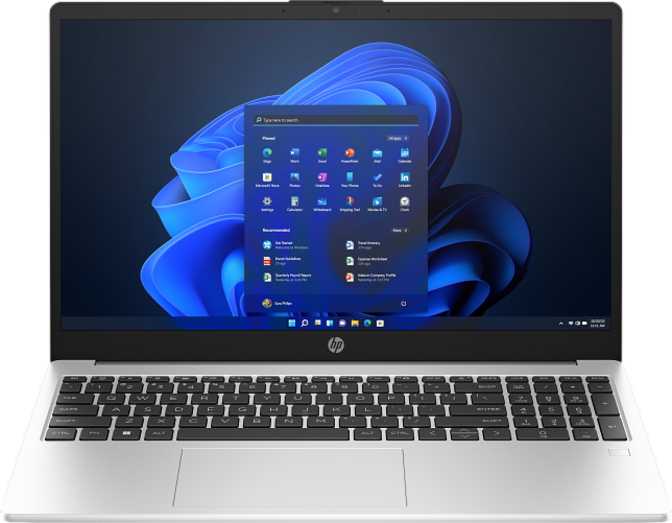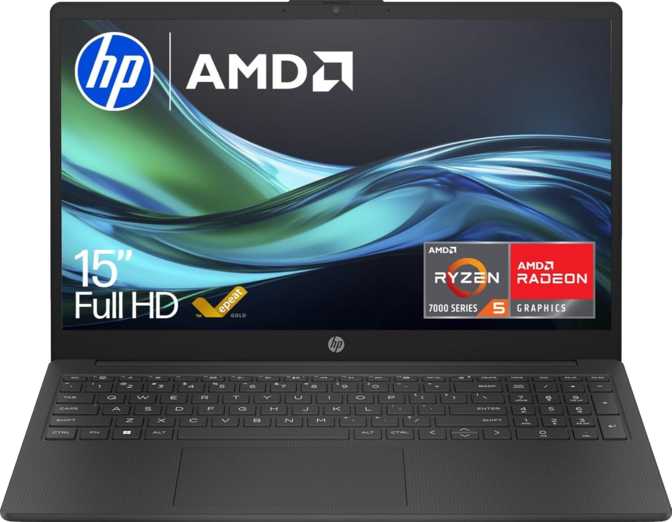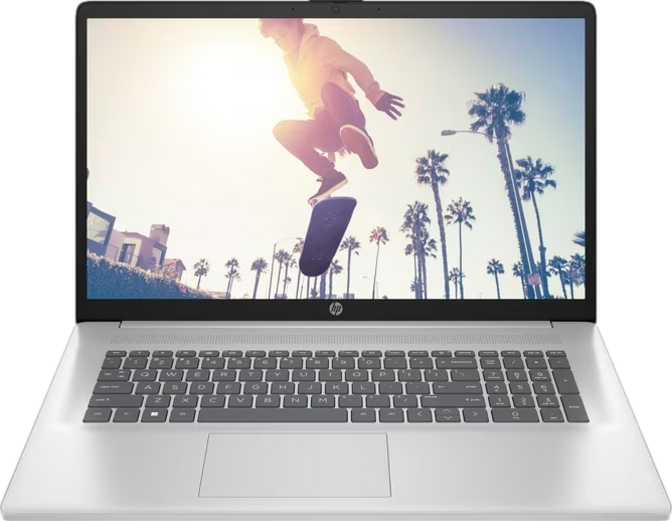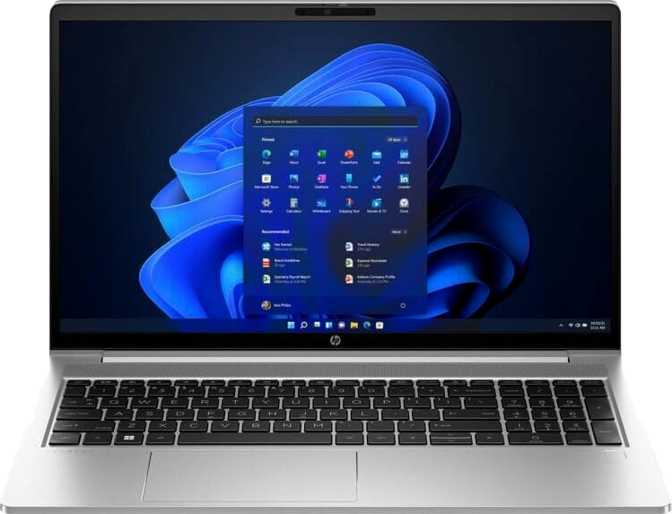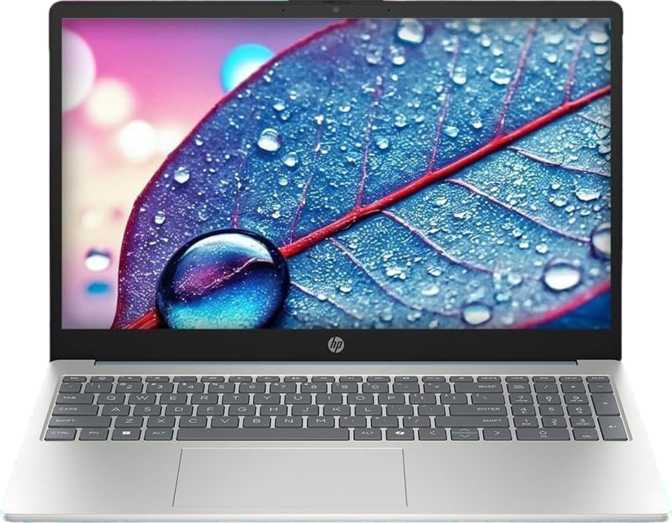
HP Essential 15 (2025) Review: An Honest Look for Everyday Buyers
LaptopsAt a Glance
There is a specific kind of laptop buyer the HP Essential 15 (2025) was designed around: someone who works at a desk, juggles a handful of browser tabs, manages documents and spreadsheets, and wants a machine that gets out of the way. If you recognize yourself there, this review will confirm something reassuring. If you were hoping for a travel companion, a gaming rig, or a creative workstation, it will save you from an expensive disappointment.
The HP Essential 15 sits in the value-productivity segment — a crowded, competitive space where manufacturers typically cut corners on display quality, memory, or storage to hit an attractive price. What makes this model worth examining carefully is that HP has made different trade-offs than most. The choices here are specific and deliberate, and understanding them is the difference between buying the right laptop and the wrong one.
Display: Bigger Than Most, Better Than Expected
With One Important Caveat
The 15.6-inch screen is the first thing you notice, and the first thing to get right about it. At this size, the Essential 15 is not a machine you tuck under your arm for commutes — it is a laptop that lives on a surface. That said, the panel itself delivers more than the price bracket usually promises.
IPS Panel: Colors That Hold From Any Angle
The display uses IPS (In-Plane Switching) technology, which matters practically because IPS panels maintain accurate colors and clear images whether you are sitting directly in front of the screen or glancing at it from an angle. Cheap laptops at this price often use TN (Twisted Nematic) panels that wash out the moment you tilt the lid or shift in your seat. That is not a problem here. Text stays crisp, photos look natural, and color accuracy is sufficient for anything short of professional photo editing.
The resolution lands at full 1080p across the 15.6-inch surface — the standard that productivity software is designed around. At this size, text renders at a comfortable density without requiring display scaling adjustments or squinting at small interface elements.
Touch Screen and Included Stylus
Both the touch screen and an included stylus are notable inclusions at this price point. Touch support opens the door to natural annotation workflows — marking up PDFs, sketching quick diagrams, signing documents without a printer. The stylus elevates this from a novelty to a genuine tool for note-takers and students.
At 250 nits, this screen is comfortable indoors but will struggle near bright windows or in spaces with strong ambient light. The anti-glare coating reduces overhead reflections and eye strain — but it cannot compete with direct sunlight. If your desk faces a window, this is a meaningful daily friction point.
Display Specifications
| Size | 15.6 inches |
| Resolution | 1920 × 1080 px |
| Panel Type | IPS, LED-backlit |
| Brightness | 250 nits |
| Touch Screen | Yes |
| Anti-Glare | Yes |
| Stylus | Included |
| Max Displays | Up to 4 screens |
Performance: A Hybrid Engine in a 15W Package
The HP Essential 15 runs on an Intel processor built around a hybrid core design — a mix of higher-performance cores and more energy-efficient cores operating simultaneously. This approach is how the chip handles a demanding task like a large spreadsheet calculation while keeping fan noise low and battery draw in check during lighter work like email and video calls.
What the CPU Actually Delivers Day-to-Day
Two higher-performance cores handle priority tasks — video calls, rendering a web page, running a script — while the efficiency cores manage background processes. The laptop rarely feels sluggish during normal use. The turbo frequency climbs high enough to handle occasional bursts of heavier work without prolonged fan noise. For extended rendering or compilation tasks, the 15W thermal design limit is a real ceiling — this chip is tuned for efficiency, not sustained endurance under heavy load.
Memory: 16 GB Where Budget Competitors Settle for 8
The 16 gigabytes of RAM is one of the most meaningful specification decisions at this price. Many competing machines still ship with 8 gigabytes, which creates an invisible ceiling — not during light use, but the moment you open fifteen browser tabs alongside a video call and a cloud storage sync. This configuration removes that ceiling for any normal office or student workload.
The memory runs in dual-channel mode, which effectively doubles the bandwidth available to the integrated graphics and contributes to smoother overall responsiveness. It uses the DDR5 standard — Intel's current generation — which carries higher bandwidth than the previous DDR4 platform. For users who eventually need more, the system supports expansion up to 64 gigabytes, a headroom level unusual at this price tier.
Storage: PCIe Gen 4 Speed at a Budget Price
The 512-gigabyte NVMe drive uses the PCIe Gen 4 interface — the fastest consumer-grade storage pathway on this platform. This is a meaningful step above the SATA SSDs used to cut costs in competing machines. Boot times, application launches, and large file transfers all benefit directly. 512 gigabytes is comfortable for most users who leverage cloud storage, though those with large local video archives should plan for external storage from the start.
Benchmark Results
| CPU & Memory | Detail |
|---|---|
| Core Config | 2 Performance + 8 Efficiency |
| Thread Count | 12 Threads |
| Peak Turbo | 4.4 GHz |
| Thermal Limit | 15W TDP |
| RAM Installed | 16 GB DDR5 Dual-Channel |
| Max RAM | 64 GB |
| Storage | 512 GB NVMe PCIe Gen 4 |
Graphics: Capable for Work, Clear About Its Limits
The integrated Intel Iris Xe Graphics engine handles display duties and light visual tasks. With 80 execution units, this sits at the more capable end of Intel's integrated graphics lineup — not the stripped-down version found in low-cost alternatives. It benefits significantly from the dual-channel DDR5 memory configuration, which provides the bandwidth the GPU needs to handle multiple displays and media-rich tasks smoothly.
What This GPU Can Do
- Smooth 1080p video playback and high-quality streaming
- Multi-monitor output — up to four simultaneous displays
- Casual 2D gaming and older titles at modest settings
- Video conferencing with screen sharing active
- Short video exports and GPU-accelerated image filters
What This GPU Cannot Do
- Modern AAA gaming at acceptable frame rates or settings
- Professional-speed GPU-accelerated video encoding
- Machine learning and AI inference workloads
- Hardware ray tracing — not supported
- DLSS or AI upscaling — no dedicated hardware
GPU Specifications
| GPU Model | Intel Iris Xe 80EU |
| Execution Units | 80 |
| Shading Units | 640 |
| TMUs | 40 |
| ROPs | 20 |
| Boost Clock | Up to 1,200 MHz |
| API Support | DirectX 12, OpenGL 4.6 |
| OpenCL | Version 3.0 |
| Type | Integrated (shared RAM) |
| Ray Tracing | Not Supported |
Connectivity: Practical, But Port-Limited
The port selection tells the story of a machine designed for a single-desk setup, not a professional who lives on adapters.
What You Get
-
1× USB-C (USB 3.2 Gen 1)Adequate for peripherals and charging — not for ultra-fast external drive transfers
-
2× USB-A (USB 3.2 Gen 1)Enough for a mouse and a USB hub simultaneously
-
1× HDMI 1.4 OutputExternal monitor or projector supported — 4K at 30Hz maximum
-
3.5 mm Headphone / Mic JackReliable escape route to external audio when built-in speakers fall short
-
Wi-Fi 6 (802.11ax)Current mainstream standard — faster and more reliable in crowded network environments
-
AirPlay SupportWireless display streaming within Apple ecosystem environments
What You Don’t Get
-
No Wired Ethernet (RJ-45)Notable for office environments with restricted Wi-Fi — USB-to-Ethernet adapter required
-
No SD or microSD Card SlotPhotographers and videographers using removable memory cards will need an adapter
-
No Thunderbolt or USB4High-speed external storage and single-cable docking stations are off the table
-
No DisplayPort OutputHDMI 1.4 is the only video output — high-refresh-rate monitors have limited compatibility
-
No USB 3.2 Gen 2 PortsMaximum transfer speed across all ports is Gen 1 at 5 Gbps
Audio, Camera, and Keyboard
Audio
The stereo speaker setup handles video meetings, streaming, and background music clearly enough for everyday use. Bass response is limited, as expected from a thin chassis. The 3.5mm combo jack is a reliable path to headphones or external speakers when audio quality matters more.
Camera and Microphone
The front-facing camera covers standard video conferencing adequately. There is no Windows Hello facial recognition and no fingerprint scanner — login is password-based only. The single built-in microphone works well in quiet rooms; a dedicated headset will produce noticeably better results in noisy environments.
Keyboard
There is no backlit keyboard — a meaningful omission for anyone who works in low-light conditions. Touch typists who rarely glance at their keys will not notice. Everyone else should honestly assess whether their primary work environment is consistently well-lit before committing to this machine.
Build, Design, and Daily Handling
The HP Essential 15 does not use a rugged or weather-sealed chassis, which is consistent with its positioning as an indoor productivity tool rather than a field device. The build is functional — designed to sit on a desk and work reliably, not to survive drops or liquid spills. Handle it accordingly.
The active cooling system includes a fan, which is the right engineering call for maintaining consistent performance without thermal throttling. During light tasks the fan is rarely audible. Under sustained load — exporting a document, processing a large dataset — it becomes noticeable but not intrusive.
At 15.6 inches, this machine occupies meaningful desk space. That same size gives you a workspace that feels expansive rather than cramped, and the full 1080p resolution at that size means text renders at a comfortable density without requiring display scaling adjustments.
Build Summary
| Form Factor | Clamshell Laptop |
| Rugged Build | No |
| Weather Sealed | No |
| Cooling | Active Fan |
| Backlit Keys | No |
| Fingerprint | No |
| Face Unlock | No |
| Optical Drive | No |
Who Should Buy the HP Essential 15 (2025)?
This Laptop Is a Good Fit
-
Students at Any LevelWriting, research, online learning, and note-taking with the included stylus and touch screen
-
Home Office WorkersEmail, video calls, document editing, and spreadsheets handled without friction
-
Shared Family ComputersWide task range with enough memory for multiple user profiles and concurrent use
-
Desk-First ProfessionalsLarge screen and multi-display support without paying a premium price
-
Note-Takers and AnnotatorsThe touch plus stylus combination is a genuine differentiator at this price point
This Laptop Is Not a Good Fit
-
Frequent TravelersThe 15.6-inch chassis prioritizes screen real estate over portability
-
PC GamersIntegrated graphics cannot deliver playable frame rates in modern titles
-
Video Editors and PhotographersGPU-intensive creative workflows and large local asset libraries need more than this offers
-
IT and Network ProfessionalsNo Ethernet port and no Thunderbolt connectivity limits enterprise and lab setups
-
Outdoor or Bright-Environment WorkersThe display brightness is insufficient for sunlit workspaces even with the anti-glare coating
How It Compares to the Alternatives
The HP Essential 15 outperforms typical budget competitors where it counts — and concedes on a few specifics worth knowing before choosing.
| Feature | HP Essential 15 (2025) | Typical Budget 15.6" Rival | Mid-Range Productivity Laptop |
|---|---|---|---|
| RAM Installed | 16 GB DDR5 | 8 GB DDR4 | 16 GB DDR5 |
| Storage Type | 512 GB NVMe PCIe 4 | 256 GB SATA SSD | 512 GB NVMe |
| Display Panel | IPS + Touch + Anti-Glare | TN or basic IPS, no touch | IPS, usually no touch |
| Stylus Included | Rarely | Rarely at this price | |
| Backlit Keyboard | Often yes | Usually yes | |
| Ethernet Port | Often yes | Often yes | |
| RAM Expandability | Up to 64 GB | Often soldered or limited | Usually upgradeable |
| Wi-Fi Version | Wi-Fi 6 | Often Wi-Fi 5 | Wi-Fi 6 |
Honest Strengths and Real Weaknesses
Genuine Strengths
The HP Essential 15 gets the fundamentals right in ways that genuinely matter to long-term satisfaction. The generous 16 gigabytes of RAM and PCIe Gen 4 NVMe storage ensure the machine will not feel outdated within two years — both are meaningful separators from bargain-bin competitors that cut exactly these corners to hit a lower price.
The IPS touch display with stylus support adds real utility that cheaper laptops simply do not offer. Wi-Fi 6 wireless ensures solid network performance for years ahead. And the memory upgrade headroom to 64 gigabytes gives technically inclined buyers a future-proofing option that most budget laptops cannot offer at any price.
The benchmark scores confirm what the specification sheet implies: this is a chip that handles productivity workloads competently. It will not slow down under normal use, and it will not become frustrating as the workload grows with your needs over time.
Real Weaknesses
The dim screen is the most consequential limitation, and it is daily friction rather than an occasional inconvenience. If your environment includes natural light, the 250-nit panel will push you to angle the lid or reposition constantly. The anti-glare coating helps, but it cannot manufacture brightness the hardware does not have.
The absence of a backlit keyboard feels like an odd omission on a machine that otherwise makes smart choices. It is an inexpensive feature to include, and its absence reveals where HP trimmed to hit the price point. The port selection is lean in ways that add friction immediately — a USB-to-Ethernet adapter or a hub consumes a port the moment you need either.
The lack of biometric login — no fingerprint reader, no facial recognition — is a real convenience trade-off for users who unlock their machine dozens of times per day. Password-only login on a home computer is manageable; in a shared office environment, it becomes a notable ergonomic gap.
Questions Real Buyers Ask Before Purchasing
Answers to what people actually search before spending money on the HP Essential 15.