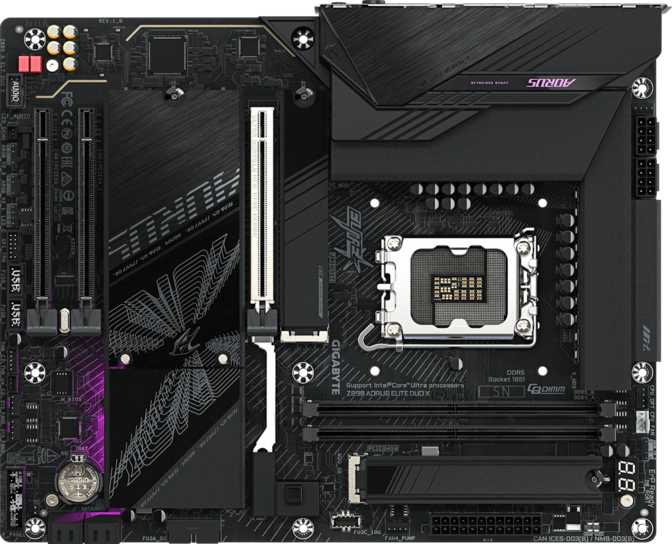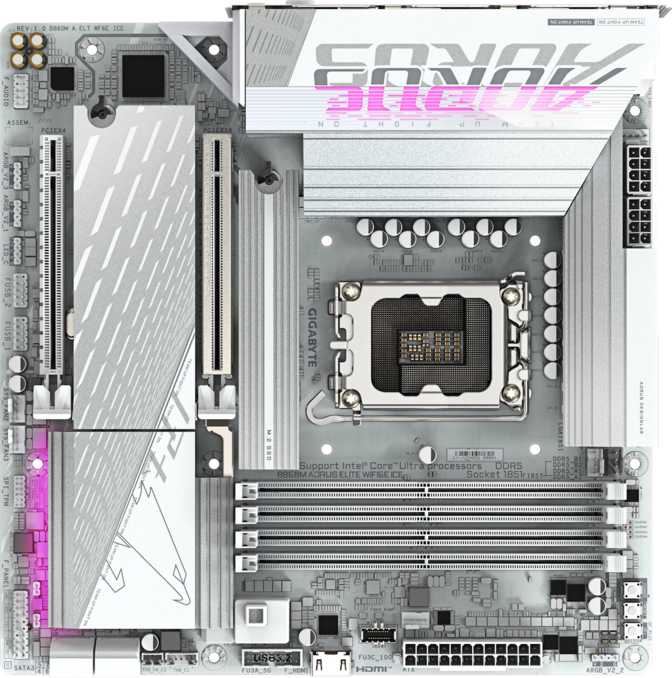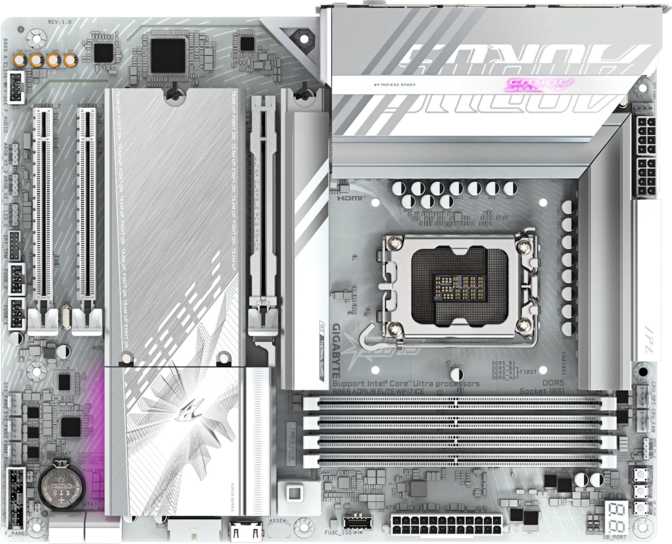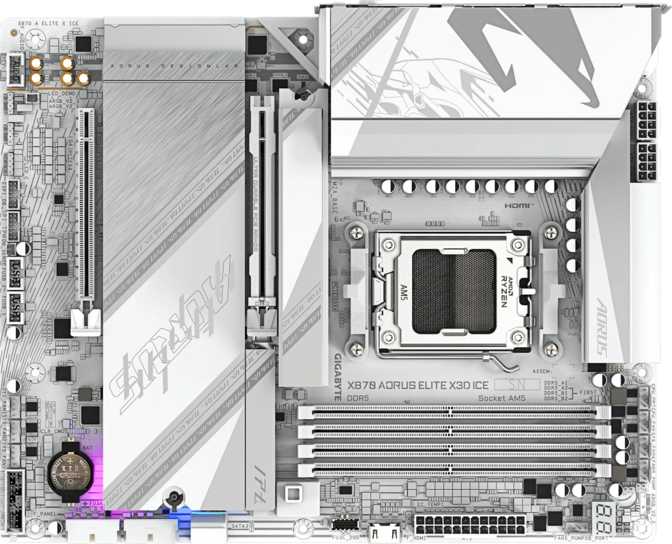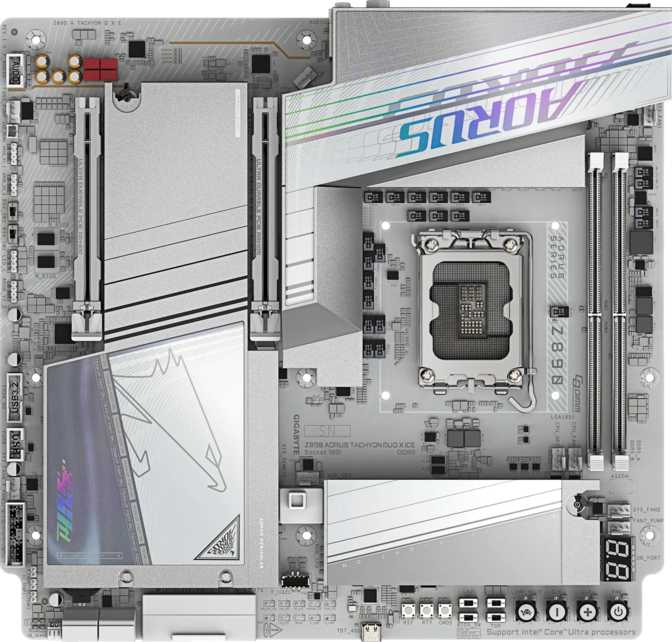
Gigabyte Z890 Aorus Tachyon Duo X Ice – Full Review & Specs Analysis
MotherboardsWhat Is the Z890 Aorus Tachyon Duo X Ice?
The Z890 Aorus Tachyon Duo X Ice is Gigabyte's most uncompromising entry in the Arrow Lake motherboard lineup — a board that makes no apologies for what it is. Built around Intel's LGA 1851 socket and the Z890 chipset, this platform was designed from the ground up for extreme overclocking, with every hardware decision pointing toward one goal: squeezing the absolute maximum out of Intel's latest Core Ultra 200 series processors and next-generation DDR5 memory.
The Tachyon name carries weight in competitive overclocking circles. Gigabyte's Tachyon series has historically been their flagship OC-first lineage, and this iteration doubles down on that heritage with a form factor, feature set, and memory subsystem that separates serious overclockers from everyone else. This is not a board for someone building their first gaming PC. It is, however, exactly the right board for the person who already knows that — and wants to know whether it truly delivers.
This review is based on the official specification set for the Gigabyte Z890 Aorus Tachyon Duo X Ice. All performance inferences are drawn directly from those specifications and noted as such.
Design and Build Quality
Form Factor and Physical Footprint
The Tachyon Duo X Ice ships in E-ATX format, measuring 305 mm wide by 285 mm tall — placing it at the larger end of the consumer motherboard spectrum. This is wider than a standard ATX board, so case compatibility is the first conversation to have before purchasing. Not every full-tower chassis supports true E-ATX dimensions, and even some marketed as E-ATX-compatible have real clearance issues. Measure your case against these dimensions before committing.
The "X Ice" designation signals the board's aesthetic direction: a white and silver color scheme applied to the PCB, heatsinks, and shrouds. This makes it one of the rare high-performance overclocker boards that doesn't default to an aggressive dark aesthetic. For white-themed builds, this is genuinely rare at this performance tier.
Practical Build Experience
Dedicated Clear CMOS Button
Physical access to BIOS reset without a jumper or disassembly. Experienced overclockers will use this repeatedly; beginners will eventually be grateful for it. It's a small detail that pays dividends during aggressive tuning sessions.
Dual BIOS Protection
Two separate firmware chips mean that if an overclocking push corrupts the active BIOS, the board falls back to the backup automatically or manually. On a platform built to be pushed hard, this is a safety net with real-world value — not a luxury inclusion.
RGB Lighting
Onboard RGB is controllable through Gigabyte's RGB Fusion ecosystem. Against the white PCB base, lighting reads softer and more diffuse than on a dark board. The board also integrates with standard ARGB headers for syncing case fans and strips.
Nine Fan Headers
Granular cooling control across a complex build without a separate fan hub. Enough to independently manage intake, exhaust, and radiator fans in realistic high-end cooling configurations — the expected companions for a board at this tier.
The Memory Subsystem: Why Two Slots Is the Right Answer Here
This is the specification that will confuse newcomers and immediately reassure experienced memory overclockers: the Tachyon Duo X Ice has only two DDR5 memory slots.
Understanding the Two-Slot Design Philosophy
On a standard gaming or productivity board, two memory slots would be a limitation. Here, it is an intentional engineering choice. When a motherboard PCB carries four DIMM slots, the signal traces required to route data to all four introduce electrical noise, impedance inconsistencies, and physical constraints that become significant obstacles at extreme frequencies. With two slots, the memory trace layout is dramatically simpler, shorter, and cleaner — allowing the board to achieve DDR5 speeds that four-slot designs structurally cannot reach.
What This Means in Practice
- DDR5 at up to 8000 MHz — roughly double the standard specification and well beyond what virtually any four-slot board can sustain reliably.
- At those speeds, memory bandwidth becomes a genuine competitive differentiator in latency-sensitive workloads, benchmarks, and certain rendering pipelines.
- Dual-channel operation delivers full bandwidth when both slots are populated with matched modules.
- No ECC memory support — consistent with OC-focused consumer positioning, where ECC constraints conflict with extreme-frequency tuning.
- The 256 GB ceiling is only reached with the highest-density DDR5 modules. For workloads exceeding that, a different platform is the appropriate choice.
Processor Compatibility and Platform Context
The LGA 1851 socket is Intel's connector standard for the Core Ultra 200 series (Arrow Lake architecture). This is a current-generation platform with no backward compatibility to previous Intel socket generations. If you are upgrading from an older Intel system, your existing processor does not transfer — you are committing to a new CPU investment alongside this board.
The Z890 chipset is Intel's unlocked, feature-rich tier for this generation — the equivalent of Z690 and Z790 in previous cycles. Overclocking, high-frequency memory tuning, and full PCIe configuration flexibility are all enabled at this chipset tier. Locked chipset variants do not support the frequency tuning that justifies purchasing this board.
Important: The board carries no integrated GPU output — no HDMI, no DisplayPort on the rear I/O. A dedicated graphics card is required at all times, including during initial builds and BIOS troubleshooting sessions.
Expansion Slots and Storage
PCIe Configuration
The board provides one PCIe 5.0 x16 slot for your primary graphics card or high-end PCIe 5.0 storage devices. PCIe 5.0 at full x16 bandwidth represents the current ceiling for consumer expansion — relevant today for top-tier GPUs and increasingly so as PCIe 5.0 NVMe drives become mainstream. A second slot runs at PCIe x8 electrical speeds, accommodating additional expansion cards without monopolizing the primary slot's bandwidth. There are no PCIe x1 slots — the design philosophy here is focused: two high-bandwidth slots rather than a collection of legacy lower-bandwidth options.
M.2 and SATA Storage
- 4 x M.2 sockets for NVMe solid-state drives
- Accommodate a primary boot drive plus multiple secondary drives for games and project libraries
- PCIe 5.0 primary slot supports next-gen NVMe drives
- 4 x SATA 3 ports for traditional HDDs or SATA SSDs
- RAID 0, 1, 5, and 10 supported
- RAID 5 offers parity-based protection — valuable for content creators managing large project archives
Connectivity: Rear I/O and Internal Headers
Rear Panel USB
Five USB 3.2 Gen 2 Type-A ports — each capable of 10 Gbps transfer speeds — handle high-speed peripherals and most external SSDs without creating bottlenecks. One USB 3.2 Gen 2x2 Type-C port adds a 20 Gbps connection for the fastest portable NVMe enclosures currently on the market.
Notable Gap: There are no USB4 or Thunderbolt ports on this board. If your workflow depends on Thunderbolt devices — certain external GPU enclosures, high-resolution video capture hardware, or Apple ecosystem accessories — a PCIe add-in card is required. Competing high-end Z890 boards sometimes include Thunderbolt 4 or USB4 40 Gbps connectivity.
Two PS/2 ports are deliberately included. PS/2 keyboards and mice maintain full input functionality during BIOS sessions and extreme overclocking scenarios where USB boot behavior can be inconsistent — a direct nod to the overclocking use case.
Internal Expansion Headers
| Header Type | Quantity | Speed / Note |
|---|---|---|
| USB 3.2 Gen 1 header | 1 header (2 ports) | 5 Gbps — front-panel USB-A |
| USB-C 3.2 Gen 2 header | 1 | 10 Gbps — modern chassis front panel |
| USB 2.0 headers | 1 header (2 ports) | 480 Mbps — peripheral/hub use |
| Fan / pump headers | 9 | Full PWM/DC control |
Networking
A single 2.5G-capable RJ45 Ethernet port handles wired networking. For most users this is entirely sufficient — 2.5 Gigabit Ethernet outpaces typical home internet connections and handles local network transfers without limitation. There is no 10GbE option onboard; users with 10GbE NAS infrastructure would need an add-in card.
Wireless networking supports Wi-Fi 7 (802.11be) — the current-generation standard delivering significantly higher theoretical throughput and improved multi-device performance compared to Wi-Fi 6E, particularly in congested environments. Bluetooth 5.4 handles wireless peripherals and audio devices.
Audio
The onboard audio delivers a signal-to-noise ratio of 120 dB through the DAC — a measurement that reflects how cleanly the audio circuitry separates audio signal from electrical noise generated by surrounding board components. At 120 dB, this approaches the performance floor of entry-level dedicated audio cards and is among the cleaner implementations in the consumer motherboard category. Output is full 7.1 surround, with a digital S/PDIF optical output for connecting to AV receivers or external DACs. Two analog audio jacks on the rear round out the physical audio connections.
For gaming and general media consumption, this audio solution is genuinely strong. Dedicated audiophile workflows may still benefit from a separate sound card or external interface, but the gap is noticeably smaller here than on boards with budget audio implementations.
Who Should Buy the Z890 Aorus Tachyon Duo X Ice
- Memory overclocking enthusiasts and competitive overclockers who specifically want maximum DDR5 frequency headroom
- Benchmark-focused builders chasing absolute scores in memory-sensitive workloads where 7000+ MHz DDR5 produces measurable results
- Experienced system builders who will use the dual BIOS, clear CMOS button, and high fan header count regularly
- White-build enthusiasts who want a flagship-tier overclocker board without the all-black aesthetic
- First-time builders — the two-slot config, no integrated graphics, and overclocking-first feature set add complexity standard Z890 boards handle more gracefully
- Content creators needing RAM beyond 256 GB — workstation platforms are the appropriate choice
- Thunderbolt-dependent users — no onboard Thunderbolt 4 or USB4 40 Gbps means an additional card purchase
- Budget-conscious builders — if extreme memory overclocking is not your goal, most of what this board offers over mid-range alternatives will go unused
How It Compares to the Broader Z890 Market
The core trade-off is clear: the Tachyon Duo X Ice gives up four memory slots, some USB flexibility, and Thunderbolt in exchange for a memory subsystem that competes at a frequency ceiling conventional four-slot boards cannot match.
| Feature | Tachyon Duo X Ice | Typical High-End Z890 (4-slot) |
|---|---|---|
| DDR5 Memory Slots | 2 Slots | 4 Slots |
| Max DDR5 OC Frequency | ~8000 MHz | ~6800–7200 MHz |
| Max Memory Capacity | 256 GB | 256 GB |
| PCIe 5.0 x16 Slots | 1 | 1–2 |
| M.2 Sockets | 4 | 4–5 |
| USB4 / Thunderbolt 4 | Often Present | |
| Rear USB-C Speed | 20 Gbps | 10–40 Gbps |
| Dual BIOS | Varies | |
| Wi-Fi Generation | Wi-Fi 7 | Wi-Fi 6E or 7 |
| Form Factor | E-ATX | ATX or E-ATX |
Competing board specifications are representative of the high-end Z890 market segment and will vary by specific model.
Honest Assessment: Strengths and Weaknesses
The Tachyon Duo X Ice earns genuine respect for the clarity of its purpose. Every hardware compromise on this board exists to serve the overclocking mission — the two DIMM slots, the E-ATX footprint, the dual BIOS, the nine fan headers are not corners cut but decisions made. That coherence is rare in a market full of boards trying to be everything to everyone.
The white aesthetic at this performance tier also fills a real gap. Most flagship overclocker hardware defaults to black-and-red styling. The X Ice variant gives white and silver build enthusiasts a top-tier option without visual compromise.
Where the board falls short of perfection at its price tier is connectivity. No Thunderbolt 4, no USB4, and only a single 2.5 GbE port are real gaps for users whose workflows have grown around high-bandwidth external connectivity. A board demanding this level of investment should arguably offer at least one USB4 40 Gbps port without requiring an add-in card. The absence of any front-panel USB-C 3.2 Gen 2x2 header is a smaller but noticeable miss for modern chassis shipping with fast front-panel USB-C ports.
The two-slot memory design, while correct for its purpose, will create hesitation among buyers uncertain whether they will ever push DDR5 above 7000 MHz. If you are unsure whether extreme memory overclocking is in your future, that uncertainty is itself a signal that this board may not be your best fit.
Frequently Asked Questions
Gigabyte Z890 Aorus Tachyon Duo X Ice
Key Strengths
- Industry-leading DDR5 OC ceiling (up to 8000 MHz) via purpose-built two-slot layout
- Dual BIOS protection designed for aggressive tuning environments
- Wi-Fi 7 and Bluetooth 5.4 — current-generation wireless across the board
- White E-ATX aesthetic fills a genuine gap at this performance tier
- Nine fan headers for full cooling control without additional hardware
- 120 dB SNR onboard audio — among the strongest in this category
Notable Weaknesses
- No Thunderbolt 4 or USB4 40 Gbps — a gap at this investment level
- Two DIMM slots only — limits flexibility for non-OC buyers
- No display output — discrete GPU required at all times
- E-ATX format restricts case compatibility
- Single 2.5 GbE — no 10GbE for high-bandwidth NAS users
The Gigabyte Z890 Aorus Tachyon Duo X Ice is a specialist tool that does what it promises with precision. If you are building a high-frequency DDR5 overclocking platform on Intel's Arrow Lake architecture, this board belongs at the top of your consideration list. The two-slot DDR5 design, dual BIOS protection, Wi-Fi 7, and white aesthetic combine into a package with very few direct competitors.
The recommendation comes with a clear condition: know your purpose before purchasing. For general-purpose workstations, family productivity builds, or even high-end gaming PCs where connectivity and upgrade flexibility matter more than peak memory frequency, a conventional four-slot Z890 board offers more balanced value.
For the overclocker, the competitive bencher, or the enthusiast demanding the highest DDR5 headroom Intel's current platform supports — this is the board. Buy it deliberately, pair it with a capable CPU cooler and quality DDR5 kit, and it will not disappoint.