Gigabyte Aorus RTX 5090 Infinity: Full Review & Real-World Performance
Graphics CardsThe Case for Going All-In
The RTX 5090 is not a product that needs to justify its existence to most people — and Gigabyte's Aorus Infinity variant doesn't try to. This is a card built for those who have already decided they want the absolute ceiling of consumer GPU performance and are now asking which manufacturer's interpretation of that ceiling is worth their money.
Built on NVIDIA's Blackwell architecture and fabbed at 5 nanometers, the RTX 5090 Infinity packs 92.2 billion transistors into a card that still manages to run on air cooling. That transistor count alone surpasses some previous-generation enterprise GPUs. What Gigabyte has done with the Aorus Infinity treatment is take an already formidable reference design and push the thermals, frequencies, and visual identity to a level that justifies its premium positioning within the RTX 5090 lineup.
Design and Build Quality
Physical presence, materials, cooling approach, and aesthetics
Physical Presence
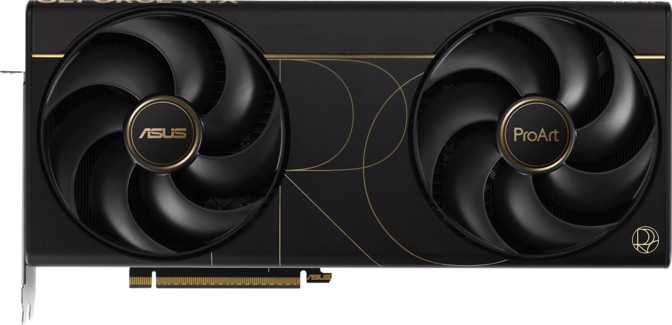
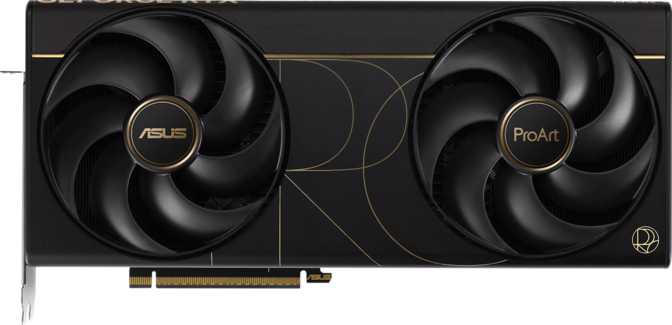
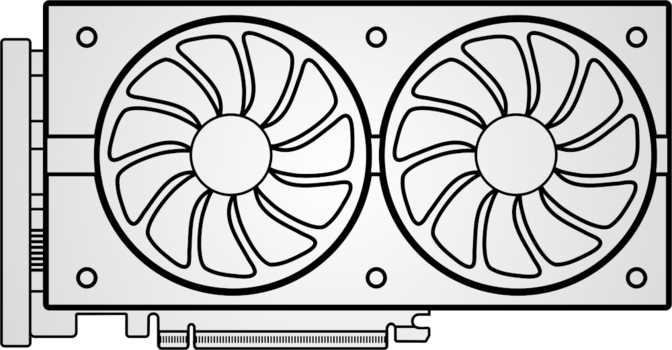
At 330mm long and 145mm tall, the Aorus Infinity demands serious clearance planning before ordering. Measure the space from your PCIe slot to any obstruction — drive cages, front-panel cables, and intake fans are common culprits. This is a triple-slot-class cooler with zero size compromises. The build itself is dense and solid: reinforced metal backplate, a full-length heatsink assembly, and no PCB flex when handled. It does not feel like a product made to a price point.
RGB Lighting
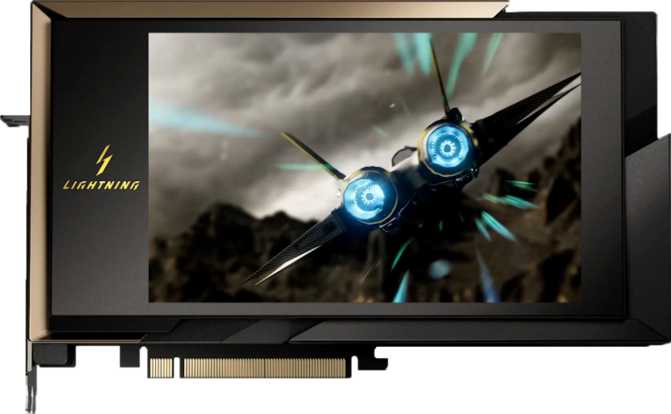
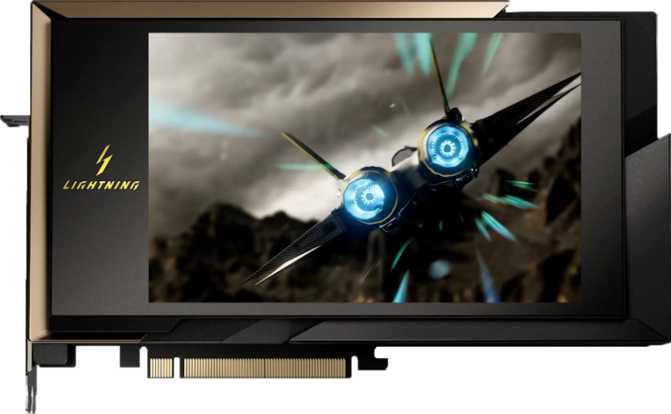
The "Infinity" name isn't incidental. Gigabyte has implemented RGB lighting across the shroud and logo areas that reads as premium without being garish. Control it through Gigabyte's software ecosystem to sync with other Aorus components, or disable it entirely for a cleaner look inside your build. For enthusiast builders who invest real money in windowed cases, this is a meaningful differentiator over reference and lower-tier AIB cards.
Air Cooling System
This is a pure air-cooling solution — no integrated water block, no hybrid liquid option. At 575W TDP, the cooling system is doing serious work. Gigabyte has engineered the heatsink and fan array for this thermal load, but it means warm air is pushed into your case aggressively. Strong case airflow — front intake, rear and top exhaust — is a prerequisite, not a suggestion. Inadequate airflow will cause thermal throttling that directly cancels Gigabyte's factory overclock advantage.
Core Performance Analysis
What the Blackwell architecture numbers mean for real-world tasks
Approximately 28% above the previous flagship RTX 4090's single-precision throughput — meaningful for AI inference, 3D rendering, and simulation workloads that can saturate the pipeline.
Driven by 680 texture mapping units operating in parallel. Complex open-world environments, 4K texture pools, and modern material systems — no current game can fully saturate this pipeline.
At 4K/165Hz the GPU needs roughly 2.4 billion pixel writes per second. The RTX 5090 handles that seven times over before hitting this ceiling. At 8K, rasterization is still not the bottleneck.
Raw Compute Throughput
The base GPU frequency sits at just over 2 GHz, which is a solid foundation, but the boost clock reaching nearly 2.4 GHz is where the Aorus Infinity's factory overclock makes itself felt. Gigabyte has pushed the boost target above NVIDIA's reference spec — translating to slightly higher sustained performance in demanding workloads compared to a stock RTX 5090, assuming your power delivery and case cooling can support it.
The generational jump from Ampere to Blackwell is not incremental on the compute side. For workloads that can saturate this compute capacity — AI inference, 3D rendering, and simulation tasks running alongside real-time graphics — the performance gap over previous-generation GPUs is immediately tangible, not theoretical.
Shading, Texturing & Rasterization
With 21,760 shader processors and 680 texture mapping units operating in parallel, this GPU can process an extraordinary volume of graphical work per frame. The texture throughput exceeds 1,600 billion texel operations per second — a figure that matters most in highly detailed open-world environments, 4K texture pools, and complex material systems used in modern rendering engines.
The 176 render output units give the RTX 5090 a pixel fill rate of over 420 gigapixels per second. Even at 8K, the rasterization output pipeline is not the bottleneck — which means the card's ability to push resolution headroom is limited by memory bandwidth and compute throughput, both of which are class-leading on this architecture.
Memory: The 32GB GDDR7 Advantage
Why memory capacity and bandwidth are the hidden performance story this generation
32GB Capacity
Most demanding 4K titles today peak at 16–20GB under maximum texture settings. The RTX 5090's 32GB is primarily future-proofing for pure gaming. Where it delivers immediate, practical value is in running large diffusion models locally, rendering complex Blender or DaVinci Resolve scenes, and working with very high-resolution 3D texture pipelines — tasks where the VRAM ceiling on previous-generation cards caused real workflow friction.
1,790 GB/s Bandwidth
The 512-bit memory bus combined with GDDR7 running at an effective 28,000 MHz produces peak bandwidth of approximately 1,790 GB/s — roughly 1.7 terabytes of data transferred between GPU cores and memory every second. The previous flagship offered around 1,008 GB/s. This 78% bandwidth improvement is one of the most significant real-world gains Blackwell delivers, particularly in high-resolution texture sampling, large model inference, and multi-layer rendering pipelines.
ECC Memory Support
Error-correcting code memory support is primarily relevant for scientific simulations, financial modeling, or long-duration rendering jobs where a single undetected memory error could corrupt an output. For pure gaming, it's irrelevant. For workstation users running this card in a creative or technical context, ECC support makes the RTX 5090 Infinity a legitimate professional tool — not just an enthusiast trophy.
Memory capacity tells you how much you can hold; bandwidth tells you how fast you can work with it. In high-resolution gaming and rendering, bandwidth is often the binding constraint — not VRAM size or raw shader count. The RTX 5090's 78% bandwidth advantage over its predecessor manifests most clearly in GPU-memory-bound scenarios: high-resolution texture sampling, large model inference, and complex rendering pipelines where data throughput is constant and massive.
Key Features Explained
What these technologies actually do for you — in plain terms, not marketing language
DLSS
DLSS renders a game at a lower internal resolution and reconstructs a higher-resolution image using dedicated AI hardware — producing output visually comparable to native resolution at significantly lower performance cost. On Blackwell, this runs on updated tensor cores that are more efficient than the previous generation. Even at resolutions and frame rate targets the RTX 5090 can already handle natively, DLSS extends that headroom further. At 8K — where even this GPU faces meaningful load — DLSS is what makes that format practical for real-time gaming.
Ray Tracing
Ray tracing simulates how light physically bounces, reflects, and refracts in a scene — producing shadows, reflections, and ambient lighting that look dramatically more natural than traditional rasterized approximations. The RTX 5090's dedicated ray tracing hardware is a generational step beyond the RTX 4090's already capable implementation. In supported titles, particularly interior scenes, water reflections, and environments with complex lighting, the visual difference is substantial. This card makes it possible to run high-fidelity ray tracing at 4K with high frame rates — simultaneously.
Resizable BAR
Intel Resizable BAR allows the CPU to access the full GPU memory pool simultaneously rather than in segmented chunks. Depending on the game and CPU combination, this yields measurable frame rate improvements — typically a few percent. It requires a compatible motherboard with the feature enabled in UEFI/BIOS. Worth noting: despite the Intel branding, the underlying PCIe BAR resizing feature works across modern AMD and Intel platforms alike. It's a minor but genuinely free performance gain in the right conditions.
Multi-Display & Ports
Up to four simultaneous displays are supported via one HDMI 2.1b port and three DisplayPort outputs. HDMI 2.1b handles up to 10K resolution and high refresh rates at 4K — compatible with the latest gaming monitors and televisions. DirectX 12 Ultimate and OpenGL 4.6 ensure compatibility with every current and foreseeable game engine and creative application. One important caveat: there are no USB-C display outputs. Buyers who rely on USB-C or Thunderbolt connectivity for displays will need an active adapter.
Power Requirements & System Compatibility
What your system needs before this card arrives — non-negotiable planning items
A TDP of 575 watts represents the sustained worst-case thermal output the cooling system is designed to manage. Real gaming workloads will fluctuate below this peak, but under heavy sustained load — rendering, AI tasks, or the most demanding games — consumption will approach it. This is the single most important compatibility consideration for this card, and it affects every item below.
Power Supply Unit
1,000W is the absolute floor. A 1,200W unit provides comfortable headroom for a typical high-end system. Enthusiast builds pairing this card with a flagship CPU should target 1,400–1,600W to avoid hitting PSU limits under combined peak load.
Case Airflow
The air cooler exhausts heat into your case interior. Without strong front-intake, rear-and-top-exhaust airflow, thermal throttling will occur under sustained load — directly canceling Gigabyte's factory overclock advantage. This card is not suited for cramped or passively ventilated enclosures.
PCIe & Motherboard
The card uses PCIe 5.0 x16 but is backward compatible with PCIe 4.0 with negligible real-world gaming performance loss. Enable Resizable BAR in UEFI/BIOS settings — supported on modern Intel and AMD platforms — for a free performance gain that requires no additional hardware.
Who This Card Is For — And Who It Is Not
Honest guidance based on actual use case — not spec-sheet enthusiasm
Buy This Card If...
- You game at 4K or 8K with no compromisesYou own or plan to buy a high-refresh 4K monitor — 144Hz, 165Hz, or 240Hz — and want to max every quality slider in the most demanding titles today and for the foreseeable future.
- You are a creative professional who also gamesVideo editors in DaVinci Resolve, 3D artists in Blender or Cinema 4D, and VFX professionals who need GPU acceleration will find the 32GB GDDR7 pool directly beneficial to their work pipelines — not just their gaming sessions.
- You run AI or ML workloads locallyRunning large language models or diffusion models locally requires VRAM above all else. The 32GB capacity with ECC support makes this competitive with entry-level professional AI accelerators for local inference.
- You are building for the long termIf you expect to run your system without meaningful GPU upgrade consideration for four or more years, the Blackwell architecture and 32GB GDDR7 memory pool are not features you will outgrow quickly.
Skip This Card If...
- You game at 1080p or 1440pAt these resolutions the RTX 5090 is so dramatically overpowered that extra performance manifests primarily in CPU-limited scenarios. An RTX 5070 Ti or RTX 4080 Super delivers essentially the same gaming experience for a fraction of the cost.
- Value-per-frame matters to your decisionThis is explicitly not a value recommendation. If cost-per-frame or cost-per-feature factors into your purchase, the RTX 5090 is the wrong answer at virtually every price point relative to the tier-below alternatives.
- You have a small form factor buildAt 330mm in length, the Aorus Infinity will not fit in ITX cases or many compact mATX enclosures. Even in standard mid-towers, physical clearance verification is essential before ordering.
- You rely on USB-C for display outputThere are no USB-C display ports on this card. If your monitor setup uses USB-C or Thunderbolt connectivity, you will need an active adapter — adding cost and potential compatibility considerations.
Aorus Infinity vs. Other RTX 5090 Variants
What Gigabyte's flagship tier actually buys you over reference and lower AIB configurations
| Feature | Aorus RTX 5090 Infinity | Reference / Lower AIB Tier |
|---|---|---|
| Factory Boost Clock | ~2,407 MHz (factory OC'd) | ~2,340 MHz (stock reference) |
| RGB Lighting | Full Aorus Infinity RGB ecosystem | Varies — often limited or absent |
| Cooler Tier | Flagship triple-fan assembly | Standard triple-fan |
| Backplate | Full metal reinforced | Metal or plastic depending on tier |
| GPU Die & Memory | Identical (same Blackwell chip) | Identical (same Blackwell chip) |
| Thermal Design Power | 575W | 575W |
Against competing AIB flagships from ASUS ROG STRIX and MSI Suprim, the competition is between cooling execution, aesthetics, software ecosystems, and overclocking headroom — not the underlying GPU. All run the same Blackwell chip, and real-world performance differences between them will remain within a few percent.
Honest Assessment
Strengths and limitations written plainly — because credibility comes from balance
What Makes This Card Stand Out
The RTX 5090 Infinity's strengths are not subtle. Its performance lead over everything below it is real and wide. The 32GB GDDR7 memory pool is class-defining — not just a spec sheet number, but a practical ceiling remover for memory-intensive workloads that no other consumer GPU currently matches. The 512-bit memory bus and the bandwidth it enables improve the entire GPU's behavior across workloads, not just in synthetic benchmarks.
The Blackwell architecture's improvements to ray tracing and AI inference throughput are meaningful for users who actively engage with those features. The factory overclock Gigabyte has applied is real and measured — this card runs faster than a stock RTX 5090, meaning buyers get tangible performance above the baseline specification without touching overclocking tools.
Double-precision floating-point support expands the card's utility into territory most gaming GPUs cannot touch — making it a legitimate option for scientific or technical computing workloads alongside its consumer positioning. For workstation users who need GPU acceleration for serious professional software, the VRAM capacity and compute headroom are not marketing copy. They translate directly to shorter render times and fewer workflow interruptions.
Where the Trade-Offs Land
Five hundred seventy-five watts is a significant operational cost — in electricity, in heat output, and in the supporting hardware required to manage it. The absence of a USB-C display output is a genuine omission for users who have invested in USB-C or Thunderbolt displays. The 330mm physical length will create real fitment issues in a meaningful number of cases available on the market today.
The value proposition relative to the RTX 5080 — which likely handles 4K gaming at high refresh rates for a substantially lower cost — is a calculation every prospective buyer should run for their specific use case before committing. For pure gaming, the price-to-performance ratio of the RTX 5090 is its weakest argument, and any honest review has to state that plainly.
There is also no hybrid cooling option on this specific model. For users in hot ambient environments, small enclosures, or overclocking-focused builds who want maximum thermal headroom beyond the air cooler's envelope, an aftermarket water block or an AIB variant with a hybrid cooling configuration may be worth comparing before finalizing this purchase.
Common Questions Before You Buy
The questions real buyers search for — answered directly and completely
Final Verdict
A clear, direct recommendation — no hedging, no filler
The Gigabyte Aorus GeForce RTX 5090 Infinity is the correct answer to a very specific question: what is the fastest air-cooled consumer GPU available with flagship aesthetics and a proven factory overclock? If that question is yours, the answer is this card.
For 4K gaming at maximum settings and high refresh rates, for local AI workloads that demand VRAM capacity, for 3D artists and video professionals who want a single GPU to serve both their creative pipeline and their gaming setup — the RTX 5090 Infinity covers all of those use cases with room to spare.
The purchase becomes harder to justify when the comparison shifts to value. If your primary use is gaming at 1440p or below, this card is significant overkill. If you are comparing it to an RTX 5080 for pure 4K gaming and the price difference is substantial, the 5080 warrants serious consideration first.
If you are building a system designed to be definitive — one you expect to run without meaningful upgrade consideration for four or more years — the Aorus RTX 5090 Infinity makes a compelling case for itself. The Blackwell architecture, the 32GB GDDR7 memory pool, and the 512-bit bus are not features you will outgrow quickly. Buy this card because you need what only this card provides. It will not disappoint.