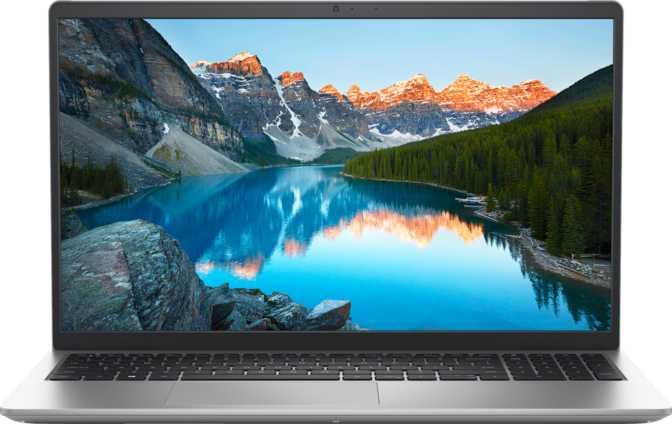
Dell Inspiron 15 3530 (2025) Review: Big Storage, Real Trade-Offs
LaptopsMost 15.6-inch laptops at this price tier offer predictable configurations: modest RAM, modest storage, and a screen that does the job. The Dell Inspiron 15 3530 in this 2025 configuration breaks that pattern in two specific areas — then stays conventional everywhere else. What you get is a machine with a genuinely unusual specification profile: memory and storage more commonly found in machines costing substantially more, wrapped inside a chassis that saves money through carefully chosen omissions. Understanding exactly which trade-offs were made — and whether they align with how you actually work — is what this review settles.
Category Ratings
Design and Build Quality
Practical, Not Polished
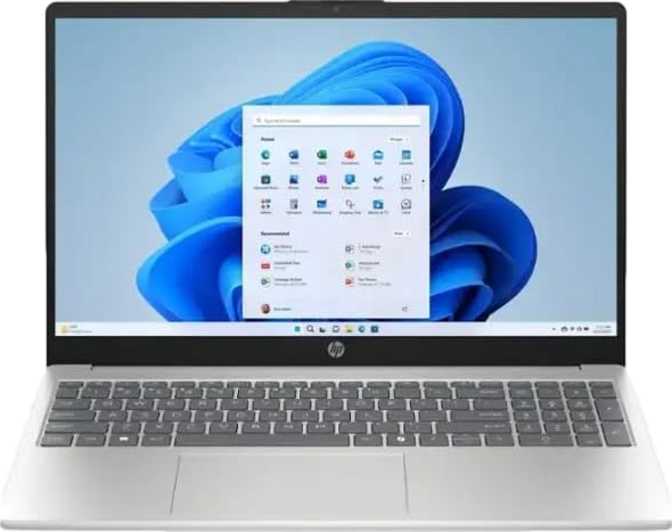
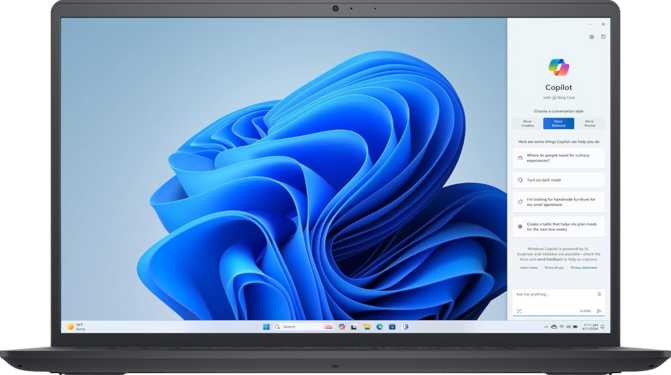
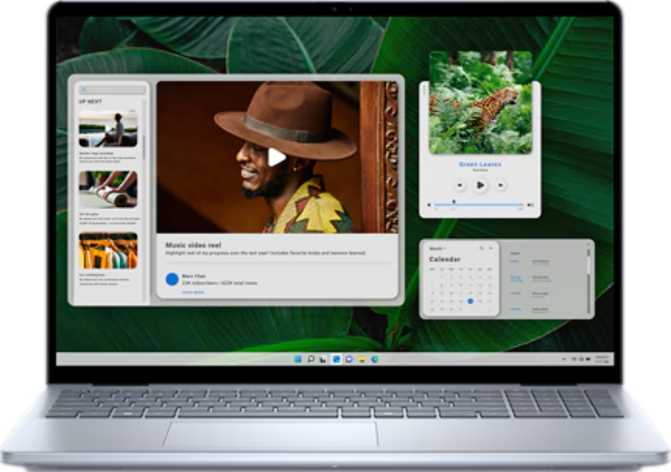
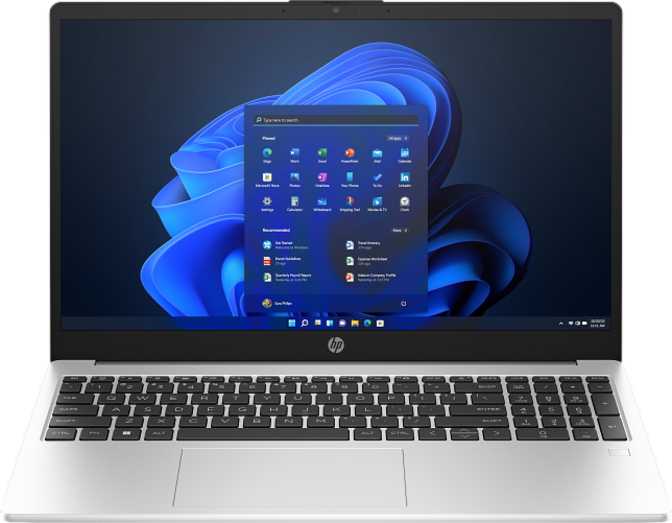
At 1,620 grams — roughly 3.6 pounds — the Inspiron 15 3530 sits at the lighter end of the 15.6-inch category, which traditionally skews heavier. Its 18mm profile is genuinely slim for this screen size, and the overall footprint keeps it manageable in a backpack alongside textbooks or in a work bag alongside a notebook and tablet.
What the build does not claim is any kind of rugged certification or weather resistance. There is no drop rating, no splashproof coating, and no armor-grade chassis. This is a consumer productivity machine built to sit on desks and travel in padded sleeves — not to survive a coffee spill or a bag drop on concrete. Handle it accordingly and it will serve well.
Working in dim conference rooms, on overnight flights, or in any darkened space becomes genuinely harder without keyboard illumination. It is the kind of omission that rarely makes spec sheet headlines but shows up every single evening.
Display: A Touch of Versatility, A Ceiling on Brightness
15.6" IPS Full HD with Touch — 220 Nits
The 15.6-inch IPS panel delivers 1920 x 1080 resolution with accurate color rendering and consistent viewing angles — a genuine advantage over the cheaper TN panels still found in some competing budget machines. Colors look natural whether you are looking straight on or at a slight angle, which matters both for sharing content with someone beside you and for avoiding the color shift that cheaper technologies produce.
The standout display feature is touch capability, which is uncommon at this price tier. Whether you prefer navigating with your fingertips, scrolling documents with a swipe, or using touch-optimized applications, this screen accommodates that without any sacrifice to how it operates with the traditional keyboard and trackpad.
The category average for laptops sits around 250–300 nits, and premium panels push 400 nits or higher. At 220 nits, indoor use in well-lit rooms is fine, but the screen washes out near a sunny window. Outdoor use in anything brighter than shade is a genuine struggle — and the absence of an anti-reflection coating means glare compounds the problem further.
Performance: Genuinely Capable, Clearly Defined
Hybrid CPU Architecture in the Productive Mid-Range
The CPU in Plain Terms
The processor inside this Inspiron runs a hybrid architecture with two types of cores: two faster performance cores that handle demanding tasks like video rendering, code compilation, or application launches, and eight efficiency cores that manage lighter background tasks while keeping power draw low. Together, these ten cores run twelve simultaneous threads.
This means the laptop handles everyday multitasking well. Running dozens of browser tabs alongside a video call and a spreadsheet does not produce the slowdowns that plague genuinely underpowered machines. The processor also boosts aggressively under load before stepping back down to conserve energy when that headroom is no longer needed.
Thermal and Power Envelope
The processor operates within a 15-watt thermal design envelope — the standard for efficiency-focused laptop chips. The practical consequence is that peak performance is sustainable within thermal limits the cooling system can manage without excessive throttling under typical productivity workloads. The efficient power profile also implies reasonable battery endurance for a standard working session. What this chip is not designed for is sustained maximum output over long periods: creative professionals rendering 4K video continuously or engineers running extended simulations will hit the ceiling of this thermal configuration.
Benchmark Results in Context
Memory and Storage: Where This Laptop Truly Stands Out
64GB RAM and 4TB NVMe at This Price — An Uncommon Find
Sixty-four gigabytes of RAM is a specification more at home in professional workstations than in a consumer productivity laptop. Standard office work rarely saturates more than 8 to 12 gigabytes. Video editing may use 16 to 32 gigabytes during active rendering. Running multiple virtual machines, working with large datasets, or managing extensive audio sample libraries can push into 64-gigabyte territory.
For most buyers, this headroom means the machine will never slow down from memory pressure. Applications stay loaded in the background indefinitely, browser tabs never reload, and the system remains fast even under heavy multitasking that would throttle a typical machine.
At current-generation PCIe 4 interface speeds, file transfers and application loads are fast by any current standard — not merely faster than old hard drives, but fast relative to SSDs in general.
More practically: four terabytes means your entire photo library, video project archive, music collection, and years of documents fit locally without the management overhead of external drives or compromise to cloud-only workflows. For a researcher managing large datasets, a photographer who shoots high-volume, or simply someone who has spent years managing "storage full" warnings, this configuration is a direct solution.
The RAM uses DDR4 technology — the previous generation relative to DDR5 now appearing in higher-end machines. In practical terms, at 64 gigabytes total, the sheer quantity compensates meaningfully for the generational distinction. You will not feel the difference in everyday use.
Graphics: Capable for Everyday Use, Limited for More
Intel Iris Xe — Integrated Graphics, Not Discrete
The integrated Intel Iris Xe graphics engine with 96 execution units provides enough horsepower for smooth video playback, basic photo editing, and casual games from a few years ago. Modern AAA titles at demanding settings are outside its range — not a condemnation of the laptop, just a clarification of scope. This machine was not designed to replace a gaming rig.
The graphics engine supports DirectX 12 and OpenCL 3, which means compatibility with modern software and some hardware-accelerated tasks in creative applications. There is no ray-traced lighting support and no AI-based upscaling technology — those features are exclusive to discrete gaming GPUs. The display output system can drive multiple external monitors alongside the built-in screen, making it credible for a multi-display productivity desk setup.
For technically oriented buyers: hardware-level AES encryption acceleration is present in the CPU (relevant for encrypted storage and VPN connections), and AVX instruction support benefits scientific computing and certain machine-learning inference tasks.
Connectivity: Functional, But Read the Fine Print
Lean Port Selection With Notable Gaps
What You Get
- USB-C at 5Gbps — one Gen 1 port for peripherals and charging
- USB-A at 5Gbps — one Gen 1 port for standard accessories
- USB-A 2.0 — one legacy port for keyboards, mice, and low-speed devices
- HDMI output — one port for external monitors and TVs
- 3.5mm combo jack — wired headphones and external microphones
- Memory card slot — for camera media transfers
- Wi-Fi — built-in wireless connectivity
What's Missing
- No wired Ethernet — office users on wired networks need a USB dongle, consuming a limited port
- No Thunderbolt (any version) — no high-speed external drives, docking stations, or eGPU support
- HDMI 1.4 only — the older standard; a modern 4K display at smooth 60Hz is not fully supported
- No fingerprint reader — authentication requires a typed password or PIN every login
- No facial recognition — no biometric login of any kind is available
Day-to-Day Experience: Camera, Audio, and Daily Features
The Details That Define Your Daily Routine
Camera and Microphone
The built-in front-facing camera covers the essential use case: video calls for work, study, or staying connected. A single integrated microphone handles voice capture, which is standard for this class of machine.
Neither the camera nor the microphone is positioned as a content creation tool. They are functional for professional video conferencing and casual calls — not for producing studio-quality audio or broadcast-grade video. For podcast recording or video production, an external webcam and USB microphone remain the correct tools.
Speakers and Audio Output
Stereo speakers handle casual audio — background music, video call audio, and general media consumption. There is no Dolby Atmos processing, so the audio output will be adequate rather than impressive.
The 3.5mm combo audio jack provides the important fallback: wired headphones or external speakers when better audio matters. For anyone serious about sound quality — whether for music, mixing, or immersive viewing — a pair of wired or Bluetooth headphones is the practical solution alongside this machine.
Who the Dell Inspiron 15 3530 Is Actually For
Match Your Needs Before You Buy
This Laptop Is Right For You If...
- Students who store large project files, video footage, or software installations locally and want multitasking without slowdowns
- Home office workers who run multiple applications simultaneously and appreciate a larger screen for documents and spreadsheets
- Researchers and analysts who work with large datasets, run local models, or manage multiple active environments that actually use 64GB
- Photographers and videographers who need extensive local archives without managing external drives or subscriptions
- Upgraders from older machines who want configuration headroom that will stay relevant for years without needing further upgrades
Look Elsewhere If You Are...
- Gamers or GPU-dependent creatives — integrated graphics cannot support modern gaming or real-time 3D rendering at meaningful quality
- Frequent travelers or outdoor workers — the dim, non-anti-glare screen is a real practical obstacle in bright or variable lighting
- Business users needing wired connectivity — no Ethernet port and no Thunderbolt docking means compromises for office network environments
- Security-focused buyers — the complete absence of biometric login (fingerprint and face recognition) is a friction point for fast, secure authentication
- Evening and dim-environment typists — the absent keyboard backlight becomes an ergonomic issue every time you work after dark
How It Compares to the Alternatives
Dell Inspiron 15 3530 vs Comparable 15.6" Budget Laptops
| Feature | Dell Inspiron 15 3530 (2025) Reviewed | HP 15 / Lenovo IdeaPad 3 | Acer Aspire 5 |
|---|---|---|---|
| RAM | 64GB DDR4 | 8–16GB (typical) | 8–16GB (typical) |
| Storage | 4TB NVMe PCIe 4 | 256GB–512GB SSD | 512GB–1TB SSD |
| Screen Brightness | 220 nits (low) | 250–300 nits | 250–300 nits |
| Backlit Keyboard | No | Often included | Often included |
| Touch Screen | Yes | Rarely at this price | Rarely at this price |
| Wired Ethernet | No | Sometimes | Sometimes |
| Biometric Login | No | Sometimes | Sometimes |
Competitor specs are representative of typical configurations in this price category and may vary by specific model and configuration.
Strengths and Weaknesses: The Honest Balance Sheet
Real advantages and real limitations — no spin
Strengths
- 64GB RAM configuration exceptional for this price tier — workstation-level memory headroom
- 4TB NVMe SSD at PCIe 4 speeds — generous, fast, local storage that rivals desktop configurations
- Touch-enabled IPS display — uncommon at this price tier; adds genuine day-to-day versatility
- Slim and portable — 18mm thick and just over 1.6kg for a full 15.6-inch machine
- Competent mid-range CPU with hybrid architecture handles multitasking and productivity workloads well
- DirectX 12 and OpenCL 3 GPU support — compatible with modern software and hardware-accelerated tasks
Weaknesses
- 220-nit brightness is well below the category average — a functional limitation, not a cosmetic one
- No anti-reflection coating — glare compounds the dim screen problem in bright environments
- No backlit keyboard — usability in dim or dark settings is genuinely impaired
- No Ethernet port — wired office network access requires a dongle that consumes a scarce USB port
- No Thunderbolt — no high-speed docking, no fast external drives, no eGPU expansion
- No biometric authentication of any kind — fingerprint and facial recognition are both absent
Final Verdict
The Dell Inspiron 15 3530 is best understood as a storage-first productivity laptop — exceptional in the areas that matter most to a specific kind of user, and genuinely limited in areas that matter to another. It is not a flawless machine, and the compromises are real. But for the right buyer, no comparably priced laptop from the major brands matches what this configuration delivers.
Buy It If...
- Local storage and maximum RAM are your primary workflow requirements
- You work primarily in controlled indoor lighting environments
- You need years of photos, video, or project files stored on-device without cloud compromise
- Heavy multitasking without memory pressure is important to your daily routine
- You want configuration headroom that stays relevant for years without an upgrade
Skip It If...
- Screen brightness matters — outdoor or bright-window use will be a daily frustration
- You regularly type in dim or dark environments and rely on keyboard backlighting
- Wired Ethernet access or Thunderbolt docking is part of your office setup
- Biometric authentication is part of your daily security workflow
- Gaming or GPU-intensive creative work is on your list — integrated graphics cannot deliver