Overall Score
out of 5.0
Performance at a Glance
Budget-friendly wireless gaming mice usually force a choice: versatile connectivity or long battery life, lightweight design or multi-device flexibility. The Attack Shark X8 SE takes aim at that compromise directly. It offers three distinct connection modes, a build that barely registers on a gram scale, and battery longevity that makes most wireless competitors look like they are running on a AA cell taped to a hamster wheel.
The catch, as with any product that over-delivers in one area, is real — and this review covers all of it, from how it actually feels in hand to what the sensor is capable of at speed.
Design and Build Quality
What 55 grams feels like — and the trade-offs that make it possible.
Shape, Symmetry & Size
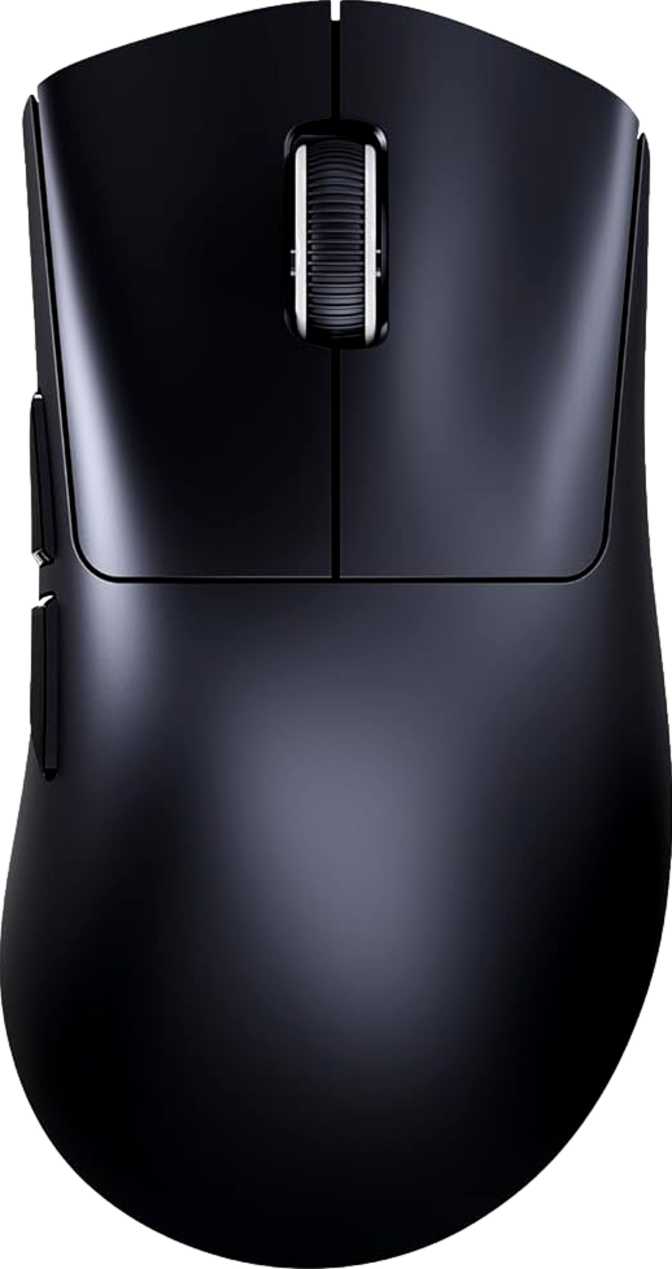
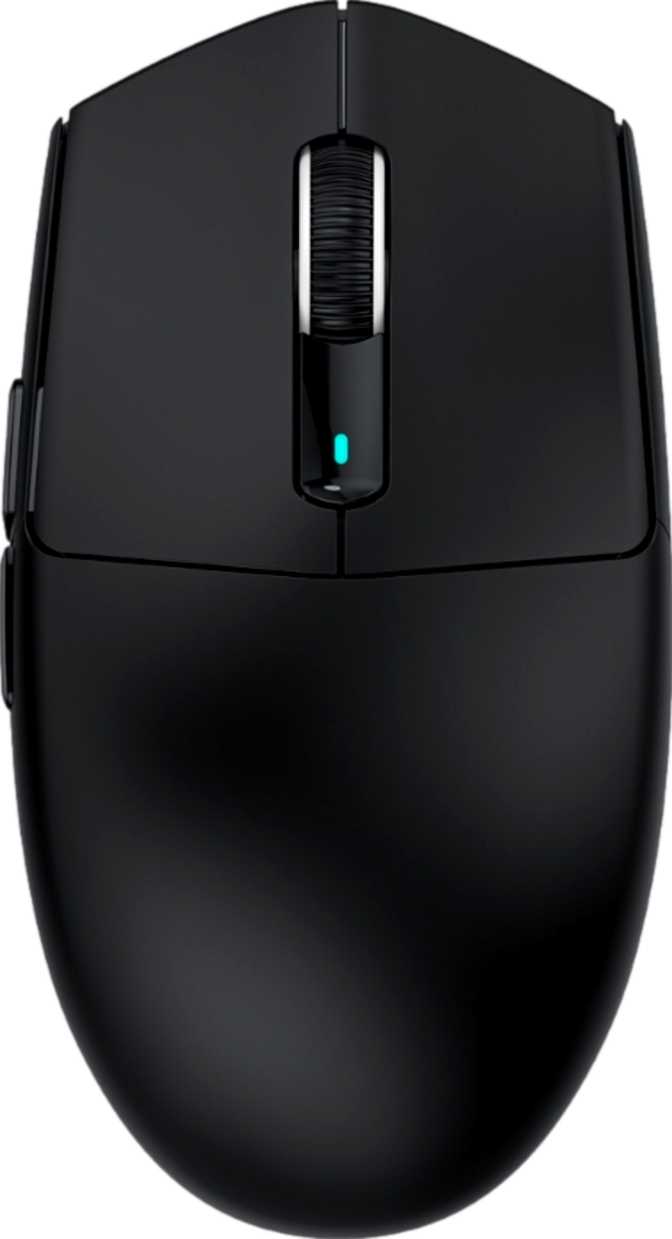
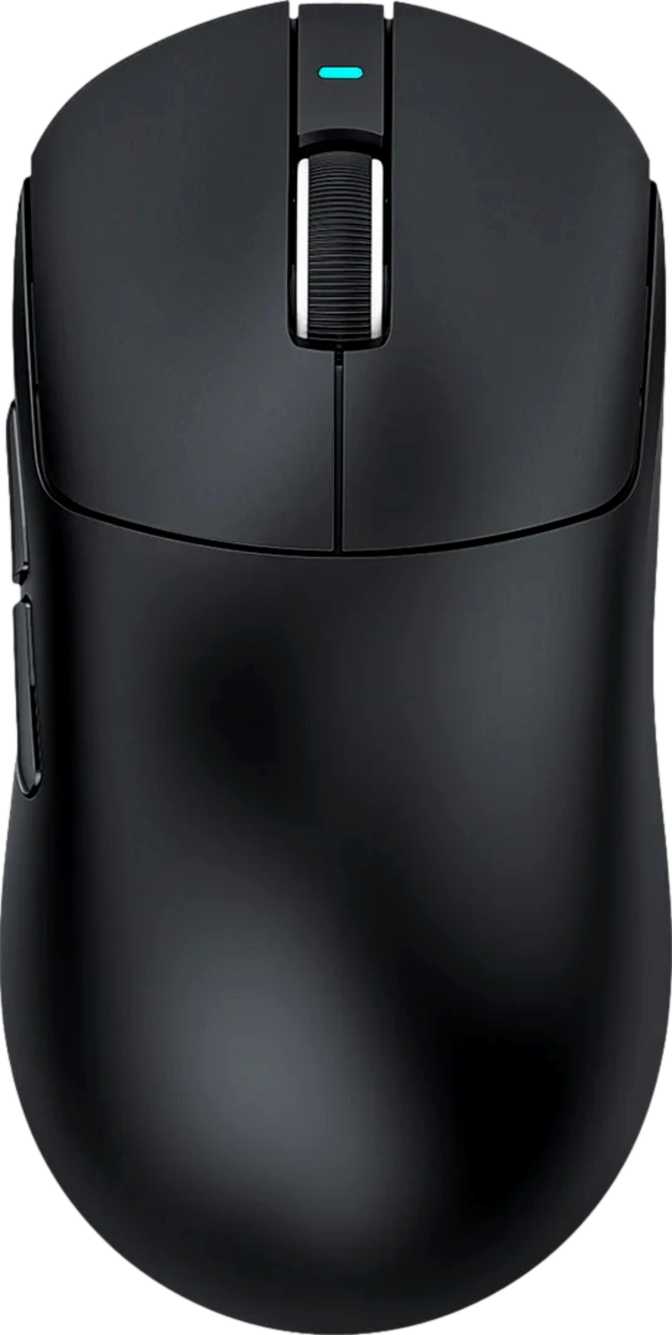
The X8 SE is a symmetrical, ambidextrous mouse that accommodates both hands equally. At just over 125mm from front to back, 63mm across, and 40mm tall, it sits comfortably in the small-to-medium category — closer to compact than full-sized.
Users with larger hands who prefer a full palm-resting grip may find the profile slightly short. For fingertip or claw grip styles, or for users with medium-to-small hands, the dimensions are a natural fit. The compact footprint also makes the mouse a practical travel companion that slips easily into a bag.
The 55-Gram Advantage
At just 55 grams, the X8 SE belongs firmly to the lightweight tier of gaming mice. Most wireless mice carrying RGB lighting and multi-mode radios land between 90 and 120 grams — more than twice the X8 SE's mass.
That gap compounds over extended sessions. Every additional gram accelerates micro-fatigue in the wrist and forearm during rapid, repetitive movement. At 55g, the mouse feels effortless across hours of play without venturing into the hollow, insubstantial territory that some ultra-light designs suffer from.
No RGB: A Deliberate Trade-Off
The X8 SE ships without RGB lighting. For players who want spectacle on their desk, that is a firm dealbreaker. For everyone else — particularly battery-conscious users — the omission is a smart trade.
Without LEDs drawing continuous power, every milliwatt in the battery reserve goes toward useful work. This decision directly produces the extraordinary battery figures detailed in the next section. The aesthetic is clean and understated — whether that reads as purposefully minimal or simply plain depends entirely on personal taste.
Cable & Build Materials
A 1.8-metre braided cable ships with the mouse for wired use — generous enough to clear most desk layouts, including tower PCs positioned low or to the side, without pulling taut during play. Build quality at this price should deliver solid plastics without flex, clean button actuation, and a scroll wheel that tracks without chatter. These are the benchmarks to evaluate at first handling.
Connectivity: Three Modes, One Mouse
Each connection mode serves a genuinely distinct purpose — this is not a checkbox feature list.
2.4GHz Wireless
The gaming-grade connection. Stable, low-latency wireless that is functionally indistinguishable from wired under normal conditions. No perceptible input delay during regular play. This is the mode for competitive sessions where responsiveness matters most.
Bluetooth 5.4
Current-generation Bluetooth enables direct pairing with laptops, tablets, and any Bluetooth-equipped host — no USB receiver needed, no port consumed. Bluetooth carries marginal latency overhead compared to 2.4GHz, making it ideal for productivity and travel rather than competitive gaming.
Wired USB
Direct USB connection — no battery, no radio, no complexity. Ideal for marathon sessions when absolute reliability is the priority.
The PixArt PAW3311 Sensor Explained
Mid-range positioning, real-world capability, and where the ceiling actually sits.
Where the PAW3311 Stands
PixArt manufactures optical sensors for the vast majority of gaming mice across every price tier. The PAW3311 is a mid-range chip in that lineup — meaningfully better than basic sensors found in cheapest entry-level mice, but sitting below the current flagship-class tracking engines used in premium competition hardware. For the target audience of this mouse, that positioning is largely academic. The PAW3311 is a mature, reliable design that handles real-world gameplay without problems for the vast majority of users. The ceiling it imposes only becomes relevant for the top tier of competitive players who demand zero-compromise tracking accuracy.
Tracking Speed: The Number That Actually Matters
Budget sensors commonly hit a hard limit on how fast they can track before the cursor's position is lost — a failure called spin-out, where fast flicks cause the cursor to skip or jump incorrectly. The PAW3311's tracking ceiling sits well above what human hand movement can actually generate, even during aggressive flick-aiming in competitive shooters. For the vast majority of players and playstyles, the sensor has considerably more headroom than they will ever need.
Polling Rate: The Standard That Still Works
The X8 SE reports its position to the host one thousand times per second — the established mainstream standard for gaming mice and sufficient for competitive play at high framerates. Some premium options now advertise four to eight times higher rates, but measurable benefits only appear under tightly controlled conditions. Under everyday competitive use, this polling rate is not a performance handicap for the overwhelming majority of players.
| Sensor | PixArt PAW3311 |
|---|---|
| Max Tracking Speed | 400 IPS — handles the fastest human input |
| Acceleration | 40G — sharp flicks without tracking failure |
| Sensitivity Range | 800 – 25,000 DPI, adjustable |
| Report Rate | 1,000 Hz — mainstream gaming standard |
| Sensor Tier | Mid-range (below PAW3395 class) |
Battery Life: The X8 SE's Strongest Argument
A figure that outlasts the category average by a meaningful margin — here is what it means in daily use.
Rated Battery Life
days at 6 hrs/day
the category average
Most wireless gaming mice offer between 40 and 100 hours before needing a charge — roughly a week of moderate daily use. Some premium models push toward 150 hours, but typically only by disabling RGB or using a lower-power radio mode.
At 192 hours, the X8 SE exceeds the category average by a significant margin as its base specification — not an eco-mode compromise. This is where the absence of RGB pays its dividend directly. Without LEDs consuming continuous power, every milliwatt goes toward the sensor, radio, and switch circuitry.
For someone gaming four to six hours daily, the 192-hour battery translates to roughly a month between charges. For casual or intermittent users, it stretches considerably longer.
Two caveats to plan around:
- The mouse cannot be used wirelessly while it charges — when depleted, you switch to wired mode and wait.
- There is no wireless or pad charging — the physical cable is required every charge cycle.
Buttons and Controls
Button Layout
Six buttons are distributed across the X8 SE: two primary click buttons, a scroll wheel press, a DPI cycling button, and two side buttons on the left flank. On this symmetrical body, those side buttons land naturally under a right-handed user's thumb. Left-handed users will find them awkward to reach or inaccessible depending on grip — the ambidextrous label applies to the ergonomic shape, not to equal usability of every button for both hands.
- Left and right primary click buttons
- Scroll wheel click
- Dedicated DPI cycling button
- Two side buttons (left side — optimal for right-hand users)
- All 6 buttons fully programmable via software
Zero Onboard Memory: The Real Cost
The X8 SE stores no configuration profiles internally. All button remapping and DPI customisation lives in software on the host computer. When you take the mouse to a different machine, it reverts to factory defaults — no memory travels with it.
There is also no hardware profile switching button. Swapping between configurations requires going through the software interface on a configured machine — not pressing a dedicated button on the mouse itself.
Who Should Buy the Attack Shark X8 SE
The X8 SE has a clear best-fit profile. Knowing whether you match it matters more than any general recommendation.
This Mouse Is For You If...
- You switch regularly between a desktop and a laptop and want one mouse that handles both without dongle-swapping
- You prefer a lightweight build that reduces wrist and arm fatigue across long gaming or work sessions
- Battery management is a recurring frustration and you want months of use between charge cycles
- Your primary sensitivity setting sits at 800 DPI or above
- You want a clean, minimal desk setup free of RGB illumination
Look Elsewhere If...
- You game at sensitivities below 800 DPI — the minimum available setting will not accommodate low-sensitivity preferences
- You use multiple computers and need your button configuration to carry between them without per-machine software setup
- You need to continue playing wirelessly while the mouse charges — this capability is not present
- You require flagship-class sensor precision at the highest tier of competitive play
- RGB lighting is an important component of your desk setup aesthetic
How It Compares to the Category
Where the X8 SE wins, where it gives ground, and what the price buys compared to alternatives.
| Feature | Attack Shark X8 SE | Budget Single-Mode | Mid-Range Standard | Premium Wireless |
|---|---|---|---|---|
| Connectivity Modes | 3 (USB, 2.4GHz, BT 5.4) | 1 (wireless only) | 2 (2.4GHz + USB) | 3 (USB, 2.4GHz, BT) |
| Weight | 55g | 85–120g | 70–95g | 55–75g |
| Battery Life | 192 hours | 40–100 hours | 60–150 hours | 70–200 hours |
| RGB Lighting | None (extends battery) | Often included | Usually included | Usually included |
| Onboard Profiles | None | 1–3 | 1–5 | 3–5 |
| Sensor Tier | Mid-range | Budget to mid | Mid-range | Flagship |
| Use While Charging | No | Sometimes | Usually yes | Usually yes |
Comparison uses category average estimates. Specific competitor specifications vary by model and version.
Honest Assessment: Strengths and Weaknesses
Where It Earns Respect
The X8 SE earns genuine respect for what it prioritises. The tri-mode connectivity uses current-generation Bluetooth rather than an older revision, and the 2.4GHz mode performs as a proper gaming-grade connection. Pairing that with a 55-gram frame and battery life that outlasts most of the category at its price point is cohesive, deliberate product design — each choice reinforces the others.
The sensor is competent. The PAW3311 handles real-world gaming movement reliably, and for casual-to-competitive players who are not at the absolute peak of the performance ladder, it will never be the reason for a missed opportunity.
Where It Asks for Compromise
Zero onboard memory is the most frustrating omission for a wireless mouse in this configuration. The entire point of tri-mode connectivity is flexibility across devices, and that flexibility is undercut when button customisation disappears the moment you move to an unconfigured machine.
The inability to use the mouse wirelessly while it charges is a practical nuisance rather than a fundamental flaw. Given the runtime, it arises infrequently. But premium competitors have resolved this with passthrough charging, and the gap is real.
The one-year warranty reflects the price positioning honestly — adequate, not generous. The internal non-replaceable battery will degrade over time as all lithium cells do, though the long runtime per charge means cycles accumulate more slowly than on shorter-lived competitors.
Frequently Asked Questions
Answers to the questions real buyers search for before purchasing.
Final Verdict
Attack Shark X8 SE — Full Review Conclusion
The Attack Shark X8 SE is a well-reasoned wireless mouse for players and users who have been burned by battery anxiety, tired of managing dongles across devices, or frustrated by heavy, cluttered designs. Its strongest credentials — extended battery runtime, three-mode connectivity, and a 55-gram frame — hold up in daily use and justify serious consideration at its price point.
Where it asks for compromise — no onboard profile storage, no wireless use during charging, a minimum sensitivity threshold that excludes low-DPI preferences — those trade-offs are real, not minor footnotes. The mouse is honest about what it is: a practically designed, travel-friendly wireless mouse built for flexibility and endurance over outright hardware prestige.
Buy It If...
- You want class-leading battery life and tri-mode flexibility in a genuinely lightweight package
- Your preferred sensitivity sits at 800 DPI or above
- You primarily use one machine and can configure button assignments in software once
Skip It If...
- Onboard profile storage is non-negotiable for your multi-device workflow
- You need to keep playing wirelessly while the mouse charges
- Your preferred sensitivity falls below the minimum available DPI setting
Editor's Rating
Out of 5 — Recommended for the right buyer