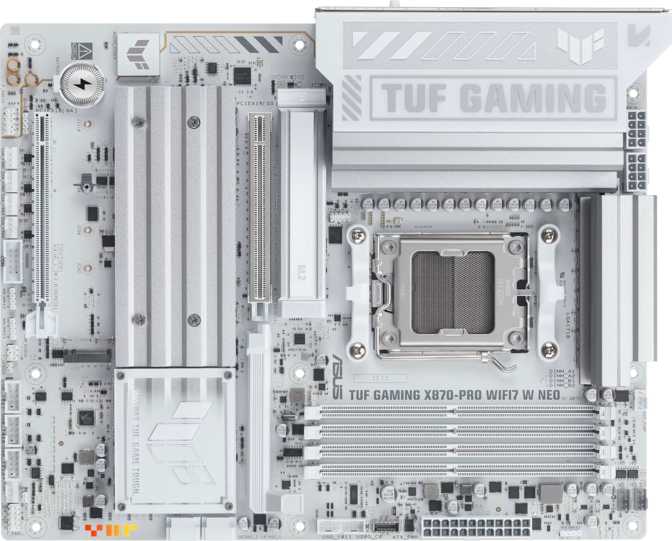
Asus TUF Gaming X870-Pro Wi-Fi 7 Neo — Complete AM5 Review
MotherboardsAt a Glance
AMD AM5's top-tier chipset in a board that punches well above its price class — the X870-Pro Wi-Fi 7 Neo brings Thunderbolt 4, Wi-Fi 7, four M.2 slots, and serious DDR5 overclocking headroom to serious Ryzen builds.
The X870 Platform — What You Are Actually Getting Into
Choosing a motherboard for an AMD Ryzen AM5 build is one of the highest-stakes decisions in a PC build — it sets the ceiling on everything from memory performance to USB connectivity for years to come. The Asus TUF Gaming X870-Pro Wi-Fi 7 Neo sits at an interesting crossroads: it carries the TUF brand's reputation for durability and no-nonsense reliability, yet it's loaded with features that enthusiasts typically have to step up to a ROG board to find. For anyone building a serious Ryzen system right now, this board demands a close look.
Build Quality and Physical Design
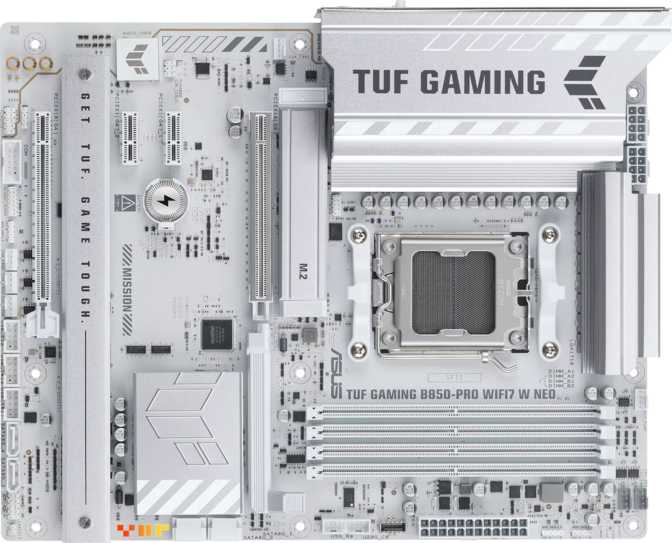
The TUF Gaming line has always leaned toward a more understated aesthetic compared to Asus's flashier ROG Strix lineup, and the X870-Pro Neo continues that tradition. The ATX form factor (305mm x 244mm) means it fits any standard mid-tower or full-tower case without compromise — no hunting for extended ATX chassis, no sacrificing expansion potential.
The board carries Asus's signature armored heatsinks over the VRM and chipset zones — essential on a platform designed to run high-core-count Ryzen processors under sustained loads. The RGB lighting is present but tasteful: addressable accent zones that integrate well with system-wide lighting ecosystems without overwhelming the build visually. Builders who prefer a clean, RGB-off look will find it just as satisfying with lighting disabled.
A backup BIOS chip means a failed overclock or corrupted firmware update does not brick your board — switch to the secondary chip and recover. For anyone experimenting with memory or CPU tuning, this is quiet insurance that is easy to take for granted until you need it.
BIOS recovery is quick and accessible without opening your case in most configurations. A small detail, but it reflects the kind of thoughtful layout that separates a well-engineered board from a spec-sheet-optimized one.
Performance Capability: What the X870 Chipset Means in Practice
The X870 chipset sits at the top of AMD's current AM5 platform hierarchy, and that matters for one specific reason: it unlocks the full PCIe 5.0 bandwidth the platform is capable of delivering. This board provides one full PCIe 5.0 x16 slot for your primary graphics card and an additional PCIe 4.0 x16 slot for a secondary card, capture card, or other high-bandwidth expansion device.
For most users, the practical meaning of PCIe 5.0 on the GPU slot is forward compatibility — today's graphics cards do not saturate PCIe 4.0 bandwidth, but next-generation cards likely will. Installing a current GPU here means you are not artificially constraining future hardware.
Memory: DDR5 at Enthusiast Speeds
The four DDR5 memory slots support up to 256GB of total capacity across two channels — enough headroom that the vast majority of users will never approach the ceiling. The overclocked speed ceiling represents some of the fastest DDR5 configurations available on the AM5 platform today. Standard out-of-the-box DDR5 kits typically run well below this board's upper limit, meaning enthusiasts who invest in high-speed DDR5 kits will find the platform capable of rewarding that effort with meaningful gains in memory-sensitive workloads: game loading times, video editing timelines, and large dataset processing all respond to memory bandwidth improvements on Ryzen architectures.
Storage: Four M.2 Slots and Full RAID Support
Four M.2 sockets is the number to focus on here. Having four dedicated NVMe slots means you can run a primary boot drive, a secondary scratch or game drive, a backup drive, and still have a slot free — all without occupying a single SATA port. The two SATA 3 connectors handle legacy drives or larger mechanical storage. RAID configurations across all major modes are fully supported, giving content creators and small workstation users meaningful data management flexibility without dedicated RAID hardware.
Connectivity: A Legitimate Strength of This Board
Connectivity is where the X870-Pro Wi-Fi 7 Neo separates itself from mid-range competition most clearly. The rear panel and internal headers together deliver a dense, well-tiered USB ecosystem that covers everything from legacy peripherals to full-speed external NVMe storage.
Complete USB Port Breakdown
| Port Type | Location | Count | Real-World Speed & Use |
|---|---|---|---|
| USB 4 / Thunderbolt 4 | Rear Panel | 2 | 40Gbps — external NVMe at full drive speed, daisy-chained displays, TB4 docks |
| USB 3.2 Gen 2 Type-A | Rear Panel | 3 | 10Gbps — fast external drives and high-speed hubs |
| USB 3.2 Gen 1 Type-A | Rear Panel | 4 | 5Gbps — most peripherals and standard external drives |
| USB 2.0 Type-A | Rear Panel | 1 | 480Mbps — keyboards, mice, legacy devices |
| USB 3.2 Gen 2x2 (20Gbps) | Internal Header | 1 | 20Gbps — front-panel high-speed USB-C port |
| USB 3.2 Gen 1 | Internal Headers | 2 | 5Gbps — front-panel USB-A ports |
| USB 2.0 | Internal Headers | 6 | 480Mbps — fan controllers, legacy front panels |
The two USB 4 / Thunderbolt 4 ports on the rear panel support external NVMe enclosures running at full drive speed, high-resolution external displays daisy-chained from a single cable, and Thunderbolt-compatible docking stations that consolidate an entire desk setup into one connection. For video professionals, music producers, or anyone who regularly moves large files to external storage, these two ports alone justify a significant portion of the board's cost.
Wi-Fi 7 and Bluetooth 5.4
The wireless implementation covers every generation of Wi-Fi from the now-historical 802.11n standard through the current Wi-Fi 7 specification. Wi-Fi 7 delivers substantially higher maximum throughput than Wi-Fi 6E and introduces multi-link operation (MLO), which allows a single device to transmit and receive across multiple frequency bands simultaneously — reducing latency and improving reliability even in congested wireless environments.
Wi-Fi 7 is backward-compatible with all previous standards, so the board connects fine to older routers today while being ready to take full advantage of a Wi-Fi 7 router whenever you upgrade. Bluetooth 5.4 handles wireless peripherals — controllers, headsets, keyboards — with the current generation's improved reliability and extended range. The single RJ45 Ethernet port serves wired networking for those who prioritize connection stability.
Audio: More Than Capable
The onboard audio solution delivers a signal-to-noise ratio that sits comfortably in the high-performance tier for integrated audio — a figure that audiophile DAC products in the $100–$150 range typically advertise. For gaming, music listening, and general multimedia use through quality headphones or speakers, the onboard audio is genuinely good.
Overclocking: Built for It
The X870 platform with AM5 provides AMD's EXPO memory profile support — the AMD equivalent of Intel's XMP — allowing high-speed DDR5 kits to activate their advertised speeds with a single BIOS toggle rather than manual timing configuration. Standard DDR5 kits run well below the maximum this board can handle, so there is meaningful performance left on the table for those willing to engage with BIOS tuning.
Enthusiasts running high-end Ryzen processors under heavy all-core loads — video rendering, 3D simulation, compilation — will want to pay attention to the thermal performance of the VRM heatsinks, which on this board are physically substantial. The clear CMOS button and dual BIOS together mean a bad overclock has an easy recovery path, which is meaningful for builders who want to push settings but are not yet comfortable with the consequences of an unbootable system.
The Display Output Question
The X870 platform does not include integrated graphics. The single HDMI 2.1 port on the rear panel only functions if your Ryzen processor includes a Radeon graphics block — as with Ryzen "G" suffix models or specific iGPU-equipped SKUs. High-performance gaming processors typically do not include integrated graphics, meaning this port will be non-functional without an iGPU-capable CPU. Any serious gaming or productivity build on this board will include a dedicated graphics card, which brings its own display outputs.
There are no DisplayPort outputs on the board. This is standard for ATX platform boards at this level, and it reinforces that the display connectivity for any real-world build lives on the discrete GPU — not the motherboard. The HDMI port is there for completeness and for lower-power integrated graphics configurations.
Expansion Slots: Purposeful Simplicity
Two physical x16 slots is intentional at this tier — the X870 platform's bandwidth is allocated meaningfully rather than spread thin across slots that would share or reduce lane counts. There are no PCIe x1 slots, which means traditional single-slot expansion cards have no home here. That is a reasonable trade-off for a platform where PCIe expansion needs have largely migrated to M.2 for storage and full-length slots for high-bandwidth devices.
| Slot | Standard | Best Use |
|---|---|---|
| Primary x16 | PCIe 5.0 | Primary graphics card — full next-generation bandwidth headroom available |
| Secondary x16 | PCIe 4.0 | Capture card, NVMe expansion, secondary GPU, or other high-bandwidth PCIe device |
System Cooling and Fan Management
Six fan headers provide enough control points to manage a comprehensive cooling setup — CPU cooler, case intake and exhaust fans, and a radiator pump for an all-in-one or custom liquid loop. Each header is software-controllable through Asus's Armory Crate utility or directly within the BIOS, allowing PWM fan curves to be tuned to prioritize silence during idle or maximum airflow under sustained load. For high-end Ryzen builds with demanding cooling requirements, six individually addressable headers give you the flexibility to get thermals exactly where you want them.
Who Should — and Should Not — Buy This Board
- Ryzen builders who want the top-tier AM5 chipset with room to grow into faster hardware over time
- Enthusiasts who plan to push DDR5 memory speeds and want a capable BIOS environment to do it
- Content creators and media professionals who will actively use the Thunderbolt 4 ports for fast external storage or display connections
- Anyone building a system intended to last multiple CPU generations — AM5 has a stated long support window from AMD
- Users who want integrated Wi-Fi 7 without consuming a PCIe expansion slot on a separate wireless card
- Budget-focused builders — the X870 chipset premium is unnecessary if PCIe 5.0 and Thunderbolt 4 are not on your needs list
- Workstation users who require ECC memory support for error-critical computation
- Builders running a CPU without integrated graphics who do not yet own a discrete GPU — the onboard HDMI will not help them
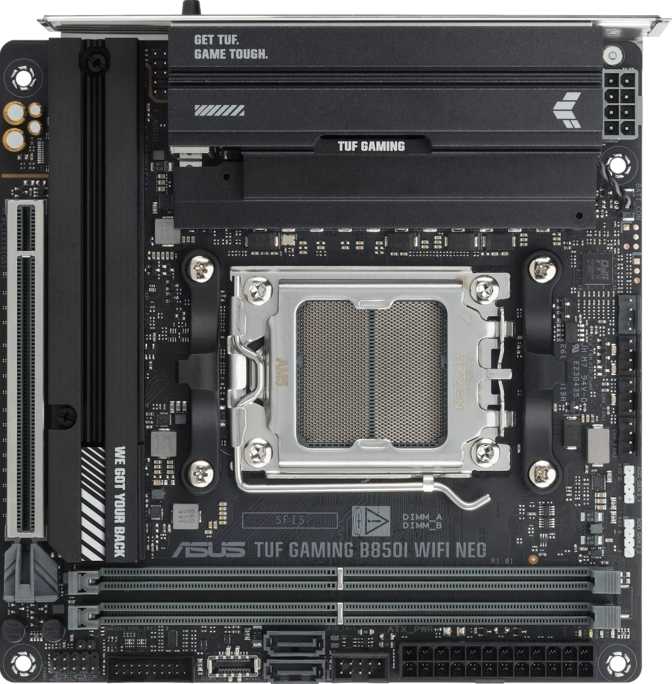
- Mini-ITX or Micro-ATX chassis owners — the ATX form factor will not physically fit these cases
How It Compares to Logical Alternatives
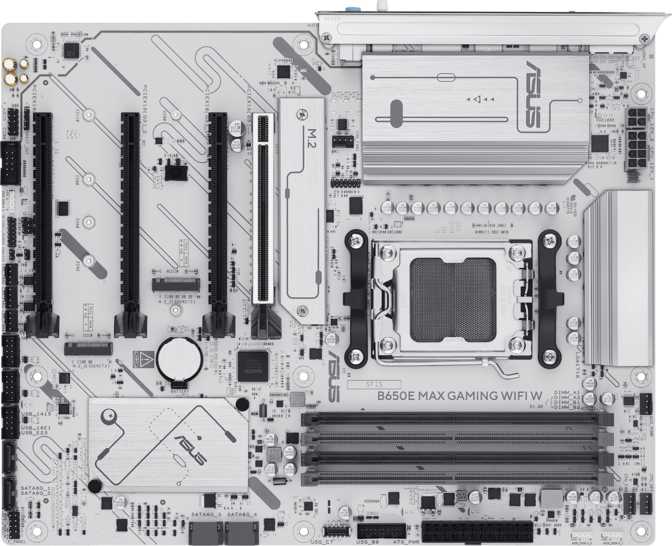
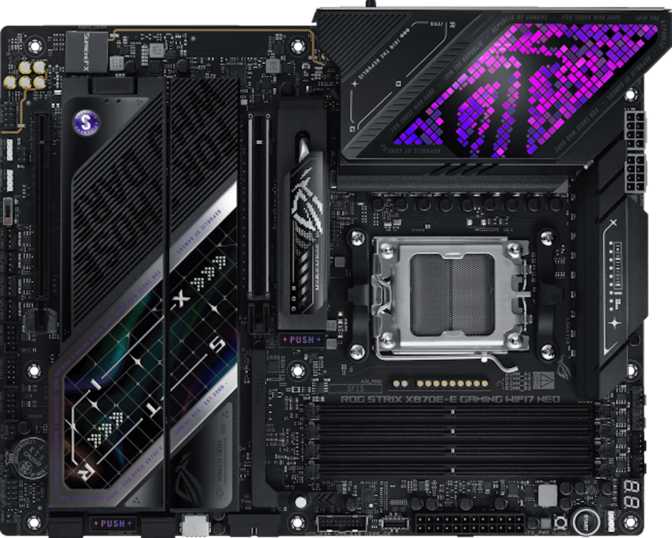
The X870-Pro Wi-Fi 7 Neo lives between two clear reference points: capable B650 mid-range boards that offer the same AM5 socket for less money, and full X870E enthusiast boards that push VRM headroom and slot counts further at a higher price. Understanding where this board sits determines whether the premium over B650 is actually justified for your specific build.
| Feature | TUF X870-Pro Wi-Fi 7 Neo | B650 Mid-Range | X870E Flagship |
|---|---|---|---|
| Chipset Tier | X870 (top AM5) | B650 (mid AM5) | X870E (enthusiast) |
| PCIe 5.0 GPU Slot | Some models only | ||
| Thunderbolt 4 | 2 ports | Rarely included | |
| Wi-Fi Generation | Wi-Fi 7 | Wi-Fi 6E (typical) | Wi-Fi 7 |
| M.2 Slots | 4 | 2–3 (typical) | 4–5 |
| DDR5 OC Ceiling | Very High | Moderate | Very High |
| Dual BIOS | Varies by model | ||
| Target User | Enthusiast / Prosumer | Mainstream Builder | Hardcore Overclocker |
Honest Assessment: Strengths and Where It Falls Short
What It Does Well
The X870-Pro Wi-Fi 7 Neo's strongest argument is that it delivers enthusiast-tier connectivity — particularly the Thunderbolt 4 ports and Wi-Fi 7 — in a TUF package that does not require paying for ROG branding. The dual BIOS and clear CMOS button reflect a board designed for people who actually tinker with their systems, not just run them stock out of the box.
Four M.2 slots and comprehensive RAID support extend the board's usefulness into light workstation territory without demanding workstation pricing. The USB port selection is dense and well-tiered, giving users a wide range of speed options without the usual compromise of eliminating slower ports to add faster ones.
Where It Falls Short
The complete absence of rear-panel USB-C ports below the Thunderbolt 4 standard is a genuine gap. Two Thunderbolt 4 ports are excellent, but a user with a mix of USB-C peripherals — a standard phone charger, a non-Thunderbolt monitor, a USB-C hub — will reach for adapters. A board at this price point could reasonably include at least one USB 3.2 Gen 2 Type-C port alongside the Thunderbolt implementation.
The two SATA connectors are lean for a board targeting builders who might want mechanical storage running alongside their NVMe drives. Anyone with more than two SATA devices needs to evaluate carefully whether their storage plan actually fits here.
Common Questions Before Buying
Final Verdict
The Asus TUF Gaming X870-Pro Wi-Fi 7 Neo is a strong, well-considered board for serious Ryzen AM5 builds that do not need to compromise on connectivity or future-readiness. The Thunderbolt 4 ports, Wi-Fi 7 integration, four M.2 slots, and high-ceiling memory overclocking support make it a genuinely capable platform that will serve demanding users without demanding they spend up to ROG Crosshair pricing.
It is not a board for budget builders or anyone whose needs are fully met by a B650 board. But for the enthusiast who wants a platform they will not outgrow — and who will actually use the Thunderbolt 4 ports and push memory settings — this board delivers real value for everything it provides. The dual BIOS and clear CMOS reinforce the sense that Asus built this for people who build seriously, and that makes it straightforward to recommend with confidence.