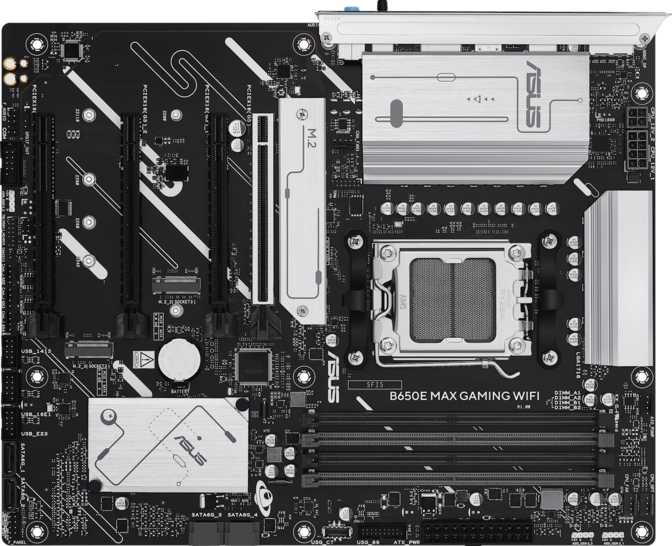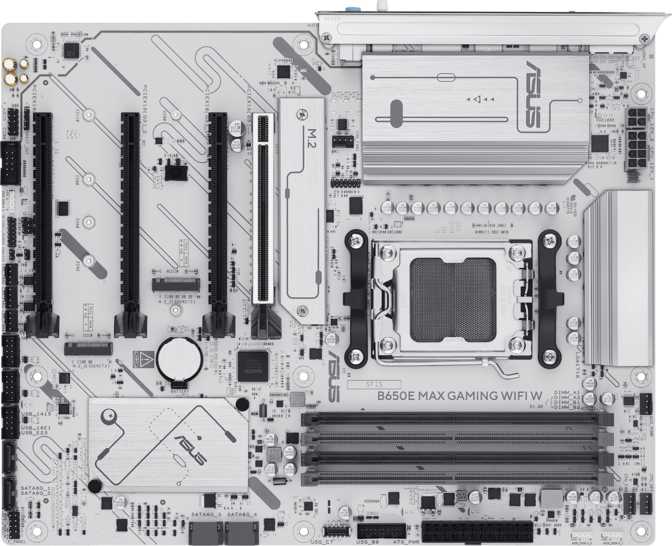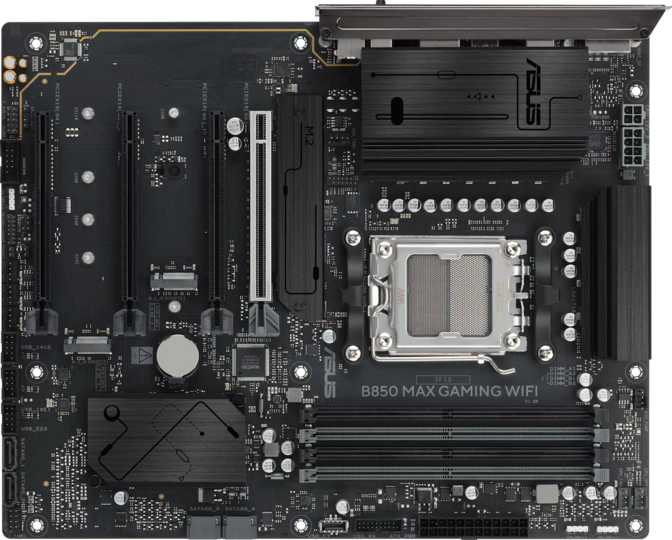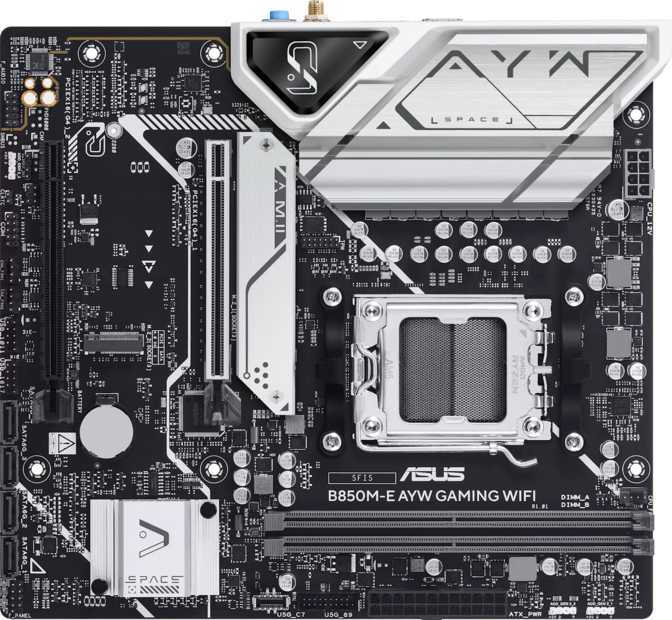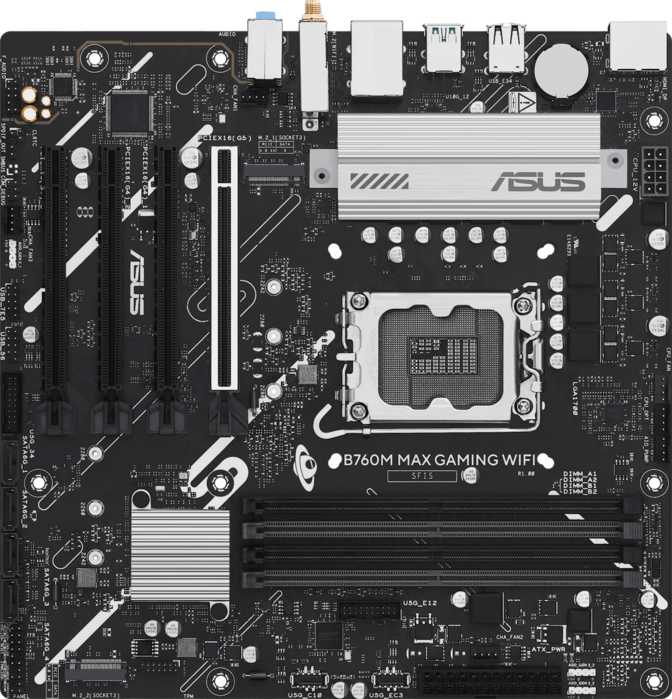
Asus B760M Max Gaming Wi-Fi Review: Full Specs & Real-World Analysis
MotherboardsAsus B760M Max Gaming Wi-Fi — At a Glance
What Kind of Builder Is This Board For?
A compact Intel mid-range platform that punches well above its price tier — if you know what you're giving up.
The Asus B760M Max Gaming Wi-Fi sits in an interesting position. It carries the Gaming label, ships with DDR5 support and a PCIe 5.0 slot, and packs in Wi-Fi 6 wireless — yet it is built on Intel's mid-range B760 chipset and squeezed into a Micro-ATX footprint. That combination tells a clear story before you even open the box: this board is aimed at builders who want modern-generation capability in a compact, cost-conscious package, without paying the premium that comes with a full-sized Z790 or H770 board.
Whether that trade-off works in your favor depends entirely on what you are building and what you are willing to leave on the table. This review breaks down every relevant detail so you can make that call with confidence.
Design, Build Quality, and Physical Experience
The board measures 244mm on each side — a perfect square footprint that fits the standard Micro-ATX specification. This makes it an obvious candidate for smaller mid-tower cases or any build where desk space, case airflow routing, or aesthetics demand a more compact layout. Builders coming from full ATX boards will notice the reduced real estate immediately, but Asus has used that space efficiently.
RGB lighting is present on the board, which fits the Gaming branding and allows integration with Asus Aura Sync ecosystems. It adds visual character without making the board look excessive.
No Hardware CMOS Reset
There is no dedicated BIOS reset button. Recovering from a bad overclock or corrupted BIOS setting requires manually pulling the battery or shorting the header — a minor but real inconvenience for anyone who pushes memory or CPU settings aggressively.
Single BIOS Only
There is no dual BIOS backup. If a firmware update goes wrong, you have one copy to recover from, not two. This is standard for this price tier but worth knowing if you experiment heavily with BIOS settings.
The board carries a three-year warranty, which is standard for Asus at this tier and adequate reassurance for most buyers.
Platform Compatibility: Which CPUs Can This Board Run?
The LGA 1700 socket accepts Intel 12th-generation (Alder Lake), 13th-generation (Raptor Lake), and 14th-generation (Raptor Lake Refresh) processors — a wide and well-supported range, from budget-friendly Core i3 and i5 parts all the way up to Core i9 variants.
The B760 chipset is Intel's mid-range platform. The key limitation compared to the enthusiast-grade Z790 is CPU overclocking: B760 does not support unlocking a CPU's core multiplier, so you cannot push a K or KF series Intel processor beyond its factory speed. However, the board fully supports memory overclocking via XMP profiles, which is where a significant portion of real-world performance tuning happens on DDR5 platforms.
No GPU? No Display Output.
This board does not include an integrated graphics processor of its own, and it cannot drive a display without either a CPU with Intel's integrated graphics or a discrete graphics card installed. Plan your build accordingly — you need at least one of those two to see anything on screen.
Memory: DDR5 With Genuine Headroom
This board uses DDR5, the current-generation memory standard. DDR5 brings higher peak bandwidth and a different physical module shape compared to older DDR4 — the two are not interchangeable. If you are migrating from a DDR4 build, your existing RAM sticks will not fit.
Four slots arranged across two channels give you flexibility in how you populate the board. Dual-channel operation doubles available memory bandwidth versus a single module, and it is important to populate the correct pair of slots — typically slots 2 and 4 — to enable it automatically.
The difference in gaming frame rates between standard and aggressively tuned DDR5 is often modest. In CPU-bound workloads like video rendering or 3D simulation, faster memory feeds the processor more efficiently and the performance gap widens considerably.
Storage Configuration: Three M.2 Slots and Four SATA Ports
For a Micro-ATX board, the storage options here are genuinely strong. The combination of fast NVMe sockets and traditional SATA connectors gives builders flexibility without compromise.
M.2 NVMe Drives
Three M.2 sockets accommodate the fast solid-state drives that have become the default for operating system and application storage. M.2 NVMe drives connect directly to the CPU or chipset without going through the older SATA interface, resulting in dramatically faster read and write speeds. Having three of these slots means you can run a fast primary boot drive, a secondary game or application drive, and still have an additional slot free for expansion — without touching any of the SATA connectors.
SATA Storage
Four SATA 3 connectors serve traditional 2.5-inch SSDs and 3.5-inch mechanical hard drives. While M.2 NVMe drives are faster, SATA storage remains practical for large-capacity secondary drives — bulk game libraries, media archives, or backup storage — where the speed ceiling is not the concern but cost-per-terabyte is.
RAID Support
The board supports all four major RAID configurations, which expands its appeal beyond pure gaming builds.
Expansion Slots: A PCIe 5.0 Primary Slot
The primary graphics card slot runs at PCIe 5.0 — the latest standard, which doubles the bandwidth of PCIe 4.0. Current discrete GPUs do not fully saturate even PCIe 4.0 bandwidth, so PCIe 5.0 will not improve your GPU's frame rates today. The value is forward compatibility: as next-generation graphics cards and storage devices are designed to take advantage of PCIe 5.0, this board will not need to be replaced to support them.
Three additional expansion slots run at PCIe 4.0, providing space for capture cards, NVMe expansion cards, network adapters, or other add-in devices. There are no legacy PCIe 3.0 or PCIe x1 slots, keeping the expansion layout clean and modern.
| Slot Type | Count | Primary Use |
|---|---|---|
| PCIe 5.0 x16 | 1 | Discrete graphics card (current + future GPUs) |
| PCIe 4.0 x16 | 3 | Capture cards, NVMe expanders, add-in devices |
Connectivity: The Full Breakdown
Rear Panel USB Ports
The two USB 3.2 Gen 2 Type-A ports are the fastest USB connections on the rear panel, running at up to 10Gbps — fast enough for external NVMe enclosures, fast flash drives, and high-bandwidth peripherals. Four additional USB 2.0 Type-A ports serve mice, keyboards, headsets, and other lower-bandwidth devices.
No Rear USB-C Port
There is no USB-C connector on the rear panel in any form. For builders who connect USB-C external drives, newer smartphones, or USB-C displays directly to the rear panel, this is a real gap. The board provides an internal USB 3.2 Gen 1 header for front-panel USB-C on a compatible case, which partially addresses the need — but it remains a meaningful concession compared to competing boards at similar prices.
Display Outputs
The HDMI port supports HDMI 2.1, the current generation of the standard. This enables 4K at 144Hz or 8K at lower refresh rates through that single connection, useful when using an Intel CPU with integrated graphics for light desktop work or media consumption without a discrete GPU. A single DisplayPort output rounds out the display options.
Wireless and Wired Networking
Wi-Fi 6 (802.11ax) Built-In
Wi-Fi 6 delivers substantially faster throughput than Wi-Fi 5 on compatible routers, lower latency on congested networks, and significantly better behavior when multiple devices share the same access point. For gaming, the latency characteristics of Wi-Fi 6 have closed the gap with wired connections noticeably in real-world conditions.
Bluetooth 5.3 + Gigabit Ethernet
Bluetooth 5.3 represents the current mainstream standard with solid range, stable pairing, and low audio latency for supported devices. A single RJ45 Ethernet port provides a wired connection that still holds an edge over wireless in consistency for latency-sensitive gaming.
Fan and Thermal Headers
Five fan headers give builders meaningful control over system cooling. This is sufficient for most Micro-ATX configurations — typically a CPU cooler header, two or three case fans, and a spare. Builders running complex watercooling loops with multiple pumps and radiator fans may find the count limiting, but for air-cooled and single-loop liquid setups, five is comfortable.
Onboard Audio
The onboard audio runs a 7.1 surround configuration, served through three analog audio jacks on the rear panel. This supports headphones, stereo speakers, and multi-channel speaker setups without needing an add-in sound card for typical gaming and media use.
There is no S/PDIF optical output, which some audiophiles and home theater integrators rely on to pass digital audio to a receiver or external DAC. For most users — particularly those using USB headsets or a dedicated headphone amplifier connected to the analog jacks — the absence of optical is irrelevant. If S/PDIF is a hard requirement, it should factor into your board selection.
Who Should Buy This Board?
This Board Is Built for You If…
- You are building a compact gaming or productivity PC in a Micro-ATX or smaller mid-tower case.
- You are using a 12th, 13th, or 14th-generation Intel Core processor without plans to unlock its core multiplier.
- You want DDR5 memory and three M.2 NVMe slots on a current-generation platform.
- You expect to use Wi-Fi as your primary or backup network connection.
- Your budget makes Z790 boards feel like unnecessary overhead for your build goals.
Look Elsewhere If…
- You plan to run a K-series Intel CPU with aggressive core overclocking — you need a Z790 board for that.
- You require a rear USB-C port for external drives, newer devices, or USB-C displays.
- You are building a full ATX system needing more SATA ports, additional PCIe slots, or more fan headers.
- You need server-grade ECC memory support — this platform does not support it.
- Dual BIOS protection or a hardware CMOS reset button matters for your level of BIOS experimentation.
How It Compares to the Alternatives
| Feature | Asus B760M Max Gaming Wi-Fi | Typical B760M Competitor | Entry Z790 Board |
|---|---|---|---|
| CPU Overclocking | Memory only (XMP) | Memory only | Full CPU + Memory |
| DDR Standard | DDR5 | DDR4 or DDR5 | DDR5 |
| M.2 Slots | 3 | 2 (typically) | 3–4 |
| Wi-Fi | Wi-Fi 6 built-in | Often optional or absent | Usually Wi-Fi 6 or 6E |
| Rear USB-C | None | Varies | Usually present |
| PCIe GPU Slot | PCIe 5.0 x16 | PCIe 4.0 x16 (typically) | PCIe 5.0 x16 |
| Price Tier | Mid-range | Budget to mid-range | Premium |
Against other B760 Micro-ATX boards, this Asus stands out with three M.2 slots, built-in Wi-Fi 6, and PCIe 5.0 — a strong combination at this tier. Against Z790 boards, the trade is clear: no CPU multiplier overclocking and typically fewer rear ports, but considerably less spend and a smaller footprint.
Honest Assessment: Strengths and Weaknesses
Where It Gets Things Right
The B760M Max Gaming Wi-Fi is a thoughtfully specified board that delivers meaningfully for its intended audience. Three M.2 sockets, DDR5 memory support up to speeds that approach enthusiast territory, PCIe 5.0 compatibility, built-in Wi-Fi 6, and Bluetooth 5.3 represent a feature set that most Micro-ATX builds will not outgrow quickly.
The memory ceiling and overclocking headroom exceed what the majority of users will ever realistically need. Finding PCIe 5.0 and three M.2 slots together in a Micro-ATX package at this price tier reflects how efficiently this platform has matured.
The three-year warranty backs up the build quality claim, and RGB lighting integration with Asus Aura Sync gives the board aesthetic versatility for builders who care about the look of their build.
Where It Falls Short
The rear panel lacks any USB-C port — an increasingly common expectation at this price point and a genuine inconvenience for cable-forward setups. Competing boards at similar prices sometimes handle this better, and it is the most notable real-world concession on this board.
The absence of a physical CMOS reset button and dual BIOS protection removes safety nets that experienced builders genuinely appreciate during aggressive tuning sessions. Neither omission is catastrophic for mainstream users, but they are consistent points of differentiation versus premium boards.
The B760 chipset's inability to unlock CPU frequencies is a platform characteristic, not a manufacturing flaw, but buyers should understand it clearly before purchasing. Anyone budgeting for a K-series chip expecting to tune it needs to step up to Z790.
Common Buyer Questions
Clear Recommendation for the Right Builder
Asus B760M Max Gaming Wi-Fi
The Asus B760M Max Gaming Wi-Fi earns a clear recommendation for builders who want a compact, current-generation Intel platform without paying the Z-series premium. Its combination of three M.2 sockets, DDR5 memory support, PCIe 5.0 compatibility, and integrated Wi-Fi 6 represent a modern feature set that most Micro-ATX builds will not outgrow quickly.
The trade-offs are real but predictable: no rear USB-C, no hardware BIOS safety nets, and no CPU core overclocking. If none of those apply to your build, this board gives you a great deal of long-term capability in a small footprint. If rear USB-C connectivity or dual BIOS protection is essential to your workflow, spend more time comparing against similarly priced competitors that prioritize those features differently.