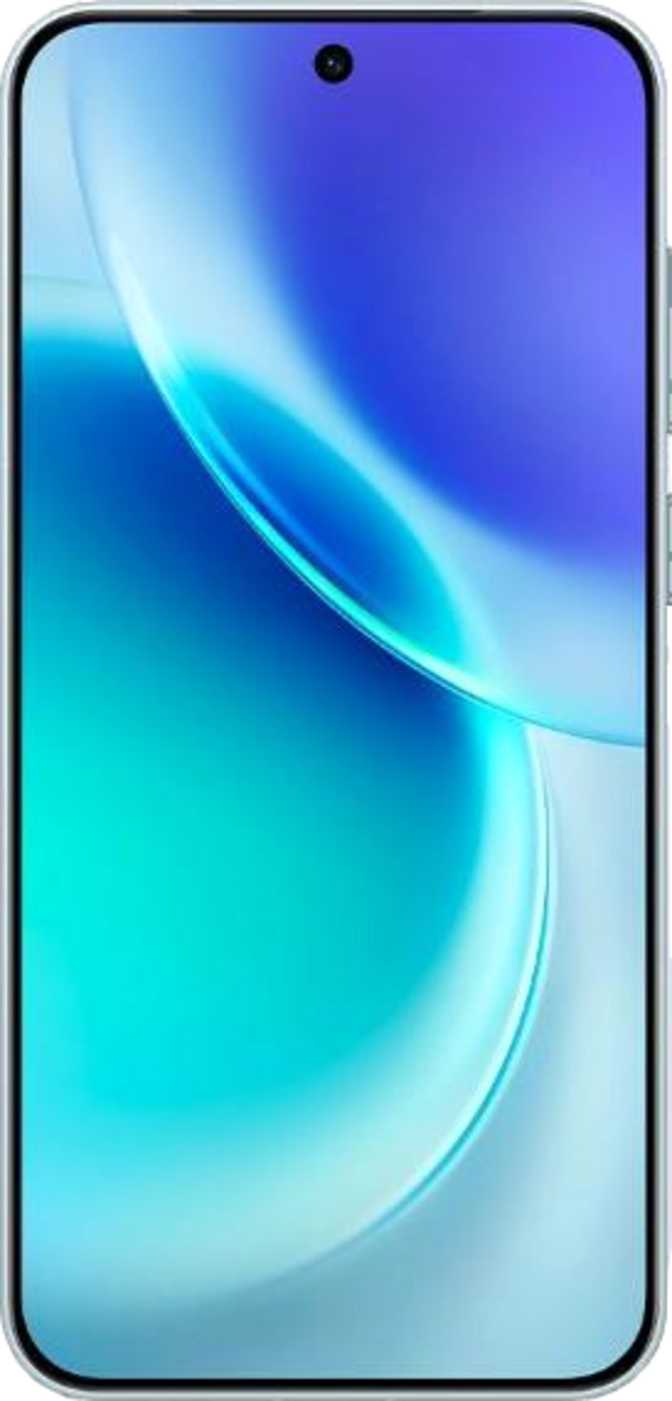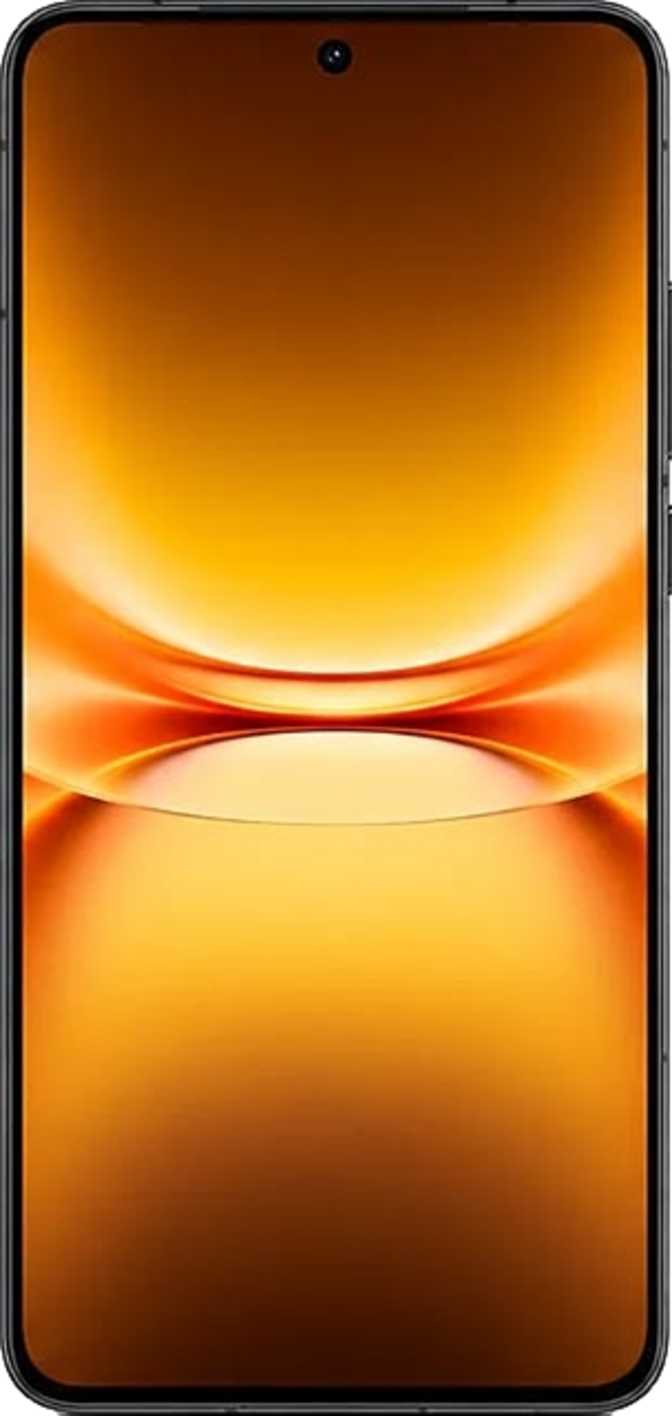
Vivo Pad5e Review: Large Screen, Generous Specs, Real Trade-Offs
TabletsThe mid-range Android tablet market is brutally crowded, and earning a spot on a buyer's shortlist requires more than a competitive price. The Vivo Pad5e swings for a specific kind of value: a genuinely large screen, a processor powerful enough to handle multitasking without wincing, and enough storage to stop being your own librarian. Whether it pulls that off without meaningful compromise depends on which compromises matter to you — and this review covers all of them honestly.
Editorial Rating
out of 5.0
12.1" · 144Hz
2800×1968 IPS · HDR10
16GB RAM
512GB · 4nm chipset
10,000 mAh
Fast charging · 2-day life
Wi-Fi 6
Wi-Fi only · No SIM slot
Android 15
6.6mm slim · 591g
USB-C 3.2
Bluetooth 5.4 · No NFC
Rating Breakdown
Design and Build: Big, Thin, and Practical
Size in Perspective
At 12.1 inches across, the Vivo Pad5e is not a tablet you pocket or forget in a bag. Its footprint — approximately 266mm wide and 192mm tall — puts it firmly in the large-format category, closer to a sheet of A4 paper than to a typical 10-inch slate. For people who have been squinting at a 10-inch screen during video calls or long reading sessions, the upgrade in real estate is immediately noticeable.
What makes that size more comfortable than expected is the thickness. At 6.6mm, the Pad5e is genuinely slim for a device of its class, and that thinness contributes meaningfully to how it feels in hand — less like holding a cutting board, more like holding a large notepad. Weight sits at 591 grams, which is substantial but not unusual for this screen size. Extended one-handed use will fatigue most people; this is a two-handed device or a lap device.
What's Not There
No water resistance is listed. This is standard for mid-range tablets, but worth stating plainly: keep it away from sink counters, bathroom shelves, and poolside bags. A single spill incident is not covered by physics or goodwill.
- No bundled stylus — pen input requires a third-party accessory
- No detachable keyboard included in the box
- No branded damage-resistant glass on the display
- No water or dust resistance rating of any kind
| Specification | Value |
|---|---|
| Screen Size | 12.1 inches |
| Width | 266.4 mm |
| Height | 192 mm |
| Thickness | 6.6 mm |
| Weight | 591 g |
| Water Resistance | None |
| Stylus Included | No |
| Keyboard Included | No |
| Damage-Resistant Glass | No |
The Display: Where the Pad5e Makes Its Strongest Argument
283
Pixels per Inch
Sharp text and fine detail at any viewing distance — well above budget-tier 12-inch averages
144
Refresh Rate (Hz)
Visibly smoother scrolling and gameplay than the 60Hz standard found on budget tablets
HDR10
Display Standard
Extended contrast and more vivid highlights on compatible streaming content
Resolution and Sharpness
The 2800×1968 pixel panel is the headline feature that separates the Pad5e from cheaper competitors. At a screen this size, pixel density matters enormously — at 283 pixels per inch, text is crisp, UI elements are sharp, and fine detail in photos and videos holds up under close inspection. Many budget 12-inch tablets hover around 220–240 ppi, where individual pixels become visible during reading. This panel avoids that.
The aspect ratio is slightly more square than the 16:10 format common in media-focused tablets. That translates to a more comfortable document and productivity experience but means widescreen videos play with slightly wider letterboxing than you might expect.
144Hz: What It Actually Changes
A 144Hz refresh rate means the screen redraws itself 144 times per second, compared to 60 times on a standard display. In practical terms, scrolling through web pages, social feeds, and documents feels noticeably smoother — the kind of smoothness that is hard to notice until you go back to a 60Hz screen, at which point you immediately notice it.
For gaming, the high refresh rate enables supported titles to render motion more fluidly. Not every game will use it, but popular titles with high-frame-rate modes will benefit directly. For everyday use, the improvement is consistent and welcome.
HDR10, Anti-Reflection, and IPS Quality
HDR10 support means compatible streaming content displays with extended contrast range and more vivid highlights. It is not as transformative on an LCD panel as on OLED, but it does meaningfully improve content that explicitly uses it on platforms that serve HDR streams.
The anti-reflection coating is practically useful in a way that raw brightness figures are not. In bright environments — near windows, under fluorescent office lighting — a coated surface reduces the washed-out, mirror-like effect that makes some tablets nearly unusable outdoors. It does not eliminate glare, but it tames it to a manageable level.
IPS LCD technology delivers consistent color accuracy and wide viewing angles. Colors shift minimally when the tablet is tilted or shared with someone viewing from the side. Blacks are a cool grey rather than true black, and contrast ratios are inherently lower than OLED — but for the intended price tier, IPS remains a practical and well-understood technology with predictable performance.
Display at a Glance
Technology
IPS LCD
Resolution
2800×1968
Pixel Density
283 ppi
Refresh Rate
144Hz
HDR Support
HDR10
Anti-Reflection
Yes
Performance: The Processor Story
Chipset and What It Means
The Vivo Pad5e runs on a modern 4-nanometer octa-core processor, with its cores arranged in a tiered configuration. One high-performance core handles the most demanding single-thread workloads, four mid-tier cores manage sustained multitasking, and three efficiency cores handle light background tasks while preserving battery. This is a mature architectural approach — called big.LITTLE — that intelligently distributes work to the cores best suited for it.
The result in practice: apps open quickly, animations stay smooth at 144Hz, and the system does not stutter under typical daily loads such as browser multitasking, document editing, video streaming, and moderate gaming.
Core Configuration
Benchmark Context
The Pad5e posts a Geekbench 6 single-core score of approximately 2,019 and a multi-core score of around 5,570. Single-core performance governs how fast individual tasks feel; multi-core governs how smoothly the tablet handles multiple demanding tasks simultaneously. These scores place the Pad5e clearly above entry-level tablet chipsets, which typically score in the 800–1,200 single-core range, while falling below flagship territory — an appropriate result for this market tier.
Memory and Storage: Genuinely Generous
16GB of RAM running at high speed is notably above average for this category. It means more apps stay loaded in the background simultaneously, reducing the reload delays that frustrate multitaskers on devices with 8GB or less. The system also supports memory expansion up to 24GB by borrowing storage space as virtual RAM — a useful safety valve under heavy workloads.
512GB of internal storage is substantial. On a tablet used for app downloads, local media, offline content, and document storage, running out of space is genuinely unlikely for most users. The absence of a microSD card slot means 512GB is your ceiling — there is no expansion path. For anyone who stores large local video libraries or works with raw media files, confirming this ceiling works for their use case is worth doing before purchasing.
Memory at a Glance
RAM
16GB
Max Virtual RAM
24GB
Storage
512GB
RAM Type
LPDDR5
RAM Speed
4,800 MHz
microSD Slot
No
GPU: Gaming and Graphics Workloads
The Adreno 735 GPU runs at 1,100MHz and handles graphics processing for both gaming and general UI rendering at 144Hz. It is matched appropriately to the display it is driving. Mainstream mobile gaming runs well, and the GPU supports DirectX 12 and OpenGL 3.3, covering the requirements for virtually all current Android titles. The chipset's thermal design is moderate — a balance between peak performance and sustained workloads without aggressive throttling under reasonable sessions.
GPU Summary
GPU
Adreno 735
Clock Speed
1,100 MHz
DirectX
12
OpenGL ES
3.2
Battery Life: Built for Long Days
Capacity and Real-World Duration
The 10,000 mAh battery is a meaningful differentiator for the Pad5e. A typical day of mixed tablet use — a few hours of browsing, an hour of video, some document work — will not drain this battery. Users who primarily stream video or read can realistically expect to reach the end of two full days before needing to charge. Heavy gaming shortens this window considerably, but even intensive users are unlikely to need more than one charge per day.
Tablets in this category with 7,000–8,000 mAh batteries are common. The extra capacity here is a genuine advantage for travel, long commutes, or simply the comfort of not thinking about charging throughout the day.
Charging: Wired Only
Fast charging is supported, which cuts recharge time compared to a standard charger meaningfully. Wireless charging is not available — for a device at this size and battery capacity, wireless charging remains uncommon in this segment, so this is not a surprise or a meaningful criticism of the product.
A battery health monitoring feature is built in, which lets users track degradation over time — a small but genuinely useful addition for long-term ownership confidence.
Estimated Battery Life by Usage Pattern
Capacity
10,000 mAh
Fast Charging
Yes
Wireless Charging
No
Removable
No
Software and Features: Android 15 on a Big Screen
The Platform
The Pad5e ships with Android 15, currently the most recent major version of Android. Large-screen tablet optimizations — split-screen multitasking, picture-in-picture, multi-window — are all present and functional. Running two apps side by side on a 12.1-inch panel is genuinely productive rather than cramped, which is one of the primary arguments for a large-format tablet over a phone with a big screen.
Multi-user support means the tablet can maintain separate profiles, useful for shared household use or separating work and personal environments on one device. On-device machine learning enables features like offline voice recognition and Live Text — extracting text from images or the camera view — without relying on a cloud connection.
Privacy and Customization Features
- Per-app camera and microphone access management
- Clipboard activity warnings and app tracking restrictions
- Location privacy options and notification permission controls
- Offline voice recognition — no cloud connection required
- Live Text — extract text from images and camera view
- Dynamic theming and full dark mode support
- Battery health monitoring built in
Productivity at This Screen Size
Split Screen
Two apps side by side
Multi-User
Separate profiles
Dark Mode
System-wide
Dynamic Theming
Full customization
A Note on Software Updates
Connectivity: Capable but Wi-Fi Only
Network Support
The Pad5e supports Wi-Fi 6 (802.11ax), the current mainstream wireless standard. It delivers faster throughput, better performance in congested environments such as apartment buildings with many overlapping networks, and improved energy efficiency. Backward compatibility with older Wi-Fi 4 and Wi-Fi 5 routers ensures it works across virtually any home or office network.
There is no cellular module — this is a Wi-Fi-only tablet. No SIM card slot, no LTE or 5G. Internet connectivity depends entirely on available Wi-Fi networks or tethering from a smartphone. GPS is also absent, meaning turn-by-turn navigation is not a use case this tablet supports; location can be approximated via Wi-Fi positioning in supported areas.
Ports and Short-Range Connectivity
USB-C at version 3.2 means the single port handles both charging and data transfer at respectable speeds — transferring large files to a computer is significantly faster than on older USB 2.0 implementations common in budget tablets. There is no dedicated HDMI output port, though display output via a USB-C adapter may be possible.
Bluetooth 5.4 is the most recent major revision of the standard, delivering improved connection stability, lower energy consumption, and better range than Bluetooth 5.0. This covers wireless headphones, keyboards, mice, and other peripherals effectively. NFC is absent — contactless payments from the tablet are not possible.
Connectivity Summary
Cameras and Audio: Functional, Not Focal
Camera System
The camera hardware on the Pad5e is best described as adequate for the tablet-specific use cases where rear cameras actually matter. The 8-megapixel main camera supports touch autofocus, continuous autofocus during video recording, manual white balance, manual ISO, and manual exposure — a respectable set of manual controls for a tablet. It records video at 1080p at 30 frames per second, which covers video calls and casual documentation cleanly.
What it lacks is notable: optical image stabilization (meaning handheld video can be shaky), optical zoom, panorama mode, and HDR video recording. The sensor is a standard CMOS type without the backside-illuminated design that improves low-light performance. Using this camera to document a whiteboard or scan a document in good light produces usable results. Using it as a primary photography device will lead to disappointment.
The front-facing 5MP camera handles video calls at acceptable quality — the genuinely primary use case for a front camera on any tablet. The large screen makes video calls more comfortable to view than on any smartphone.
Main Camera
8 MP
Front Camera
5 MP
Video Recording
1080p @ 30fps
Optical Zoom
None
Image Stabilization
No OIS
HDR Video
No
Audio
Stereo speakers are present — on a large tablet, speaker quality and stereo separation genuinely improve the media experience compared to single-speaker devices. Distinct left and right channels separated across a 12.1-inch chassis make streaming, gaming audio, and video call monitoring noticeably more immersive than on budget single-speaker alternatives.
There is no 3.5mm headphone jack. Wired headphone use requires a USB-C to 3.5mm adapter. Bluetooth audio works well on Bluetooth 5.4, but none of the high-fidelity wireless audio codecs — aptX HD, LDAC, or similar — are supported. Wireless audio quality is limited to standard Bluetooth streaming rather than near-lossless wireless. For casual listening, the difference is minimal. For audiophiles who purchased headphones specifically for their wireless codec support, this is a concrete limitation.
Audio Features
- Stereo speakers — genuine left-right separation
- No 3.5mm headphone jack
- No high-res wireless codecs (aptX HD, LDAC, aptX Adaptive)
- Standard Bluetooth 5.4 audio fully supported
Who This Tablet Is For — and Who It Is Not
- Media consumption users who want a large, sharp, smooth screen for streaming, reading, and casual gaming prioritized over portability
- Students and productivity users who benefit from the large display for split-screen work, note-taking apps, document review, and online learning within Wi-Fi environments
- Shared household users who want multi-user profiles, long battery life, and enough storage for an entire family's downloaded content
- Budget-conscious buyers who want flagship-feeling display specs — 12.1 inches, 144Hz, high resolution — without flagship pricing
- Light to moderate gamers who want a comfortable screen with smooth gameplay but are not demanding the absolute ceiling of mobile GPU performance
- Frequent travelers or commuters who need reliable connectivity away from Wi-Fi — the absence of a cellular option is a non-negotiable limitation for this use case
- Stylus and creative users — no pen is included and no dedicated pen ecosystem exists around this device; competing tablets serve this need far better
- Keyboard productivity users seeking a laptop replacement — no keyboard ships with the device and the absence of a fingerprint scanner adds friction to secure professional workflows
- Users in wet or outdoor environments — no water resistance is a genuine risk factor for a device whose most valuable component is its screen
- Audiophiles and wireless audio enthusiasts who rely on high-resolution Bluetooth codecs — only standard Bluetooth streaming quality is supported
Competitive Positioning: How the Pad5e Stacks Up
The Vivo Pad5e's logical competitors are other 11–12 inch Wi-Fi tablets in a similar price range. The table below addresses the most meaningful specification trade-offs at this tier.
| Feature | Vivo Pad5e | Samsung-tier (Mid) | Xiaomi-tier (Mid) |
|---|---|---|---|
| Screen Size | 12.1" | 11–12.4" | 11–12.1" |
| Refresh Rate | 144Hz | 90–120Hz | 120–144Hz |
| Resolution | 2800×1968 | 2560×1600 | 2800×1800 |
| RAM | 16GB | 8–12GB | 8–12GB |
| Storage | 512GB | 128–256GB | 128–256GB |
| Battery | 10,000 mAh | 8,000–10,090 mAh | 8,600–10,000 mAh |
| Wi-Fi Standard | Wi-Fi 6 | Wi-Fi 5–6 | Wi-Fi 6 |
| Cellular Option | No | Often Available | Often Available |
| Stylus Support | No | Sometimes Included | Sometimes Available |
Honest Assessment: Strengths and Weaknesses in Plain Terms
The Vivo Pad5e is a large-screen Android tablet built around a specific value proposition: give users more display, more memory, and more storage than the competition typically offers at this tier, and do so in a package that is slim enough to feel premium in the hand. The 16GB of RAM and 512GB storage are not typical at this price point — they reflect a deliberate choice to make the core tablet experience feel unconstrained, and they succeed at that. The 12.1-inch 144Hz panel is the product's headline feature, and it earns attention legitimately.
Where the product pulls punches: the decision to omit a cellular radio eliminates a significant share of potential buyers who need connectivity on the go. The absence of a fingerprint scanner on a productivity-positioned tablet is a small but consistent friction point — unlocking for secure apps requires face unlock or PIN, which is slower in scenarios where the front camera cannot quickly see the user's face.
The camera system is clearly not a focus of investment, and it shows — not a dealbreaker for a tablet, but worth stating plainly. The lack of damage-resistant branded glass on the display is a practical concern given the screen's size and importance to the device's value proposition. Protecting it from day one should be treated as mandatory, not optional.
Software update longevity is an open question that depends on vivo's support commitments in a given market. Buyers who plan to own a tablet for four or more years and prioritize receiving security updates throughout that period should investigate vivo's regional track record before committing. For buyers who refresh devices every two to three years, this concern is significantly reduced.
Questions Buyers Actually Search For
A Confident Recommendation — With Two Conditions
4.0 / 5.0
The Vivo Pad5e is a large-screen Android tablet built around a specific value proposition: give users more display, more memory, and more storage than the competition typically offers at this tier, and do so in a package that is slim enough to feel premium in the hand.
For buyers who spend most of their time at home, at the office, or anywhere Wi-Fi is reliably available — and who want a large, smooth screen for content, productivity, or casual gaming — the Pad5e delivers that core experience well. The 16GB RAM and 512GB storage mean you are unlikely to hit practical limits during the device's useful life, and the 144Hz 12.1-inch panel is the kind of display that makes previous tablets feel inadequate by comparison.
Condition One
Confirm that Wi-Fi-only connectivity works for how and where you use a tablet. If it does not, this device is not the right choice — that limitation cannot be addressed with an accessory or software update.
Condition Two
Invest in a quality protective case from day one. The 12.1-inch display is both the Pad5e's greatest asset and its most exposed vulnerability — protecting it is not optional.
For the specific buyer this tablet targets — a home or work user who wants a large, capable, well-specified Android tablet without paying flagship prices — the Vivo Pad5e earns its recommendation without reservation.