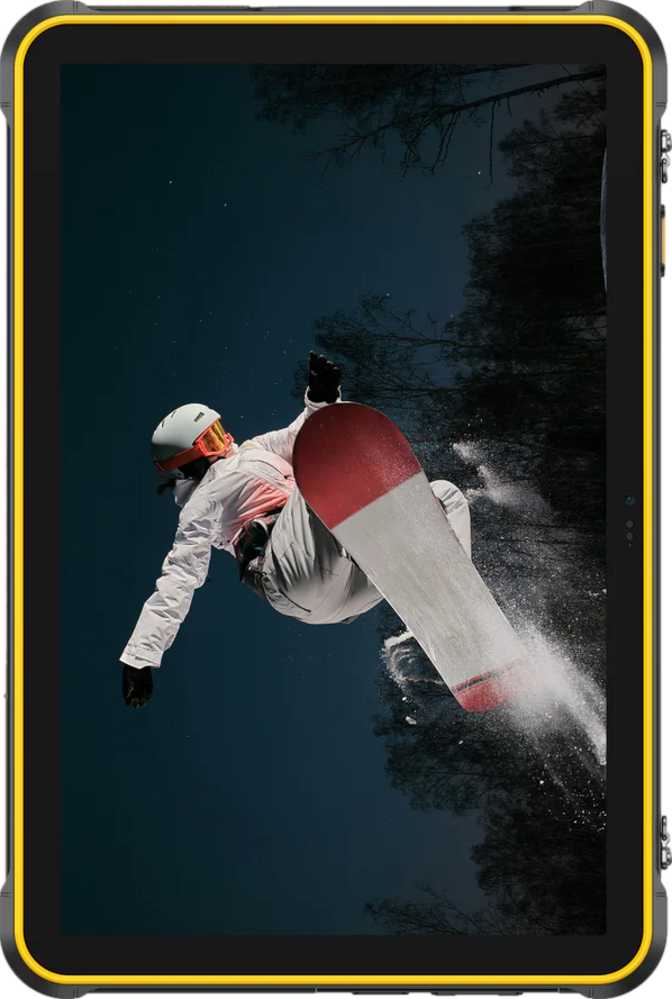
Ulefone RugKing Pad 2 Pro: Full Review of a Field-Ready Rugged Tablet
TabletsThe Ulefone RugKing Pad 2 Pro is purpose-built for environments where conventional tablets are a liability. With a certified IP68 rating, a battery that outlasts a full working shift, 256GB of onboard storage, and Android 16 out of the box, it challenges devices at higher price points on the metrics that matter most in demanding use. The question every buyer needs to answer is whether its gaps — most notably the absence of dedicated GPS and 5G — are disqualifying. This review covers every specification, every trade-off, and every real-world implication so you can decide with confidence.
Review Score
Design and Build Quality
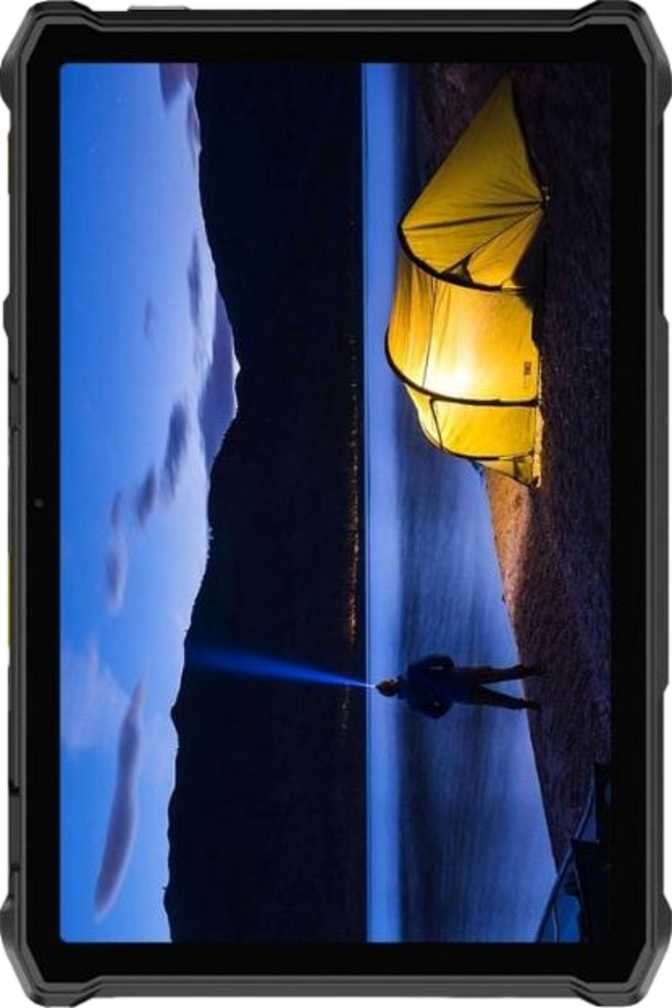
Picking up the RugKing Pad 2 Pro immediately communicates its engineering priorities. The reinforced corners, thick rubberized frame, and internal protective structure produce a device weighing 706 grams — roughly as much as a hardcover novel, and noticeably heavier than any mainstream 10-inch consumer tablet. That weight is deliberate: the measurable consequence of protection built into every surface. The 246mm wide, 163.5mm tall footprint is manageable with two hands, and the chunky grip edges make single-handed use more practical than the raw weight figure suggests.
Rugged Construction
At 12.7mm thick, this is not designed for a slim briefcase. The reinforced frame and impact-absorbing structure absorb the knocks that destroy thinner tablets. Durability here is an engineering commitment, not a marketing claim.
IP68 Waterproofing
The highest standard classification for dust and water resistance. Rated to survive full submersion at two meters — well beyond splash resistance. Rain, puddles, and accidental immersion are genuinely not a concern.
2m Submersion RatedGorilla Glass 3
Corning's proven glass formulation resists everyday scratches from keys, tools, and grit. Not the latest generation, but a well-validated choice for abrasive work environments where screen integrity cannot be taken for granted.
Display Analysis
The 10.1-inch IPS LCD panel hits the sweet spot for field use — large enough to read documents, schematics, or maps at a glance, compact enough to carry. IPS technology ensures color accuracy and consistent brightness across wide viewing angles, which matters when multiple people share the same screen or when the device is mounted at an angle.
What Works
- The 90Hz refresh rate delivers scrolling and swiping that feels noticeably smoother than the 60Hz panels found on most competing rugged tablets — a constant quality-of-life improvement across every interaction.
- IPS wide-angle viewing keeps colors and brightness consistent regardless of how the screen is positioned — useful for shared viewing or fixed-mount deployments.
- Gorilla Glass 3 protection provides proven scratch resistance against the grit, keys, and tools that share space with this tablet in the field.
Honest Limitations
- At 149 pixels per inch, fine detail in dense documents or photographs falls short of sharper alternatives. Text and standard UI elements remain readable, but the display is not suited for detailed visual inspection work.
- No anti-reflection coating is a genuine omission for an outdoor device. Direct sunlight will create glare, and users working in bright conditions will need to reposition the tablet more often than a coated panel would require.
Performance: Real-World Expectations
The octa-core processor uses a big.LITTLE configuration — two higher-performance cores handle demanding workloads while six power-efficient cores manage routine tasks. This allows the tablet to intelligently conserve battery during light use and call on full processing power only when needed. Understanding what this chip tier actually handles well is the key to knowing whether this tablet fits your workflow.
Benchmark Context
| Test | RugKing Pad 2 Pro | Budget Tier Avg. |
|---|---|---|
| Geekbench 6 Single-Core | 437 | 380–450 |
| Geekbench 6 Multi-Core | 1,461 | 1,100–1,500 |
| Geekbench 5 Single-Core | 357 | 320–400 |
| Geekbench 5 Multi-Core | 1,350 | 1,000–1,400 |
Memory & Storage
- RAM
- 8GB (DDR4)
- Max Expandable RAM
- 12GB (virtual)
- Internal Storage
- 256GB (eMMC 5.1)
- MicroSD Slot
- Yes
- RAM Speed
- 1866 MHz
- Android Version
- Android 16
What This Processor Handles Well
Camera System: Documentation-Grade Tools
On a rugged tablet, cameras serve a clear primary purpose: documentation and communication. The RugKing Pad 2 Pro's camera system should be evaluated in that frame — not against flagship smartphones. With that context, the hardware is genuinely capable for professional field use.
Rear Camera — 48MP
- f/1.8 aperture: Wide enough to perform in low-light environments — documenting damage in dark spaces, photographing under machinery, or working in poorly lit interiors.
- Manual controls: ISO, white balance, focus, and exposure are all directly adjustable — more control than most competing rugged tablets offer at this price point.
- 1080p / 30fps video: Full broadcast-standard quality for site documentation, training clips, and remote consultation recordings.
- Continuous autofocus during recording keeps subjects sharp when the tablet or subject shifts position.
- No optical stabilization: Handheld video and moving shots carry more blur. For static documentation captures, this is a non-issue.
Front Camera — 8MP
The 8-megapixel front camera handles video calls, remote consultations, and conferencing at standard resolution without issues. It covers the primary front-facing use case cleanly.
What's NOT available:
- Front-facing LED flash
- Optical image stabilization
- Slow-motion video recording
- HDR video recording
- Panorama or timelapse modes
Battery Life: The Tablet That Outlasts the Shift
Compared to a typical consumer tablet battery of 7,000–8,000mAh, this is 25–45% more capacity — translating directly into hours of additional use before a charge is needed.
What This Battery Capacity Means in Practice
Connectivity: Mostly Complete, With One Critical Gap
Cellular & SIM
4G LTE with download speeds up to 300Mbps and upload to 150Mbps covers the majority of current field applications. The dual physical SIM plus eSIM configuration is unusually flexible — supporting carrier redundancy or personal/work plan separation simultaneously.
No 5G Dual SIM + eSIMWi-Fi & Bluetooth
Wi-Fi 5 (802.11ac) handles high-bandwidth tasks on modern networks. Wi-Fi 4 backward compatibility ensures operation on older industrial infrastructure. Bluetooth 5.2 connects keyboards, headsets, and peripherals reliably.
Wi-Fi 5 Bluetooth 5.2 NFCAudio & Ports
A 3.5mm headphone jack allows direct wired headset connection — more reliable than Bluetooth in noisy environments. An FM radio receiver covers emergency broadcasts in areas without data. USB-C runs at USB 2.0 speed — functional for charging and basic transfers, slower for large file batches.
3.5mm Jack FM Radio USB 2.0Full Connectivity Snapshot
Who Should Buy This — and Who Should Not
Built For These Buyers
- Field and industrial workers who need a tablet that survives dust, rain, drops, and rough handling without constant concern.
- Outdoor professionals in marine, agriculture, construction, or utilities environments where water exposure is routine.
- Extended-shift users who cannot afford downtime hunting for a charger — the battery genuinely outlasts a full working day.
- Organizations deploying shared devices in demanding environments where durability determines total cost of ownership over multiple years.
- Budget-conscious buyers who need proven durability, solid endurance, and generous storage without flagship pricing.
Not the Right Fit For
- Navigation-dependent professionals — surveyors, GPS-based field inspectors, delivery workers. The absent GPS is a disqualifying gap for these workflows.
- Users in 5G coverage areas who need the bandwidth for demanding real-time data applications or large-file transfers.
- Creative professionals who need a high-resolution display for detailed visual work or who need premium camera imaging.
- Media-first users — a single mono speaker significantly limits entertainment and meeting audio without headphones.
- Power users and gamers who want to push GPU-intensive apps or demanding 3D titles at playable performance levels.
How It Compares to Logical Alternatives
The RugKing Pad 2 Pro is not competing in a single homogeneous category. Here is how it stacks up against the two most relevant comparison groups: budget rugged tablets and mid-range rugged alternatives.
| Feature | RugKing Pad 2 Pro | Typical Budget Rugged | Mid-Range Rugged |
|---|---|---|---|
| IP Rating | IP68 / 2m | IP67 or IP68 | IP67–IP68 |
| Display Refresh Rate | 90Hz | Usually 60Hz | 60–90Hz |
| Battery Capacity | 10,200mAh | 7,000–8,000mAh | 7,000–10,000mAh |
| Onboard Storage | 256GB | 64–128GB common | 128–256GB |
| Dedicated GPS | No | Usually Yes | Usually Yes |
| 5G Support | No | Rare | Sometimes |
| Android Version | Android 16 | Android 12–13 | Android 13–14 |
| Rear Camera | 48MP | 8–13MP typical | 13–16MP typical |
| USB Transfer Speed | USB 2.0 | USB 2.0 common | USB 2.0–3.0 |
Questions Buyers Are Actually Asking
Final Verdict
The Ulefone RugKing Pad 2 Pro delivers on its core promise in a way that many rugged tablets at this price do not. The IP68 waterproofing is genuine and deep. The battery outlasts a standard workday by a meaningful margin. Android 16 is a real software advantage over competitors shipping two-year-old operating systems. The 90Hz display makes everyday interaction feel polished beyond the device's price tier. And 256GB of storage eliminates the capacity headaches that plague budget devices shipped with half that amount.
Where it stumbles is in gaps that matter sharply to specific buyers. The absent GPS module correctly eliminates this tablet from consideration for entire professional categories. The mono speaker limits media and open-air communication quality. USB 2.0 speeds are slow by current standards, and the processor has a clear ceiling for demanding workloads.
Buy If
- You need proven IP68 durability
- All-day battery is non-negotiable
- Ample storage matters more than speed
- GPS is not required in your workflow
Skip If
- GPS is core to your work
- You need 5G bandwidth
- High-performance tasks are a priority
- Display sharpness matters to your use case