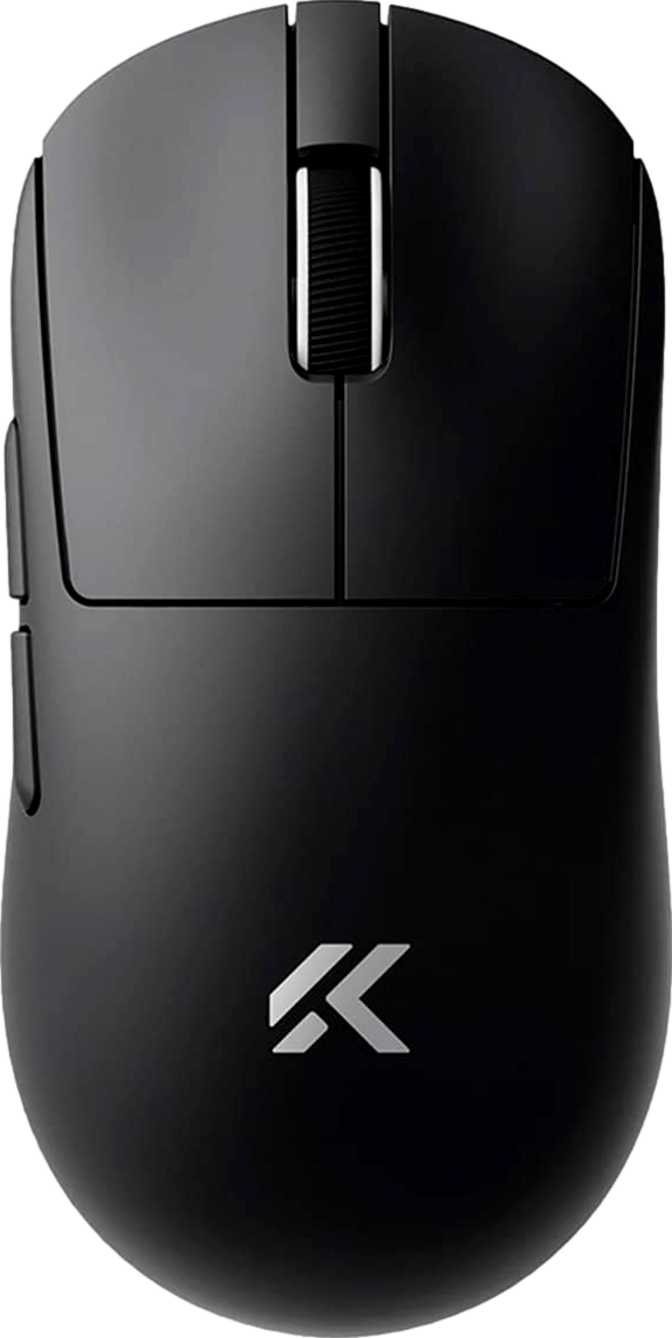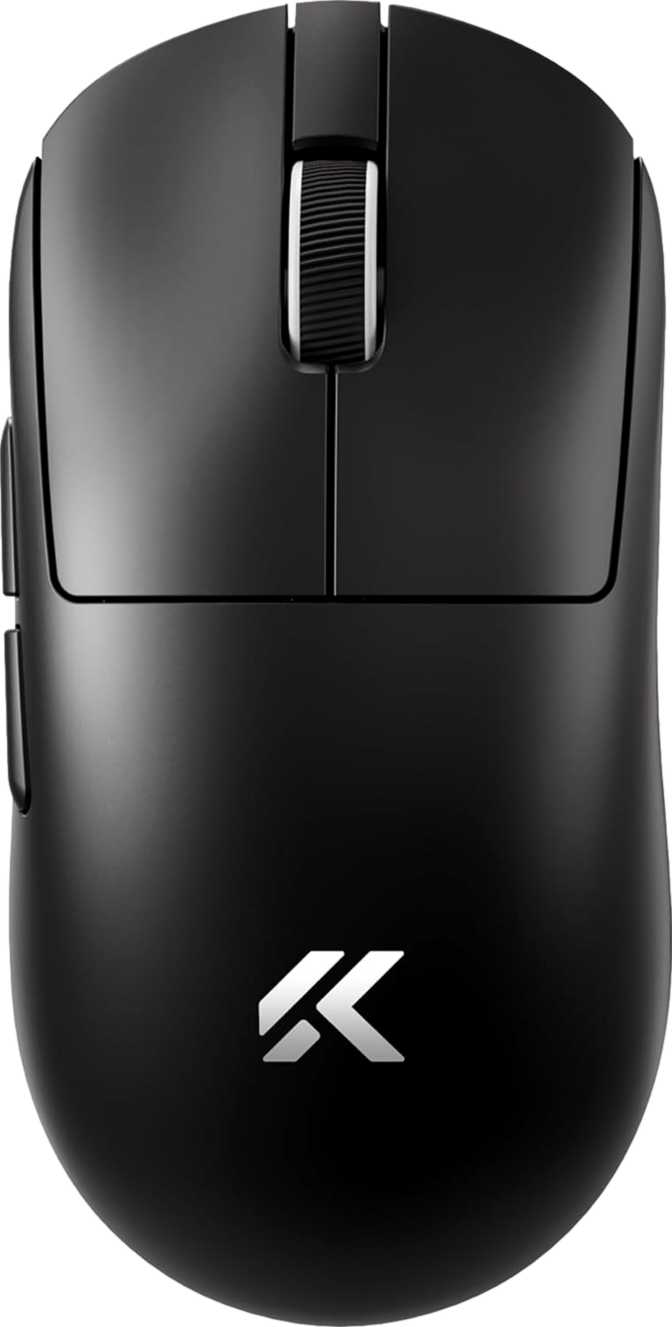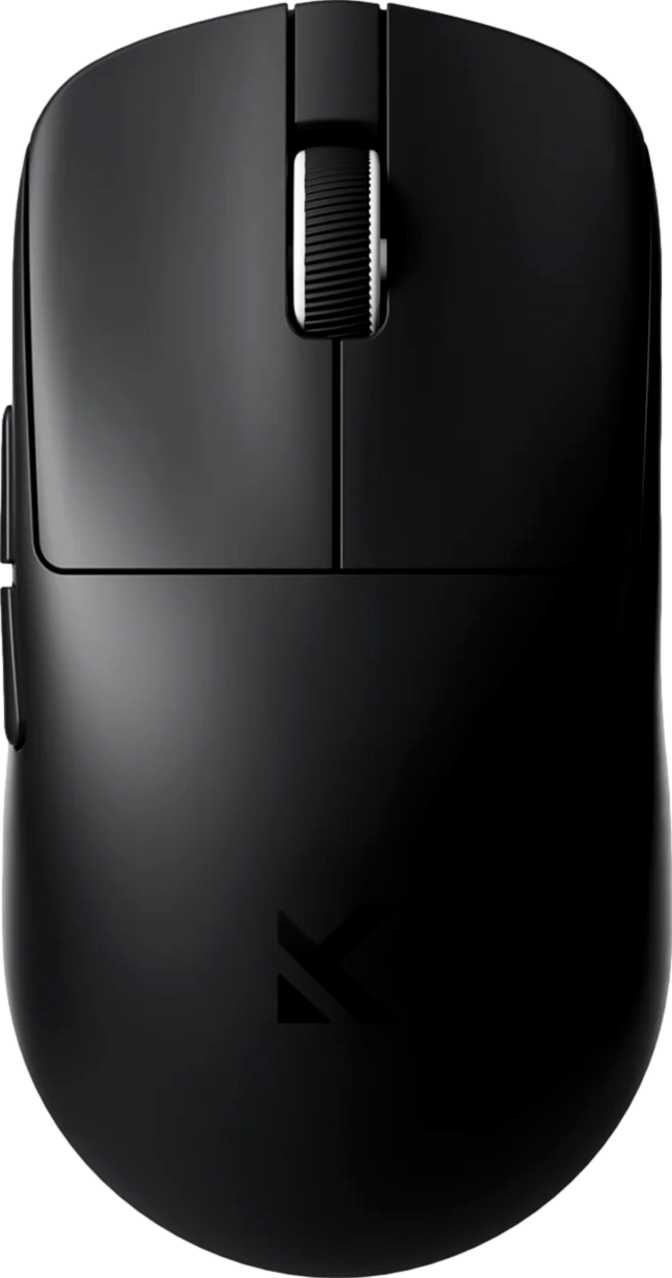
At 39 grams, the MCHOSE L7 weighs roughly as much as a standard AA battery. That single fact is the starting point for everything interesting about this mouse. Extreme lightness in a gaming peripheral can mean genuine engineering achievement or a cost-cutting compromise dressed up in spec sheets. The L7's credentials — a flagship optical sensor borrowed from far more expensive mice, three distinct connection modes, and a battery that outlasts most competitors by a significant margin — argue firmly for the former.
39g
Ultralight Body
100h
Battery Life
PAW3395
Flagship Sensor
3 Modes
Connectivity
6
Prog. Buttons
Design and Physical Experience
Build quality, shape, and what it feels like in your hand
Shape, Size, and Grip Compatibility
The L7 is built on a fully symmetrical frame — the same curves and contours on both sides, serving right-handed and left-handed users equally. In a market where genuine left-handed options are scarce and most "ambidextrous" mice are simply right-handed designs with softer edges, the L7's even-handed geometry is a meaningful distinction.
The body is compact. Extending just over 115mm from back to tip and just over 60mm at its widest, the L7 suits small to medium hands most naturally. At roughly 36mm at its highest point, the mouse sits low against the desk — designed to reduce drag on wrist movement and let your fingers do the precise work.
Fingertip Grip
Excellent fit. Compact footprint and low profile support precise extended-finger control without feeling cramped.
Claw Grip
Well suited. Arched finger placement works naturally with the low profile and compact dimensions.
Palm Grip (Large Hands)
Not ideal. Compact dimensions leave larger palms undersupported, especially during lateral movements.
The 39-Gram Reality
Thirty-nine grams. Most gaming mice sit between 80 and 110 grams. The premium ultralight category — mice marketed specifically for their low weight — typically lands between 55 and 70 grams. A handful of specialist mice have pushed below 50 grams, often using honeycomb shell designs or exotic materials. The L7 achieves 39 grams in a solid, unperforated shell. No holes, no aesthetic compromise, still at the threshold of what most ultralight enthusiasts consider exceptional.
At first, picking up the L7 after a conventional mouse produces a genuine sense that something is missing — your wrist expects resistance that isn't there. After an adjustment period measured in hours, not weeks, that sensation inverts. The L7 stops feeling light and starts feeling normal. Returning to a heavier mouse is what feels wrong.
For low-sensitivity players who sweep large portions of a mousepad, 39 grams means arm fatigue virtually disappears over long sessions. For high-sensitivity players, the advantage is subtler but still present across extended play.
No RGB, By Design
There is no lighting on the L7. No underglow, no scroll wheel pulse, no per-button illumination. For buyers who care deeply about desk aesthetics, this is a genuine omission. For everyone else — and particularly anyone prioritizing weight and battery efficiency — it is a sensible engineering decision. Every gram not spent on LED infrastructure is a gram not dragging against your wrist during long sessions. The absence of RGB isn't corner-cutting; it is consistent with the entire design philosophy of the mouse.
The Sensor Inside: PixArt PAW3395 Explained
Why the sensor is the single most important specification on this sheet
PixArt manufactures sensors for the vast majority of gaming mice across all price categories. The PAW3395 sits at the top of their lineup — the same component found in mice positioned as flagships by premium brands with substantially higher marketing budgets. Its presence in the L7 defines what this mouse is capable of at a fundamental level.
Tracking Fidelity
The PAW3395 reports raw sensor data without algorithmic smoothing. Budget sensors smooth their output to hide inaccuracies, introducing artificial curves into straight movements. The PAW3395 doesn't need that correction — the cursor goes exactly where your hand goes, at a perfect one-to-one ratio.
Speed Headroom
The sensor handles movement velocities that exceed anything a human hand can physically generate in real use. Whether making slow, deliberate crosshair placements or rapid flick shots in a first-person shooter, the sensor never loses the cursor. Tracking failures that plague cheaper sensors during fast movements are not a concern here.
Sensitivity Range
The L7 covers sensitivity from very fine-grained settings suited to pixel-accurate work on large monitors up to extreme values that exceed what any human can use with precision. The practical sweet spot for most users falls well within the middle of the available range, and the DPI cycling button lets you step between presets without touching software.
Zero Artificial Acceleration
The sensor introduces no manufactured feel to your movements. The cursor travels at an exact, consistent ratio to physical motion based on your DPI setting. This is the foundation that makes aim learnable and repeatable — muscle memory built in practice transfers reliably to competition.
Three Connections, Three Use Cases
Each mode solves a different problem — here is how to use them
| Connection Mode | Ideal Use | Latency Profile |
|---|---|---|
| 2.4GHz Wireless | Competitive gaming, all precision tasks | Equivalent to Wired |
| USB Wired | Continuous charging, maximum reliability | Identical to 2.4GHz |
| Bluetooth 5 | Multi-device, travel, productivity | Productivity-Grade |
2.4GHz Wireless
The dedicated radio connection on this frequency band operates at low latency that is not perceptibly different from a physical cable during actual use. This isn't Bluetooth, which historically adds input lag unsuitable for fast-paced gaming. This is a purpose-built gaming wireless link, and it performs accordingly. Use this mode for anything where response speed matters.
USB Wired Mode
The 1.8-meter cable is long enough to reach a tower PC from most desk configurations without awkward tension. In wired mode, the mouse charges continuously and operates at identical responsiveness to wireless. If the battery runs flat at an inconvenient moment, plugging in restores full functionality instantly — no downtime required.
Bluetooth 5
Pair the L7 to a laptop, tablet, or second desktop without needing the wireless dongle. Bluetooth 5 introduces marginally higher input delay compared to the dedicated 2.4GHz mode — irrelevant for document work and browsing, worth noting for tournament-level play. The right approach: 2.4GHz for gaming, Bluetooth for everything else.
Battery Life That Changes Your Routine
One less thing to manage across sessions
Rated Battery Life
Approximately one hundred hours of continuous use. If you use a mouse for four hours daily — a realistic figure for someone gaming in the evenings after work — the L7 needs charging roughly once every three to four weeks. That is a fundamental shift in how often battery management enters your awareness.
For context, most wireless gaming mice under similar conditions require charging every five to ten days. The L7's advantage here is significant, not marginal.
Battery Life vs. Category
Who the MCHOSE L7 Is Built For
Match the mouse to your actual use case before committing
- Competitive gamers prioritizing low weight. At 39 grams, the L7 removes physical resistance from rapid movements and reduces arm fatigue across extended sessions.
- Small to medium-handed fingertip and claw grippers. The compact footprint and low profile are purpose-built for these grip styles.
- Left-handed users. Symmetric mice built to serious performance specifications are rare. The L7 gives left-handed gamers access to genuinely competitive hardware.
- Multi-device users. Bluetooth 5 makes the L7 a practical single-mouse solution across a desktop and a laptop without carrying a second peripheral.
- Upgraders from budget wired mice. The PAW3395 sensor delivers an immediately perceptible step up in tracking fidelity from most budget optical sensors.
- A palm grip user with larger hands. The compact dimensions leave larger palms undersupported. The mouse feels like it runs short before your grip settles.
- Someone who needs configuration portability. No onboard memory means settings don't travel with the mouse. Multi-machine workflows require reconfiguration at each device.
- An RGB enthusiast. There is no lighting on the L7. If your setup relies on synchronized illumination, this mouse does not participate.
- A buyer prioritizing extended warranty coverage. One year of coverage is standard, not generous. Some competitors offer longer terms if warranty duration matters to you.
Competitive Positioning
Where the L7 stands relative to the field
The L7 occupies an increasingly interesting position: flagship sensor performance and extreme low weight at a price point that has historically belonged to mid-tier hardware. The PAW3395 sensor appears across a wide price range — from accessible mice to those positioned at the top of the premium market. Achieving sub-40-gram weight in a solid, unperforated shell is technically demanding at any price. Bluetooth connectivity alongside a dedicated 2.4GHz wireless mode is a feature combination that many dedicated gaming mice skip entirely.
Where established brands maintain their advantages: more fully developed software ecosystems with deeper macro and profile management, longer warranty support infrastructure, and in some cases a tactile build premium that reflects higher manufacturing costs. The L7 is not competing on those dimensions. It is competing on sensor quality, weight, battery duration, and connectivity — and on those measures specifically, it holds up against mice priced significantly higher.
Sensor Parity
PAW3395 matches the sensors found in mice costing significantly more from well-known premium brands
Weight Advantage
Very few ambidextrous mice at any price reach this weight in a solid, unperforated shell
Connectivity Breadth
Bluetooth plus 2.4GHz wireless is a combination that many gaming-only mice skip entirely
Honest Assessment
What the L7 delivers and where it asks you to accept trade-offs
The L7's strongest arguments are concentrated in the fundamentals that affect every single session: tracking performance, physical weight, battery duration, and connectivity flexibility. The sensor is genuinely excellent without qualification — not merely competitive at its price, but excellent compared to any mouse at any price. The 39-gram build is a real engineering achievement that compounds in value over long hours of use.
A one-hundred-hour battery removes charging from your mental model of peripheral maintenance entirely. These are the parts of a mouse you feel during every movement, and the L7 delivers on all of them.
The no-onboard-memory omission is concentrated in one specific use case — multi-machine portability — but it is a real one. Single-sided side button placement creates an asymmetry in a mouse marketed as ambidextrous. A one-year warranty asks for trust in a brand without the repair infrastructure of industry leaders.
Importantly, these trade-offs are coherent rather than arbitrary. The decisions that produce the L7's weight and price advantages are the same ones that remove RGB, internal profile storage, and extended chassis features. You are making a clear choice, not absorbing random compromises.
Common Questions Answered Before You Buy
The questions real buyers search before making a decision
Final Verdict
Our Recommendation
The MCHOSE L7 earns its consideration through performance rather than presentation. The sensor is genuinely excellent without qualification — not merely competitive at its price, but excellent compared to any mouse. The 39-gram build is a real engineering achievement that compounds in value across long sessions. The battery life and triple connectivity cover use cases that many competing mice overlook.
The onboard memory omission is the most important factor to resolve before buying. If you use one computer and your settings never need to travel, this limitation is entirely invisible. If you move between machines, it introduces real friction that isn't present on mice with internal profile storage.
For competitive gamers who understand that mouse weight has measurable consequences, for left-handed users who have struggled to find serious hardware built for them, for multi-device households that want one mouse across every screen, and for anyone who has wanted an ultralight gaming mouse without an ultralight price tag: the MCHOSE L7 is a well-reasoned recommendation.