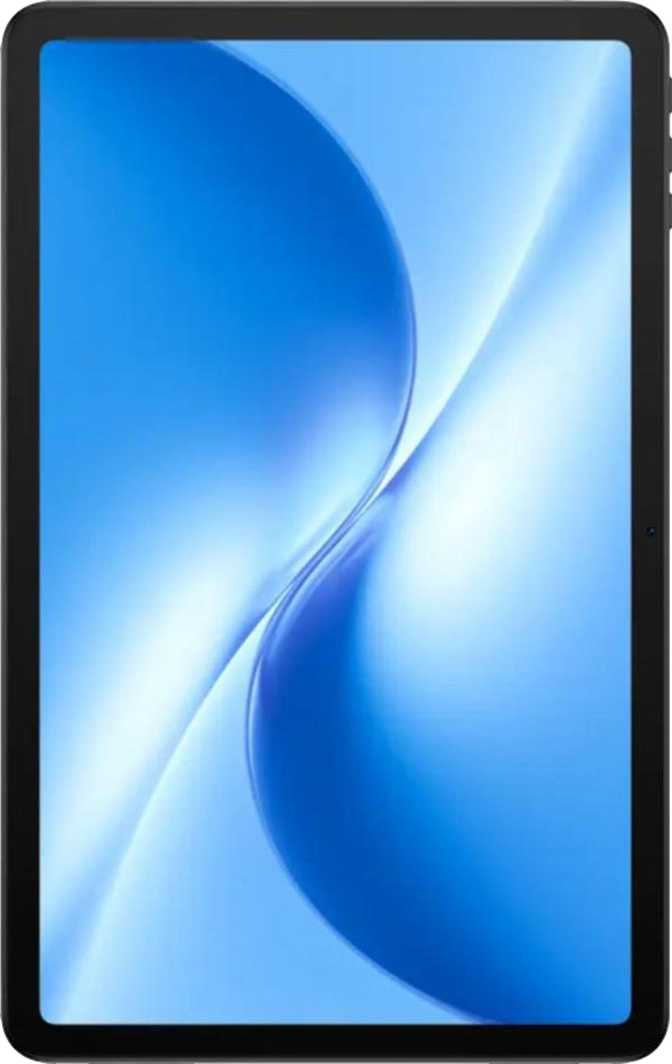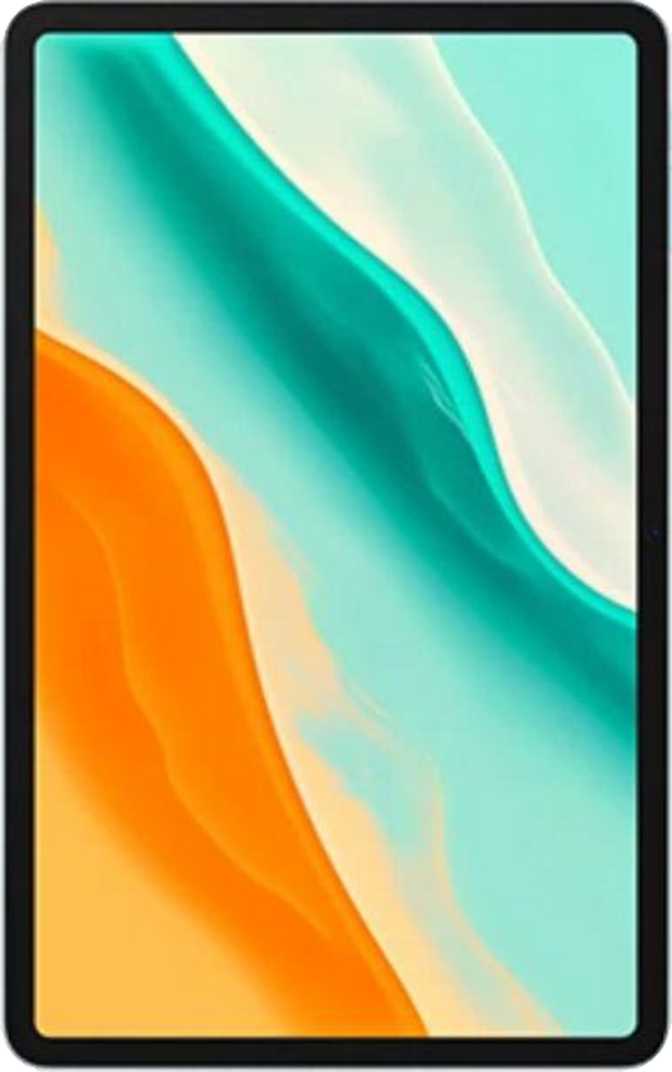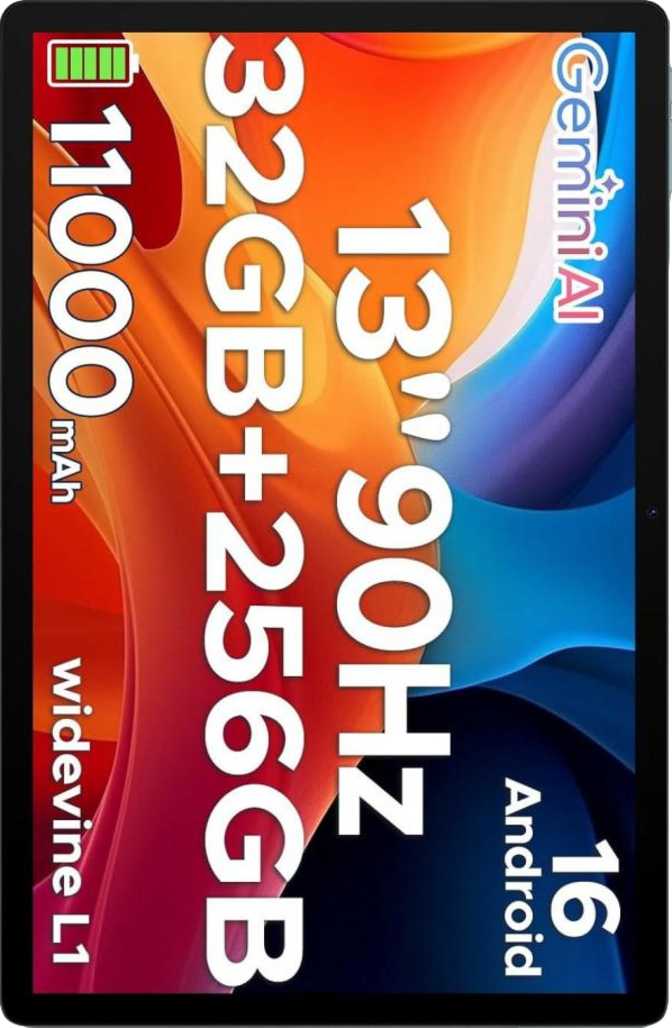
Doogee U13 Review: A Complete Budget Tablet for Work and Study
TabletsMost budget Android tablets make you choose: get the big screen or get the accessories. The Doogee U13 refuses that compromise. It ships with both a stylus and a detachable keyboard in the box, stretches across a proper 13-inch display, and runs the latest version of Android — all at a price point that undercuts nearly every comparable option from the major brands. That makes it genuinely interesting. But interesting and excellent are different things, and the U13 earns one of those labels more convincingly than the other.
A complete, budget-priced bundle that prioritizes battery and value over raw power and premium display features.
Category Ratings
Key Specs at a Glance
- 13-inch IPS LCD display — 90Hz, 194 ppi
- Octa-core 1.9GHz processor — 6GB RAM
- 256GB storage with microSD expansion
- 11,000mAh battery, fast charging
- Detachable keyboard + stylus included
- Android 16, multi-user support
- Wi-Fi only — no SIM card or cellular
Design & Build Quality
Physical dimensions, materials, and the accessories that come in the box
At 7.5mm thick and 670 grams, the Doogee U13 is slimmer than most budget tablets of this size. That profile stays comfortable for short portrait-mode sessions, but two-handed landscape use — where most users will spend the majority of their time — is where the full 13-inch format makes real sense.
The footprint is substantial: roughly 302mm wide and 196mm tall puts this squarely in laptop-replacement territory. It isn't designed to slide into a jacket pocket or a small bag. This is a desk-and-lap device that rewards users who have a dedicated surface to work from.
The build does not feature hardened, damage-resistant glass on the display, and there is no rugged certification. A protective case is recommended for anyone who transports it regularly. The U13 is designed for home offices, classrooms, and indoor productivity environments — not outdoor worksites or rough handling.
The clearest differentiator is what comes in the box: both a stylus and a detachable physical keyboard are included as standard. Many tablets at this tier sell those accessories separately, often at prices that cancel out the cost advantage entirely. Getting both as part of a single purchase changes the value equation immediately.
| Height | 196 mm |
| Width | 302 mm |
| Thickness | 7.5 mm |
| Weight | 670 g |
| Water Resistance | None |
| Rugged Build | No |
- Detachable physical keyboard
- Stylus pen (active, no tilt sensitivity)
- USB-C charging cable
- Keyboard is not backlit
Display Performance
Screen sharpness, refresh rate, and real-world viewing conditions
The 13-inch IPS LCD panel delivers a resolution of 2,000 by 1,200 pixels, landing at roughly 194 pixels per inch. That places it comfortably above the threshold where individual pixels become distracting in normal use. Text is sharp, icons are crisp, and web content renders cleanly at standard reading distances.
The 90Hz refresh rate is a meaningful inclusion at this price tier. At 90Hz, scrolling through documents, web pages, and social content looks noticeably smoother than the 60Hz panels common on lower-end tablets. That fluidity is immediately perceptible when switching between devices, and it makes the U13 feel more current than its price implies.
Brightness is where the display shows its budget origins. Rated at 350 nits, the panel is comfortable indoors and in shaded outdoor spaces, but direct sunlight washes it out significantly. This is not a patio or poolside device. It performs best in controlled lighting environments.
The display does not support HDR10 or any Dolby Vision standard. Streaming HDR content from platforms like Netflix or Prime Video will render in standard dynamic range. Colors are accurate and pleasant for an IPS panel, but they lack the contrast depth and peak brightness of HDR-capable displays. For productivity, studying, reading, and casual video, this is entirely workable. For a primary home cinema screen, it's a meaningful compromise.
| Screen Size | 13 inches |
| Resolution | 2000 × 1200 px |
| Pixel Density | 194 ppi |
| Panel Type | IPS LCD |
| Refresh Rate | 90 Hz |
| Peak Brightness | 350 nits |
| Touch Input | Yes |
- 90Hz smooth scrolling
- No HDR10 or Dolby Vision
- No damage-resistant glass
Processing Power & Storage
Chipset analysis, real-world speed expectations, and benchmark context
The processor is an octa-core chip built on a 12-nanometer manufacturing process, with all eight cores running at 1.9GHz using big.LITTLE architecture. That design distributes tasks between efficiency-focused and performance-focused cores, helping extend battery life during varied workloads without sacrificing responsiveness for lighter tasks.
On Geekbench 6, the processor scores 497 on single-core tasks and 1,541 on multi-core. In everyday terms, this means web browsing, document editing, video streaming, video calls, and casual gaming run without noticeable lag. Sustained heavy loads — 3D-intensive games, video export, or running several demanding applications simultaneously — will reveal the chip's ceiling.
The Mali-G57MC graphics component handles 2D content and casual titles comfortably. Graphically demanding games will require quality reduction to maintain smooth frame rates. Think approachable titles rather than high-fidelity 3D gaming.
The 6GB of RAM handles everyday multitasking well. A software feature can extend this virtually to 12GB by borrowing from internal storage — slower than physical RAM, but useful when many apps are running simultaneously. For typical tablet use cases, 6GB is comfortable.
Single-Core Score
App responsiveness & UI smoothness
Multi-Core Score
Multitasking & heavy workloads
| RAM | 6GB (expandable to 12GB virtual) |
| Internal Storage | 256GB (eMMC 5.1) |
| Memory Card Slot | Yes — microSD supported |
| Max RAM (virtual) | 12GB total |
| CPU Architecture | 64-bit, big.LITTLE |
| Process Node | 12 nm |
Android 16 Software & Features
Software advantages, privacy controls, and built-in productivity tools
Running Android 16 is one of the U13's most meaningful advantages over competing budget tablets. Most devices at this price ship two or three Android versions behind the current release. Starting on the latest version means better security patches, current privacy controls, and access to the newest application features from day one.
One important caveat for long-term buyers: updates are managed through Doogee's own release schedule rather than delivered directly from the Android source. Future OS version upgrades depend on Doogee's support commitment — typical of non-Google-branded devices, but worth factoring into multi-year ownership plans.
Productivity
- Split-screen multitasking
- Picture-in-Picture (PiP)
- Full-page screenshots
- Multi-user accounts
- Widget support
- Play while downloading
Privacy & Security
- Camera/mic privacy controls
- App tracking blocking
- Location privacy settings
- Clipboard access warnings
- Child lock
- App offloading
Customization
- Dynamic theming
- Dark mode
- Extra dim display mode
- Notification controls
- Theme customization
Intelligence
- On-device machine learning
- Offline voice recognition
- Live Text (text in images)
- Voice commands
- Battery health monitor
Battery Life & Endurance
Power capacity, real-world endurance, and charging capabilities
Typical budget 10-inch tablet
The U13 carries up to twice the capacity of typical competitors at this price tier.
Most budget 10-inch tablets carry batteries in the 5,000 to 7,000mAh range. The U13's capacity sits roughly 50 to 100 percent larger than typical competitors — and that gap translates directly into days, not hours, between charges.
In practice, expect two full working days of moderate use — document editing, video calls, web browsing, and media playback — before needing to plug in. For students, remote workers, or travelers who can't always find a power outlet, this is one of the most meaningful real-world advantages the U13 offers.
Camera System
Rear and front camera specifications and practical capabilities
| Resolution | 13 megapixels |
| Aperture | f/2.0 |
| Sensor Type | CMOS |
| Autofocus | Touch AF + Continuous AF (video) |
| Flash | Dual LED, video light |
| Optical Zoom | None (digital crop only) |
| OIS | Not included |
Manual Camera Controls
The rear camera includes manual controls uncommon at this price point, giving photographers more creative flexibility than a typical budget tablet allows.
| Resolution | 5 megapixels |
| Flash | Not included |
| Best Use | Video calls & conferencing |
Missing Camera Features
Audio & Connectivity
Sound output, wireless standards, port options, and location sensors
Audio Experience
Stereo speakers on a tablet this size produce noticeably better sound than the single-speaker setups common in budget devices. Audio has genuine spatial separation — music and video content sounds fuller, with left and right channels distinctly positioned. For watching content on the couch or following an online lecture, stereo output makes a real difference in daily use.
The 3.5mm headphone jack is retained — an increasingly rare convenience that lets wired headphone users plug in without an adapter. Bluetooth 5.3 handles wireless audio efficiently with current headphones.
Standard Bluetooth compression is the audio quality ceiling — premium lossless codecs like LDAC, aptX HD, or aptX Adaptive are not supported. For casual listening, this is imperceptible. Audiophiles pairing high-end wireless headphones should factor this in.
Wireless & Port Connectivity
The U13 supports Wi-Fi 4 and Wi-Fi 5 (802.11ac), compatible with most modern home and office routers. There is no cellular module — the U13 is strictly a Wi-Fi-only device that does not accept a SIM card and cannot connect to mobile data networks independently.
GPS is built in alongside a gyroscope, compass, and accelerometer, with Galileo satellite navigation adding multi-band location precision. NFC is absent — contactless payments are not supported.
| Feature | Specification | Status |
|---|---|---|
| Wi-Fi | Wi-Fi 4 + Wi-Fi 5 (802.11ac) | |
| Bluetooth | Version 5.3 | |
| GPS + Galileo | Built-in multi-band | |
| USB-C | USB 2.0 speed | |
| Cellular / SIM | Not available | |
| NFC | Not available | |
| HDMI Output | Not available | |
| Wi-Fi 6 / 6E | Not supported |
Who Should Buy the Doogee U13?
Matching the device to the right buyer profile
- Students who need a keyboard and stylus for note-taking, document work, and online learning — without extra accessory spending
- Remote workers primarily based at locations with reliable Wi-Fi, using the tablet for communications, video calls, and documents
- Parents setting up a controlled learning device for children — child lock, multi-user accounts, and battery life all support this well
- Indoor media consumers who watch a lot of streamed video and want a large screen with all-day battery endurance
- Budget upgraders replacing an older tablet who prioritize screen size and endurance over processing headroom
- Mobile workers who need cellular connectivity and cannot rely on a Wi-Fi network being available
- Mobile gamers seeking smooth performance in graphically demanding 3D titles
- Creative professionals editing video, photo, or audio on-device — the processor has clear limits under sustained heavy workloads
- HDR streaming enthusiasts who need full HDR quality from Netflix, Prime Video, or similar platforms
- Night users who need a backlit keyboard for typing in dim environments
- Long-term update seekers who require a guaranteed multi-year OS update schedule delivered from the platform source
How It Compares to Alternatives
Doogee U13 versus typical options in the same budget category
| Feature | Doogee U13 | Typical Budget 10″ Tablet | Mid-Range Competitor |
|---|---|---|---|
| Screen Size | 13 inches | 10–11 inches | 10–12 inches |
| Keyboard Included | Yes | Sold separately | Rarely included |
| Stylus Included | Yes | Rarely | Sometimes |
| Battery Capacity | ~11,000 mAh | 5,000–7,000 mAh | 7,000–9,000 mAh |
| Refresh Rate | 90 Hz | 60 Hz | 60–90 Hz |
| Android Version | Android 16 | Android 13–14 | Android 13–14 |
| Base Storage | 256 GB | 32–128 GB | 128 GB |
| Cellular Option | None | Sometimes | Often |
| HDR Display | None | None | Sometimes |
Strengths & Weaknesses
An honest assessment of where the U13 excels and where it compromises
The U13's most compelling quality is its completeness as a single purchase. Getting a 13-inch tablet, a physical keyboard, and a stylus together — without separate accessory spending — removes the friction of multiple buying decisions and genuinely changes the total cost of ownership equation for students and productivity users.
The battery capacity is in a category of its own at this price point. Not reaching for a charger mid-day, or carrying a power bank on trips, is a practical advantage that compounds every single day. Few devices at this tier come close to the endurance the U13 offers.
Running Android 16 and including a 90Hz display are genuine surprises at this price. Both make the device feel more current than its budget positioning suggests. The 256GB base storage is among the most generous available in this segment, and stereo speakers with a 3.5mm jack round out a package that feels more thoughtfully assembled than most budget alternatives.
No cellular connectivity is the single most limiting factor for a significant portion of potential buyers. A Wi-Fi-only device requires always being near a router — a constraint that narrows the U13's usefulness outside the home or office considerably.
The 350-nit display ceiling limits outdoor utility meaningfully. In direct sunlight or near bright windows, the screen becomes uncomfortable to read. Paired with the absence of HDR10, the display is clearly where the most cost-cutting happened.
The unlit keyboard is a usability gap that most competitors at comparable prices have addressed. USB 2.0 speeds and eMMC storage rather than UFS represent speed limits that most casual users won't encounter often — but power users moving large files or running demanding workflows will notice the ceilings regularly.
Frequently Asked Questions
Answers to the questions real buyers search for before purchasing
A Complete Budget Tablet — If Wi-Fi Is Your World
The Doogee U13 delivers an unusually complete package at its price point. A 13-inch display, included keyboard, included stylus, massive battery, 256GB storage, and Android 16 form a coherent device for everyday productivity and learning that doesn't require additional spending to be useful from day one.
Buy It If
You work primarily in Wi-Fi environments and want a large-format productivity tablet with all accessories included and exceptional battery endurance.
Skip It If
Cellular connectivity is non-negotiable, you need outdoor display brightness, or your workload demands the headroom of a mid-range or premium chipset.
Bottom Line
For students, home users, and budget buyers who live within Wi-Fi range, the Doogee U13 is a clear, confident purchase that punches well above its price.