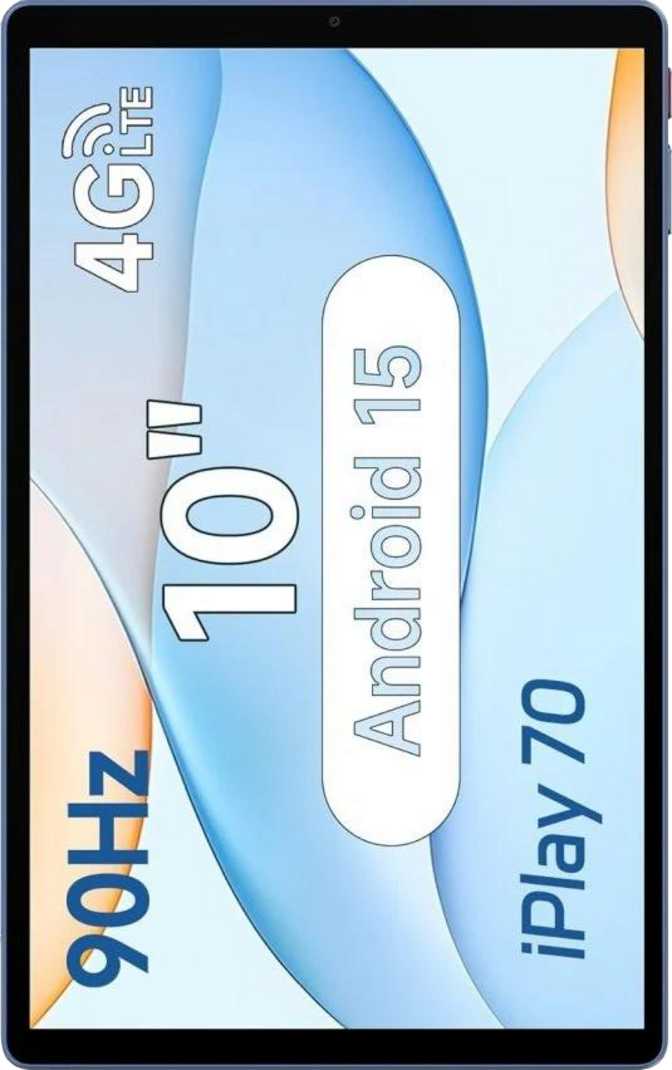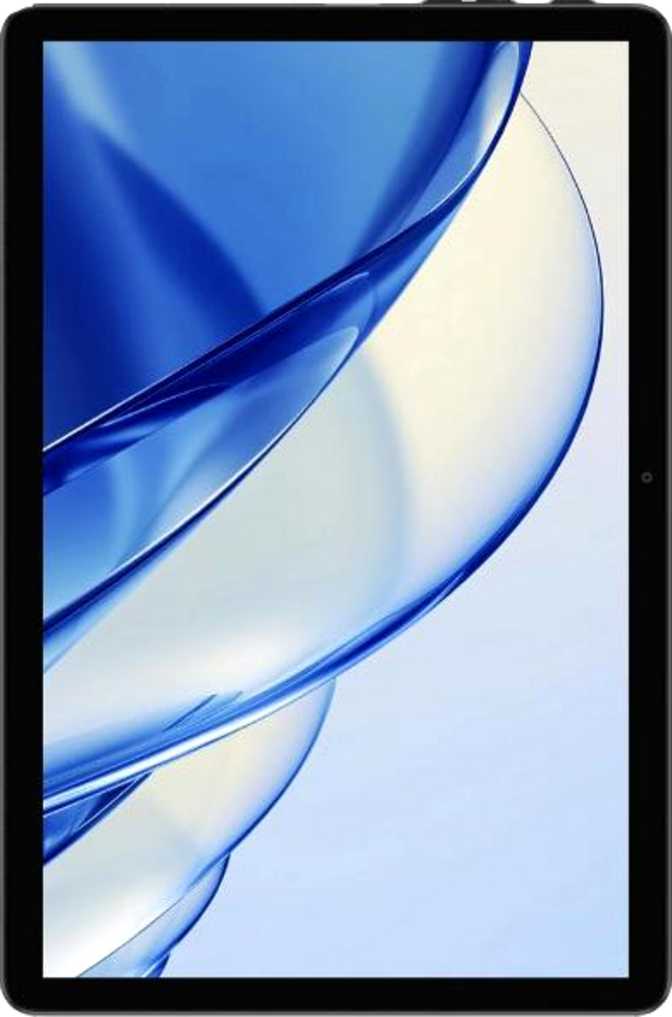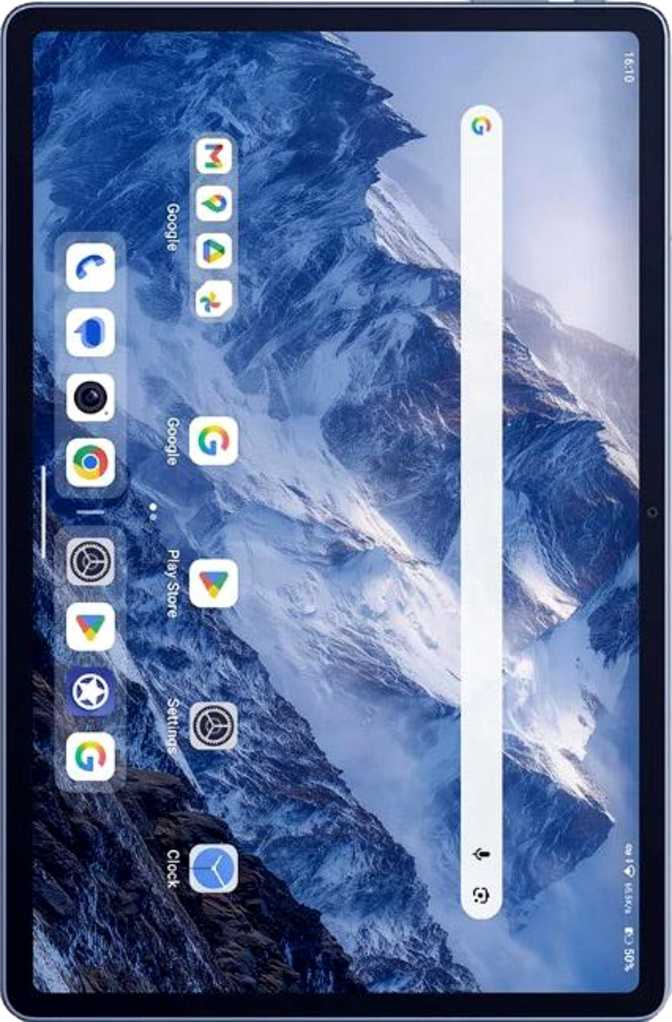
Alldocube iPlay 70E Review: A Budget Tablet That Earns Its Price
TabletsBudget Android tablets are a crowded, noisy market. Most promise a lot, deliver inconsistency, and quietly disappoint within a month. The Alldocube iPlay 70E takes a different approach — not by overpromising, but by making a coherent set of choices at its price tier. It ships with Android 15, a 90Hz display, and a processor built on modern 6-nanometer silicon. Whether those choices hold together in practice, and exactly who this device is built for, is what this review covers in full.
At a Glance
Editor's Rating
4.0 / 5
Strong value for budget buyers
Key Specifications
Display
10.95" IPS · 90Hz · 207 ppi
Processor
Unisoc T7300 · 6nm · 8-core
Memory & Storage
8GB RAM · 128GB + microSD
Battery
7,000mAh · Fast charging
Connectivity
4G LTE · Dual SIM · Wi-Fi 5
Operating System
Android 15
Design and Build Quality
At just under 7.6mm thin and 475 grams, the iPlay 70E sits in a physical sweet spot. It is light enough to hold one-handed for reading or video without your wrist complaining after ten minutes, yet solid enough that it does not feel flimsy on a desk or when handed to a child.
The footprint mirrors the proportions of an A4 sheet of paper, making it feel instantly familiar in hand. That size is deliberately versatile: large enough for split-screen productivity, compact enough to slip into a shoulder bag without second thoughts.
There is no water resistance rating of any kind, so keep this away from poolside use and kitchen counters. No stylus or detachable keyboard is included, and no official ecosystem exists for either. A universal Bluetooth keyboard works as a practical stand-in for text-heavy work.
Physical Dimensions
- Height163.6 mm
- Width253 mm
- Thickness7.6 mm
- Weight475 g
- Water ResistanceNone
- Stylus IncludedNo
- Headphone JackNo (USB-C only)
Display: A Genuine Highlight at This Price
The 10.95-inch IPS LCD panel is where Alldocube has invested wisely — and it shows.
90Hz
Refresh Rate
10.95"
IPS LCD Panel
207 ppi
Pixel Density
90Hz Refresh Rate
Many budget tablets still ship at 60Hz — every scroll carries a subtle choppiness that becomes impossible to un-notice once you spot it. At 90Hz, the iPlay 70E refreshes its image 50% more frequently. Scrolling through feeds, articles, and ebooks feels genuinely fluid, with none of the stuttering feel that defines cheaper competitors. It does not match a 120Hz flagship's smoothness, but the step up from 60Hz is immediate and real.
Resolution and Sharpness
The panel resolves 1,920 pixels along its longer edge, producing a pixel density just above 207 pixels per inch. Text is crisp and icons are clean at normal viewing distances. For reading, browsing, and streaming, this display delivers quality that goes well beyond what its price class typically offers.
Anti-Reflection Coating
An anti-reflection coating is an often-overlooked feature at this price tier. It meaningfully cuts glare in bright environments — near windows, under office lighting, or outdoors in indirect sun. For students and commuters using a tablet across variable lighting conditions throughout the day, this is a genuine, everyday quality-of-life improvement that adds up quickly.
Display Limitations to Know Before Buying
- This is an IPS LCD panel — not AMOLED. Black levels and contrast will not match OLED screens.
- HDR10, Dolby Vision, and HDR10+ are not supported. Streaming HDR content plays in standard dynamic range.
- For cinema-quality contrast or true deep blacks, this panel will not satisfy.
Performance: Modern Chip, Sensible Power
The Processor
The iPlay 70E runs on the Unisoc T7300, manufactured on a 6-nanometer fabrication process — the same node class used in mid-range smartphones from major brands. That matters in practice: smaller nodes run cooler, preserve battery life more effectively, and sustain multitasking without the thermal throttling common in older-generation chips at similar prices.
The processor divides its eight cores into two groups: two higher-performance cores at 2.2GHz handle demanding tasks, while six efficiency cores at 2.0GHz manage background processes and lighter workloads. This arrangement means the chip is not burning maximum power during a YouTube session — it conserves resources for when they are genuinely needed.
6nm
Process Node
8GB
RAM
128GB
Storage + microSD
RAM and Storage
Eight gigabytes of RAM is the right amount for a tablet at this tier. A browser with several tabs open, a streaming app, and a document editor can coexist without constant reloading. The 128GB internal storage handles a solid library of apps, offline video, music, and documents — and the microSD card slot removes the ceiling entirely for users who need more room for media.
Gaming Performance
The Mali-G57 MP2 GPU running at 950MHz handles casual gaming adequately — puzzle titles, card games, lighter strategy titles, and older arcade games all run fine. For graphically demanding 3D games with console-quality visuals, this is not the right platform. Expect playable performance in mid-tier titles; do not approach this as a portable gaming powerhouse.
Key Features That Matter in Daily Use
Split-Screen Multitasking
On a nearly 11-inch display, split-screen is genuinely useful. Watch a video while taking notes, or browse while referencing a document — the screen size makes it comfortable, not cramped.
Dual SIM 4G LTE
Two SIM slots let this tablet operate as a standalone connected device on any mobile carrier plan — completely independent of a phone or Wi-Fi network. Invaluable for travel and commuting.
Android 15 Privacy Controls
Granular camera, microphone, location, and clipboard controls per app. System-wide tracking blocking. Built-in child lock. These are real, functional protections — not marketing checkboxes.
Multi-User Accounts
Multiple separate user profiles — each with its own apps, settings, and data — make this practical for families and shared environments. No profile mixing, no privacy compromises.
Full Navigation Suite
GPS, gyroscope, accelerometer, compass, and Galileo satellite support are all present. Navigation works fully offline once maps are cached, and the sensor set supports AR and fitness apps.
Picture-in-Picture Mode
Float a video in a corner while using other apps — follow a tutorial while working, keep a video call visible while navigating, or watch content alongside a browser tab.
Battery Life and Charging
7,000 mAh
with Fast Charging support
The 7,000mAh battery is a substantial reserve for a tablet this size. A typical user — mixing web browsing, video streaming, and light app use — should comfortably cover a full day on a single charge, with lighter usage stretching toward two days.
Watching offline video with screen brightness at a moderate level is particularly efficient: the 90Hz panel and 6nm chip work together to minimize unnecessary power draw during passive consumption. That makes this a reliable travel companion when access to outlets is uncertain.
Fast charging is supported, shortening time tethered to a wall meaningfully. Wireless charging is not available — a cable is always required. The battery is not user-removable. A battery health monitoring tool is built in, letting you track degradation over time so you know before performance declines noticeably.
Audio
Stereo speakers fire from both sides of the device, providing proper left-right separation in landscape orientation. For video calls, YouTube, and casual media consumption, stereo sound is a clear step up from the mono setups found on cheaper rivals.
For personal audio, Bluetooth 5.4 handles wireless headphones and speakers without issue. Neither aptX nor LDAC codec support is present, so audiophile-grade wireless audio is off the table. Standard SBC and AAC handle everyday wireless listening adequately. The 3.5mm headphone jack is absent — wired audio requires a USB-C adapter.
- Stereo speakers with landscape separation
- Bluetooth 5.4 for wireless audio
- No 3.5mm headphone jack
- No aptX or LDAC codec support
Cameras
Both the rear and front cameras resolve at 5 megapixels. Video recording tops out at 720p at 30 frames per second — adequate for video calls and casual clips, but not suitable for capturing events or creating any kind of serious video content.
Touch autofocus, continuous autofocus during video recording, and manual controls for ISO, white balance, focus, and exposure are included. These are pleasant additions at this price, letting confident users improve shots in difficult lighting. There is no optical image stabilization, no flash on either camera, and no slow-motion or time-lapse recording.
Who This Tablet Is For — and Who Should Look Elsewhere
The iPlay 70E Makes Strong Sense For...
- Students
Reading, note-taking apps, video lectures, and light productivity. The large display, smooth scrolling, and all-day battery are a coherent package for academic use.
- Families with Children
Multi-user support, child lock, and privacy controls make sharing straightforward. Expandable storage handles a full library of kids' content without hitting a wall.
- Travelers and Commuters
Dual SIM 4G LTE means you insert a local SIM and you are online — no phone hotspot needed. GPS navigation works offline once maps are downloaded.
- Media Consumers
Primarily watching video, browsing, and reading? The 90Hz display at this screen size delivers a genuinely enjoyable experience for these everyday tasks.
- Budget-Conscious Buyers
You want a capable Android 15 device without flagship pricing and are not asking the tablet to do things it was never designed to do.
Look Elsewhere If You Need...
- A Serious Productivity Setup
No official stylus or keyboard ecosystem exists. The USB-C port's speed ceiling limits wired accessories. This is not a laptop replacement.
- High-End Mobile Gaming
The GPU handles casual gaming fine but reaches its limits quickly in graphically demanding 3D titles. Gaming performance is functional, not impressive.
- Usable Video or Photo Capability
720p video and 5MP cameras are strictly secondary-use quality. Do not choose this device if imaging is a meaningful priority.
- Long-Term OS Update Assurance
Without direct update guarantees from Alldocube, this tablet's software future is uncertain. If you need assured updates for 3+ years, choose a brand with a formal update commitment.
- NFC-Dependent Workflows
NFC is absent — contactless payments and NFC-based device pairing are simply not available on this tablet.
How It Compares to the Competition
The iPlay 70E's sharpest argument against typical budget rivals is its processor generation and 90Hz display — two specifications that directly affect the daily feel of using the device. Here is how it stacks up across the most meaningful points of comparison.
| Feature | Alldocube iPlay 70E | Typical 60Hz Budget Rival | Higher-Tier Mid-Range Tablet |
|---|---|---|---|
| Display Refresh Rate | 90Hz | 60Hz | 90–120Hz |
| Processor Node | 6nm | 12nm / 28nm | 4nm–6nm |
| RAM | 8GB | 4–6GB | 8–12GB |
| Storage Expandability | Yes (microSD) | Sometimes | Sometimes |
| 4G LTE + Dual SIM | Yes | Sometimes | Often |
| Android Version | Android 15 | Android 13–14 | Android 14–15 |
| Stereo Speakers | Yes | Rarely | Usually |
| 3.5mm Headphone Jack | No | Often yes | Mixed |
| Wireless Charging | No | No | Rarely |
| HDR Display Support | No | No | Sometimes |
Honest Strengths and Weaknesses
Where the iPlay 70E Earns Its Price
The iPlay 70E's credibility comes from coherence. Alldocube did not scatter budget across features that do not translate into daily experience. The 90Hz display, modern 6nm processor, and 8GB of RAM all improve how the tablet feels to use — not just how it reads on a spec comparison chart.
The anti-reflection coating is the kind of thoughtful addition a user appreciates every single day without consciously noticing it. Android 15 at this price is a genuine differentiator that puts this device ahead of much of its direct competition from the moment it is switched on.
The dual SIM 4G LTE capability is a meaningful practical advantage for anyone who needs connectivity without Wi-Fi. Stereo speakers and 128GB of expandable storage round out a package that delivers consistently in areas that actually affect daily satisfaction.
The Real Trade-Offs
The weaknesses are real and worth stating plainly. The absent 3.5mm headphone jack is an inconvenience that costs some users money on day one. The USB-C port's USB 2.0 speed ceiling creates friction for anyone who regularly moves large files between devices. Camera quality will disappoint buyers who expected capable imaging as a standard inclusion.
The uncertainty around long-term OS updates is a legitimate concern for anyone planning to hold this device for three or more years. There is no fingerprint scanner — face unlock is the only biometric option, less reliable in dim light and less secure for sensitive applications. No water resistance means this cannot be treated carelessly around liquids.
None of these are dealbreakers for the intended user. But together, they define the boundaries of who the iPlay 70E is genuinely built for — and being clear about those boundaries is what makes a purchase decision confident rather than hopeful.
Frequently Asked Questions
Final Verdict
Alldocube iPlay 70E
4.0 / 5
Recommended for Budget BuyersThe Alldocube iPlay 70E is a budget tablet that earns its asking price by making smart choices rather than impressive-sounding ones.
The 90Hz IPS display, modern 6nm chipset, 8GB of RAM, and Android 15 together deliver a daily experience that feels current and genuinely responsive — not sluggish or dated in the way many devices at this tier do. The anti-reflection coating, stereo speakers, dual SIM 4G LTE, and expandable storage all add up in real use.
Its limitations are real but predictable: no meaningful camera capability, no headphone jack, no fingerprint scanner, no guarantee of long-term OS updates, and no premium build features. These are the trade-offs that fund the price point — and they are worth understanding before buying.
Buy the iPlay 70E if...
You need a large-screen Android tablet for media, reading, video calls, studying, or family shared use — and want 4G LTE independence at a price that does not require compromise on daily usability.
Look elsewhere if...
Cameras matter, you want a keyboard-and-stylus productivity ecosystem, or you need guaranteed OS updates for several years. This device's strengths are specific — and so are its limits.